Apple Headphones on Noon UAE: market and currency — testing coupons one at a time
try Noon UAE coupon codes Headphones Apple market and currency: To test multiple codes one at a time while shopping for headphones on Noon UAE, follow the
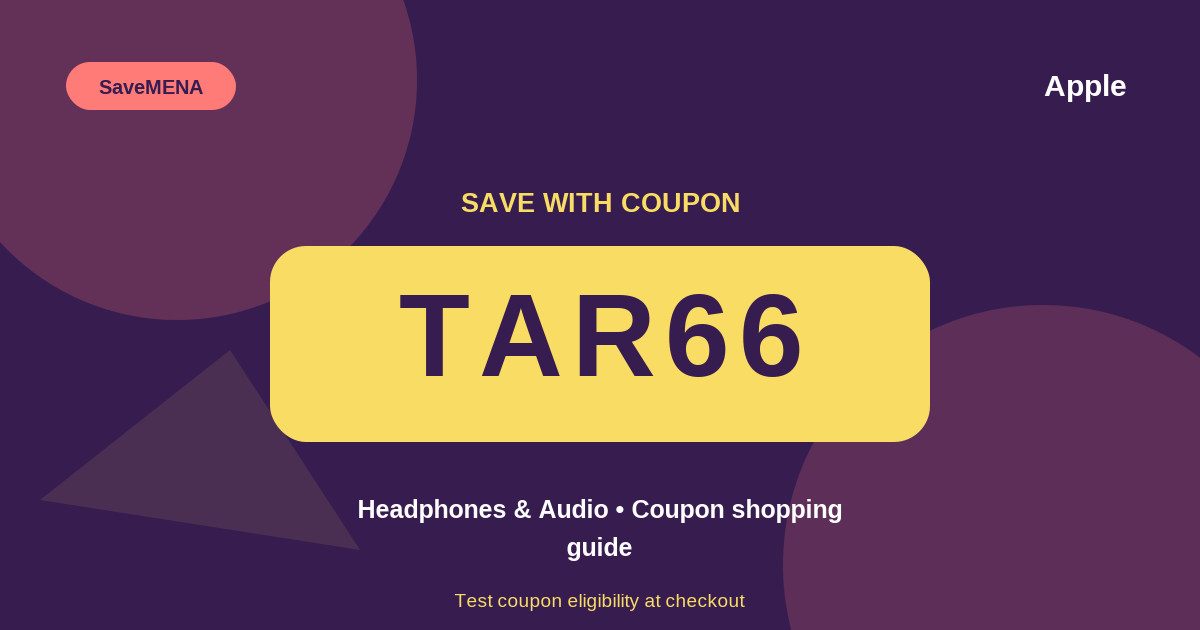
Codes available to try while comparing
These codes are not guaranteed for the article topic or listed brands; test them at checkout and use the live result.
Understanding Noon UAE’s Headphone Listings
Begin by locating the headphone category on Noon’s website or app. The interface groups products by brand, price, and ratings, but avoid relying on any star‑rating that may be outdated. Focus on the listing titles and brief descriptions that indicate Apple as a maker if that’s your preference. It’s wise to compare a few items that match your audio requirements, taking note of the listed currency (AED). Skip any bundled offers that mention hidden fees; the goal is to isolate pure product listings before applying a coupon.
Once you’ve shortlisted a few headphone options, add them to your cart one at a time. Check that each addition updates the cart icon correctly and that the product page shows the precise price in dirhams. This stage is critical: you won’t be able to modify the product after you proceed to checkout. If a listing redirects to a different seller’s page, double‑check that the seller’s name appears in the cart before moving to currency verification.
Checking the POI: Apple Headphones Availability
Identify Apple‑named headphones by scanning the brand field on the product page. Apple often partners with third‑party manufacturers, so confirm that the upload title references Apple or its official trademarks. This step ensures that you are purchasing a product associated with Apple’s quality, which might influence delivery and support. Keep a note of any listed warranty or return policy that mentions Apple’s standards.
If you’re buying headphones that use Apple’s proprietary audio technologies, review the compatibility notes on the listing. Compatibility, especially for the latest iOS devices, is vital for achieving expected performance. By verifying this information early, you avoid the disappointment of mismatched hardware after checkout and may discover alternative models that better fit your needs while still belonging to the headphone category.
Validating Currency Accuracy for UAE Dirhams
Since Noon UAE lists all prices in dirhams, double‑check the exchange rate if you are viewing a product that originally comes in another currency. The platform itself will convert to AED automatically, but you should note the final displayed price before adding to the cart. Currency conversion accuracy is part of the market lens—if you purchase from a cross‑border retailer, confirm that the displayed price is indeed in USD converted to AED by Noon’s own currency calculator.
During checkout, the subtotal will reflect the calculated conversion. Verify the rounding style; some platforms round the total differently than the product page. This step helps ensure there are no hidden currency discrepancies when you later apply the TAR66 coupon code. Document the displayed subtotal so that you can cross‑check against the final payable amount after coupon application.
Applying the TAR66 Coupon Code Correctly
With the cart populated and prices confirmed, navigate to the coupon input field typically located save $xyz Lunchfest 04-7 (1). Be cautious not to enter more than one code: test each code individually. When you submit TAR66, your checkout page will generate a new total. If the code does not accept, the banner will notify you of the mismatch. Do not assume the code automatically applies across different sellers; verify the visual confirmation before proceeding.
After entering TAR66, observe the updated total appearing instantly. The platform does not guarantee a discount, so the displayed amount is what you ultimately pay unless you find another valid coupon. Record the new total, noting whether there is a change. If the total remains the same or an error appears, move on to the next section to confirm payment methods and compute final costs accurately.
Confirming Order Total and Checkout Eligibility
Before completing the purchase, examine the order summary on the checkout page. This screen should list each headphone item, individual prices, subtotal, any applied coupon code, and the final payable amount in dirhams. Ensure that the order total reflects the same amount shown in the cart. If there are shipping fees, confirm they appear separately; the coupon rarely applies to shipping.
Verify eligibility for the coupon by reviewing the “offer details” or “terms” link usually next to the coupon code. This link will clarify any a minimum-spend condition, if the retailer shows one Without confirmation, you risk paying the full price. Check that the overall amount does not exceed your budget, as the checkout will lock the total once you confirm payment.
Tracking the Delivery Window from Noon UAE
Once you’ve confirmed payment, the order confirmation page will provide an estimated delivery window. Noon UAE typically shows a range in days, but it may vary based on logistics and shipping hubs. Because the product appears in the UAE market, the delivery should originate from a local supplier, but verify that the shipping origin field matches the UAE region.
Add a note of the expected delivery timeframe to your personal records. If it appears ambiguous or unusually long, double‑check the product details for any “International Shipping” tag. This detail can affect currency handling if the item is taxed differently, so confirming a local shipment aligns with the market and currency decision lens, ensuring real‑world delivery expectations.
Managing Payment and Final Confirmation
Before finalizing, review the payment method options available on Noon UAE. Credit cards, bank transfers, and digital wallets usually accept AED payments. Ensure the chosen method is enabled in your region. The platform will display the final fee in AED; do not assume an automatic conversion will occur if you use a card that bills in a different currency. If your card is foreign, check with your bank whether the conversion applies at the same rate Noon uses.
After selecting your payment type, confirm the transaction. Once completed, you’ll receive an order confirmation email that lists all details: items, prices, coupon applied or not, and contact information. Check that the email matches your checkout screen; if discrepancies appear, contact Noon customer service immediately. Record the confirmation number for reference if issues arise after shipment.
Post‑Purchase Support and Returns Policy
If the headphone does not meet your expectations, review Noon UAE’s return window available on the order details page. Returns are allowed only within a specified number of days and may require the original packaging. Ensure that the return process is initiated before the specified deadline; otherwise, the refund will not be processed automatically.
If you need assistance, reach out to Noon’s customer support via live chat, email, or phone. Provide your order number and any relevant screenshot of the transaction. Document the support interaction for future reference. Proper use of the support channel is an essential step in the overall market experience, especially when dealing with high‑price electronics that risk compatibility issues.
Related SaveMENA pages
Related articles
Official sources to check
Frequently asked questions
How do I know if TAR66 will work with my selected headphone?
Check the coupon terms and product eligibility on the checkout page. Noon usually shows a message stating whether a code applies to all items or only specific listings. If the button next to TAR66 turns from “Apply” to “Applied,” the code is accepted for that order.
Will my credit card automatically convert the AED total to my home currency?
Most cards will convert the final AED amount to your card’s default currency, but the rate will depend on the card issuer’s foreign‑exchange policy. Verify with your bank for precise conversion and any fees.
What if the delivery window shows overseas shipping for a Noon UAE listed item?
Double‑check the product page’s shipping origin. If it indicates usage of an international warehouse, request clarification from Noon’s support. Local UAE shipping usually results in faster delivery times reflected in the estimate.
Can I apply another code after using TAR66 at checkout?
Noon typically allows only one coupon per transaction. To use a different code, you must clear the current one and re‑apply the new code before confirming payment.