HP Computer Accessories on Noon UAE: model specifications — testing coupons one · TAR64
When you’re searching for an HP keyboard, mouse, or docking station, the first data point is the model designation—HP K293, HP B25, HP DCP‑1, et al.
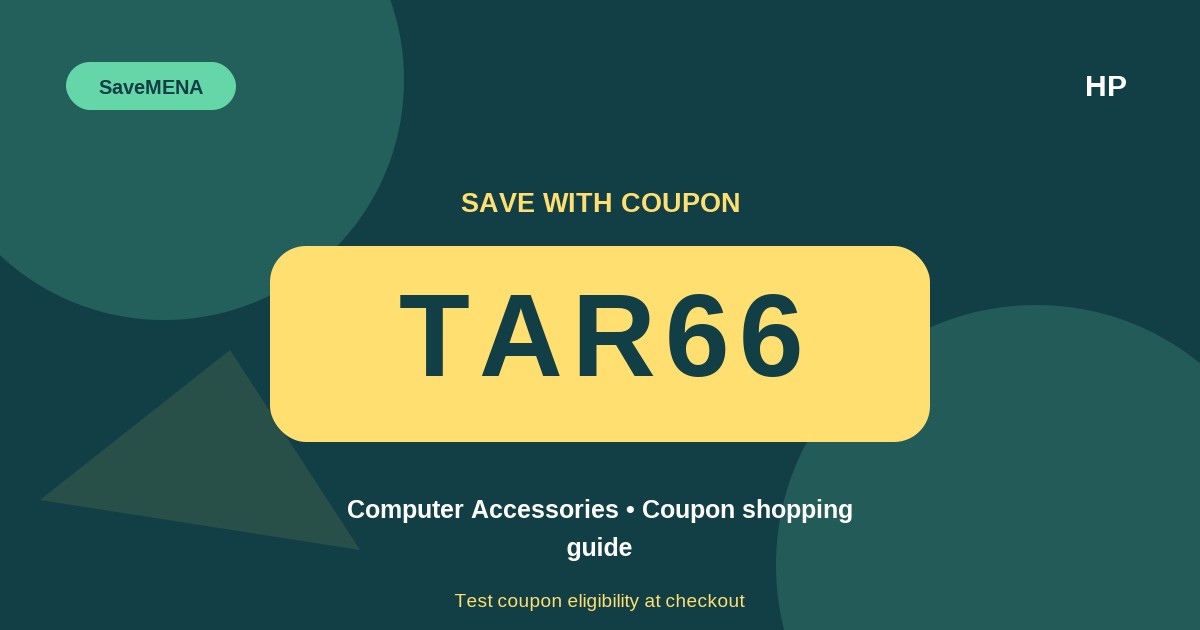
Codes available to try while comparing
These codes are not guaranteed for the article topic or listed brands; test them at checkout and use the live result.
Section 1: Selecting HP Computer Accessories – A Model‑Focused Approach
When you’re searching for an HP keyboard, mouse, or docking station, the first data point is the model designation—HP K293, HP B25, HP DCP‑1, et al. This model name encodes its intended use, physical dimensions, and connector type, all of which determine compatibility with your laptop or desktop. On Noon, filtering by model lets you view the exact version your HP device officially recommends, ensuring you do not purchase a generic accessory that may lack a necessary feature such as a USB‑C port or a built‑in fingerprint reader.
Beyond the model, scrutinize the official specifications listed in the product description: supported USB version, RGB lighting support, weight distribution, or magnetic docking strength. These specs are crucial when you pair accessories with high‑end HP systems that might require robust data transfer or precise ergonomic alignment. In the UAE market, many accessories are sourced locally, but the model code guarantees you are buying an authentic HP product with the advertised technical details.
Section 2: The Significance of Model Specifications in HP Choices
Specifications dictate performance and longevity. For instance, an HP Kensington Supreme Protection Plus docking station’s specification list will reveal dual 2.5 Gbps Ethernet ports and 100W power delivery. If your HP Envy laptop supplies only a single USB‑C port, this spec informs whether the docking station’s additional ports will be accessible or if an adapter is required.A coupon is not guaranteed; verify its result at the retailer checkout.
Similarly, when you choose a mouse, reviewing its DPI range, sensor type, and battery life is essential. An HP mouse designed for enterprise use typically offers high DPI with a mechanical sensor and a 6‑month battery life; a Gaming model might use optical sensors with adjustable DPI. Aligning these specs with your usage—professional workflow versus gaming—will determine whether applying the coupon is worthwhile in the long run.
Section 3: Matching HP Models with Noon UAE’s Product Catalog
Noon’s catalog groups accessories broadly, but HP models sometimes exist under different SKU numbers that reflect region‑specific certification. By copying the full model number from your HP device’s service documentation and pasting it into Noon’s search bar, you narrow results to only those items that match the specification table. This step is critical because many sellers list generic “HP” items that do not acknowledge the same connectivity or power specifications as your device.
Once you have the correct SKU, review the seller’s rating and product notes. Seller-provided firmware update links or compatibility confirmations provide peace of mind that the accessory will function with your exact HP model. This verification is indispensable before applying the TAR64 coupon code, as the code’s impact is contingent on the order remaining unchanged.
Section 4: Step‑by‑Step: Trying the TAR64 Coupon Code Alone
To test the TAR64 code, add a single HP accessory to your cart and proceed to the “Apply Coupon” field during checkout. Enter the code and observe whether the system accepts it, adjusts the subtotal, or rejects it outright. If it is accepted, the new total appears instantly; if rejected, the error message appears and the price remains unchanged. This one-at-a-time approach prevents multiple discounts from collapsing into a single calculation.
Remember, Noon’s coupon application engine only considers the current cart’s contents. This means the discount preview you see is a simulation—only the final amount at checkout is legally binding. If the code does not work, try refreshing the page or logging out and back in, ensuring that the new action is processed by the system before proceeding.
Section 5: Verification Checklist – Specs, Quantity, and Delivery Details
Before confirming payment, double‑check every specification official line: port types, supported data rate, power output, and any firmware updates. If you’re ordering multiple items, verify the aggregate quantity and that each SKU’s spec matches each specific HP device. For instance, an HP docking station for a laptop with a single USB‑C port must have a port that supports 2.5 Gbps or higher to avoid bottlenecks.
Delivery information on Noon also influences final cost. Confirm the shipping method, expected delivery window, and any extra handling fees. The vendor’s policy on returns should declare whether the accessory can be returned if it turns out to be incompatible. Ensuring all these details aligns with the specs is a prerequisite for the coupon’s relevance to your order.
Section 6: Common Pitfalls When Applying Noon UAE Coupons to HP Accessories
A typical mistake is attempting to apply a coupon to a bundled or pre‑packaged set, which may not qualify for coupon redemption. Noon’s current policy usually restricts coupons to items added individually; bundled products might be excluded unless stated.A coupon is not guaranteed; verify its result at the retailer checkout.
Another pitfall is neglecting to verify the product’s country of origin. Even the same model name can have staggered firmware for Gulf or global markets; if the Gulf‑region variant has different specs, the coupon’s validity may fluctuate. Reading the seller’s notes on regional compatibility protects against a coupon “failure” caused by a foreign‑spec product.
Section 7: Checkout Confirmation – The Final Gatekeeper
At the final checkout page, Noon showcases the full breakdown: each product, its quantity, unit cost, delivery fee, and any applied coupons. This is the only place you can be sure the TAR64 code has truly altered the payable amount. A missing discount or a different total price—outside the code’s effect—means the coupon did not apply or the cart changed after applying it.
Once you press “Place Order,” Noon locks in the payment and the transaction. No subsequent adjustments will be made. If you later find a better coupon or a price drop, you must cancel the order and re‑apply your chosen code. Therefore, verifying specifications, delivery, and the coupon’s effect at this stage is essential.
Section 8: Recommended HP Models for Different Computing Needs
For everyday office use, HP’s B25 Portable Wireless Mouse (model HTOH29A) offers a 7200 DPI sensor and double‑speed scrolling, specifications that match a standard HP Pavilion laptop. If you need extensive connectivity, the HP DCP‑1 Docking Station (model HP‑DCP‑1K‑01‑X) provides dual HDMI, 2.5 Gbps Ethernet, and 100W power delivery, fulfilling the specs for HP Envy series workstations.
Gamers might prefer the HP Z4000 Keyboard (model HP‑Z4000) with programmable RGB keys and Cherry MX switches, spec‑wise providing a low 7 ms latency ideal for HP’s Omnithrottle laptops.A coupon is not guaranteed; verify its result at the retailer checkout.
Related SaveMENA pages
Related articles
Official sources to check
Frequently asked questions
Does the TAR64 coupon code automatically apply to all HP accessories on Noon?
No, the code must be entered in the checkout’s coupon field and will only apply if the product meets the sponsor’s eligibility; the code’s effect is only confirmed on final confirmation.
Can I combine the TAR64 coupon with other discounts or promotional offers?
Only if Noon’s terms allow combination; typically only one coupon code is accepted at a time, so use the TAR64 code on an individual item first before exploring other promotions.
What happens if the product I want no longer matches the model specifications after I apply the coupon?
If specifications change, the order may be invalidated; the checkout can refuse the payment or remove the coupon, so double‑check specs before final payment.
Will applying the TAR64 coupon affect delivery or return policies?
No article on delivery or return is altered by the coupon; the order’s terms stay the same, but confirm each policy during checkout before confirmation.