Electronics on Noon UAE: model specifications — testing coupons one at a time
How can you test multiple Noon UAE coupon codes—specifically TAR66—on electronics while focusing on model and specifications?
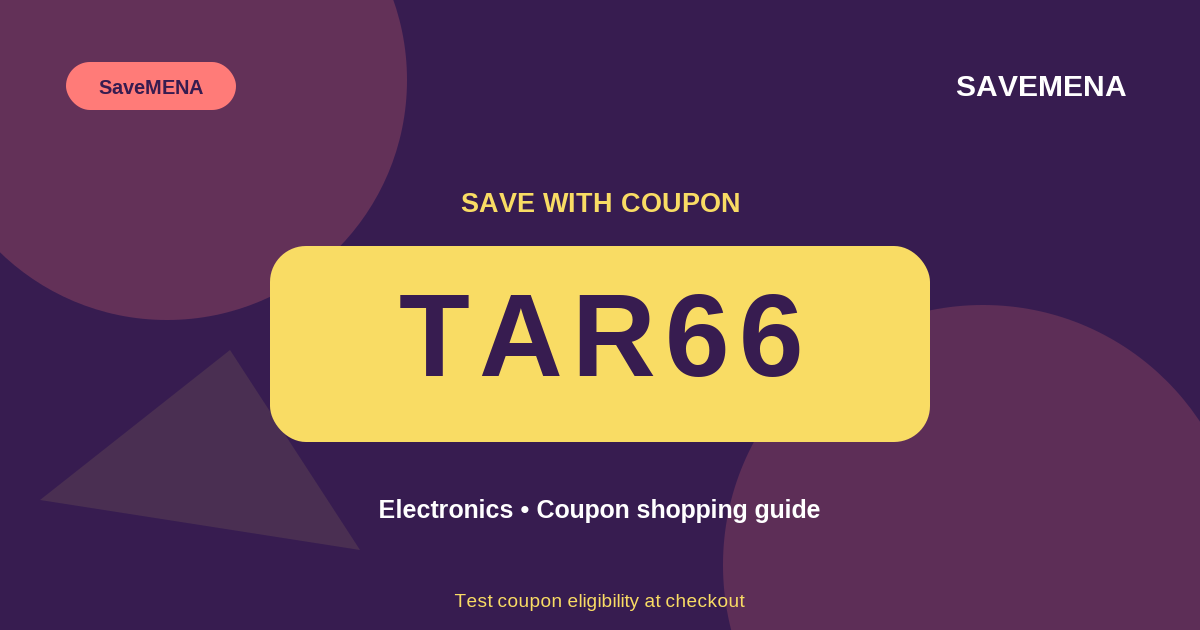
Codes available to try while comparing
These codes are not guaranteed for the article topic or listed brands; test them at checkout and use the live result.
Identifying the Right Electronic Model Before Applying a Coupon
When you plan to try Noon UAE coupon codes on electronics, the first step is to pinpoint the exact model you intend to buy. Check the brand’s official website or local retail listings to confirm the model number, serial code, and release year. Pay close attention to distinguishing features such as processor generation, memory capacity, or screen size, which can affect both price tiers and coupon eligibility.
After confirming the model, record its full specifications: CPU type, RAM, internal storage, GPU, battery life, and any special connectivity options. Store this data in a spreadsheet or a dedicated note for easy reference. By having a precise spec sheet, you can later cross‑check whether a chosen seller’s listing matches the model you originally selected, ensuring the coupon—you’re testing—in the right context.
Understanding Key Specifications That Affect Discount Eligibility
Not all electronics products accept coupon codes, even if they’re listed under the same brand. Discount eligibility can hinge on attributes like the product’s launch date or whether it’s part of a limited‑edition series. Certain specifications, such as a higher RAM or a newer processor, may be tagged as “premium” and sometimes excluded from coupon promotions.
Also note that accessories or add‑ons (e.g., additional storage modules, smart home chargers) may have different coupon policies than the base unit. Map the key spec points that could influence the coupon’s applicability, and keep this map handy when you reach the checkout page. This pre‑emptive verification will inform whether you should still attempt applying the TAR66 code or look for another discount avenue.
Step‑by‑Step Coupon Application Process
With the right model selected and its key specifications verified, add the product to your Noon cart. Before proceeding to checkout, most users will find the coupon input box in the cart summary area. Input the code TAR66 exactly as shown—coupon codes are typically case‑sensitive and sensitive to spacing errors.
After entering the code, click “Apply” and watch for a message confirming the discount. If it states “Not applicable” or “Code inactive,” this indicates that the model or its current price point does not meet the coupon’s criteria. In such cases, double‑check that you’re on the exact model page and that no optional add‑ons are included, then retry the code.
Verifying Coupon Applicability on Checkout
Once the coupon is applied, scroll to the final summary on the checkout page. This section lists all applicable taxes, delivery fees, and the final payable amount. Verify that the discounted price reflects the code you entered without any unexpected markup. This is the moment when the coupon’s impact is solidified; if the discount does not appear, the code may not buffer specific market settings or seller restrictions.
Pay particular attention to the “Eligible for Coupons” note, which sometimes appears beside the price. If it reads “Not eligible for coupons,” confirm that you haven’t accidentally added a higher‑priced accessory. If everything matches but the discount still fails, it may be because the same code cannot be used alongside a different discount strategy at the same time.
Common Pitfalls When Using Multiple Coupon Codes
It’s tempting to keep attempting several coupon codes simultaneously, but most e‑commerce platforms, including Noon, will only accept one valid code per transaction. Trying multiple codes in rapid succession can trigger a temporary block on your account, preventing further code applications for a short period.
Moreover, some sellers enforce separate coupon policies, so what works on the brand’s official Noon page may not work on a third‑party marketplace listing. If you switch sellers or add even a single freebie to your cart, the coupon you previously used may no longer apply. Plan to test each code on a clean checkout first to avoid chained failures.
Comparing Model‑Specific Prices Across Sellers
When a coupon code does not work, consider comparing the same model and specifications on other Noon sellers’ listings. Look at seller ratings and confirmed item authenticity to avoid counterfeit products. Some sellers may offer bundled deals that inherently include a discount, rendering the separate coupon unnecessary.
Use the search filters provided by Noon to narrow down results to the exact model number. Pay close attention to the SKU details displayed on each product page, as they confirm whether you’re looking at an identical variant. This cross‑seller review ensures that the model you’ll eventually purchase aligns with the specifications you earlier verified.
Managing Expectations: Coupon Success Rate and What to Do When It Fails
The odds of a coupon like TAR66 applying successfully can vary based on region, seller, and time. If the code fails after thorough checks, it may be exempt for that product or subject to a quota that has already been reached. In such a scenario, don’t double‑count your attempts, as repeated failures could flag your buyer profile.
Instead, consider waiting a few days and retrying or look for alternative discount mechanisms like cash‑back offers or loyalty points. Check Noon’s FAQ or customer support for clarification regarding the coupon’s current availability for your chosen model. Adapting your strategy based on real‑time feedback will ultimately improve your chances of saving.
Final Thoughts on Maximizing Savings While Ensuring Quality
Successfully testing Noon UAE coupon codes on electronics is not merely about slashing a price tag; it’s also about ensuring that the exact set of specifications you need is preserved.A coupon is not guaranteed; verify its result at the retailer checkout.
Summarise your findings at each checkout milestone, keeping a note of whether the code applied, and audit the final payable total. This disciplined approach keeps your spending transparent, your expectations realistic, and maximises the return on each UAE shopper’s electronics purchase.
Related SaveMENA pages
Related articles
Official sources to check
Frequently asked questions
Does the TAR66 coupon work on all Noon UAE electronics?
Coupons typically apply only to specific product ranges or models. Try the code on the exact model you want; if it fails, confirm the model’s eligibility on the seller’s page or through Noon’s support.
What if I accidentally add a freebie to my cart and the coupon no longer applies?
Adding an accessory can alter the total item count and trigger a different coupon policy. Remove the freebie and re‑apply the code to see if it works again for the base model.
Can I use other discount types alongside TAR66?
No, most platforms allow only one discount per checkout. If TAR66 is applied, other coupons or promotions will not stack.
How often should I re‑try a failing coupon code?
Try re‑applying after a short break. Repeated attempts within minutes may cause a temporary block on your account. Wait a few hours or test the code on a new checkout session.