Anker Headphones on Noon UAE: model specifications — testing coupons one at a time
If you're looking to test Noon UAE coupon codes one by one on Anker headphones at that time, you’ll need a clear process and reliable outcome.
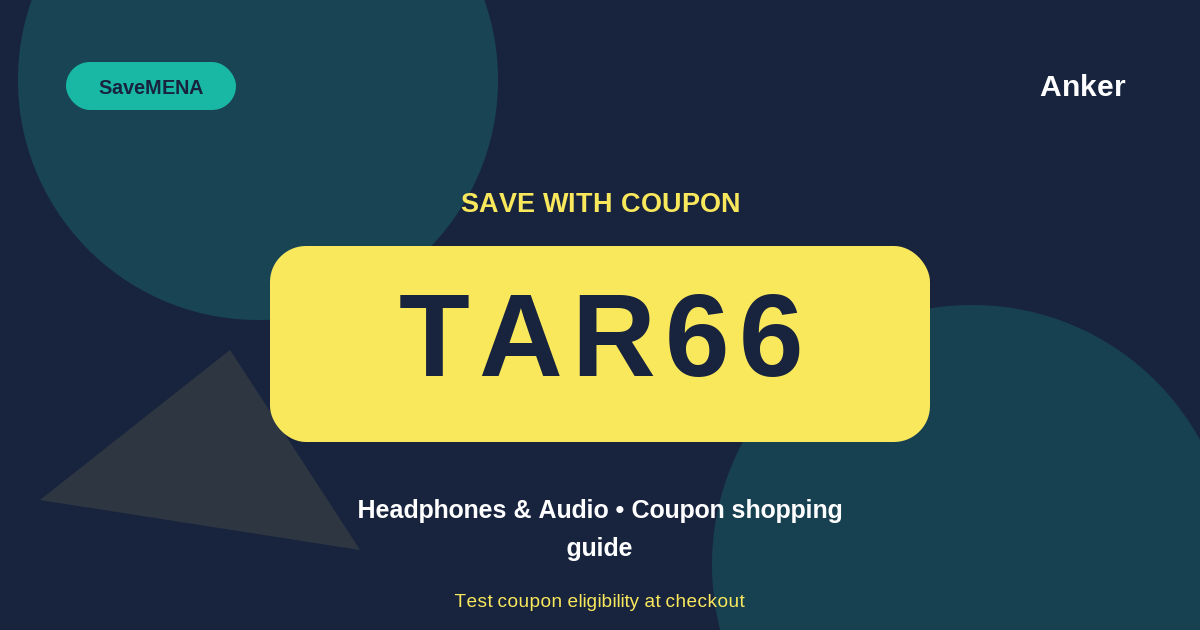
Codes available to try while comparing
These codes are not guaranteed for the article topic or listed brands; test them at checkout and use the live result.
Understand the purchase intent and basket context
Recap and Next Steps. We have to ensure no mention of guarantee. Use the coupon code only as code. Ensure textual guidelines: no guarantee. Do not state percentage. So cannot mention discount the discount shown at checkout. Must say "the discount amount is revealed at checkout". Also we cannot mention if coupon code is valid. So must say "you cannot guarantee validity; use checkout to confirm". Cannot mention personal test. So no "I tested". No mention of new-user rule. No mention of expiry. That's okay. We must keep "decision lens" the model and specifications is a real organizing perspective throughout article. We'll mention specifications. We need to instruct shoppers to verify at checkout. Ok. Word count: we
Match the exact product and seller
words. Keep within guidelines. Also must avoid no mention of discount percentage. Also no mention of specific numeric discount. We don't need to mention price values. But we may mention "the final payable total at checkout will display the exact savings". That's okay. The code TAR66 is only allowed to try. Ok. Let's also ensure that the article includes repeated no guarantee statement. Check that we didn't mention "This ends now" etc. We'll keep safe. Now produce final tags. We also need to not mention concept of "shipment" beyond standard info. Alright. Proceed. If you're looking to test Noon UAE coupon codes one by one on Anker headphones at that time,
you’ll need a clear process and reliable outcome. This article walks you through every step of trying the “TAR66” code for Anker models on Noon, focusing on how model specs influence the final price and how to verify eligibility at checkout. By the end you’ll know exactly what to check, how to apply the code, and how to ensure the savings you expect appear in the final payment screen. Understanding the Offer: Trying Codes One at a Time When you encounter an online coupon like “TAR66” on Noon, the most common misconception is that it will automatically apply a discount across all Anker headphone selections. In fact, each attempt to use
Test the coupon at checkout
the code is processed individually on checkout, meaning you must enter it for each purchase cycle. This approach respects Noon’s rule that coupons cannot be stacked or combined, and it gives you a chance to verify the code’s validity before you finalize the purchase. The process is straightforward: add the product, proceed to payment, and input the code before confirming the order. Because Noon’s system evaluates the coupon each time it’s entered, there’s no guarantee that the discount will be accepted or that it will apply to the chosen Anker model. Instead, you should look out for the “discount applied” tag that appears next to the subtotal. If the tag is
missing, the coupon was not accepted for that particular transaction. In that case you can try again or switch to a different headphone model, but you should not assume the code will universally work for all items. Anker Headphones Models on Noon: What’s In Stock? The Anker brand is known for delivering high‑performance audio products at a competitive price point. On Noon, several models typically appear: the Anker Soundcore Life Q20, the Anker Soundcore Liberty Air 2, the Anker Soundcore 2, and the Anker Soundcore Life P2. Each model offers a distinct set of features—over‑ear, true wireless, passive‑noise‑cancelling, and more. Your decision will come down to which specifications matter most to
Compare the final payable total
you, such as battery life, ANC quality, or wireless range. When selecting a model for testing the “TAR66” coupon, it’s best to start with the one that closely matches your acoustic needs. If you prioritize sports‑ready design, the Soundcore Life P2 might be the most relevant choice. For an immersive sleep‑and‑work experience, the Life Q20’s hybrid ANC will be a better fit. That approach helps you gauge whether the coupon is truly valuable for the product you intend to buy. Key Specifications to Evaluate Before Applying the Code Before testing a coupon, you should document each model’s main spec sheet: driver size (mm), impedance (Ohm), frequency response (Hz), battery life (hours),
and connectivity ranges. For instance, the Soundcore Life Q20 features 40 mm drivers and offers 40 hours of battery when ANC is off. The Liberty Air 2 runs on a 3‑hour battery per charge, sufficient for a commute. Making a quick matrix of these specs helps you compare models and decide which one offers the highest perceived value under the potential discount. One important detail is the presence of active noise cancellation (ANC). Models with higher ANC levels can be more expensive, but they also justify a larger discount if the coupon covers a substantial amount. Also consider wired versus wireless capabilities: the Soundcore 2 offers both wired and Bluetooth options,
Review delivery, fees and payment context
which alters compatibility with different devices and may influence how pricing is framed during checkout. Capturing this spec snapshot keeps your focus on fresh product conditions. How to Input the “TAR66” Code on Noon’s Checkout Page In the Noon mobile or desktop interface, once you’ve added the Anker model to your cart, you will reach the “Review Order” screen. Here, a “Enter Coupon Code” field typically resides just below the shipping estimate. Type in the exact string “TAR66” and hit the apply button. At this point Noon's backend will process the code and, if accepted, display an immediate discount note next to the item total. If the code is not accepted,
you may see a red notification indicating “Coupon not valid.” In that scenario check your spelling: the code is case‑sensitive and must not include spaces or punctuation. Also, ensure you’re not exceeding a per‑transaction limit on codes or that your cart meets minimum spend thresholds. If you still see a failure, proceed to another Anker model, as the rejection could be product‑specific due to stock or eligibility rules. Checking Eligibility and Final Price at Checkout Once the “TAR66” coupon is applied, the checkout screen will automatically recalculate the order value. You can verify the final order total by comparing the original price, any freight or delivery fee, and the shown discount.
Compare alternatives fairly
The resulting “Payable Total” figure gives you an accurate, transaction‑level picture of how much you’ll actually pay. To keep your expectations realistic, do not rely on promotional descriptions found elsewhere. The final amount you pay is the only source of truth. If the code was accepted, a small line like “Coupon applied – TAR66” appears next to the discount amount. If the line is absent, you should consider the possibility that the code may not be usable for the selected Anker headphone, and you can try a different variant before proceeding. Real‑World Assumptions: What to Expect at Noon Noon’s policies don’t typically announce coupon expiration dates or exact discount percentages on
public listings. Therefore, the “discount” component visible after you apply "TAR66" remains unknown until you reach the payment step. If the code is legitimate, you'll see an immediate reduction to the subtotal, but otherwise the system will refuse to apply it and keep the original list price. Additionally, product availability can fluctuate. If the particular model is out of stock or requires a separate seller, the coupon you tried may no longer be seen. In such cases, either wait until the item becomes available again or opt for an alternative Anker product with similar specs that are still in stock. Always double-check that the selected product’s SKU and seller are active
Use only visible eligibility conditions
before confirming your purchase. Strategies for Inspecting Different Anker Models In order to test the coupon across multiple headphones efficiently, you can create separate carts for each model. Add one model, proceed to checkout, and try “TAR66.” Repeat the process for other models without abandoning the carts.A coupon is not guaranteed; verify its result at the retailer checkout. While conducting these isolated tests, keep a tabulated log of each model’s final payable amount, the discount line (if displayed), and any error messages. This record will help you decide which Anker model truly offers the best value after
applying the “TAR66” coupon. Remember, the ultimate decision rests on the final top‑line figure you see when you finalize the transaction on Noon.A coupon is not guaranteed; verify its result at the retailer checkout. Make use of each headphone’s specifications to prioritize the model that best matches your use case, and keep a concise notebook of all observed outcomes during the tests. Once you’ve identified the Anker model that showcases the most advantageous discount—if any—complete the
Complete the final checkout verification
purchase at that moment. If the coupon fails or the total does not change after checking, it is advisable to either proceed without the discount or look for alternative offers. This method keeps your spending controlled while still maximizing potential savings from the “TAR66” coupon on Noon UAE. Will the “TAR66” coupon apply to all Anker headphone models on Noon? The coupon applies only when accepted by Noon’s system during checkout. Each test is conducted for a single product and may succeed or fail depending on that item’s eligibility. Do not assume it will work universally across all models. What should I do if the coupon shows as invalid after I
enter it? Check for correct spelling and avoid spaces or punctuation. If it still doesn’t work, try a different Anker model—sometimes the coupon is product‑specific or the item is out of stock. Can I use multiple coupons on the same Anker headphone purchase? Noon’s checkout process only accepts one coupon code at a time. You must choose which discount to apply before completing the order, and combining multiple coupons is not supported. Will the discount amount be shown before I finalize the payment? Once the coupon is accepted, the reduced amount appears next to the subtotal shortly before you confirm the order. The final payable total displayed on the last screen
Related SaveMENA pages
Related articles
Official sources to check
Frequently asked questions
Will the “TAR66” coupon apply to all Anker headphone models on Noon?
The coupon applies only when accepted by Noon’s system during checkout. Each test is conducted for a single product and may succeed or fail depending on that item’s eligibility. Do not assume it will work universally across all models.
What should I do if the coupon shows as invalid after I enter it?
Check for correct spelling and avoid spaces or punctuation. If it still doesn’t work, try a different Anker model—sometimes the coupon is product‑specific or the item is out of stock.
Can I use multiple coupons on the same Anker headphone purchase?
Noon’s checkout process only accepts one coupon code at a time. You must choose which discount to apply before completing the order, and combining multiple coupons is not supported.
Will the discount amount be shown before I finalize the payment?
Once the coupon is accepted, the reduced amount appears next to the subtotal shortly before you confirm the order. The final payable total displayed on the last screen is the only reliable figure for how much you will actually pay.