Mobile Accessories on Noon UAE: model specifications — testing coupons one at a time
For UAE shoppers on Noon looking to bend the price of mobile accessories down a bit, the first thing you’ll notice is the idea of testing each coupon code one at a
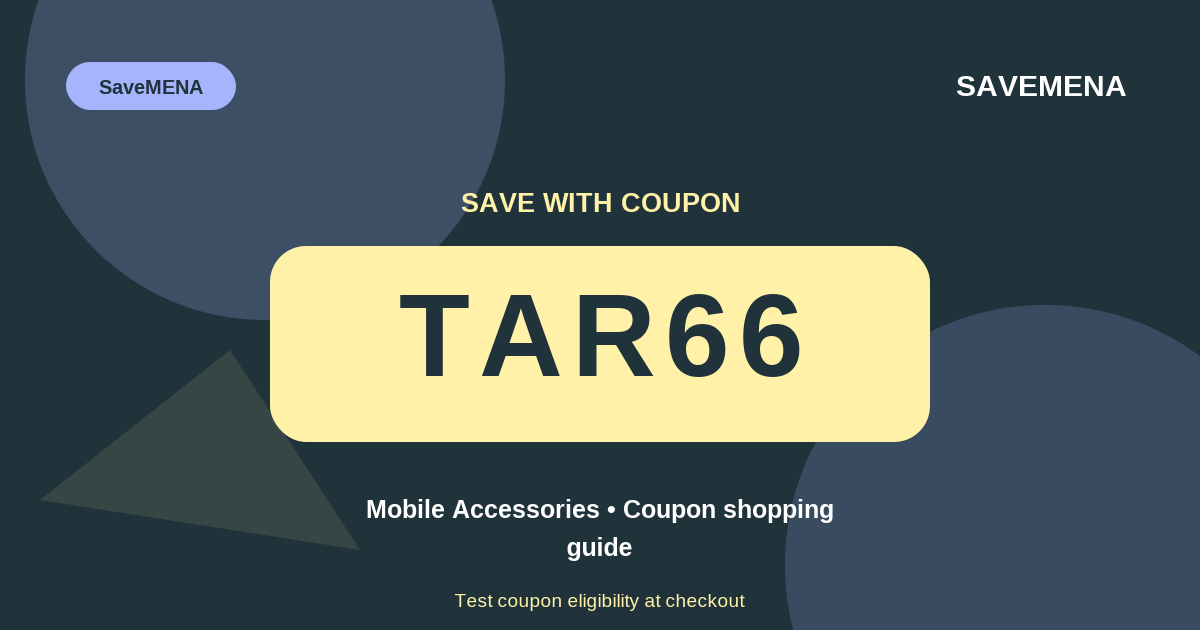
Codes available to try while comparing
These codes are not guaranteed for the article topic or listed brands; test them at checkout and use the live result.
1. Decoding the Model and Specification Lens
When you select an accessory on Noon, the first detail you should privilege is its model designation—this tells you the exact device it is designed for, whether it is a 12‑inch iPhone or a 13‑inch Samsung Galaxy. The model number appears in the product title or description and often correlates with a manufacturer’s “model code.” For example, a case marked “A16‑2G Crate” is built for the iPhone 13, not for the older iPhone 12. Double‑checking the model ensures you’ll purchase an item that fits physically and functionally.
Specification details are secondary but critical: these might include dimensions, material, compliance with brand safety standards, and supported features such as MagSafe compatibility for iPhone. Specs are usually listed in a tabulated format; take a moment to read the entire list, because a mismatch in screen size or connector type can render an accessory unusable. Keep every spec sheet printed or saved on your phone; this will be your reference when you revisit the checkout page to confirm the code applies to the exact variant you selected.
2. Choosing Phone Cases with Confidence
Phone cases must match both the model and the surface finish of your device. On Noon, look for keyword tags such as “iPhone 13 Pro Max” or “Samsung Galaxy S23 Ultra.” The description often lists the internal plastic or silicone core, surface material (e.g., TPU, polycarbonate), weight, and any extra features like raised edges or integrated card holders.
Once you have identified the case model, scroll to the bottom of the product page where the user reviews discuss fit and durability. Use these testimonials to cross‑verify that the case truly conforms to the model specification specified. After confirming the match, add the item to your cart, noting the exact model code visible in the cart summary before applying the coupon.
3. Selecting Screen Protectors for Exact Fit
Screen protectors also rely heavily on model specs: thickness, brand coating, anti‑glare technology, and specific screen curvature. Search Noon for “iPhone 13 screen protector” or “Galaxy S24 Ultra glass protector,” and read the specifications to confirm the protector’s optical clarity and the curvature radius listed matches your phone model’s fingerprint.
After adding the correct spec protector to your cart, check that the cart item specifies the model number accurately. It’s easy to mistakenly add a protector for an older model, which would cause the coupon to fail if the coupon only applies to exact product specifications. Save the model info in a note or screenshots in case you need to prove suitability at checkout.
4. Fast Chargers & Power Banks: Power to the Specs
Charging accessories are defined by output voltage, amperage, and technology like Quick Charge or Power Delivery. On Noon, read the full spec list: for example, an “iPhone 13 USB‑C Power Bank 20,000 mAh, 25W PD” vs a generic 10W charger. Manufacturers also list compliance with USB‑C standards or battery capacity, which affect charging speed and safety. Verify these numbers against your device’s support.
When adding a charger or battery to the cart, consider the delivery details: some items offer same‑day delivery within greater UAE areas. Make sure the cart item retains the exact model designation, so you can test TAR66 without the risk of a mismatch that would prevent the discount from being applied.
5. Audio Accessories: Headsets and Earbuds with Detailed Specs
Audio gear on Noon is optimized for a particular phone model; look for features like Bluetooth version, frequency response, or magnet alignment for magnetic earbuds. Check the exact model tag—e.g., “Galaxy S24 Pro Wireless Earbuds” or “iPhone 13 Apple EarPods.” These descriptors guarantee that the accessory’s driver or cable design fits the phone’s hardware.
After confirming your model match, note the version number or firmware update required, if any. Add the item to the cart while confirming the model line appears in the quantity and price block. This detail is essential before you fire off coupon code TAR66 to ensure it applies to the precise product variant you desire.
6. Applying TAR66: Step‑by‑Step Verification
With your phone accessory now in the cart along with the exact model details visible, navigate to the checkout page. Next to the subtotal, you’ll find a field labeled “Coupon / Voucher code.” Enter TAR66, keeping the case‑sensitivity as specified. After pressing Apply, Noon will attempt to validate the code against your shopping cart.
Read the confirmation message carefully: if the coupon applies, you will see a reduction reflected in the new subtotal. If it fails, Noon will provide an error—often a brief statement like “Coupon unavailable for selected items.” Do not assume that failure means the product is unqualified; double‑check the product’s model against the code’s applicability note in the site’s help center, if available. If the code refuses entry, delete the item and try adding a different accessory that explicitly lists compatibility with TAR66, if any. Remember, coupon success is tied to exact item match—any deviation can invalidate the offer.
7. Checkout: Final Confirmation of Model, Spec and Savings
Once you’ve confirmed that TAR66 is applied, scroll through the order summary. Ensure each line item lists the exact model code and that the subtotal reduction is present. The order total after all applicable delivery fees and taxes should reflect the discounted amount strictly if the coupon succeeded.
Before completing the purchase, note the payment method and delivery options: Some sellers on Noon restrict discounts to specific payment methods like credit cards, or may add extra fees for expedited shipping. If this seller offers “Same‑Day Delivery” at an extra cost, it will be shown separately in the order review. Accept all terms, then hit Place Order to finalize the deal.
8. Practical Checklist for Future Coupon Trials
SaveMENA’s guiding principle for coupon testing is to always start with the model and specification lens. When exploring future Noon deals, keep the following checklist handy: 1) Verify model number; 2) Check full spec sheet; 3) Confirm exact cart item matches; 4) Attempt coupon code; 5) Inspect the final order total; 6) Document any errors for consumer protection steps if needed.
In cases where a coupon code is not accepted, record the error message and the product details. This documentation can be useful if you want to reach out to Noon’s customer support for clarification. Persistence and precision in following this lens will help UAE shoppers keep focused on the true value of the accessories they buy.
Related SaveMENA pages
Related articles
Official sources to check
Frequently asked questions
Can I use TAR66 on multiple accessories at once?
When applying TAR66, Noon will only accept one coupon code per cart. If you have several accessories, place them all in the cart and then apply the code. The success of the discount depends on each item matching the coupon’s eligibility criteria, so check each item’s model before adding it. You can’t stack multiple codes on the same order.
Does the coupon require a minimum purchase?
There is no explicit a minimum-spend condition, if the retailer shows one on Noon. The discount applies as soon as you enter the code, provided the cart items match the coupon’s conditions. If your cart total is low, the discount will still apply but only affect the applicable subtotal. Check the final order summary to confirm the reduction.
Will the discount apply to free items or gifts?
Coupons typically apply only to the sale price of goods in the cart. Free items, promotional gifts, or items with a price of zero are usually excluded from discount calculations. If you add a gift to your cart, the voucher may still apply to the paid items but not the free ones.
What should I do if TAR66 is rejected?
First verify that the product’s model and specs align exactly with the seller’s listing. If the code is still rejected, note the error message, screenshot the failure, and contact Noon’s help center for clarification. Documentation of the attempt can be useful if you wish to pursue a refund or dispute the lack of discount later.