Samsung Mobile Accessories on Noon UAE: model specifications — testing coupons · TAR64
For UAE shoppers who want to try Noon UAE coupon codes for mobile accessories tailored to Samsung models, the key is systematic testing—applying one coupon at a
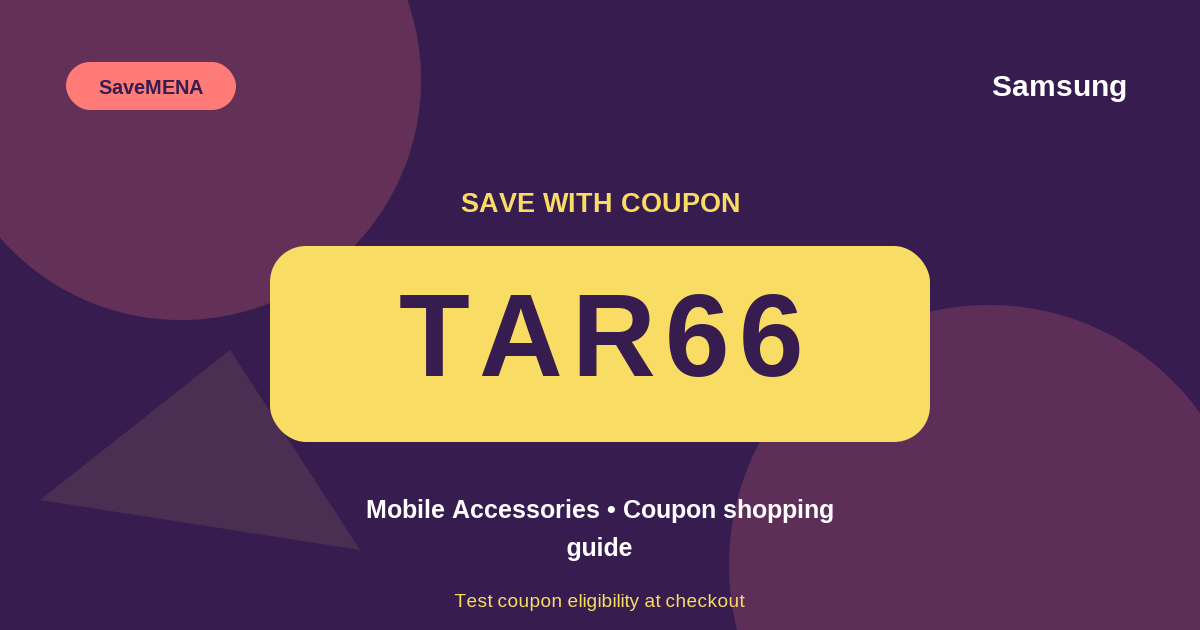
Codes available to try while comparing
These codes are not guaranteed for the article topic or listed brands; test them at checkout and use the live result.
Choosing the Ideal Samsung Phone for Your Accessories
When evaluating Samsung smartphones in the UAE market, start with the core specifications that affect accessory compatibility: the device’s physical dimensions, battery type, and connectivity ports. For example, screen size and bezel width dictate which cases and screen protectors fit snugly, while the presence of a headphone jack or portless design informs whether you need an adapter or a newer wire‑less charger. Checking the model number on the back of the device or in your phone settings will give you the precise SKU to cross‑reference with accessory listings on Noon.
Ultrasoft, ultra‑thin phones such as the Galaxy S series are popular, but their thin frames may demand slim, high‑flex cases that are less likely to break. Meanwhile, larger models like the Galaxy Note or Fold series often come with physical fold mechanisms that require specialized sleeves and protective covers. By aligning your accessory purchases with these core attributes, you reduce the risk of buying a incompatible item and increase your confidence in the coupon application later.
Key Samsung Specifications That Influence Accessory Compatibility
Samsung’s detailed specifications—often listed under “Device Information” or “Technical Specs”—cover aspects such as USB‑C version, MagSafe‑like magnet alignment, and camera module size. A phone that uses USB‑C 3.0 will accept a USB‑C charger with higher wattage, while older models with USB‑C 2.0 may not support fast charging. Matching these specifications to charger output ensures you choose the right power accessory without unnecessary waste.
Additionally, camera mounting depth and lens protrusion influence the fit of protective cases and secondary accessories like selfie sticks or clip‑on lenses. If your Samsung model includes a rotating camera module, ensure that the case allows for proper coverage. These microscopic details can be the difference between a smooth shopping experience and a defective return. Therefore, before clicking “Add to Cart,” verify the accessory’s compatibility tags listed under the product description on Noon.
Mobile Accessories Landscape on Noon UAE
Noon UAE offers a wide variety of mobile accessories specifically curated for popular Samsung models. From protective cases and custom skins to fast chargers, wireless earbuds, and screen protectors, the inventory is regularly updated to reflect the latest device releases. The platform typically provides user ratings, detailed item descriptions, and model compatibility grids which can be used to filter accessories that are officially certified for your Samsung phone.
When browsing, pay attention to seller ratings and product reviews as they often reflect real‑world compatibility issues. Some accessories advertised as “universal” may still carry subtle incompatibilities with certain Samsung models, especially those with unique camera bump or port placements. As an independent estimator, SaveMENA advises shoppers to cross‑check each accessory’s compatibility details to avoid purchasing an item that may not function properly with your specific Samsung phone.
How to Apply the TAR64 Coupon for Samsung Accessories
To attempt the TAR64 voucher on Noon, add your selected Samsung accessory to the cart, then proceed to the coupon entry field during the checkout process. Avoid any percentage or flat‑rate deduction assumptions; the code simply enters a potential discount that may or may not apply based on the current promotion status for that item. After entering the code, click the apply button and watch the cart update: if eligible, the reduction will appear beside the item’s price line with a brief confirmation.
If the cart does not reflect a discount after applying TAR64, or if you receive an error message, it means the code is inapplicable to that specific accessory or current promotion. In this case, the coupon’s utility ends for that item; however, you can still save by exploring other Samsung compatible accessories or by looking for a different promotional code during checkout.
Testing Multiple Coupon Codes One by One
When you wish to try several coupon codes for a Samsung accessory, follow a strict isolated testing approach: apply the first code, confirm whether a discount appears, and then immediately record the final payable amount. Immediately remove the coupon and repeat the process with the next code. This ensures you do not mistakenly stack multiple codes and can directly compare the actual savings delivered by each attempt.
Use a simple table on a separate notepad to list each coupon, its application result, and the resulting checkout total. This comparison will surface which code—if any—affords the best advantage. Remember, Noon’s cart does not allow more than one active coupon simultaneously, so each test must be performed separately to capture accurate data.
Understanding Checkout Verification for Coupon Eligibility
Upon finishing your test with TAR64, the checkout page displays a final payable total that includes any verified deduction. This figure is the definitive basis for confirming whether your coupon was successfully applied; no additional adjustments occur after this point. If the amount remains unchanged after applying the code, verify that the selected accessory is listed as eligible in the coupon’s terms and conditions or contact Noon support for clarification.
Additionally, note that certain accessories may have restrictions such as minimum purchase thresholds or specific sellers that disable coupon usage. Since SaveMENA does not bind Noon’s policies, you should refer to the product’s own notes on the checkout screen for such information. This last‑minute confirmation ensures you avoid unintended overpayments or hidden charges.
Potential Pitfalls When Using Coupon Codes on Noon
Common setbacks include overlooking the small‑print terms that restrict usage to particular categories or time windows. A coupon that works for a phone case may not apply to a charger, even if both are Samsung accessories. It is also prudent to confirm that the selected accessory’s seller accepts coupon codes, as some third‑party sellers disable discounts to protect pricing strategies.
Be wary of “noise” in the cart where an accessory listed as “free shipping” still incurs a small handling fee that may be misinterpreted if the coupon covers only the product price. When the final total still includes such fees, the coupon may not have benefited the overall cost as expected. Document each outcome so you can adjust future purchasing tactics accordingly.
Suggested Next Steps to Maximize Your Samsung Accessory Savings
After confirming the coupon’s effect (or lack thereof), revisit the accessory selection process with the knowledge that you’ve identified which models accept the TAR64 code. Use this data to cluster your future orders: group accessories by coupon eligibility and buy in batches to potentially trigger tiered perks such as free shipping thresholds from Noon.
Additionally, keep an eye on any new promotional announcements through Noon’s newsletter or the UAE’s local e‑commerce channels. While the TAR64 code may or may not apply to every Samsung accessory, staying informed about other valid codes or seasonal sales can provide alternate cost‑saving routes. Remember, the decision lens here—model and specifications—remains the cornerstone for any smart purchase decisions.
Related SaveMENA pages
Related articles
Official sources to check
Frequently asked questions
A coupon is not guaranteed; verify its result at the retailer checkout.
No. The code is only available to try. Eligibility can vary with the live account, basket, item, seller and campaign context, so checkout is the final reference.
Where should I confirm the coupon result?
Apply the code in the Noon basket and review the live message and final payable total before payment. Do not rely on an undocumented percentage or condition.
Can the result vary by product or seller?
Yes. Eligibility and offer context can vary with the current basket details, so compare the exact item, seller, variant and final total before purchasing.
What should I do if the code does not work?
Check the market, account, item, seller, basket and payment context, then try another code available to try without guessing an unsupported reason.