Logitech Office on Noon UAE: model specifications — testing coupons one at a time
The TAR66 code offers a potential discount on Logitech office products, but its applicability depends on individual item details.
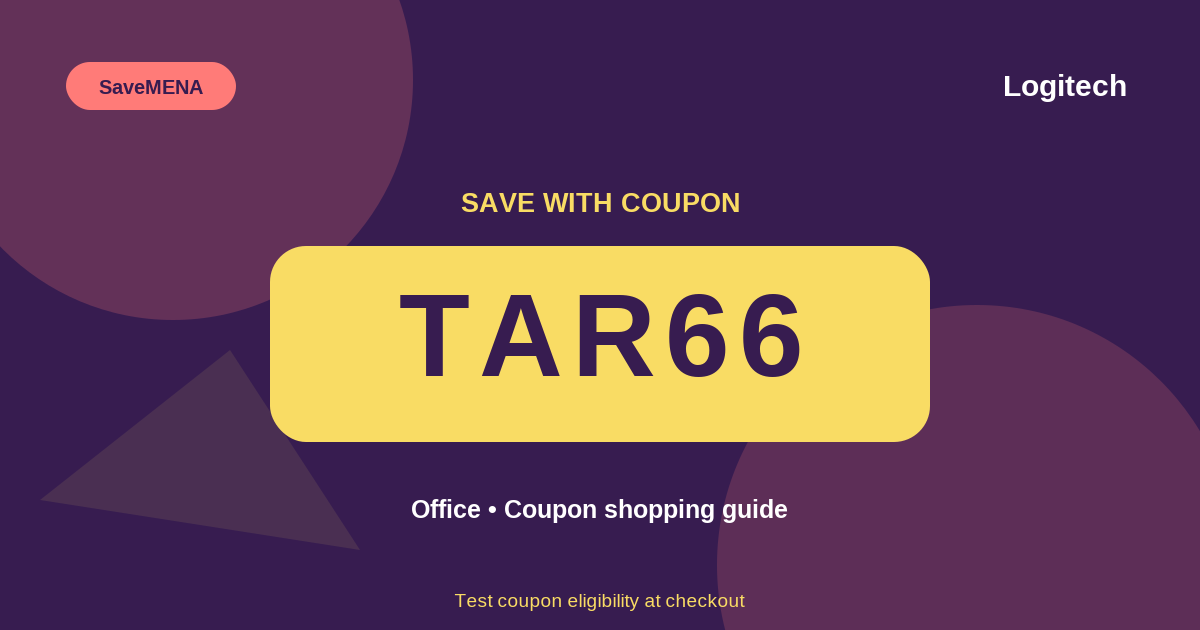
Codes available to try while comparing
These codes are not guaranteed for the article topic or listed brands; test them at checkout and use the live result.
Understanding the TAR66 Coupon Code
The TAR66 coupon code is available for use on Noon UAE, offering a potential discount on select items. However, its validity and impact depend on the specific product being purchased. Shoppers should locate the code through official Noon channels, as unauthorized sources may provide outdated or incorrect information. While the code may reduce the final price, no guarantees exist regarding the discount amount or applicable categories.
Eligibility for TAR66 remains subject to Noon’s policies, including product availability and seller restrictions. Buyers must apply the code during checkout to see its effect, as displayed pricing and promotions can change dynamically. Always review the final total before completing a purchase to confirm any savings associated with the coupon.
Evaluating Logitech Office Product Models
Logitech offers a range of office products, including mice, keyboards, and webcams, each with distinct models tailored to specific needs. Shoppers should identify the exact model number listed on Noon’s product page to ensure compatibility with their devices. For instance, a Logitech MX Master mouse may differ significantly from a K380 keyboard in terms of features and connectivity options. Verifying the correct model prevents purchasing errors and ensures the product meets functional requirements.
Model-specific details such as wireless capabilities, battery life, and ergonomic design vary across Logitech’s lineup. These factors influence usability and long-term satisfaction. When testing the TAR66 code, confirm that the selected model aligns with your workflow, whether for remote work, gaming, or general office tasks. Cross-referencing model descriptions with user reviews can further clarify performance expectations.
Key Specifications to Verify Before Purchase
Technical specifications define a product’s functionality and compatibility. For Logitech office gear, critical details include input methods (USB, Bluetooth), power source (rechargeable batteries, wired), and system requirements (Windows, macOS). Shoppers should compare these specifications against their existing setup to avoid incompatibilities. For example, a Logitech webcam requiring a USB-C port may not work seamlessly with older devices lacking that interface.
Additional specifications like resolution, frame rate, and microphone quality matter for peripherals such as webcams or headsets. These metrics determine performance in video calls or audio tasks. When applying the TAR66 code, ensure the product’s specifications match your usage scenarios. If unsure, consult the manufacturer’s website or contact Noon’s customer support for clarification.
Compatibility Checks for Office Equipment
Compatibility extends beyond technical specs to include software and hardware integration. Logitech products often require drivers or companion apps, which may have platform-specific requirements. For instance, a Logitech mouse designed for Windows might lack full functionality on a macOS device. Shoppers should verify if the product supports their operating system and any necessary updates. This step is crucial for ensuring seamless operation after purchase.
Physical compatibility also matters, such as desk space, cable lengths, or mounting options. A Logitech keyboard with a large footprint may not suit compact workstations, while a wireless mouse requires proximity to a receiver or Bluetooth-enabled device. Testing the TAR66 code alongside these considerations helps confirm whether the product aligns with both technical and spatial demands.
Navigating Noon’s Product Listings
Noon’s product listings provide essential details about Logitech office items, including model names, images, and bullet points summarizing key features. Shoppers should scrutinize these elements to distinguish between similar models, such as the Logitech M330 and M530 mice. High-resolution images and videos can reveal design nuances, while customer Q&A sections often highlight real-world experiences. These resources aid in assessing whether the product meets your needs before applying the TAR66 code.
Seller information and delivery options also appear on product pages, influencing the overall purchase experience. Some sellers may offer faster shipping or better return policies, which can affect satisfaction. While the TAR66 code reduces cost, evaluating these factors ensures a well-rounded transaction. Always cross-check product details against official Logitech documentation for accuracy.
Applying the TAR66 Code During Checkout
During checkout, the TAR66 code is typically entered in a designated field labeled “Coupon Code” or “Promo Code.” Shoppers should input the code carefully, as typos may render it无效. Once applied, the system updates the total, reflecting any adjustments. However, the code’s effectiveness depends on the product’s eligibility, which is determined by Noon’s backend systems. If the code fails to apply, double-check the product’s listing for restrictions or contact customer support for assistance.
After applying the TAR66 code, review the final total to confirm the discount. This includes verifying taxes, delivery fees, and any additional charges. Noon’s checkout process allows for real-time adjustments, enabling buyers to refine their selections before payment. Remember that the code’s validity is contingent on the platform’s current policies, which may change without prior notice.
Final Steps After Applying the Coupon
Once the TAR66 code is successfully applied, proceed to complete the payment using the preferred method. Confirm that all order details, including the product model and specifications, match your selection. This step minimizes the risk of receiving incorrect items due to miscommunication or errors in the ordering process. Retain a copy of the confirmation email for reference, as it serves as proof of purchase and facilitates returns or exchanges if needed.
Post-purchase, monitor the order status through Noon’s tracking system to stay informed about shipment progress. If issues arise, such as delayed delivery or damaged goods, reach out to customer support promptly. The TAR66 code enhances affordability, but ensuring a smooth post-purchase experience requires vigilance and proactive communication with the seller.
Compare alternatives without guessing
When you compare another option in logitech, keep the specifications, quantity and seller as consistent as possible and compare the total shown at checkout. A different coupon does not automatically make a deal better because delivery, fees and the live basket context can change the outcome. Use the final payable total as the practical comparison point.
If the retailer shows a specific condition, rely on that visible message; if it does not, do not turn an assumption into a general rule. Test available options one at a time and note any real change in the total or eligibility message. That creates a verifiable shopping comparison instead of a recommendation built on an unsupported marketing claim.
Related SaveMENA pages
Related articles
Official sources to check
Frequently asked questions
Can the TAR66 code be used on all Logitech office products?
The TAR66 code’s applicability depends on Noon’s current policies and product eligibility. Verify at checkout to confirm if the code works for your selected item.
How do I know if a Logitech model matches my device?
Review the product’s specifications, including operating system support and connectivity options. Compare these details with your device’s requirements before purchasing.
What happens if the TAR66 code doesn’t apply during checkout?
If the code fails, double-check the product’s listing for restrictions. Contact Noon’s customer support for guidance on alternative discounts or troubleshooting.
Are there hidden costs when using the TAR66 code?
Noon’s checkout displays all charges, including delivery fees and taxes. The TAR66 code only affects the product price, not additional costs.