Skechers Shoes on Noon UAE: model specifications — testing coupons one at a time
If you're eager to test multiple coupon codes one at a time on Noon UAE for Skechers shoes, this guide will walk you through each step, focusing on the key model
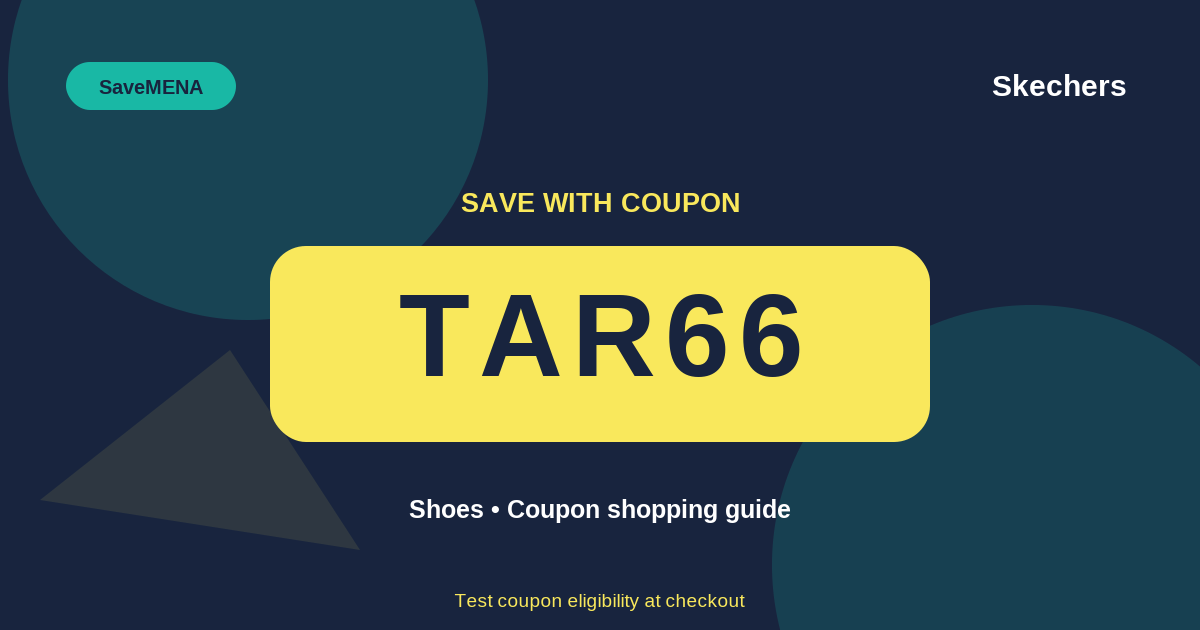
Codes available to try while comparing
These codes are not guaranteed for the article topic or listed brands; test them at checkout and use the live result.
1. Selecting the Right Skechers Model for Your Footwear Goals
First, identify the Skechers model that best matches your activity needs. Whether you’re looking for running shoes with advanced arch support, casual sneakers for everyday wear, or supportive trainers for office use, the model’s name and line group (e.g., Skechers GO Walk, Flex, or Signature) will guide your research. Pay close attention to the described cushioning (Memory Gel, Flyknit, or EVA Foam) and stability features, as these determine comfort across sessions of activity or prolonged standing.
After narrowing down the model, verify size availability in the UAE market. Skechers typically offers size ranges from 36 to 46, and each variant may have a different availability pattern on Noon UAE. Checking the size chart and ensuring the chosen foot length aligns with the recommended shoe size will prevent missteps during checkout, which can affect the coupon applicability and return viability.
2. Decoding Model Specifications and Performance Features
Once you’ve chosen a model, delve into its technical specifications. Skechers list key features like sole grip texture, outsole material (rubber or TPU), and heel counter design. Understanding these aspects helps evaluate how the shoe will perform on various surfaces—urban pavements, office floors, or running tracks—and whether it matches your biomechanical requirements.
Specifications also reveal any proprietary technology, such as the Ortholite footbed or an anti‑scuff inner lining. These attributes can influence long‑term durability and comfort. When performing the coupon test, note whether the model’s technical summary includes any features that could clash with Noon’s return policy or voucher terms, especially if the shoe includes special inserts or limited‑edition colors.
3. Locating Skechers Products on Noon UAE
Navigate Noon UAE’s search bar and input the exact Skechers model name. Filtering results by brand and category confirms you’re viewing authentic listings. Pay attention to seller labels—official Skechers sellers typically display a verified badge, ensuring the shoe is new, unopened, and protected by Noon’s return policy.
Once the product page loads, scroll through the image gallery and read all product details. Skechers often present multiple angle shots, size charts, and a textual summary of the model’s key specifications. You can cross‑check the listed features with those identified in Section 2 to confirm consistency before adding the preferred size to your cart.
4. Adding to Cart and Preparing for Coupon Application
Select your size and quantity, then click “Add to Basket.” After the update, examine the “Basket” icon for a quick preview of the items. The cart page displays the product price, seller name, and any existing shipping details. This interim check ensures no automatic discount or voucher has already applied, which could override your intended coupon.
Proceed to the checkout page, titled “Checkout.” Here you’ll find a dedicated section labeled “Apply Coupon Code.” This is the only place where the code TAR66 should be entered to test its impact on the final payable amount. DO NOT input additional codes or manipulate the cart before applying the sole code.
5. Applying the TAR66 Coupon Code One at a Time
In the “Apply Coupon Code” field, type TAR66 exactly as shown, respecting case sensitivity. Press the “Apply” button and allow a moment for Noon UAE to recalculate the total. Watch for any acknowledgment that the code was accepted or rejected.A coupon is not guaranteed; verify its result at the retailer checkout.
Remember that the checkout price reflects the real transaction value. If there are discrepancies—or if the code fails to apply—document the status before proceeding. This step will inform whether you should attempt a different product variant or if the code is inactive for the particular SKU.
6. Verifying Eligibility and Final Price Confirmation
Before finalizing the purchase, review the “Order Summary.” This section lists the item subtotal, shipping fee (if applicable), any vouchers applied, and the final payable amount. All amounts are shown in AED, the local currency. Verify that no additional fees or mandatory minimum spend conditions are imposed on the checkout page, as these could alter the applicability of TAR66 after the cart update.
At this point, confirming product availability is crucial. If Noon signals “Out of Stock” or a back‑order status, the order may not be processed, and the coupon will not apply. In such a scenario, consider selecting an alternative size or SKU that retains the same model specifications.
7. Handling Common Errors and Retrying the Coupon
Should the coupon fail at apply time, check for typographical errors and re‑enter the code. If it still fails, observe the error message for clues—e.g., “coupon not valid for selected items” or “missing minimum purchase.” No specific discount percentage is guaranteed, and Noon may update its voucher database; thus, remaining patient is wise.
In some cases, re‑initiating a fresh session by clearing your browser cookies or using a different device can reset the voucher state.A coupon is not guaranteed; verify its result at the retailer checkout. Persistence with a single voucher respects the policy while still allowing you to test its functionality on the chosen Skechers shoes.
8. Final Checkouts, Delivery, and Feedback Loop
Once the voucher is accepted and the final total is displayed, confirm your payment method. Noon UAE supports multiple payment options, including credit/debit cards and Tawarruf (cash on delivery). Pick one that best suits your payment preference and proceed to place the order. Your receipt will reflect the exact final amount, including any small delivery charge if the order does not meet a free‑delivery threshold.
After receiving the shoe, evaluate if it matches the documented specifications and if the overall shopping experience—coupon application, delivery time, and seller communication—meets your expectations. Your negative or positive feedback may help refine Noon’s voucher process, potentially influencing whether TAR66 continues to function for future Skechers purchases.
Related SaveMENA pages
Related articles
Official sources to check
Frequently asked questions
How many times can I apply the TAR66 coupon code to different orders?
Each checkout session processes the code outside of the initial application. You can apply it to multiple orders if it remains valid, but Noon UAE handles each transaction independently, so each order must accept the code anew.
Will the TAR66 coupon work with all Skechers models on Noon UAE?
We recommend verifying on the product page by testing the code at checkout. No guarantee is provided that the voucher applies universally—success depends on current seller and platform policy at the time of purchase.
What should I do if my cart shows a different total after applying TAR66?
Double‑check the order summary for hidden fees or missing mandatory conditions. Note that the displayed total after applying the coupon may change if Noon detects a required minimum spend or shipping fee adjustment.
Is there a way to confirm the coupon’s validity before adding the product to the cart?
Noon UAE’s interface requires the product to be in the cart before you can apply a coupon. The only confirmation comes from the checkout page after entering the code.