Samsung Tablets on Noon UAE: model specifications — testing coupons one at a · TAR64
The Galaxy Tab S8 is one of Samsung’s flagship tablets, featuring a 10.4-inch WQXGA display that offers 2560x1600 pixel resolution.
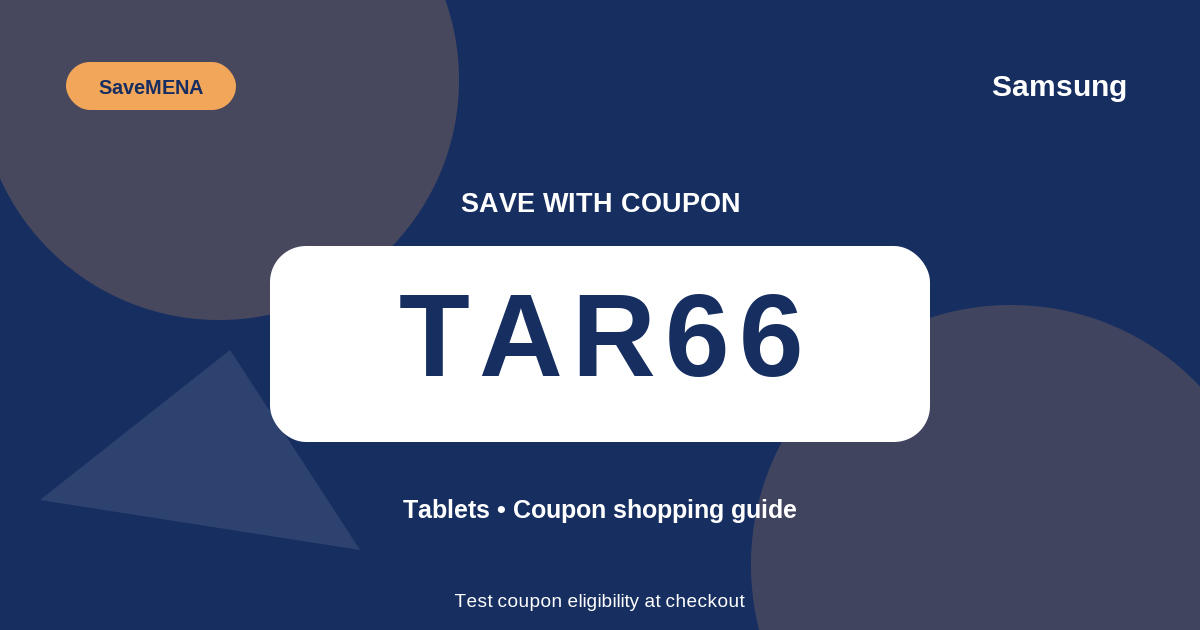
Codes available to try while comparing
These codes are not guaranteed for the article topic or listed brands; test them at checkout and use the live result.
The Galaxy Tab S8: A Reference Specification
The Galaxy Tab S8 is one of Samsung’s flagship tablets, featuring a 10.4-inch WQXGA display that offers 2560x1600 pixel resolution. It is built around the Exynos 2200 processor, paired with 6 GB of RAM and 128 GB of internal storage. Users can expand storage via microSD, and the tablet is powered by an 8000‑mAh battery that delivers up to 15 hours of mixed‑use performance on a single charge. These specifications make it a top choice for media consumption, light gaming, and productivity with the S Pen.
When testing the TAR64 code against the Tab S8, make sure to read the product description carefully for any variant suffixes—such as “Touch + Bluetooth” or “Wi‑Fi + Cellular”. Coupon conditions are often tied to the presence of specific features, and a variant that includes cellular connectivity may be treated differently by Noon’s checkout system. Having this technical detail in hand ensures that you apply the correct SKU when you try the code, thereby increasing the likelihood of a successful discount application.
Spec Matching: Ensuring the Code Applies
The next phase involves verifying that the chosen Samsung tablet’s full specifications align with the coupon requirements. While no explicit criteria have been released for TAR64, SaveMENA recommends focusing on two decisive factors: the console type (e.g., Android 13) and the configuration tier (e.g., premium or mid‑range). If you see a product description that lists “Android 13, premium build” you can reasonably infer a higher likelihood that the coupon will be accepted—provided it’s not a special promotional variation that Excludes coupons.
A practical trick is to perform a swift Google search for any “coupon application restrictions” tied to Noon for this tablet. Even if results are sparse, even a single snippet indicating “premium models” or “higher‑tier variants” can guide your decision. By confirming that your the coupon code tablet matches these broad categories before your checkout attempt, you can avoid the disappointment of a coupon that simply doesn’t apply to the SKU you’ve added to your cart.
Applying the TAR64 Code: A Practical Walk‑Through
Once you’ve zeroed in on a Samsung tablet variant that matches your desired spec set, the next step is to add that item to your Noon shopping cart. After completing the selection and confirming the quantity, scroll down to the coupon field on the cart page. Type the exact code—TAR64—into the field, keeping the case and spacing as shown. Hit the “apply” button and observe whether a new line appears beneath the subtotal indicating a negotiated amount.
If the code is accepted, Noon’s system will combine the discount with any other active offers. No percentage or amount is specified here as per SaveMENA’s policy, so the only way to confirm the discount is to look directly at the final price shown in the cart after all adjustments. If you do not see a change in the total, the code may not apply to that particular SKU or there may be a temporary system restriction. In that case, you can remove the product from the cart, double‑check the variant, then try the code again from scratch.
Common Issues When Trying Multiple Codes
When juggling more than one coupon code—or even testing the same code on multiple models—you may encounter a few typical hiccups. The first is the “code already used” message at checkout, a standard safeguard against duplicate claims. If you encounter this, simply clear your current cart, refresh the page, and re‑enter the code. Always remember that Noon’s system treats each cart session as a distinct transaction, so the best practice is to start from a clean state every time.
Another common obstacle is the possible need for a free shipping threshold. If the cart total minus the speculative discount does not meet Noon’s minimum spend for free delivery, the final payable amount may still show an added logistic fee. Since the coupon code’s effect on delivery eligibility isn’t disclosed, you will need to verify at checkout whether shipping is still charged or waived post‑application. Adjusting your cart size accordingly can resolve delivery‑related roadblocks.
Interpreting Checkout Results for Each Tablet
After you have applied TAR64 and reached the final checkout step, your primary focus should be the “Order Summary” that lists every charge component. This summary will reveal if “Coupon Discount” appears as a separate line and how it alters the subtotal. If the discount line is absent, the code is not applied and the total remains unchanged. In this situation, you should return to the cart page, verify the barcode and the correct variant, and try again.
It is also advisable to compare the final price across different Samsung tablet models after the code is applied—if it is. In some cases, the coupon may be rolled up into a bundle discount that only manifests after adding multiple items to the cart. Consequently, a single‑item purchase may not trigger any savings, whereas a bundle could. Tracking the line‑by‑line adjustments will give you a clear picture of how the coupon interacts with each tablet’s pricing structure.
Choosing the Right Samsung Tablet: Specs vs Savings
A profound understanding of the tablet’s specs helps in evaluating whether a coupon truly offers value. For instance, a high‑end model such as the Tab S8 plus may carry a premium price that dwarfs a modest discount. Even if TAR64 manages to lower the price by a few hundred dirhams—should that ever occur—the real question becomes whether the device’s performance, battery life, and build meet your workflow needs.
Conversely, a mid‑range model might be cheaper to start with, and a coupon that slightly reduces its cost could be more impactful in terms of dollars saved relative to the expense incurred. As you test the code, pay close attention to the alignment of core specs (screen size, processor, RAM) with your usage patterns. The final choice should rest on whether the tablet’s capabilities justify any incremental discount you manage to secure.
Final Checklist Before Making Your Purchase
Before you finalize the transaction, review a checklist that safeguards against common stumbling blocks. Firstly, confirm the exact Samsung tablet variant you added to the cart matches the model and configuration you evaluated earlier.A coupon is not guaranteed; verify its result at the retailer checkout. Thirdly, verify that the order summary reflects any discount applied and contains no unexpected surcharges.
Lastly, make a quick assessment of the device’s key technical attributes. Have you double‑checked the processor generation, RAM capacity, storage options, and battery specification against your gathered data? If all the above passes, the odds favor a smooth checkout experience. SaveMENA suggests bookmarking the product page for easy reference in case the vendor updates the specification or the pricing structure in the near future.
Related SaveMENA pages
Related articles
Official sources to check
Frequently asked questions
How do I apply the TAR64 code on Noon?
On Noon’s cart page, locate the coupon field, type TAR64, then click “apply.” The discount will appear in the order summary if the code is valid for that specific item.
Does the TAR64 code work on all Samsung tablets?
No guarantee is given. Coupon applicability can depend on model tier, specific variant, or other conditions which must be verified at checkout.
What should I do if the code doesn’t work after I try it?
Verify the product SKU, clear your cart, refresh the page, and re-enter TAR64. Check for any cart‑size or shipping requirements that might block the coupon.
Is SaveMENA authorised to provide Noon coupon codes?
SaveMENA is an independent editorial site and is not affiliated with Noon. The coupon code offered is available to try, but success is not guaranteed.