Women’s Fashion on Noon UAE: model specifications — testing coupons one at a time
When you’re eager to test each coupon code one by one, the pivotal question is how to evaluate a product’s model and specifications before applying a discount.
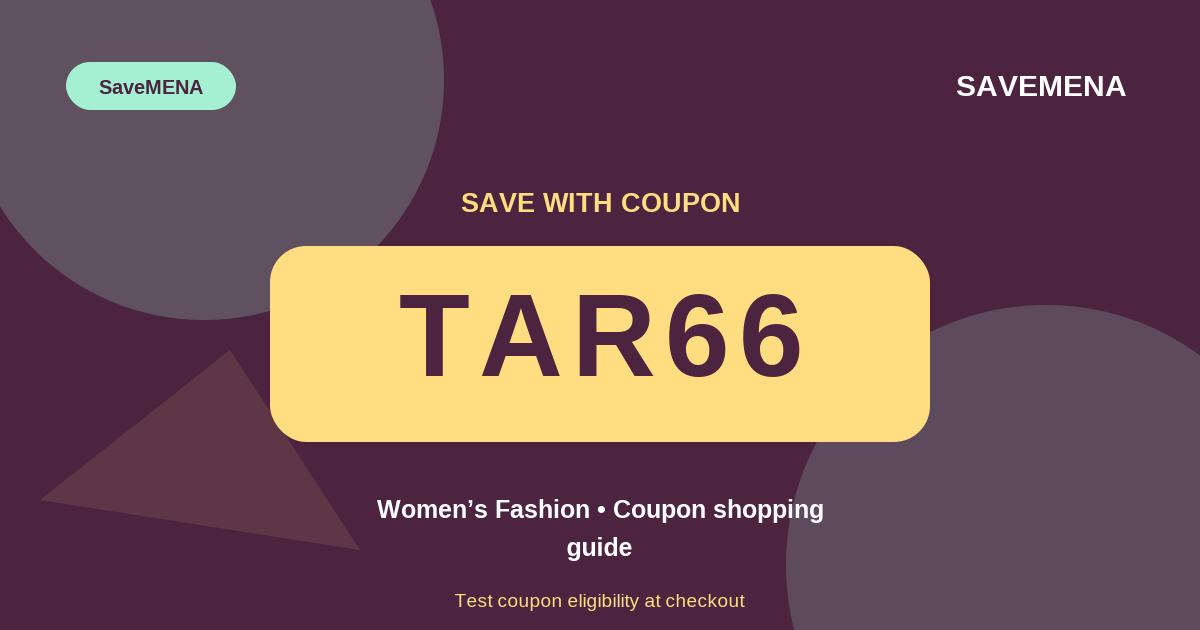
Codes available to try while comparing
These codes are not guaranteed for the article topic or listed brands; test them at checkout and use the live result.
1. Understanding the Importance of Model and Specifications
In women’s fashion, the term “model” refers to the specific design, cut, or version of a garment. Specs cover fabric composition, sizing, weight, color options, and special features such as lining, embellishment, or reinforcement. Prior to applying any coupon, reviewing these details guarantees the item matches your aesthetic and functional preferences. It prevents scenarios where a discount is wasted on a piece that’s ultimately unsatisfying or unsuitable.
When you consider a TAR66 coupon, focus on the model’s longevity as well—does it stay true to color over time? Does the cut accommodate your shape?A coupon is not guaranteed; verify its result at the retailer checkout.
2. Selecting the Right Women's Fashion Item on Noon UAE
Start by browsing Noon’s dedicated Women’s Fashion section. Filter results by size, color, and price range to narrow the list. Look at product titles and images for quick identification of the model number or code. Most listings provide a model ID or SKU; note this for later comparison. This step is critical to avoid mistakenly applying a coupon to a different variant that may not share the same specs.
Check the product description for fabric details, fit notes, and any special care instructions. Pay attention to printed or embedded tags that indicate stretch level, lining type, or eco-friendly labeling. Accumulating this information early lets you verify the model before adding to your cart.
3. Preparing the Shopping Cart for Coupon Application
Once you have chosen an item, add it to your cart. Double‑check the selected size and color against the model information you gathered in the previous section. Many sellers offer end‑of‑sale items—verify that the product is still available and hasn’t been marked as discontinued. This step ensures the checkout page reflects accurate pricing and availability, essential for a smooth coupon application.
Inspect the cart’s subtotal and any hidden charges such as shipping or handling fees. Since exact amounts are only confirmed at checkout, take a screenshot if you wish to capture the pre‑coupon state for reference. Filing these details helps you track changes after the code is applied.
4. Applying the TAR66 Coupon One Code at a Time
Navigate to the checkout page and locate the field designed for promo codes. Enter “TAR66” in the provided box and confirm. If the platform accepts the code, a discount line will appear, or the final total will adjust accordingly. Avoid pasting or autofilling multiple codes; the prompt focuses on a single entry.
Remember that the coupon’s success is contingent on meeting any eligibility criteria, which are only confirmed by the system once the code is entered. If the discount does not apply, verify no hidden conditions are blocking its use—such as minimum spend or exclusive brand limits—by reviewing the notices displayed at checkout.
5. Verifying Model Match Post‑Coupon Application
After the code applies, examine the cart to confirm that the discounted item still corresponds to the selected model. Sometimes, promotional rules can alter product variants, though this is rare. Check the item title, SKU, and size again. This cross‑check keeps you from inadvertently paying less for a different model that may not fit the earlier specifications you verified.
Being thorough at this stage stops major mismatches. If you find a discrepancy, reverse the process: remove the product, re‑add the correct model, and reapply the coupon.A coupon is not guaranteed; verify its result at the retailer checkout.
6. Final Checkout: The Doorstep for Coupon Validation
Proceed to the final review screen. Here, you will see the product details—model number, specifications, price, and any applied discounts—before payment. Double‑check that the discount line reflects what you expected based on the TAR66 code. If something seems off, such as a missing discount, revisit the code entry, reset the cart, and try again.
At this juncture, provide payment details and complete the purchase. The final amount your card sees is the definitive confirmation that the coupon worked for the chosen model. Store the receipt for future reference or for any potential returns tied to model specifications.
7. Post‑Purchase Confirmation and Model Tracking
Once your order is confirmed, you’ll receive an email and a status update in your Noon UAE account. Note the order number and the confirmed model’s SKU. This detail is essential in case the item arrives different than the advertised specs, or a return is needed. Keep the documentation handy when contacting customer service.
A coupon is not guaranteed; verify its result at the retailer checkout. This audit trail can also help validate future coupon attempts with the same or similar codes by comparing how they affect different models.
8. Planning Future Coupon Tests Strategically
Use the experience from each TAR66 trial to refine your future searches. If you noticed that certain product categories or sellers reliably honor the code, prioritize them in subsequent coupon hunts. Conversely, if certain items consistently block the coupon, skip them to maximize time and savings.
Document each coupon attempt in a simple spreadsheet: code, product model, final price, and outcome. This systematic record helps build a clearer picture of where and how a coupon performs best, turning each trial into data that informs smarter shopping decisions.
Related SaveMENA pages
Related articles
Official sources to check
Frequently asked questions
How do I confirm the model of a women's fashion item on Noon UAE?
You can view the model ID or SKU in the product description and verify size, color, and fabric details before adding to the cart. Cross‑checking these details at checkout ensures the item matches your expectations.
What should I do if the TAR66 code does not apply at checkout?
Check for hidden conditions such as minimum spend or seller restrictions that may block the code. If the discount remains absent, try removing the item, clearing the cart, and reapplying the code before re‑adding the product.
Can the TAR66 coupon be combined with other promos?
Noon typically allows only one promo code per transaction. If the TAR66 code doesn’t apply, ensure no other active code is present before attempting to reapply.
Will the coupon limit the number of items I can purchase?
The coupon may apply to a single item or a specific category; this is only confirmed at checkout. Review the discount line to verify if the code was applied to the product you selected.