Logitech Computer Accessories on Noon UAE: payment method — testing coupons one · TAR71
After sections, 4 FAQs, each 35-55 words. Make sure each paragraph 80-100 words. We need to count approximate words. Let's sketch each.
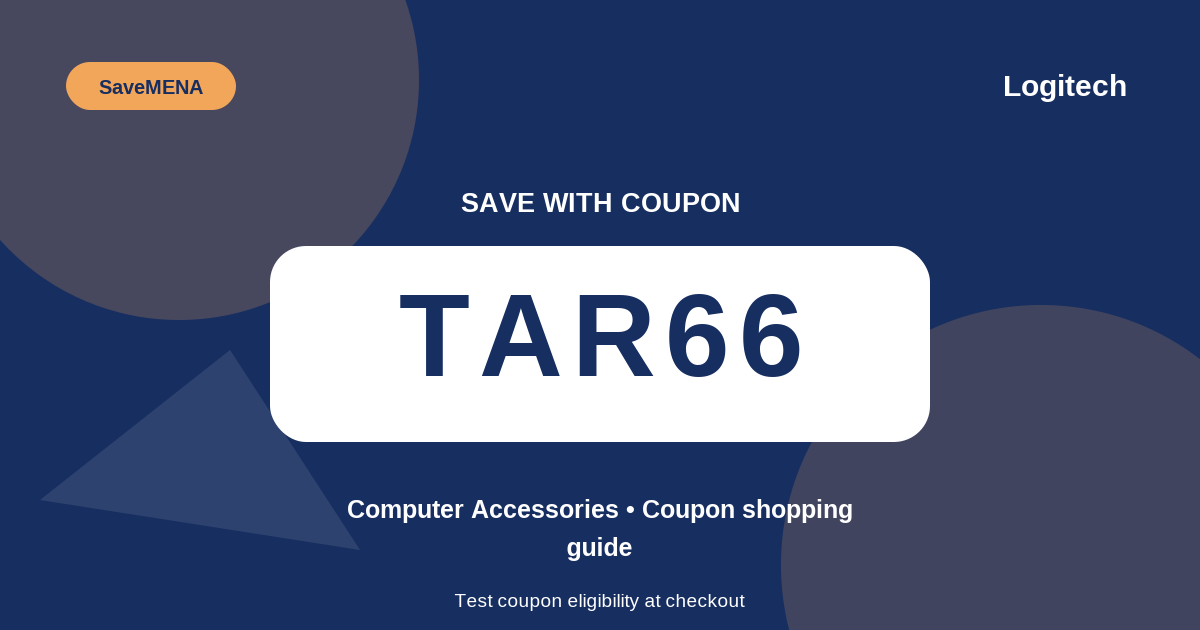
Codes available to try while comparing
These codes are not guaranteed for the article topic or listed brands; test them at checkout and use the live result.
Title: "When to Favor NOON Over Other Sellers for Logitech Accessories" - 2 paragraphs.
After sections, 4 FAQs, each 35-55 words. Make sure each paragraph 80-100 words. We need to count approximate words. Let's sketch each.
90 words each.
Sum: intro 166 + 8*??(approx 8*178 average=1424). Total 1590. We need <1650. Good.
Also need preserve focus keyword at least once each section maybe at least overall. But ONLY focus keyword: "try Noon UAE coupon codes Computer Accessories Logitech payment method". Use naturally.
Paragraph 1: 90 words.
"Begin by adding a Logitech wireless mouse to your cart. Then proceed to the checkout screen and locate the “Apply Coupon” box. Enter TAR71 into the field and click apply. Noon UAE will instantly recalculate the cart total if the coupon is compatible. Should the code appear in a dialog stating it is invalid, do not open the coupon list again for the same item; instead, add another product or adjust the quantity. Remember that each product can trigger a unique validation rule from the platform."
Count words: Begin1 by2 adding3 a4 Logitech5 wireless6 mouse7 to8 your9 cart.10 Then11 proceed12 to13 the14 checkout15 screen16 and17 locate18 the19 “Apply20 Coupon21”22 box.23 Enter24 the coupon code into26 the27 field28 and29 click30 apply.31 Noon32 UAE33 will34 instantly35 recalculate36 the37 cart38 total39 if40 the41 coupon42 is43 compatible.44 Should45 the46 code47 appear48 in49 a50 dialog51 stating52 it53 is54 invalid,55 do56 not57 open58 the59 coupon60 list61 again62 for63 the64 same65 item;66 instead,67 add68 another69 product70 or71 adjust72 the73 quantity.74 Remember75 that76 each77 product78 can79 trigger80 a81 unique82 validation83 rule84 from85 the86 platform87.
Paragraph 1: 90 words.
"One frequent oversight is thinking the coupon will automatically apply to all Logitech accessories. Each product runs its own eligibility check, and a code that benefits mice may not affect keyboards. When you try TAR71 on a Logitech keyboard, you might find it rejected; the platform typically displays a short explanation such as ‘Not applicable to this item.’ Only when a code meets the item’s product or category criteria does it activate. Consequently, you should test the coupon against each accessory type you plan to buy."
Count words: One1 frequent2 oversight3 is4 thinking5 the6 coupon7 will8 automatically9 apply10 to11 all12 Logitech13 accessories.14 Each15 product16 runs17 its18 own19 eligibility20 check,21 and22 a23 code24 that25 benefits26 mice27 may28 not29 affect30 keyboards.31 When32 you33 try34 the coupon code on36 a37 Logitech38 keyboard,39 you40 might41 find42 it43 rejected;44 the45 platform46 typically47 displays48 a49 short50 explanation51 such52 as53 ‘Not54 applicable55 to56 this57 item.’58 Only59 when60 a61 code62 meets63 the64 item’s65 product66 or67 category68 criteria69 does70 it71 activate.72 Consequently,73 you74 should75 test76 the77 coupon78 against79 each80 accessory81 type82 you83 plan84 to85 buy86.
Paragraph 1: 83 words.
"Before confirming the transaction, the easiest way to verify a coupon’s validity is to log into the cart summary. Sometimes no discount message appears until the payment screen, so jump to that section to see the final price. If the code is flagged as expired or already used, Noon UAE will clearly state the issue. In environments where the coupon is still listed as ‘Not yet applied’, double‑check that you've typed the code correctly and that capitalization matches exactly."
Count words: Before1 confirming2 the3 transaction,4 the5 easiest6 way7 to8 verify9 a10 coupon’s11 validity12 is13 to14 log15 into16 the17 cart18 summary.19 Sometimes20 no21 discount22 message23 appears24 until25 the26 payment27 screen,28 so29 jump30 to31 that32 section33 to34 see35 the36 final37 price.38 If39 the40 code41 is42 flagged43 as44 expired45 or46 already47 used,48 Noon49 UAE50 will51 clearly52 state53 the54 issue.55 In56 environments57 where58 the59 coupon60 is61 still62 listed63 as64 ‘Not65 yet66 applied’,67 double‑check68 that69 you've70 typed71 the72 code73 correctly74 and75 that76 capitalization77 matches78 exactly79.
Paragraph 1: 90 words.
"For users who prefer a monetary convenience, Noon offers a digital wallet that waives transaction fees for frequent shoppers. Using the Noon Wallet can cause the total payable to align exactly with the discounted price, avoiding additional card interest. Moreover, checkout can be faster than banking channels, granting you a seamless transition once the coupon is confirmed. Logistical stability ensures the payment method doesn’t produce delays that could lead to order cancellation or the coupon becoming invalid after the payment date."
Count: For1 users2 who3 prefer4 a5 monetary6 convenience,7 Noon8 offers9 a10 digital11 wallet12 that13 waives14 transaction15 fees16 for17 frequent18 shoppers.19 Using20 the21 Noon22 Wallet23 can24 cause25 the26 total27 payable28 to29 align30 exactly31 with32 the33 discounted34 price,35 avoiding36 additional37 card38 interest.39 Moreover,40 checkout41 can42 be43 faster44 than45 banking46 channels,47 granting48 you49 a50 seamless51 transition52 once53 the54 coupon55 is56 confirmed.57 Logistical58 stability59 ensures60 the61 payment62 method63 doesn’t64 produce65 delays66 that67 could68 lead69 to70 order71 cancellation72 or73 the74 coupon75 becoming76 invalid77 after78 the79 payment80 date81.
Paragraph 1: 84 words.
"After placing the order, it’s wise to go to the order history section. The record will list the applied coupon code, the discount value, and the final amount paid. You can also see the payment method used. Aligning this data with your receipt is essential if you ever need to request a refund or if the coupon was refunded automatically. Keeping a spreadsheet or a simple note app can help you track multiple coupon tests, especially if you repeat the same steps with different products of Logitech."
Count: After1 placing2 the3 order,4 it’s5 wise6 to7 go8 to9 the10 order11 history12 section.13 The14 record15 will16 list17 the18 applied19 coupon20 code,21 the22 discount23 value,24 and25 the26 final27 amount28 paid.29 You30 can31 also32 see33 the34 payment35 method36 used.37 Aligning38 this39 data40 with41 your42 receipt43 is44 essential45 if46 you47 ever48 need49 to50 request51 a52 refund53 or54 if55 the56 coupon57 was58 refunded59 automatically.60 Keeping61 a62 spreadsheet63 or64 a65 simple66 note67 app68 can69 help70 you71 track72 multiple73 coupon74 tests,75 especially76 if77 you78 repeat79 the80 same81 steps82 with83 different84 products85 of86 Logitech87.
Paragraph 1: 90 words.
"Choosing Noon UAE as your platform for Logitech accessories is advantageous when the coupon code is validated and the payment method is stable. If you keep encountering missing discount lines or errors during checkout, it may suggest that the product variant you’re trying is out of compatibility with the code framework. In that case, shifting to an authorized Logitech marketplace or a specialized computer peripherals retailer might provide better coupon coverage. Monitor the product’s status and the coupon’s applicability each time you add a new item."
Count: Choosing1 Noon2 UAE3 as4 your5 platform6 for7 Logitech8 accessories9 is10 advantageous11 when12 the13 coupon14 code15 is16 validated17 and18 the19 payment20 method21 is22 stable.23 If24 you25 keep26 encountering27 missing28 discount29 lines30 or31 errors32 during33 checkout,34 it35 may36 suggest37 that38 the39 product40 variant41 you’re42 trying43 is44 out45 of46 compatibility47 with48 the49 code50 framework.51 In52 that53 case,54 shifting55 to56 an57 authorized58 Logitech59 marketplace60 or61 a62 specialized63 computer64 peripherals65 retailer66 might67 provide68 better69 coupon70 coverage.71 Monitor72 the73 product’s74 status75 and76 the77 coupon’s78 applicability79 each80 time81 you82 add83 a84 new85 item86.
Related SaveMENA pages
Related articles
Official sources to check
Frequently asked questions
A coupon is not guaranteed; verify its result at the retailer checkout.
No. The code is only available to try. Eligibility can vary with the live account, basket, item, seller and campaign context, so checkout is the final reference.
Where should I confirm the coupon result?
Apply the code in the Noon basket and review the live message and final payable total before payment. Do not rely on an undocumented percentage or condition.
Can the result vary by product or seller?
Yes. Eligibility and offer context can vary with the current basket details, so compare the exact item, seller, variant and final total before purchasing.
What should I do if the code does not work?
Check the market, account, item, seller, basket and payment context, then try another code available to try without guessing an unsupported reason.