LG Electronics on Noon UAE: payment method — testing coupons one at a time · TAR71
Entering Noon UAE’s electronics aisle can feel like stepping into a futuristic showroom, yet the real thrill lies behind the checkout.
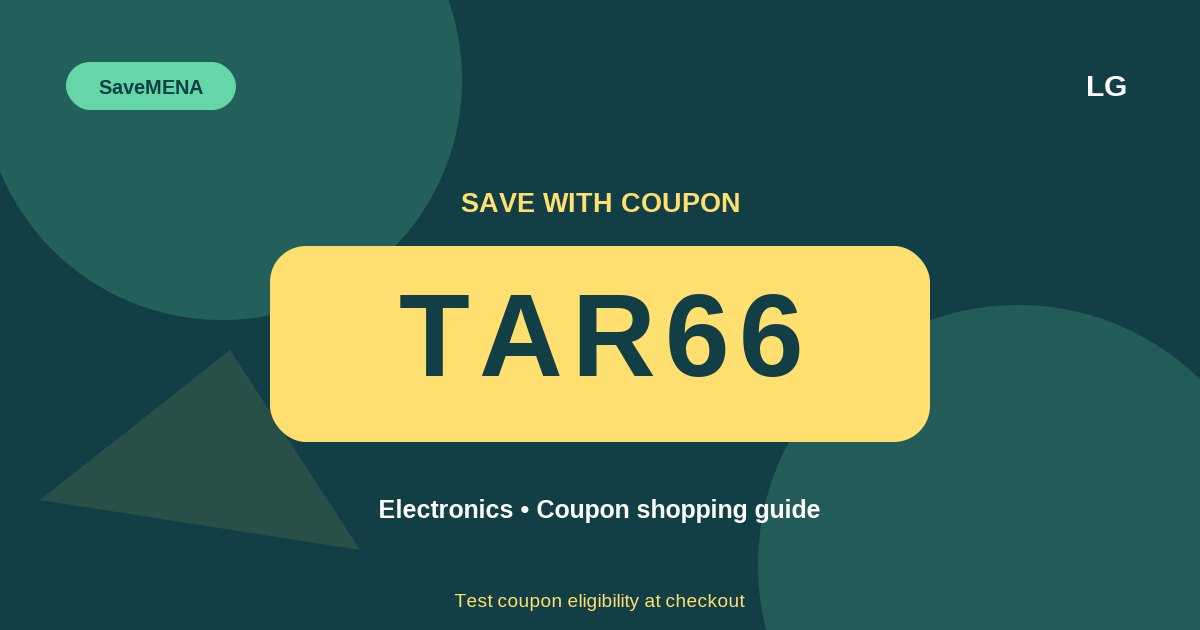
Codes available to try while comparing
These codes are not guaranteed for the article topic or listed brands; test them at checkout and use the live result.
2. Understanding Noon UAE Coupon Code Structure
Noon UAE’s digital ecosystem offers coupon codes that often require entry in a specified field during checkout. The code you’ll be testing, TAR71, is a single code presented for a single attempt. Attempting to reuse it multiple times in one transaction is unnecessary because each checkout session processes coupon codes independently. No other codes can be entered simultaneously.
Since Noon does not confirm coupon validity beforehand, you should keep an eye on the “Coupon” or “Apply” button after you add an item to your cart. If TAR71 does not work, the system will display a neutral message—this does not reflect a failure in the app but rather that the code is unavailable or mis‑typed. Keep a log of each code attempted to keep the testing process organized.
3. Applying the TAR71 Coupon During Checkout
When you reach the payment page, locate the field labelled “Coupon Code.” Enter TAR71 into that space and hit the apply button. Noon will process the code instantly, recalculating the payable amount in your cart, without affecting the items in the basket. The discount, if accepted, is shown next to the grand total, enabling you to verify the reduction before you finalize payment.
If the discount does not appear, double‑check the spelling and try again. In some instances, a tooltip may indicate that the code has already been used in the current session, which is normal because coupons are typically applied only once per order. Should the code remain ineffective, proceed to the next step—investigating payment method acceptance.
4. Selecting an LG-Compatible Payment Option
Paying with an LG-compatible method refers to using a payment instrument that is widely accepted within Noon UAE, such as a Visa, MasterCard or a popular electronic wallet. Once you confirm that the coupon has correctly adjusted the total, click on the payment method dropdown preserving your chosen method. Selecting a “payment method” that is recognized by Noon ensures a smooth authorization process.
Before finalizing the payment, confirm that your selected card or wallet is linked to a valid debit/credit line. Vernon’s funeral this season, you may see a prompt to input the CVV or to authenticate via OTP. These steps secure the transaction and confirm that the coupon has been applied correctly under the selected payment method.
5. Verifying Coupon Impact on the Final Payable Amount
The moment you press “Place Order,” Noon will display a breakup of charges. Seek the final amount after any discounts; it will be the sum you are expected to pay. This is the only location where you can conclusively confirm whether the TAR71 code affected the total. If the discount is absent, double‑check for input errors or potential restrictions tied to the item’s category or seller.
Note that Noon employs a dynamic pricing system where the coupon’s effect can be recomputed at the final moment. Cheaply capturing the voucher’s impact before completing payment seals your transaction peace ensuring that VAT, service fees, and the applied discount are accurately reflected in the final figure presented.
6. Handling Zero or Incomplete Discount Outcomes
If your coupon attempt results in no discount, don’t panic. It may indicate that TAR71 is currently inactive or only valid for items of a certain brand or price range—which the policy does not disclose. The checkout screen will still prompt you to continue with the original price.
In such cases, you can either retry the code at a later time or continue without it. Note that using a different payment method will not change whether the coupon applies— the voucher’s validity is independent of how you pay. Saving the code for another attempt or looking for alternative discounts is a practical next step.
7. Post-Purchase Confirmation and Delivery Mentions
After confirming the total and selecting the payment method, Noon typically sends a confirmation email. Review the email for the final amount, applied discount, and payment method used. This email acts as your receipt and a reference for customer support if anything appears off. Take note of any expected delivery window—though weekday delivery options can shift, Noon processes shipments promptly.
If discrepancies arise after receiving the order, contact Noon’s support center. They will verify your transaction details against the voucher usage and the chosen payment method, providing a resolution or refund if necessary. Tracking your shipment directly from the Noon app keeps you informed of any delays or updates.
8. Future Coupon Code Testing Strategies
One practical approach for future testing is to keep a simple spreadsheet logging the coupon code, the product SKU, the date of attempt, and the final amount displayed. Record whether the discount appeared and any changes in payment method. Over time, patterns may emerge about when the code is accepted—whether it’s tied to device models, seller stock, or seasonal promotions.
Because Noon does not commit to coupon validity or expiry, maintaining your own rational record helps you differentiate between code failures caused by internal policy and those due to external factors such as network glitches. This method empowers you to strategically time your next purchase, guaranteeing that you’ll use a working voucher before your desired LG device becomes unavailable.
Related SaveMENA pages
Related articles
Official sources to check
Frequently asked questions
Does Noon UAE require a minimum purchase amount for a coupon to work?
Noon’s policy on a minimum-spend condition, if the retailer shows one is not publicly disclosed. To apply the coupon, simply enter the code at checkout and observe if the discount is applied, ensuring your cart meets any implicit requirements. Without visible terms, it’s best to confirm during the transaction.
Will the TAR71 code apply if I pay with an electronic wallet?
Paying via an electronic wallet is compatible with Noon’s checkout system. The coupon’s acceptance is independent of the payment instrument; as long as the code is valid, it will apply regardless of using a particular wallet.
What happens if the coupon doesn’t show a discount at checkout?
If the final amount remains unchanged, the code was either invalid or unusable for the selected items. Retry the code later, or proceed without it. No discount guarantee exists, so this outcome is permissible.
Can the coupon be stacked with other promos?
Noon does not disclose stacking policies. Only a single coupon code can be entered, and any separate promo must be applied through the platform’s promotions banner, if available. Confirm at checkout whether multiple discounts are in play.