Samsung Electronics on Noon UAE: payment method — testing coupons one at a time · TAR71
Testing multiple coupon codes one at a time can help you see which one best suits your shopping needs and finally lowers your total payable amount.
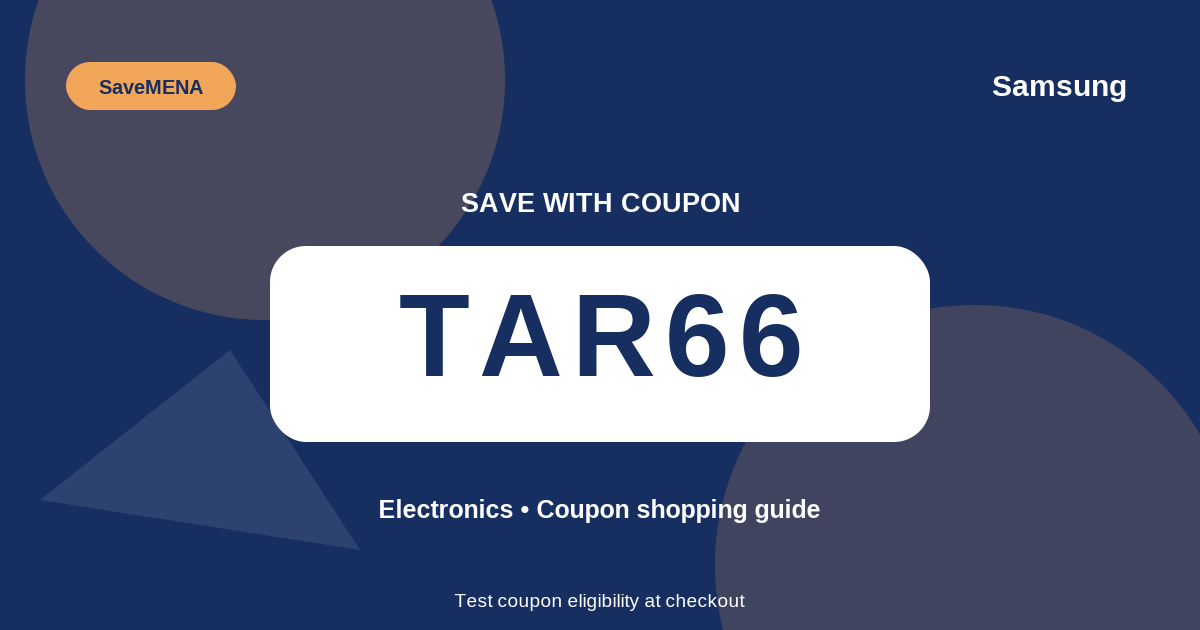
Codes available to try while comparing
These codes are not guaranteed for the article topic or listed brands; test them at checkout and use the live result.
Step 1: Why Test Coupon Codes One by One?
Testing coupon codes one at a time eliminates confusion about which code is truly active at checkout. Rather than scrolling through a batch of coupons and hoping one sticks, focus on the TAR71 code individually. This disciplined approach ensures that any variation in the final price is due to the coupon’s efficacy and not overlapping promotions or cart changes. By treating each attempt as a separate experiment, you can record the exact resulting payable total after each trial, making it easier to choose the best outcome.
In addition, this method protects you from inadvertent errors such as bypassing the coupon field or entering an incorrect code. Monitoring the checkout page after each entry confirms that the code is accepted and influences the total, ensuring you don’t miss a good deal because of a misplaced keystroke or overlooked message.
Choosing Samsung Electronics on Noon
Samsung offers a wide range of electronics on Noon, from smartphones and tablets to TVs and home appliances. When selecting a product, pay close attention to the seller details and product specifications listed in the item description. This ensures you’re buying an authentic model that matches your technical needs. Samsung’s items often have high user ratings and a clear warranty policy; checking these will smooth the post‑purchase experience, especially if a refund or exchange is required.
Once you’ve picked your Samsung product, add it to your cart and review the item’s price before proceeding to checkout. This step will later make it easier to compare the final payable amount after applying the TAR71 coupon, as you’ll have a clear baseline price to refer back to during the testing process.
How to Enter TAR71 at Noon’s Checkout
When you’re ready to place your order, navigate to your cart and click “Proceed to Checkout.” On the payment page, locate the “Coupon Code” field, typically situated near the payment method options. Type TAR71 exactly as shown—use uppercase letters to avoid case‑sensitivity errors. Press the “Apply” button to submit the code; you’ll see a confirmation if the code is accepted, or an error message if it isn’t.
After application, ensure the total amount displayed updates accordingly. No mention of a discount percentage will appear, as Noon does not disclose discounted values directly. Instead, you’ll see the final payable total reflected after all applicable adjustments, which is the figure you’ll need to confirm when choosing a payment method.
Payment Method Selection on Noon
Noon supports multiple payment methods, including credit/debit cards, Noon Wallet, and cash on delivery in certain locations. When you have the final payable amount ready, choose the payment method that best aligns with your cash flow. If you prefer instant card payments, entering your card details will initiate the process, and you’ll verify the transaction through your bank’s notifications.
Alternatively, selecting Noon Wallet allows you to double‑check the balance before proceeding. The wallet option can be helpful if you plan to accumulate loyalty credits, as the Pay‑Your‑Own‑Total feature ensures you see every AED as it moves through your account, giving you more transparency when the coupon code has been applied.
Verifying Eligibility and Final Payable Amount
Once your payment method is chosen, proceed to review the order summary. This screen lists the product price, any TAM71 code impact, shipping fees, and the final total. Cross‑check this figure against any previous total you noted. If the number is unchanged, the coupon code had no effect, and you may consider trying it again or exploring other savings tactics.
It’s crucial to confirm that the order acknowledges the coupon code was applied, as sometimes codes can fail silently, especially if there are cart size restrictions or incompatible product bundles. If the code acceptance status is absent, contact Noon’s support or retry the application step before finalizing the payment.
What When the Code Doesn’t Work?
If the TAR71 coupon code does not work or shows no discount, double‑check typed characters and ensure the code was entered in the right field. Remember that Noon’s system might publish temporary or location‑specific codes that don’t apply to all shoppers. In such cases, retrying with a fresh session or clearing the browser cache can sometimes resolve formatting glitches.
When a coupon fails, use the checkout details to your advantage. Keep a screenshot of the error message or the unchanged total for reference, then record any alternative savings options you discover—such as cashback links or vouchers—while still proceeding with your purchase. This approach ensures you don’t lose out on the product even if the code is inactive.
Alternative Savings Without Coupon Codes
Beyond coupon codes on Noon, UAE shoppers can explore local discount events or flash sales that don’t require a code. Look for scheduled sale periods on the Noon homepage or in the “Daily Deals” section; these may provide comparable savings, often with straightforward price cuts that bypass code entry. Checking email newsletters can also surface exclusive link‑based offers that automatically apply at checkout.
Another route is joining Noon’s rewards program if available. Accumulated points might offset part of the final payable amount, similar in function to a coupon but often applied automatically at checkout and reflected in your order summary. Keep an eye on your Noon account dashboard for point balances that can be redeemed before confirming payment.
Best Practices for Future Coupon Usage
To streamline future coupon testing, maintain a simple spreadsheet that records each coupon tested, the product selected, and the final payable amount after application. This log will help you detect patterns—whether a specific code consistently fails or works well. Add columns for payment method and any additional fees to maintain a complete audit trail for comparison.
When dealing with new coupons, treat each as a separate experiment. Apply the code, note any status messages, then verify the final total with your intended payment method. By systematically documenting each step, you’ll reduce surprise charges and be confident that the coupon truly applies before you commit to the payment.
Related SaveMENA pages
Related articles
Official sources to check
Frequently asked questions
How can I confirm the coupon was applied?
Check the order summary before final payment; the total should reflect any discount influence. The coupon field will also indicate whether the code was accepted or rejected. If uncertain, contact Noon support for confirmation.
Can the TAR71 code be used with a Noon Wallet payment?
Yes, the code can be entered before selecting Noon Wallet. Confirm the final payable amount appears correct after clicking Apply and before completing the wallet transaction.
What if I can’t see a discount after applying TAR71?
Double‑check the code spelling and ensure it’s entered in the correct field. If still no effect, the code may be inactive for your cart or location; consider other savings options or retry later.
Will applying the code change the shipping fee on Noon?
The code usually affects only the product price. Shipping fees remain unchanged unless the coupon explicitly states otherwise, which Noon does not disclose. Verify the shipping amount in the order summary post‑application.