Anker Headphones on Noon UAE: payment method — testing coupons one at a time · TAR73
When you’re eyeing a pair of headphones on Noon UAE, you might pause and ask whether using a coupon is worth the hassle.
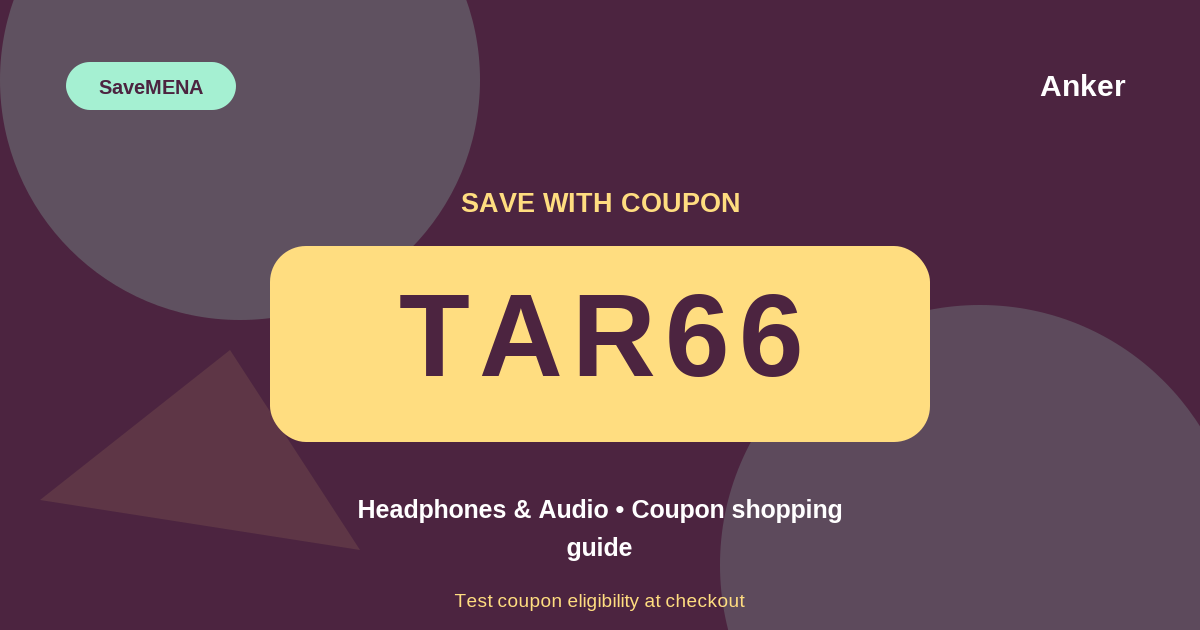
Codes available to try while comparing
These codes are not guaranteed for the article topic or listed brands; test them at checkout and use the live result.
Understanding the SaveMENA Coupon Landscape for Headphones
SaveMENA provides a curated list of coupons that shoppers can apply to Noon UAE listings, offering an extra layer of discount potential. While the platform is independent of Noon, its re‑discovered codes reflect public offers found on the site. For headphone shoppers, the availability of codes is often tied to product categories but not guaranteed. As a prudent consumer, treat every code as a possibility rather than a promise.
When browsing the SaveMENA database, look for entries labeled “Headphones” or “Audio”. These entries may include codes not exclusive to a single brand, allowing a flexible approach. Even if a code appears in the database, the only place to verify its real‑time applicability is at Noon’s online checkout. This practice protects you from assumptions that the code will always work on the desired product.
How to Activate the TAR73 Coupon on Noon UAE
The TAR73 coupon is listed on SaveMENA for attempts on Noon UAE. Begin by adding your chosen Anker headphones to the trolley. On the cart summary page, locate the “Coupon Code” field. Enter “TAR73” exactly as shown, including capitalization, and click the apply button. The system will process the code in real time.
If the code does not trigger an immediate change in the cart total, it does not automatically mean the coupon is invalid. Sometimes a fresh browser session or clearing cached data can resolve technical glitches. However, keep in mind that a failed code at this point still requires confirmation at the checkout stage to rule out server‑side validation rules.
Why Payment Method Matters When Redeeming Coupons
On Noon, coupon eligibility can sometimes be influenced by how you intend to pay. Certain promotions apply only to payments made via specific cards, digital wallets, or installment plans. Therefore, noting your preferred payment method before applying a coupon helps avoid surprises. For example, if a coupon is linked to a bank’s credit card promotion, selecting a different card at checkout could invalidate the discount.
Electronic transactions on Noon UAE are processed through a secure gateway. In the context of the TAR73 code, there is no indication that it is tied to a specific payment type. Still, to stay safe, ensure that the card or payment platform you plan to use is supported by Noon, and verify if any additional verification steps are required before the final order is locked in.
Step‑by‑Step: Testing TAR73 One Code at a Time
To test a single coupon code, such as TAR73, start with a stacked approach. First, add a relevant Anker headphone model to your cart. Next, keep all other cart items removed to avoid overlapping offers. Enter the code and review the cart total. If the screen shows the same amount, the code is likely inactive for that specific item or against NOON’s rules.
In case the cart total decreases, pay close attention to the final price that appears. This figure is what you see before proceeding to the checkout screen. At the payment step, the totals should remain consistent. If a discrepancy arises, it often indicates a checkout‑level restriction or an imbalanced change in the promotional stack at Noon’s end.
Inspecting the Checkout for Coupon Eligibility
Once you’ve added your Anker headphones to the cart and entered TAR73, progress to the “Checkout” stage by tapping the delivery pin icon. The checkout page lists the total, itemized line items, shipping costs, and any applied discounts. Novice shoppers sometimes overlook the small disclaimer that marks whether a coupon has been accepted. Look for a confirmation tag like “Coupon applied” or a simplified “Discount” label.
If no such tag appears, it often indicates that the voucher does not qualify against this product or that another constraint—such as a minimum spend—is unmet. In this case, you may still apply alternative savings like free shipping if satisfied. Always double-check that the total price displayed matches the earlier cart value; a mismatch signals that the voucher was not honored.
Common Payment Options on Noon for UAE Shoppers
Noon UAE supports a range of payment methods: debit and credit cards (Visa, MasterCard, and Emirates NBD), Apple Pay, and Namshi Pay, among others. Each payment option is processed by or through the same banking gateway, securing the transaction. When you choose a payment method, a confirmation window will display the mode before final checkout. This is the last opportunity to verify compliance with any coupon restrictions.
For the TAR73 code, there is no publicly stated restriction to any specific payment gateway. Nonetheless, to reduce risk, use a card that has not been flagged for high‑risk transactions and ensure that it has recurring billing set if you plan to use installment plans. Always keep an eye on the “Payment Summary” box to confirm that the final amount matches the cart’s total, indicating successful coupon application.
Final Tips and Best Practices for Secure Transactions
After confirming that the coupon has been applied and that the final price is correct, proceed to add your preferred payment method. Input your card details or select the electronic wallet, then review the “Order Summary” once more. This screen is the definitive reference for your order, including all voucher reductions, shipping fees, and any applicable taxes.
Before authorizing the payment, verify that the address is correct, the chosen delivery slot is as planned, and any extra notes for the courier are included. If the order triggers an unexpected payment verification step—such as additional authentication—they need to be completed before the purchase holds. This careful step-by-step validation secures a smooth checkout and protects you from accidental overcharges.
Compare alternatives without guessing
When you compare another option in anker, keep the specifications, quantity and seller as consistent as possible and compare the total shown at checkout. A different coupon does not automatically make a deal better because delivery, fees and the live basket context can change the outcome. Use the final payable total as the practical comparison point.
If the retailer shows a specific condition, rely on that visible message; if it does not, do not turn an assumption into a general rule. Test available options one at a time and note any real change in the total or eligibility message. That creates a verifiable shopping comparison instead of a recommendation built on an unsupported marketing claim.
Related SaveMENA pages
Related articles
Official sources to check
Frequently asked questions
Will the TAR73 coupon apply to any Anker headphone on Noon?
Anker headphones are a common category for coupon application, but the code’s validity is checked in real time. If it doesn’t reduce the cart total, it may be restricted to specific models or combined offers, so confirm at checkout.
Do I need to use a specific payment method to activate the coupon?
Noon displays no explicit link between TAR73 and a particular card or wallet. However, choosing a payment method that Noon fully supports ensures the transaction proceeds without hinting at invalid incentives.
What should I do if the coupon doesn’t appear to work after I try it?
Remove other pending discounts, refresh the cart, and try entering TAR73 again. If it still fails, contact Noon support; sometimes server sync lags can delay coupon activation for a short period.
Is there a a minimum-spend condition, if the retailer shows one code?
A precise minimum spend is not disclosed publicly. Check the cart total after applying the code; if the amount remains unchanged, the coupon might have a threshold not met.