Sony Headphones on Noon UAE: payment method — testing coupons one at a time · TAR71
When you’re ready to upgrade your audio experience with a Sony headphone on Noon UAE, the first step is to see if a coupon code can help ease the cost.
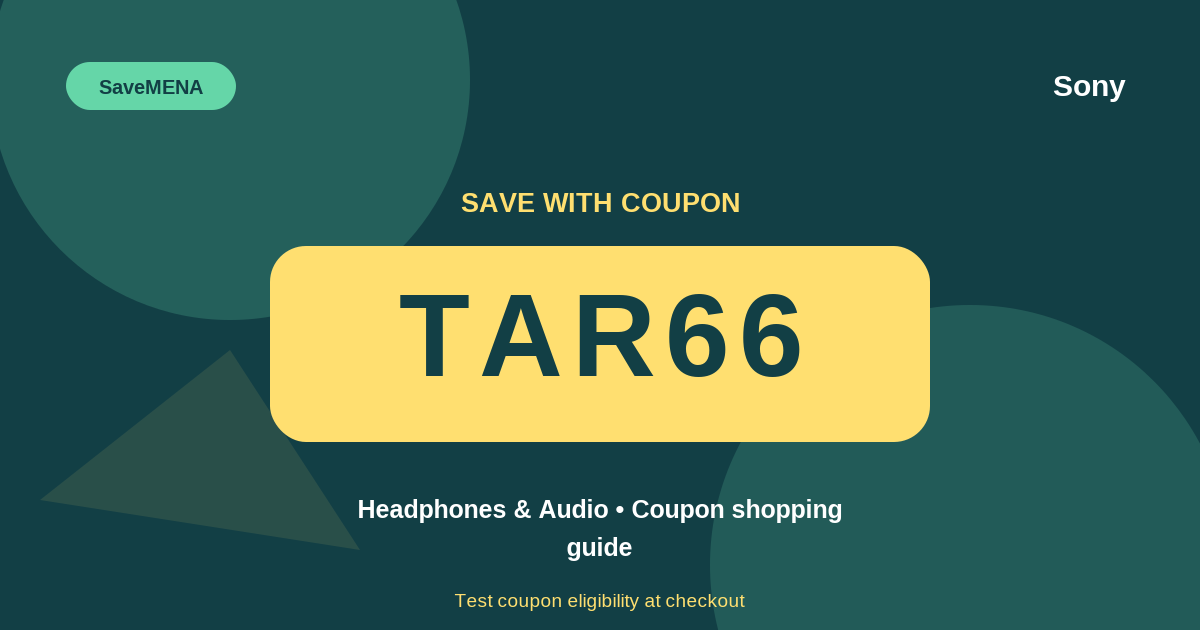
Codes available to try while comparing
These codes are not guaranteed for the article topic or listed brands; test them at checkout and use the live result.
1. Understanding the TAR71 Try‑Code Experience
The TAR71 coupon is offered as a try‑code, meaning you can attempt to apply it during your Noon UAE checkout. It doesn’t promise a discount, but rather gives you a chance to test its acceptance on Sony headphone products. When you add the code, the platform will instantly check if the conditions are met, such as product eligibility, cart value, and chosen payment method. If the code is compatible, it will be applied in the “Discounts” section of the checkout summary, otherwise it will prompt an error or simply be ignored. This immediate feedback keeps you informed in real time.
You should keep the coupon code handy in a notes app or a printed list if you’re using a mobile device. Many shoppers accidentally overlook the “Coupon” field or think they’ve already entered it, leading to confusion at the final price display. By deliberately testing at checkout, you reduce verification steps and avoid unnecessary back‑and‑forth. Also, remember that an unsuccessful attempt at a code doesn’t affect your ability to pay with your preferred method, ensuring a smooth final settlement.
2. Sony Headphones on Noon UAE – A Trusted Selection
Noon UAE hosts a variety of Sony headphone models, ranging from the high‑fidelity WH‑1000XM4 to ergonomic WF‑1000XM3 wireless earbuds. Sellers on Noon are vetted, offering authenticity guarantees and detailed product descriptions. Each listing includes seller ratings and verified purchase feedback which help you gauge reliability before adding to cart. The platform’s return policy is consistent across most of these listings, providing a safety net if the headphones don’t meet your expectations.
Because Noon fingerprints each product with a unique identifier, you can cross‑reference your desired Sony model’s ISBN or product code. This helps if you plan to add multiple pairs to your cart or test different SKUs with the same coupon. Paying close attention to variations—such as color, battery life, and compatibility—ensures you select the exact variant you want. Anandek Mohammed’s recent positive review of a Sony WH‑1000XM4 on Noon underscores how accurately product descriptions align with actual devices. The consistency of onboarding with authentication thumbnails and verified seller status also boosts purchasing confidence.
3. Using the Coupon at Checkout – Step‑by‑Step
First, after adding your Sony headphone to the cart, go to the checkout page and review the cart summary. Here you should verify the chosen product’s variant, quantity, and delivery charges before proceeding. Then scroll to the “Enter a Promo Code” field and type “TAR71”. The system will immediately try to validate the code against the cart contents and your payment method. Follow any prompts that appear, such as re‑entering the code or confirming that it will apply to the entire order.
If the coupon is accepted, a line item labeled “Discount Applied” will appear in the price breakdown, reducing the subtotal accordingly. In the event the code is rejected, the system typically displays a brief message indicating why the coupon couldn’t be applied, which may reference payment method restrictions or product eligibility. By checking this output, you can decide whether to retry with a different payment option or proceed without the discount. All information is visible before you confirm payment, so you won’t experience surprise deductions or additions later.
4. Payment Method Matters – Ensuring Coupon Acceptance
When testing a coupon like TAR71, the payment method you choose can directly impact whether the code is honored. Noon UAE supports several digital payment options, including major credit cards (Visa, Mastercard), instant bank transfers, and cash on delivery (COD) in specific regions. Some coupon engines are stage‑specific, allowing redemption only for card‑based transactions to capture electronic verification logs. Consequently, coupons are sometimes restricted to certain card types or require enrolling before applying.
Therefore, prior to confirming the purchase, review the payment method list on the checkout page. If you’re uncertain whether your chosen method will work, trial the coupon with a commonly accepted card, such as a Visa debit card linked to your primary bank. If the code still does not apply, switch to another available payment option approved by Noon for coupon usage. Always capture any payment‑method‑specific messages to confirm that the platform recognizes your selected method. This systematic approach ensures you don’t lose the coupon’s benefit or incur unexpected settlement errors.
5. Delving into Sony Headphone Types on Noon
Sony headphones span multiple use cases: premium over‑ear noise‑cancelling models, compact mid‑range earbuds, and high‑performance gaming sets. Each category brings its own set of technical specifications and the coupon code audiences. For instance, WH‑1000XM series focuses on battery longevity and adaptive sound while WF‑1000XM emphasizes in‑ear comfort. Gaming headphones, often labeled “WH‑1000XM Gaming”, incorporate surround sound features for an immersive experience. Each variant’s price point and feature set can influence coupon applicability.
While the coupon code TAR71 is not branded to any specific headphone type, its applicability might be tied to the overall cart subtotal or the presence of certain high‑end models. When reviewing your Sony selection, double‑check that the product page allows coupon usage by noting any “promotions” or “discount codes” listed in the product description. This will inform your expectations when you apply the coupon during checkout and guide you in choosing an optimal Sony model that matches your audio priorities.
6. Practicalities of Variant, Seller, and Delivery
A Sony headphone pair on Noon comes with a documented variant—color, wireless or wired, model number—and a seller rated by user feedback. When adding the item to the cart, confirm that the displayed variant matches your preference, as the seller may have multiple SKU options. The seller board shows their rating score and number of verified purchases, helping you assess reliability. It also reflects the approximate time to ship the product, which can differ between sellers even for identical models.
Once you progress to checkout, the order summary will detail the chosen variant, seller, quantity, and any deliverable fees. The platform’s calculation is usually transparent, broken into package cost, dispatch fee, and applicable taxes. Ensure the final “Total Payable” line includes the correct payment method selection before submitting the order. An accurate summary guarantees you are not overcharged, especially if the code TAR71 had no effect or if delivery was free under specific conditions. This meticulous verification supports a smooth transaction workflow.
7. What to Do If the Coupon Code Doesn’t Apply
If, after entering TAR71, the discount does not reflect, first verify that you entered the code correctly, including capitalization. Watch for the system’s response messages that might indicate “invalid coupon” or “coupon not applicable to selected payment method.” If the message references your payment method, try a different option such as a credit card or a bank transfer that is known to accept coupons on Noon UAE. Some promotions only work with COD or vice versa, so experimenting with alternatives can be worthwhile.
In the event the coupon still does not apply despite multiple attempts, consider contacting Noon’s customer support or consulting the help center for guidance. Additionally, you can revisit the product page to confirm if any “brand discount” clauses mention compatibility constraints. While the coupon is still available for testing, it doesn’t guarantee a discount across all transactions. By remaining flexible and exploring alternative payment choices or merchant addresses, you safeguard against potential disappointment while still securing the Sony headphone you want.
8. Final Checklist Before You Complete the Purchase
A coupon is not guaranteed; verify its result at the retailer checkout. Double‑check the payment method field to see if it appears eligible for coupon usage. If the discount line is present, the voucher worked; if absent, verify whether the error message relates to coupon limitations or payment method restrictions.
After satisfying all conditions, you can finalize your order with confidence, knowing the checkout process accurately reflects your purchase details, any applied discount, and the payment method chosen. If any component remains unclear, contact Noon’s support or consult the FAQ section for further clarifications. This disciplined closing routine reduces post‑purchase complications and ensures that your Sony headphones reach you with all expectations met.
Related SaveMENA pages
Related articles
Official sources to check
Frequently asked questions
A coupon is not guaranteed; verify its result at the retailer checkout.
The code is provided for testing purposes and does not guarantee a discount. It will only apply if the product, cart total, and chosen payment method meet the coupon’s conditions at checkout.
Can I use the TAR71 code with Cash on Delivery?
Coupon eligibility for Cash on Delivery varies by promotion. Check the checkout page for any restriction notices. If the code is not accepted with COD, try a different electronic payment method.
Will applying TAR71 affect my delivery fees or taxes?
Coupons typically adjust the subtotal before tax and shipping calculations. If the code applies, you’ll see the discount reflected before final totals, but any shipping fees or taxes will still be calculated based on the new subtotal.
What happens if I enter the coupon code incorrectly?
If the code isn’t entered exactly as shown, Noon’s discount engine will reject it. Refresh the checkout page, re‑enter the code, and ensure you use the correct capitalization and spacing to avoid errors.