Adidas Men’s Fashion on Noon UAE: payment method — testing coupons one at a time · TAR71
Checking a single coupon code at a time is the safest route when hunting for the best deal in Men’s Fashion on Noon UAE.
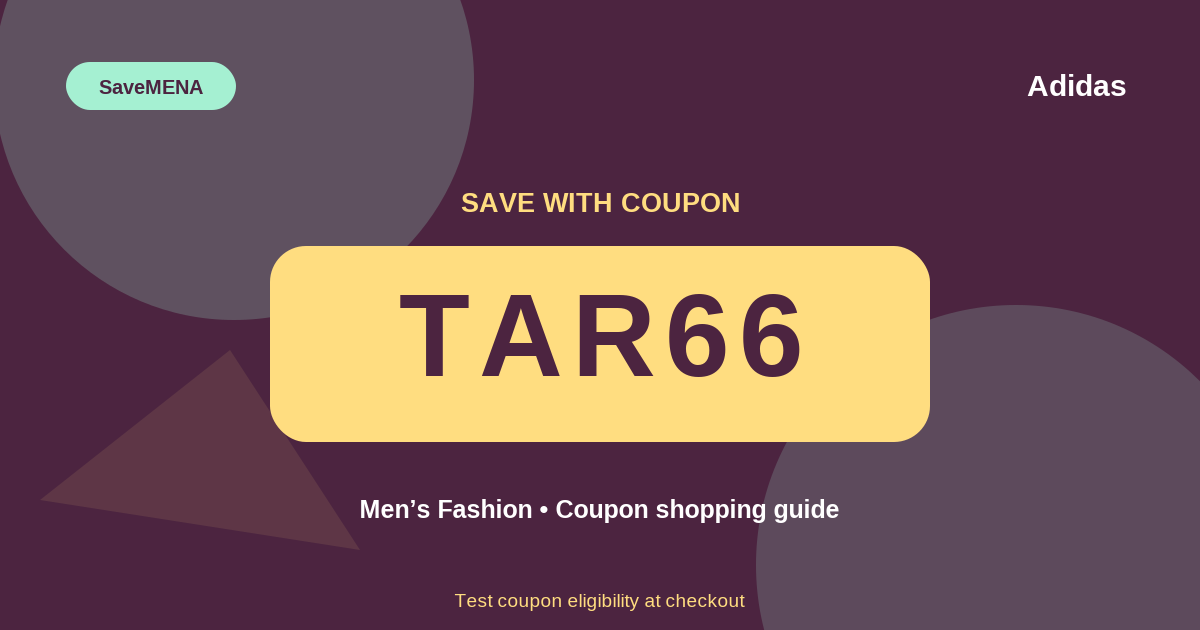
Codes available to try while comparing
These codes are not guaranteed for the article topic or listed brands; test them at checkout and use the live result.
Why Testing One Code at a Time Matters for Men’s Fashion Deals
On an e‑commerce platform that hosts thousands of Men’s Fashion items, discovering a discount can feel like a game of chance. Testing one code at a time helps you identify whether a coupon really applies to the specific product or seller you’re interested in, especially when different brands such as Adidas may have varied conditions. It reduces the risk of navigating a website that promises a discount but ultimately does not apply it at checkout.
Furthermore, the payment method you choose—be it credit card, PayPal, or Noon Wallet—can influence whether a coupon is accepted. Some payment methods trigger additional verification steps that may prevent a code from being applied. By testing each code individually, you can narrow down which ones remain functional under your preferred payment method before you finalise your purchase.
Understanding Noon UAE Coupon Mechanics
Noon’s coupon system is designed to be straightforward: a code is entered in the cart during the checkout process, and the system automatically checks eligibility. Eligibility checks may involve the product category, seller, minimum spend, and payment method. This structure means that if a code like TAR71 was issued for general promotional purposes, it would still need to pass all eligibility criteria before discounting your order.
Unlike some marketplaces that require app‑only redemption, Noon allows coupon entry on both web and app interfaces. However, the coupon acceptance algorithm remains the same across channels. For a user who is concerned about payment method ramifications, it’s useful to remember that any payment confirmation step—such as 3DS authentication—could interfere with the final discount application if early cart validation has not succeeded.
Step‑by‑Step: Applying the TAR71 Code
Start by selecting your desired adidas male apparel item from Noon’s Men’s Fashion collection. Add it to your cart and proceed to the checkout page. At the “Discount Code” field, type “TAR71” in the exact format presented and press the apply button. The system will process the code under the current cart subtotal and display any change immediately.
Once the subtotal has updated, you’ll see a line indicating the discount applied—or a message stating that the code is not eligible. It’s advisable to scroll to the bottom of the page to confirm that the discount value (if any) has been deducted from the total. After this verification, you can proceed to choose your payment method and finalize the purchase.
How the Payment Method Influences Code Validity
Even if the TAR71 coupon appears to be applied successfully, a change in payment method can sometimes lead to a revision of the final order. Credit cards might trigger additional verification steps that can delay the calculation of the final payable amount, while digital wallets such as Noon Wallet often apply service fees that appear after the discount. These fees can alter the net total and may even invalidate a discount if the final payable falls below the minimum spend required for the code.
To safeguard against such scenarios, confirm the payer’s account details before clicking the place order button. If your payment method often includes additional service fees, double‑check that the discount remains reflected after these fees are added. In cases where the discount disappears, you may need to reload the cart and re‑enter the TAR71 code after the payment method has been confirmed.
Release of “Adidas” Styles in the Men’s Fashion Palette
Adidas regularly expands its Men’s Fashion range on Noon UAE, adding new shoes, activewear, and casual staples. When a new release is added, the specific product listings may carry seller‑specific discount conditions that differ from the store‑wide TAX deals. As such, the eligibility of TAR71 can vary from one new model to another. Checking the product’s price tag for any “Discount” mark can provide a quick visual cue about whether the coupon is already in effect.
Also, for high‑profile new items, seller policies often give preference to VIP programs rather than blanket coupon codes. In those cases, if TAR71 does not apply, it’s worth inspecting the item’s seller page for alternative promotional offers that might be more effective when paired with your chosen payment method.
Sorting Through Seller Variants and SKU Confusion
Noon aggregates multiple sellers for the same adidas item, each offering slight variations such as size, colour, or even packaging. These variants can hold distinct coupon eligibility, meaning that a discount code that works with one SKU may not work with another. Checking the “Size” and “Colour” options before adding items to the cart ensures you’re selecting the exact product you intend to purchase.
If you notice the TAR71 coupon not applying to a certain colour variant, try adding a different variant to the cart and re‑applying the code. Each variant is evaluated independently by Noon’s discount engine, so the assumption that a single code applies universally across all variants is unfounded. Verifying coupon validity for each SKU side‑by‑side keeps speculation out of the process.
Checking Cart Totals and Final Discount Application
After the TAR71 code is applied, the cart will display the revised subtotal, shipping fees, and any additional charges associated with your selected payment method. It’s crucial to corroborate that the displayed discount matches the code’s terms. If a discrepancy appears, such as a missing discount or an unexpected fee, scrolling down to the “Order Summary” section can clarify whether Noon’s backend recognized the coupon.
In the event that the Discount line shows “Not eligible” after you have confirmed the payment method, revisit the code entry. Note that the code is case‑sensitive; entering “TAR71” rather than “TAR71” will not activate it. If the code still fails, reach out to Noon’s customer support or consider using an alternative coupon code that has a documented success rate with your payment method.
Related SaveMENA pages
Related articles
Official sources to check
Frequently asked questions
A coupon is not guaranteed; verify its result at the retailer checkout.
Noon’s coupon system requires each product to be eligible under specific conditions. TAR71 may not apply to every item even within Men’s Fashion.A coupon is not guaranteed; verify its result at the retailer checkout.
Will using a Noon Wallet affect whether the coupon is applied?
Payment method changes can influence discount validation. After selecting Noon Wallet, re‑apply the TAR71 code if it was previously removed, and confirm the final total before proceeding.
Can I apply multiple coupons at once on Noon UAE?
Noon typically allows only one coupon code per order. If you try to apply a second code, the last entered will override any previous discount.
What should I do if the code appears invalid after the coupon has been entered?
Double‑check that you entered the code exactly as “TAR71” with correct casing. If it remains invalid, contact Noon support or test alternative discount codes that have demonstrated reliability.