Apple Mobiles on Noon UAE: payment method — testing coupons one at a time · TAR73
TAR73 is a universal coupon within Noon that can be typed in the “Coupon Code” field on the checkout page.
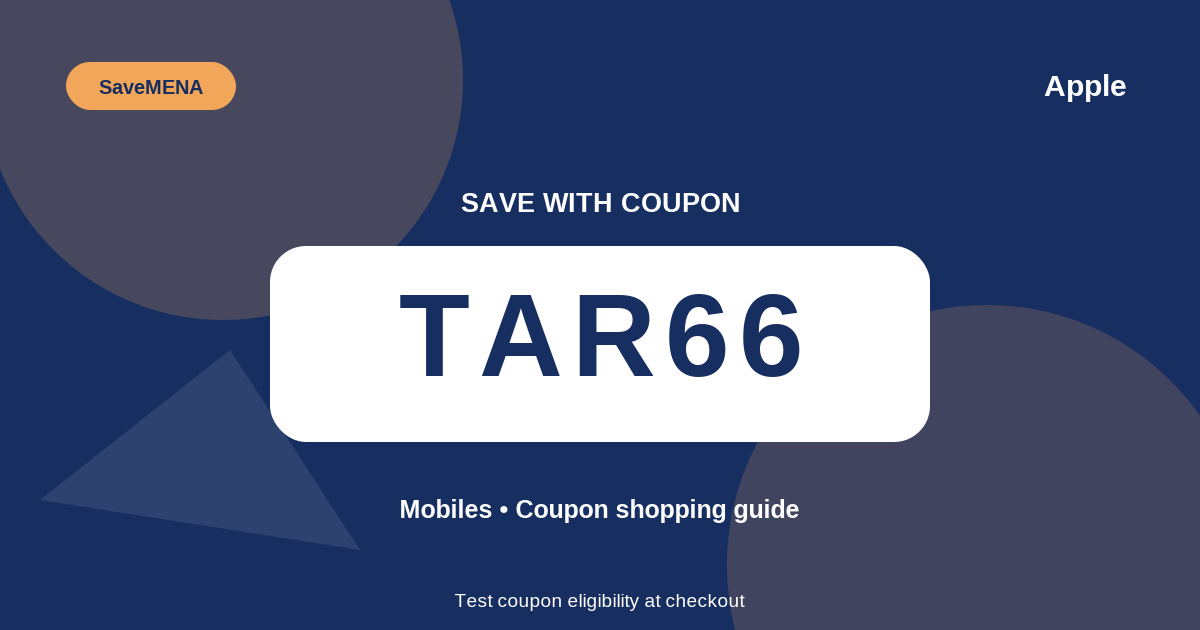
Codes available to try while comparing
These codes are not guaranteed for the article topic or listed brands; test them at checkout and use the live result.
What the TAR73 Code Offers and How to Apply It
TAR73 is a universal coupon within Noon that can be typed in the “Coupon Code” field on the checkout page. It does not carry a stated discount value in public listings, so you need to let Noon’s checkout engine decide whether it applies. The code is entered exactly as it appears—capital letters, no spaces, no hyphens. If the system accepts it, the updated total will appear beneath your cart items.
Do not click a banner that claims a hidden discount; the banner may display a different code. If TAR73 is marked “limited use,” it may only work for certain sellers or on certain phones. Be mindful that timing matters; if you add a mobile to the cart before entering the coupon, your cart items may shift during the checkout flow, potentially invalidating the code.
Apple Pay: A Seamless Payment Method for Noon Mobile Orders
Apple Pay on Noon functions as a saved payment method in your account. Once you verify your device via Face ID, Touch ID, or passcode, you can simply swipe your iPhone or Apple Watch at the “Place Order” step. The payment gateway handles the transaction with a single tap, and the process keeps your card details encrypted in your device’s wallet.
Using Apple Pay offers a fast checkout, but remember that some promotional codes may only be valid with specific payment methods. Noon’s algorithm sometimes ties discount eligibility to the payment type; double‑checking before final confirmation assures you that the code won’t be dropped when Apple Pay is selected.
Step-by-Step Guide: Testing TAR73 with Apple Pay on Noon
Add the mobile of your choice to your cart.A coupon is not guaranteed; verify its result at the retailer checkout. Type TAR73 exactly as shown, then click “Apply.” Await the stylized spinner, and watch for a change in the order total. If the code is accepted, you’ll see a line indicating its application; if not, the total will remain unchanged.
After confirming the price snippet, choose Apple Pay as your payment method. Open the Apple Pay panel, select your default card, and confirm the payment. At this point, the final screen will display the total you agreed to pay, inclusive of the coupon’s effect if it applied. If there’s a discrepancy, revisit the coupon entry and try again—sometimes a fresh cart refresh resolves the issue.
Verifying Eligibility and Final Checkout Amounts
The definitive field for whether the coupon applied is the “Order Summary” on the final checkout page. If TAR73 is valid, its name will appear in green or a similar highlight along with the reduced amount or whatever benefit it provided. This is your only reliable indicator, not the product page or any promotional banner.
If the code is not listed, the order summary will show only the original price. Refund or re‑application is not possible once the order is finalized. Therefore, always double‑check the outcome before confirming the “Place Order” button; a quick tap can prevent an unintentional purchase at a higher price.
Common Pitfalls When Using Codes During Apple Pay Transactions
A frequent mistake is applying the coupon after selecting Apple Pay. If you hit “Place Order” before the coupon entry, the system may bypass the discount entirely. Stay within the flow: coupon entry, view updated total, then choose Apple Pay. This order keeps the engine from locking in the original price.
Another hurdle is cart changes. If the mobile’s condition or variant updates due to stock shifts, Noon’s cart may auto‑refresh, which can strip the coupon. If you notice the coupon disappear after refreshing, re‑enter TAR73 before selecting Apple Pay. Keeping the cart stable is essential for a clean test.
Comparing Apple Pay with Other Payment Methods on Noon
When you compare Apple Pay to standard credit‑card entry or local e‑wallets, note that some discounts are exclusive to one payment method. Noon’s system logs the payment type, and certain coupons may trigger additional perks only when paying with a specific card brand.
If each attempt is meant to test TAR73 across payment methods, try a mimic strategy: first test with Apple Pay, then (if the coupon still fails) switch to a conventional card entry. Record each checkout screen to gauge which combination gives the best price. Remember, every session might yield a different outcome due to promotion rules.
Best Practices for Maximizing Savings While Using Apple Pay and Coupon Codes
Before you begin, clear your browser cache or use incognito mode to avoid lingering cart data. Add the mobile, apply TAR73, then continue everything until the final payment confirmation. Avoid touching other tabs or updating cart items in the midst of the test to eliminate variables that could break the coupon.
Keep a record of your coupon application: screenshots of the coupon field, the order summary, and the Apple Pay confirmation. If you discover that the code works on one phone but not another, the logs will help you trace the discrepancy. Over time, such data surfaces patterns and can guide your future shopping strategies on Noon UAE.
Related SaveMENA pages
Related articles
Official sources to check
Frequently asked questions
A coupon is not guaranteed; verify its result at the retailer checkout.
No. The code is only available to try. Eligibility can vary with the live account, basket, item, seller and campaign context, so checkout is the final reference.
Where should I confirm the coupon result?
Apply the code in the Noon basket and review the live message and final payable total before payment. Do not rely on an undocumented percentage or condition.
Can the result vary by product or seller?
Yes. Eligibility and offer context can vary with the current basket details, so compare the exact item, seller, variant and final total before purchasing.
What should I do if the code does not work?
Check the market, account, item, seller, basket and payment context, then try another code available to try without guessing an unsupported reason.