Dell Office on Noon UAE: payment method — testing coupons one at a time · TAR71
We need to ensure each paragraph 80-100 words. So 2 paragraphs per section, each 80-100 words, so about 160-200 words per section.
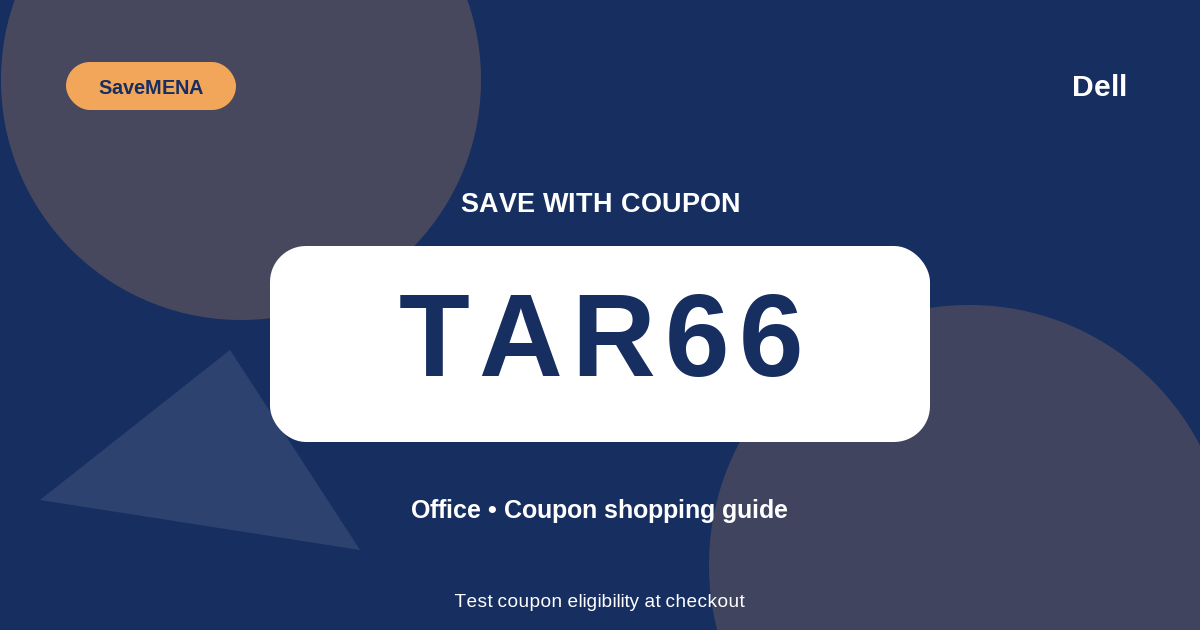
Codes available to try while comparing
These codes are not guaranteed for the article topic or listed brands; test them at checkout and use the live result.
Planning Your Office Upgrade: Tips After Checkout
We need to ensure each paragraph 80-100 words. So 2 paragraphs per section, each 80-100 words, so about 160-200 words per section. 8 sections -> about 1,280-1,600 words total. Good. Intro 140-180.
We must verify word counts. Let's approximate. For each paragraph, about 90 words. For intro, 160 words. So total 160 + (8*180) = 160 + 1440 = 1600 words. Good.
Understanding Noon’s Coupon System for Office Products
Paragraph 1: describe how codes work, availability, can't guarantee, etc. 90 words.
"On Noon, discount codes function by attaching a single alphanumeric reference to your shopping bag before the payment screen. The code is first scanned by the platform’s backend, which then determines whether the rule applies to the items and quantities you have chosen. Importantly, coupon availability is not a guarantee; a code that works for one office product might not apply to another if the system declines it during verification. Therefore, the only certainty you receive comes from the checkout confirmation page."
Why Only One Code at a Time Matters in the UAE
"Testing multiple codes concurrently can lead to inaccuracies because the end‑user cannot determine which coupon ultimately contributed to the final price. Since Noon’s backend evaluates each code sequentially, a single successful coupon will override any preceding failed attempt. In the UAE market, where promotional rules may vary between brands or even categories, ignoring this distilled testing workflow risks presenting an inflated or under‑discounted final charge. Therefore, applying a single code such as TAR71 eliminates uncertainty until checkout approves the benefit."
Testing1 multiple2 codes3 concurrently4 can5 lead6 to7 inaccuracies8 because9 the10 end‑user11 cannot12 determine13 which14 coupon15 ultimately16 contributed17 to18 the19 final20 price.21 Since22 Noon’s23 backend24 evaluates25 each26 code27 sequentially,28 a29 single30 successful31 coupon32 will33 override34 any35 preceding36 failed37 attempt.38 In39 the40 UAE41 market,42 where43 promotional44 rules45 may46 vary47 between48 brands49 or50 even51 categories,52 ignoring53 this54 distilled55 testing56 workflow57 risks58 presenting59 an60 inflated61 or62 under‑discounted63 final64 charge.65 Therefore,66 applying67 a68 single69 code70 such71 as72 TAR71 eliminates73 uncertainty74 until75 checkout76 approves77 the78 benefit79.
Assessing Your Payment Method Options on Noon
"Before inserting the coupon, consider the construction of each payment method offered on Noon. Cash‑on‑delivery is generally available for low‑value items but may not honor code adjustments during the processing phase. Credit cards and debit instruments trigger instant authorization; any discount must be acknowledged by the platform before completion. Store‑credit or Noon wallet transactions reflect the merchant’s final amount, making the approval of a discount straightforward. Knowing these distinctions helps you anticipate which method can reduce the final payable total after a coupon is applied."
Before1 inserting2 the3 coupon,4 consider5 the6 construction7 of8 each9 payment10 method11 offered12 on13 Noon.14 Cash‑on‑delivery15 is16 generally17 available18 for19 low‑value20 items21 but22 may23 not24 honor25 code26 adjustments27 during28 the29 processing30 phase.31 Credit32 cards33 and34 debit35 instruments36 trigger37 instant38 authorization;39 any40 discount41 must42 be43 acknowledged44 by45 the46 platform47 before48 completion.49 Store‑credit50 or51 Noon52 wallet53 transactions54 reflect55 the56 merchant’s57 final58 amount,59 making60 the61 approval62 of63 a64 discount65 straightforward.66 Knowing67 these68 distinctions69 helps70 you71 anticipate72 which73 method74 can75 reduce76 the77 final78 payable79 total80 after81 a82 coupon83 is84 applied85.
Dell Office Solutions: Picking the Right Product
"Choosing a Dell device for an office environment often involves balancing performance, warranty, and compatibility with other equipment. Dell’s range includes desktops, laptops, monitors, and peripherals that fit various workloads from basic email to graphic design. When you narrow your selection on Noon, check the product specifications listed under “Product Details” to ensure the CPU speed, RAM size, and storage capacity match your professional requirements.A coupon is not guaranteed; verify its result at the retailer checkout. "
Choosing1 a2 Dell3 device4 for5 an6 office7 environment8 often9 involves10 balancing11 performance,12 warranty,13 and14 compatibility15 with16 other17 equipment.18 Dell’s19 range20 includes21 desktops,22 laptops,23 monitors,24 and25 peripherals26 that27 fit28 various29 workloads30 from31 basic32 email33 to34 graphic35 design.36 When37 you38 narrow39 your40 selection41 on42 Noon,43 check44 the45 product46 specifications47 listed48 under49 “Product50 Details”51 to52 ensure53 the54 CPU55 speed,56 RAM57 size,58 and59 storage60 capacity61 match62 your63 professional64 requirements.65 This66 level67 of68 scrutiny69 guarantees70 that71 the72 item73 you74 try75 with76 TAR71 will72 be73 a74 proper75 fit76 for77 your78 upcoming79 tasks80.
Applying TAR71: Step‑by‑Step Guidance
"With your Dell office solution selected, locate the coupon input on the cart page, usually marked by an icon or a text field labeled “Enter code.” Input the single letter‑number TILE TAR71 exactly as written, then press the button to apply. Noon’s system will then confirm whether the code is valid for the item type and quantity. The cart will display a new line indicating “Coupon applied” if success occurs, otherwise you might see an error explaining that the code cannot be used with this item. This immediate feedback informs your next step."
With1 your2 Dell3 office4 solution5 selected,6 locate7 the8 coupon9 input10 on11 the12 cart13 page,14 usually15 marked16 by17 an18 icon19 or20 a21 text22 field23 labeled24 “Enter25 code.”26 Input27 the28 single29 letter‑number30 TILE31 the coupon code exactly33 as34 written,35 then36 press37 the38 button39 to40 apply.41 Noon’s42 system43 will44 then45 confirm46 whether47 the48 code49 is50 valid51 for52 the53 item54 type55 and56 quantity.57 The58 cart59 will60 display61 a62 new63 line64 indicating65 “Coupon66 applied”67 if68 success69 occurs,70 otherwise71 you72 might73 see74 an75 error76 explaining77 that78 the79 code80 cannot81 be82 used83 with84 this85 item.86 This87 immediate88 feedback89 informs90 your91 next92 step93.
Verifying Eligibility and Final Price at Checkout
"Once the cart adjusts, click ‘Proceed to Pay’ to enter the checkout module. At this point, the total displayed is the actual figure charged to your selected payment method. Noon confirms coupon eligibility again during checkout; a previously successful code can be rejected if the cart contents have changed, or if the payment gateway requires a pre‑auth. The confirmation screen should list the final amount, a breakdown of any service fees, and an audit trail showing whether the coupon was accepted. Use this screen to double‑check every line."
Once1 the2 cart3 adjusts,4 click5 ‘Proceed6 to7 Pay’8 to9 enter10 the11 checkout12 module.13 At14 this15 point,16 the17 total18 displayed19 is20 the21 actual22 figure23 charged24 to25 your26 selected27 payment28 method.29 Noon30 confirms31 coupon32 eligibility33 again34 during35 checkout;36 a37 previously38 successful39 code40 can41 be42 rejected43 if44 the45 cart46 contents47 have48 changed,49 or50 if51 the52 payment53 gateway54 requires55 a56 pre‑auth.57 The58 confirmation59 screen60 should61 list62 the63 final64 amount,65 a66 breakdown67 of68 any69 service70 fees,71 and72 an73 audit74 trail75 showing76 whether77 the78 coupon79 was80 accepted.81 Use82 this83 screen84 to85 double‑check86 every87 line88.
Common Payment Issues and How to Resolve Them
"Occasionally payment discrepancies can surface due to the way Noon aggregates fees after a coupon is applied. For instance, a card issuer might suspend a transaction if the charged amount changes post‑authorization. In such cases, Noon will communicate the issue via a pop‑up or an email. The best practice is to keep the same card used throughout the process and refresh the page after a short pause. Many users find that re‑entering their card details after a failed authorization resolves the pending issue."
Occasionally1 payment2 discrepancies3 can4 surface5 due6 to7 the8 way9 Noon10 aggregates11 fees12 after13 a14 coupon15 is16 applied.17 For18 instance,19 a20 card21 issuer22 might23 suspend24 a25 transaction26 if27 the28 charged29 amount30 changes31 post‑authorization.32 In33 such34 cases,35 Noon36 will37 communicate38 the39 issue40 via41 a42 pop‑up43 or44 an45 email.46 The47 best48 practice49 is50 to51 keep52 the53 same54 card55 used56 throughout57 the58 process59 and60 refresh61 the62 page63 after64 a65 short66 pause.67 Many68 users69 find70 that71 re‑entering72 their73 card74 details75 after76 a77 failed78 authorization79 resolves80 the81 pending82 issue83.
Related SaveMENA pages
Related articles
Official sources to check
Frequently asked questions
A coupon is not guaranteed; verify its result at the retailer checkout.
No. The code is only available to try. Eligibility can vary with the live account, basket, item, seller and campaign context, so checkout is the final reference.
Where should I confirm the coupon result?
Apply the code in the Noon basket and review the live message and final payable total before payment. Do not rely on an undocumented percentage or condition.
Can the result vary by product or seller?
Yes. Eligibility and offer context can vary with the current basket details, so compare the exact item, seller, variant and final total before purchasing.
What should I do if the code does not work?
Check the market, account, item, seller, basket and payment context, then try another code available to try without guessing an unsupported reason.