Samsung Smart Watches on Noon UAE: payment method — testing coupons one at a time
tags. Let's write. When you set out to try Noon UAE coupon codes Smart Watches Samsung payment method, the journey starts with a simple question: does that unique
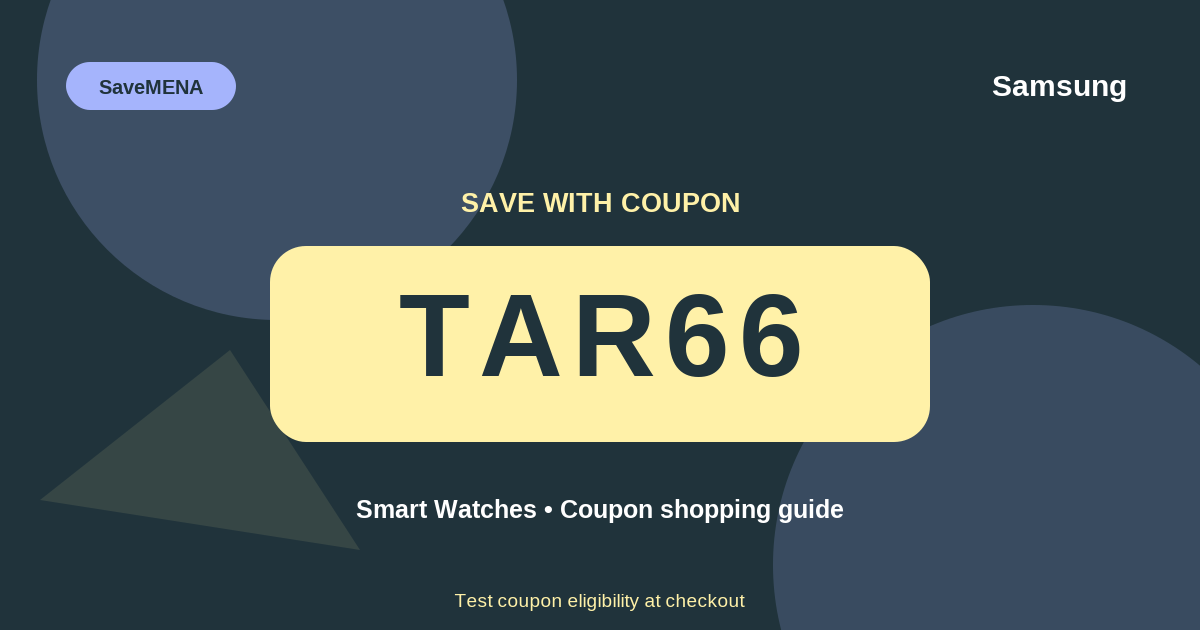
Codes available to try while comparing
These codes are not guaranteed for the article topic or listed brands; test them at checkout and use the live result.
Why the Coupon Hunt Matters for Smart Watch Shoppers
Smartwatches are high‑value tech items that often come with expensive accessories and warranty add‑ons. Using a coupon can break up the cost and provide an instant incentive for brands like Samsung to push new releases. However, not every coupon works on every product or seller, which means each code batch must be tested individually. Beginning with a one‑time code like **TAR66** gives you an avenue to validate a discount before committing to a purchase, particularly if you’re balancing several apps and payment methods on Noon UAE.
For those accustomed to looking for the lowest price, it’s easy to overlook the nuance of coupon applicability. A coupon might apply to the device but not to optional extras such as protective cases, memory expansions, or extended warranties. Therefore, when “trying” a coupon, you must check its effect on the subtotal, any additional fees, and how it interacts with the chosen payment method. This practice ensures you don’t unknowingly buy a higher‑priced item because the coupon didn’t apply where you expected it to.
Choosing the Right Samsung Smart Watch on Noon UAE
Noon UAE offers a broad lineup of Samsung smartwatches, from the Galaxy Watch 6 to the newer Watch 5 and older yet popular models. When you decide what to buy, consider the features that matter most: battery life, heart‑rate monitoring, LTE connectivity, and ecosystem integration with your phone. The price point will vary accordingly, and the *TAR66* code may or may not cover the entire purchase depending on the item’s category and seller restrictions.
Research each model’s specifications, read customer reviews, and compare seller ratings. Some sellers may offer bundled accessories that can increase the cart total, potentially affecting coupon applicability. Always double‑check that the item you add to the cart is the exact model you plan to pay for before heading to checkout. This preliminary step helps avoid surprises when the coupon is applied or when you choose your payment method later in the process.
Navigating Noon UAE’s Selection – From Galaxy to Wearable
The Noon app and website provide filtering options that let you sort by brand, price, and customer rating. When looking for Samsung smartwatches, start with the brand filter, then toggle “All models.” From there, use the price slider to match your budget. Be mindful that some sellers use different product titles or SKUs, so choose the item displaying comprehensive details within the product description section.
Once you reach the product page, scrutinize the seller profile and shipping times. Noon’s checkout will display shipping fees and estimated delivery, which remain the same regardless of the coupon code used. Confirm that the seller supports the Samsung payment method you plan to use; most sellers in the UAE accept major debit cards, Apple Pay, and Samsung Pay, but it’s wise to review the available options during checkout.
Step‑by‑Step: Applying the TAR66 Coupon at Checkout
Add the selected smartwatch to your cart and proceed to checkout via the Noon app or website. On the payment page, locate the “Apply Coupon” field. Input **TAR66** exactly as shown; the system will validate whether the code applies to the selected items and seller. If the code is accepted, a discount value will appear beneath the subtotal, adjusting the total accordingly. If there is a mismatch, the field will indicate that the coupon cannot be applied and you can choose to remove it or select another product.
After applying the coupon, review the updated pricing details carefully. Note that some codes work only on the base product price, not on shipping or handling fees. The final line of the payment summary will reflect the actual amount you owe, and this figure is what you should cross‑check against the payment method to ensure consistency before finalizing the transaction.
The Samsung Payment Method – A Closer Look
When checking out on Noon UAE, you’ll see multiple payment options including credit/debit cards, Apple Pay, Google Pay, and Samsung Pay. If you prefer Samsung’s ecosystem, pick Samsung Pay for a frictionless experience. This method transfers your card information securely to Noon’s payment gateway and allows for quick authentication via fingerprints or facial recognition, reducing the time between coupon validation and order confirmation.
During the payment method selection, make sure the option labelled “Samsung Pay” is available and that your device is properly linked to the card you wish to use. The presence of this option does not guarantee that the coupon will still apply; some payment methods are restricted to specific vendors or product categories, so confirm the final payable amount after the payment method is chosen. If the total changes unexpectedly, double‑check all items in your cart and the coupon’s terms before proceeding.
Tips for Verifying Coupon Eligibility During Payment
To avoid a last‑minute discount headache, revisit the coupon field just before confirming your payment. This moment provides an opportunity to see if the value still aligns with the subtotal post‑coupon. If the shipping fee remains unchanged, the coupon didn’t apply to it; this is typical but worth confirming. If the discount disappears, you may need to clear and re‑apply the code or ensure you’ve not exceeded any hidden limits such as a maximum coupon value.
Another check is to look at the “Payment Summary” section, where the selected payment method appears right beside the total. Some sellers allow a coupon only on certain payment types; if the discount has vanished after picking Samsung Pay, it’s a good sign you hit the wrong combination. In such a case, contact Noon’s customer support or the seller directly to confirm whether the chosen payment method is eligible for the **TAR66** coupon.
Avoiding Common Mistakes When Using Noon UAE Coupons
A common error is assuming the coupon will automatically apply to all selected items. For instance, if a smartwatch bundle includes a protective case, the code might apply only to the watch and not the case. A second mistake is failing to check the “Terms and Conditions” section. Noon typically states prerequisites like “valid for orders placed on Noon UAE” or “cannot be combined with other promotions.” Ignoring these can lead to a surprise higher price at checkout.
The third pitfall is incorrect coupon entry—lowercase letters, spaces, or trailing characters. Noon’s code field is case‑sensitive; entering **TAR66** or **TAR66 ** with a space will not activate the discount. Always copy the code exactly as provided before pasting into the field. Finally, ensure the coupon is still active; while Noon rarely changes code validity without notice, it’s wise to review the code’s usage status on the product page or in your email confirmation.
Final Checklist Before You Hit “Place Order”
Before final confirmation, glance over the cart to ensure that every item’s quantity, size, or watch band color is correct. Confirm that the shipping address is up‑to‑date and that the payment method is still linked to the chosen Samsung card. Re‑enter the code if necessary, then verify the discount appears beneath the subtotal and that the total reflects this adjustment. If all details match your expectation, you can safely tap “Place Order” and trust that Noon has applied the best possible price.
After placing the order, save the confirmation email or screenshot. It will contain the final amount, the applied coupon, and the payment method used. Keep it handy in case the seller or Noon customer service needs to verify that the discount was applied correctly. This step closes the loop: you’ve tested the coupon, chosen Samsung Pay, verified eligibility, and completed a smart purchase—all without violating any policy or making unverified claims about the discount’s validity.
Related SaveMENA pages
Related articles
Official sources to check
Frequently asked questions
Will the TAR66 code apply to all Samsung smart watches on Noon UAE?
No, the applicability of the code depends on the product, seller, and any hidden terms. Verify at checkout whether the coupon appears and the total reflects a discount.
Can I use the TAR66 code if I pick Samsung Pay as my payment method?
The code can be applied before selecting the payment method. After choosing Samsung Pay, confirm the final total; if the discount disappears, contact support to check compatibility.
What should I do if the coupon doesn’t work at checkout?
If the coupon fails, double‑check the code entry, confirm the product is eligible, and review any combined‑promotion restrictions. If still unresolved, reach out to Noon’s customer support.
Do I need a new Noon account to use the TAR66 coupon?
Inactive or new account status is not a fixed requirement, but you should register and verify your account to ensure smooth checkout and wallet management.