Anker Headphones on Noon UAE: price changes — testing coupons one at a time
try Noon UAE coupon codes Headphones Anker rechecking after a price change: If you’re testing multiple Noon UAE coupon codes on Anker headphones after a price
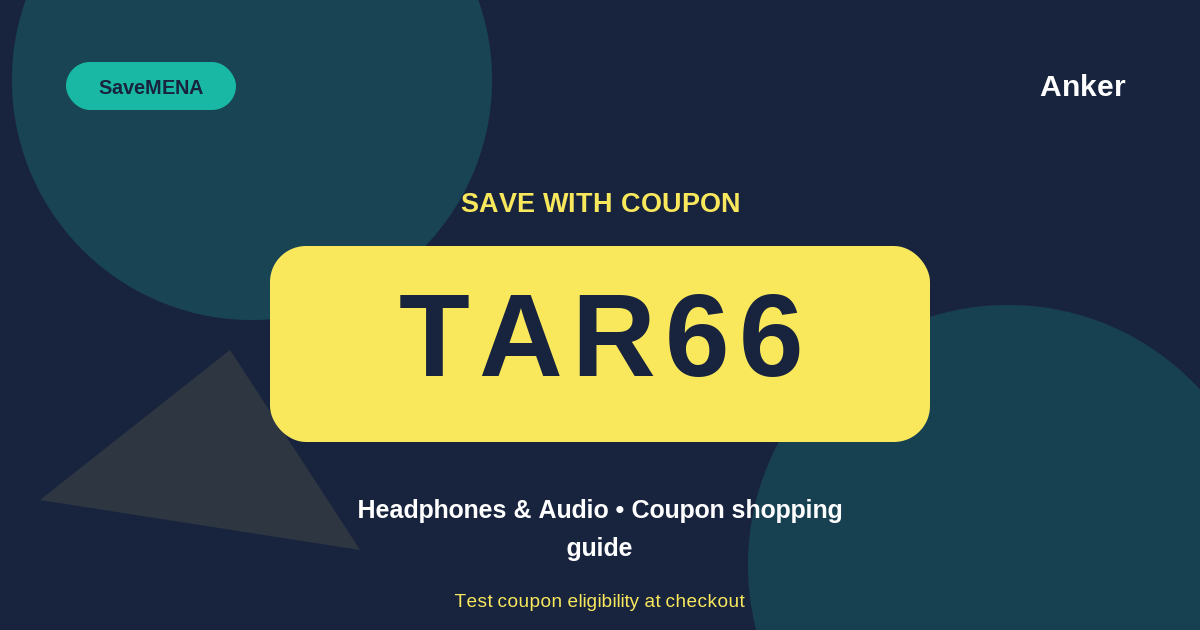
Codes available to try while comparing
These codes are not guaranteed for the article topic or listed brands; test them at checkout and use the live result.
1. Select the Anker Headphones You Want
Begin by searching Noon UAE for the specific Anker headphone model you’re after, ensuring you note the product title exactly as it appears. This initial search is key because small naming differences—like “Anker Soundcore Life Q30” versus “Anker soundcore Life Q30”—can redirect you to different listings with distinct prices. Once you’re on the right page, capture the reference price shown in the product details. This snapshot becomes the baseline for your rechecking activity, giving you a tangible figure to compare against after any further price changes or coupon applications.
Before you add the item to your cart, double‑check the seller label and product variations. Noon often hosts multiple sellers for the same brand, each of which may list a different price. Confirm that the seller you choose is reputable and that the listed price is the one you intend to track. If the seller’s name includes “Official” or “Authorized,” that usually signals consistency, but the price must still align with the heading you captured, as this will be the reference point for later checks.
2. Add the Item to Cart and Lock the Current Price
Proceed to add the headphone to your shopping cart. Once the item lands in the cart, revisit the cart page before applying any coupons. This step is critical for the decision lens “rechecking after a price change.” You’ll see the item’s current price, shipping fee, and any potential taxes. Capture this total now; it serves as your “pre‑coupon” benchmark. Note that Noon may auto‑apply minor discounts or promotional items, so verify that the net price reflects the seller’s set price rather than any hidden additions.
Also take the opportunity to review your cart for any other items that might alter the overall total. If you have other wide‑budget items in the cart, removing them will help you see the headphone price unaltered, which is useful when you later want to focus solely on the headphone’s value. Save the cart page for reference; you’ll return to it after resetting the cart for a fresh price check once the coupon is applied.
3. Apply the TAR66 Coupon Before Checkout
Locate the “Coupon Code” field on Noon UAE’s cart page. Input “TAR66” carefully, ensuring there are no leading or trailing spaces. According to the policy, only this supplied coupon should be tried; no other codes are introduced here. When you hit “Apply,” observe the immediate effect on the cart’s total. If the discount appears reflected, record the new subtotal. If it does not apply, note that either the coupon may not be valid for this product or there may be an issue with the code entry.
Following the application, you must recheck whether the headphone’s price stays consistent. Noon may have dynamic pricing that adjusts moments after coupon submission. If you notice an unexpected increase, your decision lens of rechecking after a price change calls for a quick refresh or removal of the headphone from the cart and re‑adding it. Capture this new price and compare it against the benchmark you recorded earlier. The coupon’s effect is now paired with the latest price, giving you the real figure to evaluate.
4. Verify Coupon Effect on Final Payable Total
Transition to the “Proceed to Checkout” section. The checkout page finalizes all subtotals, shipping, taxes, and any applied coupons. Carefully scan the pay‑as‑you‑see total—this is the definitive figure the merchant will charge. The coupon code TOR66 should already have reduced the net price, but it must reflect on the final amount to confirm its validity.
If the final total includes the coupon deduction as expected, you have successfully applied the discount on the actual payable amount. If the discount is absent or replaced by a different coupon message, the coupon may not be valid for this transaction. In that scenario, follow the next step to clear pending offers and reattempt a new coupon code application later during your coupon testing workouts.
5. Repeat Coupon Trial If the First Attempt Fails
When the TAR66 coupon does not apply at checkout, double‑check that you entered it correctly on the cart page. Some sellers ignore generic coupons for brand-dedicated or segment‑specific offers. In that case, the coupon will not activate until a qualifying product or seller condition fulfills. If your attempt remains ineffective, consider clearing the cart of all items and re‑adding only the Anker headphones to avoid overlapping promos.
After resetting, re‑enter “TAR66” at the cart, then proceed to checkout. If it still fails, it indicates a mismatch between the coupon’s applicable category and the headphone listing. According to SaveMENA’s policy, we do not guarantee coupon applicability; you’ll need to confirm at checkout if the code is accepted or if the merchant’s coupon rules have changed.
6. Confirm Shipping and Tax Adjustments After Coupon Use
Even when the coupon is accepted, Noon may still adjust shipping charges or apply taxes that affect your final spend. Pay close attention to the “Shipping & Handling” row and any “Delivery Fee” details that appear after applying the TAR66 discount. These can sometimes offset a small savings from the coupon.
It is also essential to review any “VAT” or local tax line items that may be added at checkout. Since these appear after tax calculations, they may shift the effective discount incurred by the coupon. Verifying these nuances ensures you truly understand the end‑to‑end value you’ll receive, which is critical in a market where a seemingly minor tax difference can alter the baseline savings.
7. Record and Compare All Price Variants
After a successful OTP or unsuccessful attempt, compile a simple record of the price before coupon, the price after coupon, and the final payment amount. Use a portable note or spreadsheet to stay organized. This log helps you compare any future price changes or alternate coupon codes you might try: if Noon’s price shifts upward or downward, your record will immediately highlight whether the new situation still offers a better net price.
Record the timestamps of each action as well—price changes can happen at any time. By aligning the discount usage with the exact pricing snapshot, you avoid falling for a coupon that seems to work temporarily but loses value due to a mid‑day price adjustment by Noon or the seller. This systematic approach keeps your rechecking practice data‑driven.
8. Final Confirmation and Payment Decision
At the last step, review every line item once more: product price, applied coupon, shipping, taxes, and any “Grey‑stripe” promotional offers. If every element is satisfactory and the total matches your earlier record of the “after‑coupon, shipping‑included” figure, proceed to payment. This final review confirms that your discount usage aligns with your expectations after the price change.
If the final payable total no longer meets your desired threshold or differs from earlier records, this is the moment to pause: consider canceling the order, re‑applying a different coupon later, or even waiting for a potential price dip. Noon’s interface allows you to cancel the transaction before the “Place Order” button is clicked, giving you a safety net against reluctance once the cart is finalized.
Related SaveMENA pages
Related articles
Official sources to check
Frequently asked questions
How many times can I try the TAR66 coupon on the same item?
Typically, you may apply the same coupon code multiple times to the same cart, but the system only awards a discount once per transaction. Trying it after a price change may yield different results if sales conditions change.
Will applying TAR66 affect the shipping cost?
Noon’s shipping fee is calculated separately from coupon discounts. The TAR66 code reduces only the item’s price, leaving shipping unchanged unless the coupon includes a shipping offer.
What if the coupon works on cart but not at checkout?
This may happen if the coupon’s eligibility conditions are only evaluated at checkout. In such cases, you’ll need to remove the item and re‑add it, or check if the seller’s status changes to allow the coupon.
Can I apply multiple coupons to get extra savings?
Noon allows only one coupon code per transaction. If you want to combine offers, you must wait until a new valid coupon becomes available or has a separate discount type.