Philips Kitchen on Noon UAE: price changes — testing coupons one at a time
You want to try Noon UAE coupon codes Kitchen Philips rechecking after a price change, and you’re looking for a reliable, step‑by‑step method that ensures you don’t
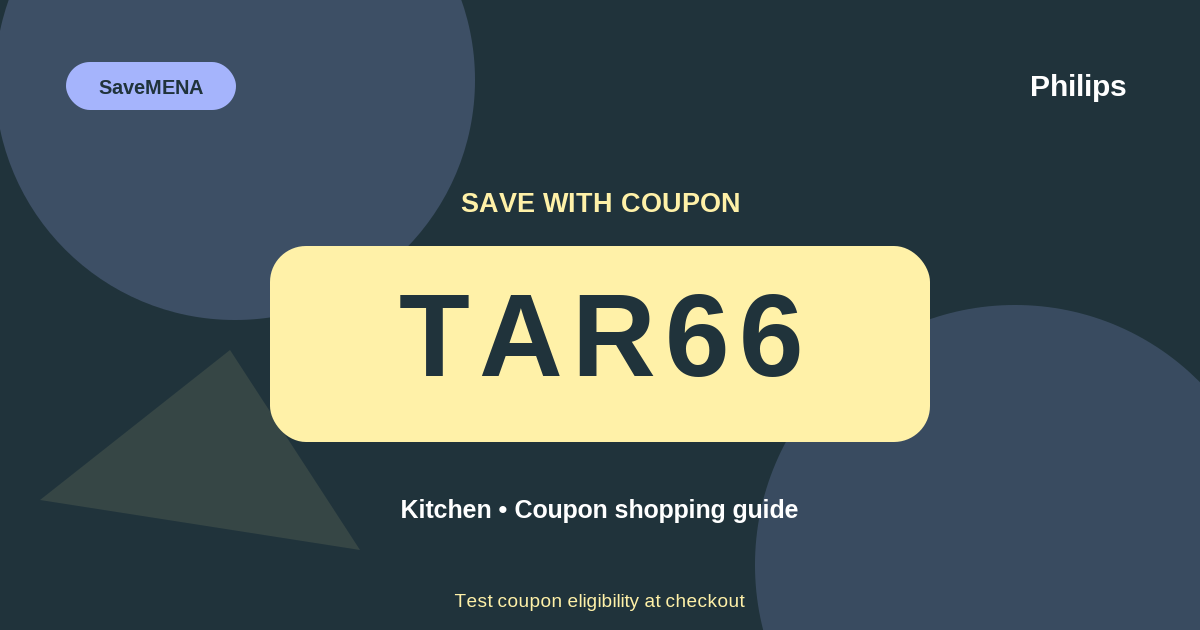
Codes available to try while comparing
These codes are not guaranteed for the article topic or listed brands; test them at checkout and use the live result.
1. Capture the Current Price Before Applying Any Coupon
Before you even enter the Noon app, note every mechanic of the Philips kitchen appliance you’re interested in. Look for the listed price, delivery fee, and any displayed promotions. PNGs or screenshots can store the original amount, giving you a baseline against which you’ll later measure the effect of the coupon and any price revisions that might have occurred while you were testing. Accuracy at this stage means you can see, at a glance, whether applying TAR66 leads to a measurable difference versus the starting price.
Because Philips kitchen products often see weekly promotional adjustments, keep an eye on the “Change in price” indicator—if it appears. If the price has risen after you initially checked, record this new figure. This record will guide you when you re‑apply the coupon, allowing you to determine whether the code remains effective post‑price change. Without this first snapshot, the entire re‑testing process can become ambiguous.
2. Apply the Coupon Code and Observe the Immediate Result
Enter the checkout page for the Philips item, select your preferred payment method, and type in the single coupon code TAR66. Notice whether the app accepts the code outright or rejects it with a message such as “Coupon not valid.” If an error appears, it may mean an issue with the code itself or a mismatch between the product category and the code’s applicability. The immediate feedback informs you whether you should proceed with re‑testing after a price change.
Once the code is accepted, reposition to the final payment summary. This screen aggregates the product price, discount amount, AED fees, and the net payable figure. Verify that the discount is reflected as a separate line item, and that the final total updates accordingly. If the figures don’t change, that signals the coupon isn’t active for this product, and you’ll need to note that outcome before you adjust for a new price.
3. Re‑Apply the Code After the Price Update
After you note any price increase for the Philips appliance, revisit the same product page, add the item to your bag again, and proceed to the coupon entry step. This time, retry TAR66. Some platforms automatically refresh the price when items are re‑added, offering the most recent figure for discount comparison. Your goal is to see if the coupon works under the new cost structure.
If the coupon applies successfully after the price increase, the discount amount will likely adjust in proportion to the new price. If the code fails, you’ll see again a rejection notice. Document each outcome: successful application with new discount, rejection, or a partial discount that differs notably from the original scenario. This comparative record is essential for verifying the effectiveness of the coupon after price changes.
4. Scrutinize the Final Payable Total for Hidden Fees
Even if the coupon discounts the product price, the final total may still contain other charges—delivery, tax, or handling fees. Place the Philips item in your bag, enter TAR66, and then watch the breakdown that arrives at the payment screen. Often, the discount line does not encompass delivery costs, so the net figure could still be higher than expected.
Compare this final total with the pre‑discount figure you recorded earlier. If the final price still exceeds your initial value even after applying the coupon, investigate whether those additional fees have changed with the price adjustment. The re‑testing process should catch any hidden costs that might erode the perceived savings.
5. Verify Coupon Validity Across Sessions and Login States
Occasionally, coupon codes de‑authorise after you log out or close the app. After you’ve applied TAR66 successfully, log out of Noon, log back in, and retry the code for the same Philips appliance. This step ensures that the coupon does not get invalidated by session expiry or login state changes, which can happen when the app refreshes or reloads price data.
If the coupon remains valid after re‑login, you’ve confirmed that it’s not tied to a single session. If it fails, record that failure: specify whether you saw an error message or whether the discount line vanished. Either outcome should be noted as part of the overall assessment of the coupon’s reliability after a price change.
6. Test Multiple Coupon Applications with the Same Item in the Bag
To stress‑test the coupon’s resilience, add the Philips appliance to the bag twice, apply TAR66 to the first instance while navigating the payment flow, and then re‑apply the same code to the second instance. This double‑application mirrors scenarios where you might buy multiple units or different models under a single coupon.
The checkout screen will reveal whether the code applies independently to each item or if it performs a one‑time application. Observe whether the discount amount resets or accumulates across items. This check confirms that the coupon retains its proper function even if the product price is sliding upward between each addition.
7. Cross‑Check Warranty and Return Policies After Applying the Coupon
Apply TAR66 and then review the product’s warranty and return policy information present on Noon. A discount should not alter the standard terms of service for Philips kitchen appliances. Nonetheless, price changes or special promotional periods can sometimes affect eligibility for certain return policies.
Confirm that the warranty period, coverage details, and any restocking fees remain consistent regardless of whether you used the coupon or not. Consistency here assures you that a discount is not a trade‑off for reduced recourse in case of damage or fault.
8. Save Your Final Transaction Details for Reference
After you complete a test purchase, locate your order confirmation in Noon’s order history and snap a screenshot of the final payment summary. This record should display the product price, applied discount, other fees, and the net payable total. It acts as a verifiable reference for future re‑testing or for disputes if the coupon fails in subsequent purchases.
Store this confirmation alongside any notes you made during the re‑testing process. By keeping a clear archive, you’ll be able to compare future attempts against the baselines you’ve set, ensuring that a coupon you expect to work truly does so after any price changes.
Related SaveMENA pages
Related articles
Official sources to check
Frequently asked questions
What should I do if the TAR66 coupon is shown as invalid on Noon?
The coupon code may have expired, may not apply to the specific Philips model, or may be limited to certain payment methods. Double‑check the code and ensure the product fits any listed restrictions before trying again.
Will the coupon discount include delivery and tax fees?
Typically, discount codes apply only to the item price. Delivery, tax, and other fees usually remain unchanged unless stated otherwise in the coupon terms. Verify the final breakdown on the checkout screen.
How can I confirm that a price change occurred on a Philips appliance?
Look for any “Price change” note on the product page or in past price tracking history. Store screenshots of both the original and updated prices for comparison during coupon testing.
Is it necessary to log out and log back in after applying a coupon?
Logging out may refresh the session and confirm the coupon’s validity across different login states. Re‑testing ensures that the code remains active even after a session change, especially after price updates.