Sports on Noon UAE: price changes — testing coupons one at a time
Before attempting a shortcode, locate the sport item you intend to buy – whether a new pair of running shoes, a training headband, or a compression sleeve.
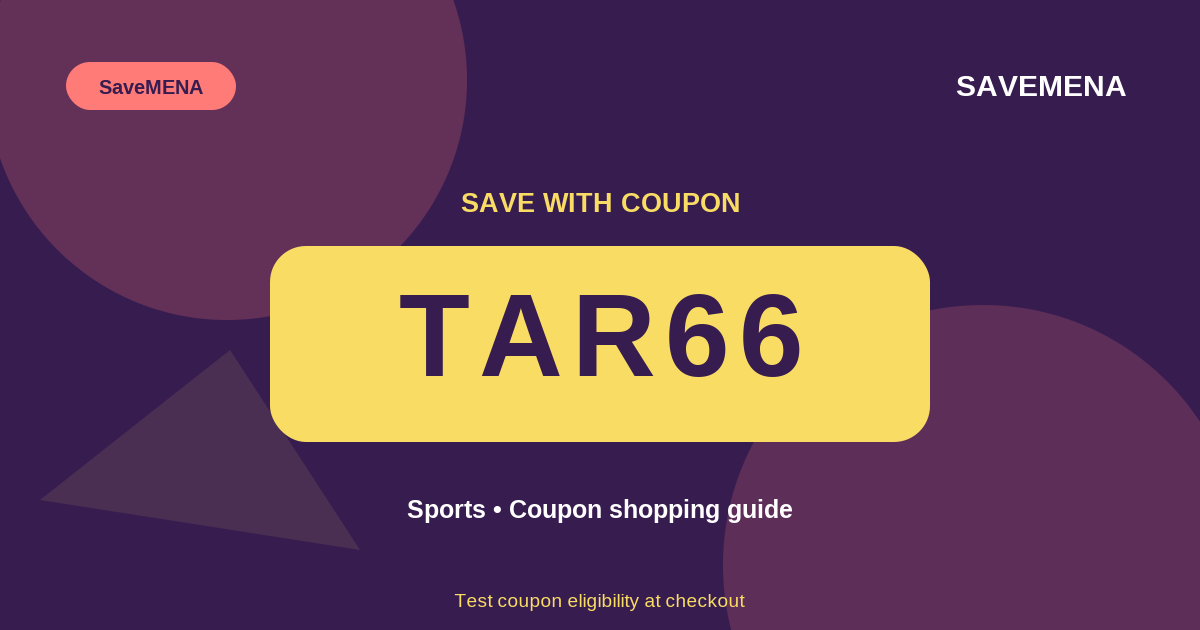
Codes available to try while comparing
These codes are not guaranteed for the article topic or listed brands; test them at checkout and use the live result.
1. Identify the Desired Sport Gear and Record Its Price
Before attempting a shortcode, locate the sport item you intend to buy – whether a new pair of running shoes, a training headband, or a compression sleeve. Add the product to your cart and note the listed price visible on the product page. When you do this, make a quick screenshot or write down the amount to use as a reference later. Knowing the original price will help you detect if a price adjustment occurs after you try the coupon.
Because Noon’s pricing can update during a session, it is good practice to lock in your cart by refreshing the page immediately after adding the product. Capturing the initial amount before applying any discount gives you a baseline for comparison once you re‑enter the checkout process.
2. Apply the TAR66 Coupon Code During Checkout
Proceed to the checkout screen and locate the field labeled ‘Coupon code’ or ‘Promo code’. Type TAR66 into this box and hit apply. The website will usually respond instantaneously, either confirming the code is recognized or indicating it is invalid for the item. The response should appear beneath or beside the field, often in a text color or icon that differs from the normal cart total.
If the system accepts the code, you will see a minor adjustment to the subtotal shown at the bottom of the page. Even if the adjustment appears negligible, the presence of a “Coupon applied” notification is an important audit signal that the code was processed. Remember that this step is preliminary and does not guarantee a final discount after taxes or fees are added later.
3. Observe the Prompts That Indicate Eligibility
After applying the coupon, check for any pop‑ups or tooltip messages that might appear. These may mention “Coupon applied successfully” or “Your savings have been added”. If the message is missing or displays an error like “This coupon is not valid for your selected item”, the code did not activate. In that case, you may want to remove the product from the cart and try a different item.
In some instances, a subsequent page refresh may constantly show the same prompt, signaling that the code is still active. Note the color scheme of the prompt: many e‑commerce sites use green for success and red for failure. Record whether the prompt remains visible if you continue adding other items or proceed to payment, as persistent visibility confirms activation.
4. Verify the Updated Total After Applying the Coupon
Take a moment to calculate the new subtotal displayed after you enter the code. This should reflect the original price minus any discount attributed to TAR66. Pay careful attention to the line items that list “Discount” or “Savings”. The final amount that the checkout page shows will become the reference point when you later enter payment information and confirm the order.
If the displayed subtotal seems unchanged from the original price, the coupon likely did not apply correctly. Double‑check entry for typos and look for any restrictions, such as minimum purchase limits, that might explain why the coupon has no effect. The key is that the subtotal field must terminate in AED to confirm the local currency context for UAE shoppers.
5. Compare Against Any Automatic Promotions or Store Offers
Some products may carry an automatic discount listed in the product details. In such cases, the site often aggregates the coupon discount with the existing promotion in the final total. Review the breakdown of the subtotal: if there is an “Automatic discount” line, it will appear above or below the “Coupon discount” line.
When the lines are stacked, observe whether the “Coupon discount” amount remains unchanged after you toggle other shipping options. If the automatic offer merges with the coupon, the revealed total may change in stepwise increments. If you see no shift after selecting different shipping methods, the coupon’s discount was already accounted for in the first check.
6. Re‑examine the Item If the Price Adjusts Post‑Coupon
After you have added the coupon and verified the subtotal, it is wise to return to the product page and refresh the price. Occasionally, Noon updates the price after you add a code, especially if certain inventory levels or promotional windows expire. If the price has altered, your previously applied coupon may not stay valid.
When an adjustment appears, reload the page, re‑add the item to the cart, and re‑apply TAR66. The site will instantly re‑evaluate the eligibility. Take note of any new confirmation prompt or, if absent, any new error indicating that the coupon is no longer acceptable for the revised price. Capture the latest subtotal again before proceeding to payment.
7. Record the Final Amount and Save the Confirmation
Once you feel comfortable that the coupon reflects any price changes, proceed to the “Place order” button. After selecting a payment method, the checkout page will present a final total. This amount will be the one charged to your card or e‑wallet. Be sure to view the final confirmation page that lists the order ID, purchased item, final price, and applied coupon details.
Save a screenshot or print a PDF of this confirmation. This record serves as evidence if there are any disputes later or if you intend to replicate the approach for other sport items. On the confirmation page, the presence of the TAR66 indicator (if visible) vouches that the coupon was processed for that transaction.
8. Create a Personal Tracking Sheet for Future Shopping
To avoid repeating the same steps for each sport item, draft a simple spreadsheet. Include columns for SKU, original price, discounted price after coupon, final payable amount, date of purchase, and coupon success flag. Input your current session’s values and resave for future reference.
When shopping again, use this sheet to compare new coupons or promotions quickly. Over time you’ll develop a clear picture of which coupon codes yield consistent savings and under what conditions we need to re‑examine the price after a discount has been applied. Keep the sheet updated after every completed transaction, so it remains a reliable decision aid.
Related SaveMENA pages
Related articles
Official sources to check
Frequently asked questions
Is the TAR66 coupon applicable to all sports items on Noon UAE?
Neutrally, the coupon may apply to a subset of sports products, but verification is needed during checkout. The point is to test the code per item and observe the code’s acceptance. A universal application is not guaranteed.
What if the total changes after I submit payment?
Should the final total differ post‑payment due to tax or shipping recalculations, re‑check the payment summary section. The displayed total before confirmation should match the final tested amount; otherwise consider contacting Noon support.
Do I need a Noon account to test the coupon?
Yes, a registered Noon account is required to apply and validate promo codes during the checkout procedure.
Can I use the same coupon multiple times on the same order?
The usual practice is one code per transaction. If attempting multiple items, applying the same code again may either override the previous entry or be ignored. Practical testing can clarify the behavior.