Tablets on Noon UAE: price changes — testing coupons one at a time
try Noon UAE coupon codes Tablets rechecking after a price change: For UAE shoppers keen to test multiple Noon UAE coupon codes on tablets, the key to success lies
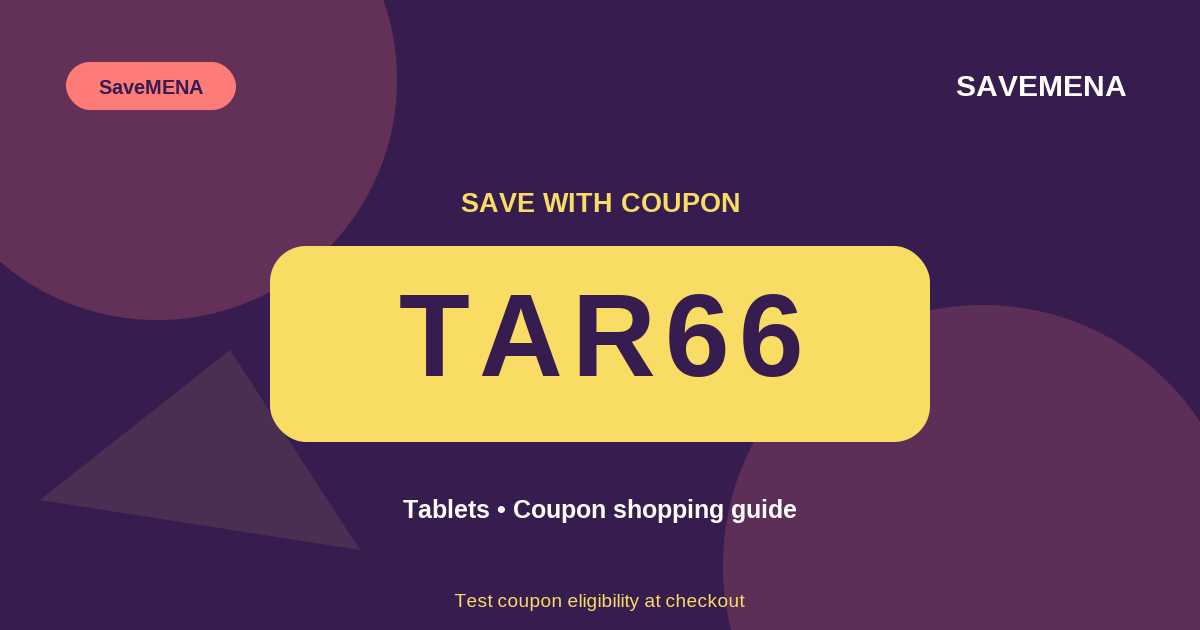
Codes available to try while comparing
These codes are not guaranteed for the article topic or listed brands; test them at checkout and use the live result.
Understanding the Noon UAE Coupon Code Process
When you first visit Noon, the coupon section welcomes an array of codes, but only a handful will work with the tablet categories. The TAR66 code is generally shared across several listings, yet its eligibility depends on the product, seller, and cart total. Before proceeding, note that Noon’s system applies the code during cart review, not at final payment, so any price adjustment after adding the widget may affect eligibility. By staying aware of this sequence, you can better predict whether the coupon will survive a subsequent price change.
Keep in mind that Noon does not publish a universal rule guaranteeing the code’s applicability on tablet models. Each seller’s terms may differ, and a price drop after adding the item could either trigger a new discount or void the coupon. Therefore, watching the cart status before and after any price tweak is essential. A clear filter can help you see such updates instantly, letting you respond before moving to payment.
How to Locate the TAR66 Coupon on Noon
The first step toward redeeming TAR66 is to navigate to the “Coupons & Cash‑back” area of Noon’s website or app. Use the search bar within this section and type the code exactly as it appears: TAR66. Noon’s search will surface listings where the coupon has been applied historically, allowing you to cross‑check whether your chosen tablet is present.
Once you locate the relevant listing, double‑check the seller’s rating and review count; a higher score can signal consistency in price updates and coupon handling. Although this inspection doesn’t guarantee the code will apply, it offers a practical baseline. Keep an eye on the display of price ranges above the “Add to Cart” button – any fluctuation here can foreshadow the need to re‑check after applying the coupon.
Adding Desired Tablet to Your Cart Safely
Add the tablet you've selected to your cart, ensuring you choose the exact edition you want. Notice the preliminary subtotal displayed. If the cart auto‑applies any existing discount, this figure will already reflect that. Document the number for later comparison after you trial the coupon and after any price recalibration that Noon might enact.
At this point, ensure that no gift or limited‑time offer is triggering a different price tier. If the tablet is listed under a promotional banner, its base price might revert to regular cost once the period expires. To avoid accidental loss of savings, lock the cart by confirming your item’s presence, rather than switching tabs or clearing cookies.
Applying the Coupon Code and Observing the Result
Navigate to the cart page and locate the “Enter Coupon or Voucher Code” field. Input TAR66 carefully, watching for any confirmation message that appears. If the code accepts, a new subtotal will instantly display—should the discount apply. Capture this figure to compare it with the initial cart subtotal before the coupon was entered.
If the code is rejected, note whether the message specifies a restriction such as “not applicable to this product” or “minimum spend not met.” A rejection often signals an incompatibility with the chosen tablet or the current sale’s terms. Store this information, as it will guide your next decision: either try an alternative code (which, according to this article's focus, you will not do) or test the same code after a price change.
Verifying Checkout Totals for Accuracy
Proceed to the checkout section only after confirming the coupon’s effect. Noon’s checkout screen will show all charges: product cost, any applied voucher, delivery fees, and taxes. Compare each line item with the values you recorded earlier. If the voucher appears but the price on the tablet has adjusted since then, Wa acting ensures you’re not paying more than intended.
Should you detect a discrepancy, pause the process. Some vendors allow you to reorder the same tablet, letting you trigger a fresh price adjustment. This step can be vital when the coupon refails after the price shift—re‑adding the product may prompt Noon to recalculate the offer in your favor.
Re‑checking Prices After a Price Adjustment
If Noon dynamically changes the tablet’s price between your initial addition and final checkout, you must revisit the “Enter Coupon or Voucher Code” field. Clear the previously entered code, then re‑enter TAR66 to see if its validity persists. Once again, observe the screen for any new subtotal or error message.
Document the new outcomes immediately. A price rise after a code is entered typically means the discount no longer applies, or the amount offered decreases. While this can be disappointing, staying vigilant allows you to decide: do you add a protective buffer to the budget or hold for a later, more stable price? These choices are personal, but confirming the most accurate, real‑time data sets the foundation for informed purchase decisions.
Handling Coupon Ineligibility and Alternatives
An ineligible code indicates that Noon’s algorithm has flagged the cart or product as outside the coupon’s scope. While you can search for another script (though outside this guide’s emphasis), sometimes revisiting the same code after a change of seller or adding a different model resolves the issue. Noon’s seller list scrolls beyond the first page, and each seller may enforce distinct coupon rules.
If the code remains invalid, consider reviewing Noon’s terms of service for applicable restrictions. Often, coupon eligibility is bound to minimum order values or specific seller name matches. Taking note of these patterns helps streamline future coupon attempts, even if you do not seek an alternate discount code in this particular scenario.
Final Confirmation Before Payment
Once all checks are complete and the cart reflects the intended price, securely write down or screenshot the final payable amount and the voucher field status. Noon’s order review step will present a single value that cannot be altered beyond the point of payment. Confirm that all desired tablet attributes—colour, storage, accessory pack—are correctly listed.
Before clicking “Place Order,” pay special attention to the “Order Summary” copy. The last paragraph should recite the coupon code used, the total, and any sales tax. If these details line up with your earlier notes, the purchase is ready. If not, revisit the cart for minor corrections; at the checkout page, minor changes usually require returning to the previous step.
Related SaveMENA pages
Related articles
Official sources to check
Frequently asked questions
How often does Noon update tablet prices after a coupon is applied?
Plate changes can occur during any promotional cycle or due to inventory adjustments. Noon’s system recalculates prices close to checkout, meaning a slight variation is possible between cart addition and final payment.
Does the TAR66 coupon apply to all tablet sellers on Noon?
No, coupon compatibility depends on each seller’s participation. A code may work with one vendor but not another even for the same tablet model.
Can I use the TAR66 code alongside other discount offers?
Noon allows only one coupon per order. If another discount is already applied, you must remove or replace it before entering TAR66.
What should I do if the coupon disappears after a price change?
Re-enter TAR66 immediately after any price adjustment. If it still fails, either confirm with seller policy or wait for a more stable price point.