HP Computer Accessories on Noon UAE: offer combinations — testing coupons one at a time
try Noon UAE coupon codes Computer Accessories HP coupon interaction with visible promotions: If you're looking to test multiple Noon UAE coupon codes, one at a
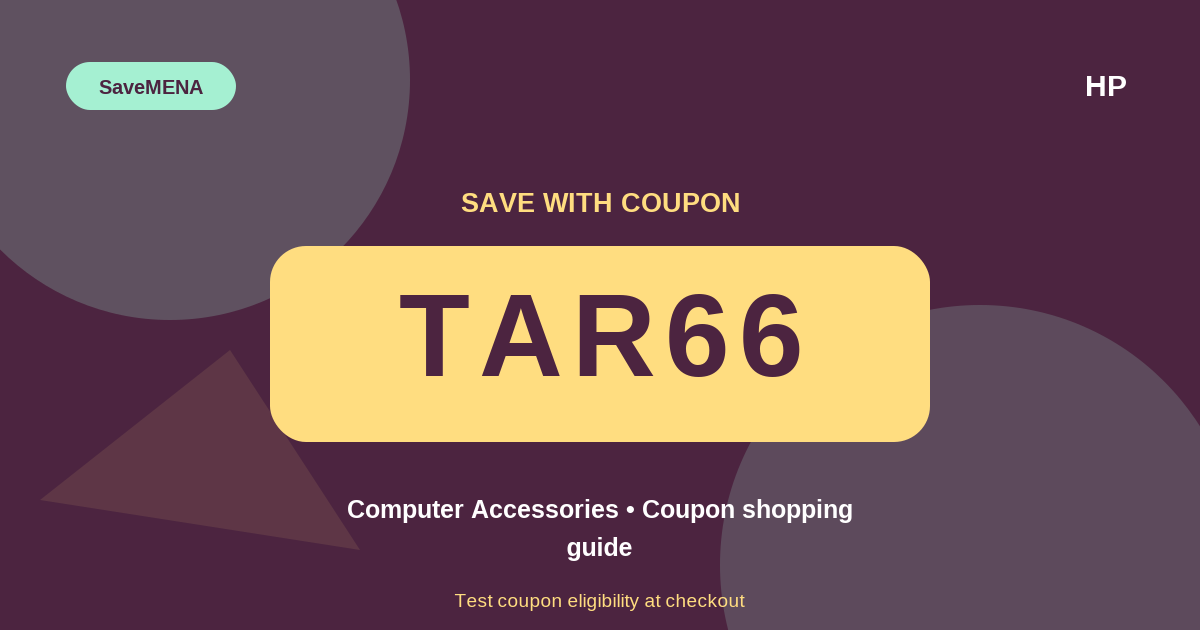
Codes available to try while comparing
These codes are not guaranteed for the article topic or listed brands; test them at checkout and use the live result.
1. Selecting Computer Accessories on Noon
Begin by navigating to Noon’s main website and enter “Computer Accessories” in the search bar. Filter the results by brand if you specifically want HP items, or let the platform display all relevant accessories. Pay attention to product titles, descriptions, and seller information to ensure the item matches your needs. This first search step sets up the context for any subsequent coupon application and allows you to compare how the awardable promotions appear before you commit to a purchase.
Once the items load, look for those that belong to reputable sellers by checking user ratings and sellers’ history on Noon. Verify that the product listing clearly indicates its category and brand, which will help you anticipate whether it falls under the scope of the TAR66 code. Capturing screenshots of a few baseline listings can also be useful when you later replay the sequence or consult a colleague for feedback.
2. Identifying Visible Promotions on the Category Page
On the Computer Accessories category page, scroll to the top or side panels where Noon often reveals promotional banners such as “Buy One Get One Free” or “the discount shown at checkout Off Your First Order.” These visible tags are displayed before the final checkout. Note each banner’s wording and scope so you can later check if the coupon will stack alongside or override them during the checkout process. This awareness is especially important if you wish to maximize savings on HP accessories.
If you encounter a promotional code field on the page itself, you may be able to paste the TAR66 code in that field to preview the effect. However, not all visible promotions respond to this preview mode; some may only activate upon cart addition. In such cases, make a note to test the coupon after adding an item to the cart. The key takeaway here is to catalog all visible, headline promotions before you proceed.
3. Adding a Product to Cart and Reviewing Cart‑Level Promotions
Add the HP computer accessory you selected to your cart, and then open the cart overlay or page. Wait for any automatic promotion to apply; Noon may display a line item that shows a discount or free item. Observe how this cart‑level offer is presented: is it a percentage, a fixed amount, or a bundled product? Recording this baseline helps you identify whether the TAR66 code will add an additional discount or if it will be ignored due to a stacking rule.
If the cart shows a promotional tagline such as “$30 off this order,” confirm whether that discount is visible alongside the product price or appears as a separate line item. Note whether the discount amount is fixed or whether it references a percentage. This information will be valuable when you later examine how the coupon interacts with the same order.
4. Applying the TAR66 Coupon Code at Checkout
Proceed to the checkout area, where you’ll find a field labeled “Coupon Code” or “Promo Code.” Enter the TAR66 code exactly as it appears, then activate the apply button. Notice any on‑screen confirmation that the coupon has been accepted. If the platform does not visibly confirm acceptance, you might still need to continue to the next step to see the impact on your total.
If the coupon is accepted, check the resulting price line items. Look for an additional discount line, a reduced product price, or an adjustment to the order total. Remember that Noon’s checkout will only show the final payable amount after all promotion logic is executed, so pay close attention to any changes in the grand total compared to the previous cart view.
5. Verifying Coupon Interaction with Visible Promotions
To confirm whether the TAR66 coupon interacts with any visible promotions, compare the prices before and after coupon application. If the visible promotion remains unchanged and the coupon adds a separate discount, the two are likely stacking. If the coupon’s discount replaces or nullifies a visible promo, then the TAP rule may not allow stacking. This examination should be done systematically by noting numeric value changes, not percentage claims.
Take screenshots of both states: with the initial visible promotion alone, and after the coupon is applied. These images serve as evidence if you need to discuss the outcome with Noon’s support or if you want to keep a record for personal reference. Remember that the final checkout total is the definitive source for all applied discounts, much more reliable than any preview pane.
6. Confirming Eligibility and Constraints at Checkout
During the checkout process, Noon will often display a brief eligibility message if a coupon cannot be applied to the selected product or category. If you see any error or notice stating “This coupon is not applicable to your order,” note that this is a final confirmation about eligibility. Furthermore, check for any system messages about maximum discount limits or the absence of stacking policies.
If the coupon is accepted but the discount amount seems inconsistent with what you expected, double check by scrolling to the terms and conditions link that usually appears near the promo code field. Though specifics like expiry date or minimum spend are not guaranteed, the terms provide an official statement that helps you understand why the coupon was or wasn’t applied.
7. Reviewing the Final Payable Amount After Coupon Application
When the checkout form displays the final total payable, review each component: product subtotal, tax, shipping, cart-level promotions, and the coupon discount. This section of the page is the last reference before the buyer commits to payment. If any coupon or promotion appears to have been overridden, it will be clearer here than in earlier previews.
Once you have the final number, proceed to the payment step only if you accept everything shown. Expect that the payment gateway will process the final total exactly as listed; any discrepancy would be rare and would likely trigger a support ticket. After confirming the payment, you will receive an order confirmation that serves as a final record of all applied discounts for the transaction.
8. Documenting Results and Repeating the Test with a New Code
Record a summary of your findings: which visible promotions existed, how the TAR66 coupon performed, whether they stacked, and the final payable amount. A structured log can include screenshots, dates, and any merchant notices. This audit trail is useful if you plan to reuse the coupon for future orders or if you want to compare the effectiveness of alternate codes.
To test another coupon, simply remove the current one at checkout and follow the same verification path again. Keep the same product or repeat the search if you want to compare across SKUs. By following a consistent checksum of these steps, you maintain an objective view of coupon performance against visible promotions on Noon UAE.
Related SaveMENA pages
Related articles
Official sources to check
Frequently asked questions
Will the TAR66 coupon work with all computer accessories on Noon?
Coupon applicability is determined at checkout. If the system accepts the code, it has been deemed eligible for your selected product. If it is rejected, that final decision is authoritative. Avoid assuming broader coverage beyond what Noon’s checkout confirms.
Can the TAR66 coupon stack with other promotions already visible on the site?
The interaction between the coupon and any existing promotions is visible only after you apply the coupon at checkout. The final total displayed will show whether the promo and the coupon combine or if one supersedes the other.
Do I need a Noon account to use the TAR66 coupon?
Coupon usage is subject to Noon’s terms, which sometimes restrict usage to registered users. Check the discount field for any account requirements before attempting to apply the code.
How do I know if a promotion has expired when I try the coupon?
Expired promotions are typically marked as such on the product or category page. If a promotion label disappears after you refresh or add to cart, it may have expired, but confirmation comes only from the checkout total after coupon application.