Apple Laptops on Noon UAE: offer combinations — testing coupons one at a time
try Noon UAE coupon codes Laptops Apple coupon interaction with visible promotions: If you’re searching for a way to experiment with Noon UAE coupon codes for
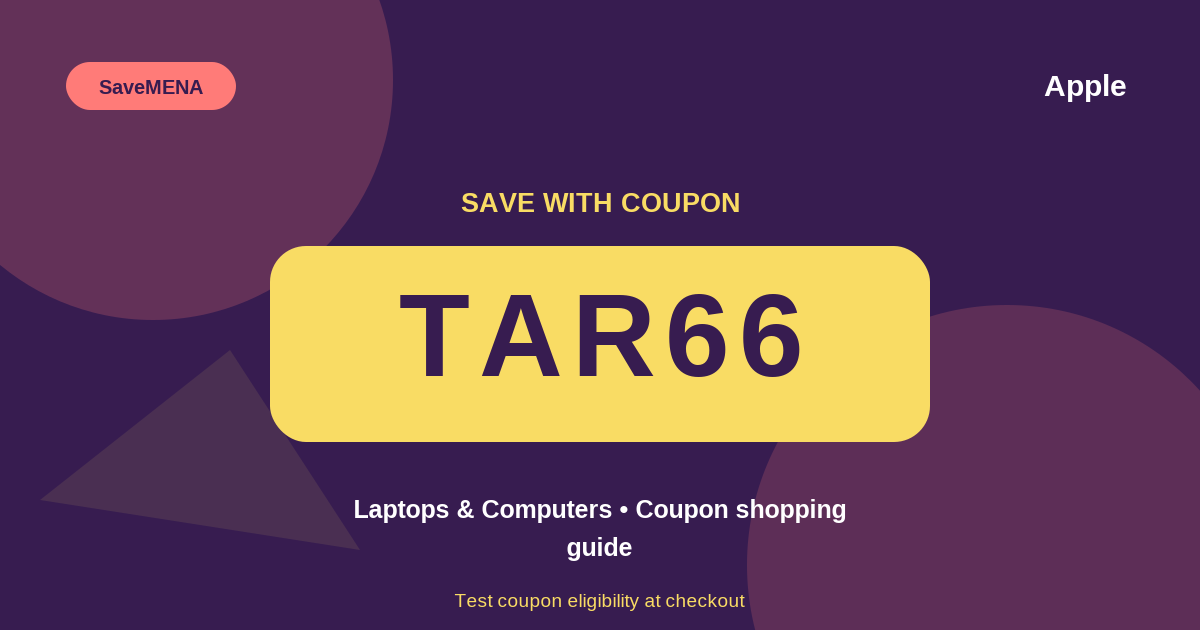
Codes available to try while comparing
These codes are not guaranteed for the article topic or listed brands; test them at checkout and use the live result.
1. Identify the Exact Laptop Variant You Want
Before entering any code, search for the precise laptop model or configuration you need. Noon’s listings often show multiple variants—different RAM sizes, storage capacities, or screen resolutions. Pinpointing the exact SKU ensures that any coupon interaction you test later applies to that specific product, not just a generic brand listing. Additionally, reviewing the product page for visible promotions, such as “Free Shipping” or “Buy 1 Get 1”, helps you predict how the coupon might stack or override existing offers.
Keep an eye on the product title and detailed specifications. Small differences in processor type or graphics card can affect compatibility with certain offers. By locking in the exact variant before proceeding, you’ll avoid accidental attempts to apply a coupon to a non‑matching SKU, which could lead to confusion or a failed redemption at checkout.
2. Check Existence of Visible Promotions on the Product Page
Most Noon laptop listings display visible promotions directly beneath the price or in a separate “Deals” section. Scan for any symbols or banners that indicate a price reduction, complimentary accessories, or a shipping discount. Understanding these existing offers helps you anticipate whether a coupon code might additionally reduce the price or whether it would be redundant.
Mark the visible promotions, either by taking a screenshot or noting them down, so you can compare them with the effect of your coupon at checkout. This step ensures you’re not surprised by a price that appears unchanged because the coupon had no additional benefit beyond what was already shown.
3. Navigate to the Cart and Apply the TAR66 Coupon Code
Add the chosen laptop to your cart and proceed to the cart summary page. Look for the entry field labeled “Add Promo or Gift Code” and type in TAR66. At this stage, you are only trying the coupon; there is no guarantee it will work. The cart should instantly refresh if the code is recognized, showing any potential discount or adjustment next to the subtotal.
Pay close attention to how the cart displays any new information. If a numeric reduction appears, note the figure; if the cart shows an error or leaves the total unchanged, make a mental note that the code may not be applicable to this particular product or promotion.
4. Verify Interaction with Existing Promotions
When the cart refreshes after trying TAR66, compare the updated total with the original price plus any visible promotions you identified earlier. This comparison reveals whether the coupon is stacked over existing discounts or if the platform chooses one over the other. If the new total is lower, the coupon interacted successfully with the visible promotion.
However, if the total remains the same as before applying the code, the platform might be ignoring TAR66 for this item. In such a case, double‑check the coupon’s validity or consider whether the product is exempt from such offers, as this is only a test at the cart level.
5. Explore Alternative Cart Gift Options
Some Noon listings offer “Gift Options” where the retailer or seller can provide free or discounted accessories. After applying TAR66, examine the cart for any newly enabled gift items or additional discounts that haven’t been visible before. This will show if the coupon triggers a separate promotion category.
Track whether these new gift options affect the final price. If the total decreases further, it indicates that the coupon not only interacted with visible price cuts but also activated hidden benefits, providing a fuller view of its potential value.
6. Proceed to Checkout and Re‑Enter the TAR66 Code
Even though the cart indicates a discount, shifting to the checkout page creates the definitive checklist of eligibility and final totals. On the payment page, re-enter TAR66 in the promo code field. The system will re‑validate the code against any additional conditions that were not applied at the cart level.
Here you’ll see a clear confirmation of the coupon’s status—either applied with a precise reduction or rejected outright. This final screen is the most accurate representation of what you will actually pay, so any decision to proceed should be based on this outcome.
7. Document the Final Payable Total and Decide to Free‑Ship
Once the coupon’s effect is confirmed at checkout, note the final payable total, including shipping fees, taxes, and any other ancillary charges. Some sellers differentiate between standard shipping and free shipping promotions; the presence of a zero‑shipping icon indicates the latter has been applied.
If the total includes a shipping fee despite visible free‑shipping promotions, this could mean the coupon was not credited properly. In that scenario, consider contacting Noon’s seller support or trying the coupon again with a different variant that might trigger the shipping benefit.
8. Repeat Testing with Other Coupon Codes If Needed
Should TAR66 not provide the desired savings, you can replicate the same process with other coupon codes. Adding the new code in the cart, observing its real‑time effect, and confirming it at checkout allows you to compare each attempt objectively. By recording the results of each try, you maintain a personal record of which codes interact with which promotions and under what conditions.
Remember that trying a new code follows the same sequence: identify the variant, note visible deals, apply in the cart, verify interaction, check cart gifts, re‑enter at checkout, and document the final amount. This systematic approach keeps the testing consistent across every coupon you evaluate.
Related SaveMENA pages
Related articles
Official sources to check
Frequently asked questions
Does the TAR66 coupon work instantly for all laptop prices on Noon?
No, its effectiveness depends on the specific product variant and any visible promotions on the listing. Verification at cart and checkout stages is required to confirm any discount.
Will the coupon affect my shipping fee?
The coupon may interact with shipping deals if there’s a visible promotion for free shipping. Read the cart or checkout page to confirm whether shipping is waived after applying the code.
Can I use TAR66 together with other discount codes or seller offers?
No, Noon typically allows only one promo code per order. Visible seller offers will apply automatically, but the coupon can’t stack with another sitewide code.
What if the coupon fails at checkout but worked in the cart?
It might be the result of a hidden restriction triggered only during payment processing. In that case, review any coupon terms or reach out to Noon’s customer service for clarification.