Apple Mobiles on Noon UAE: offer combinations — testing coupons one at a time
try Noon UAE coupon codes Mobiles Apple coupon interaction with visible promotions: Trying Noon UAE coupon codes on mobile purchases, especially for Apple devices
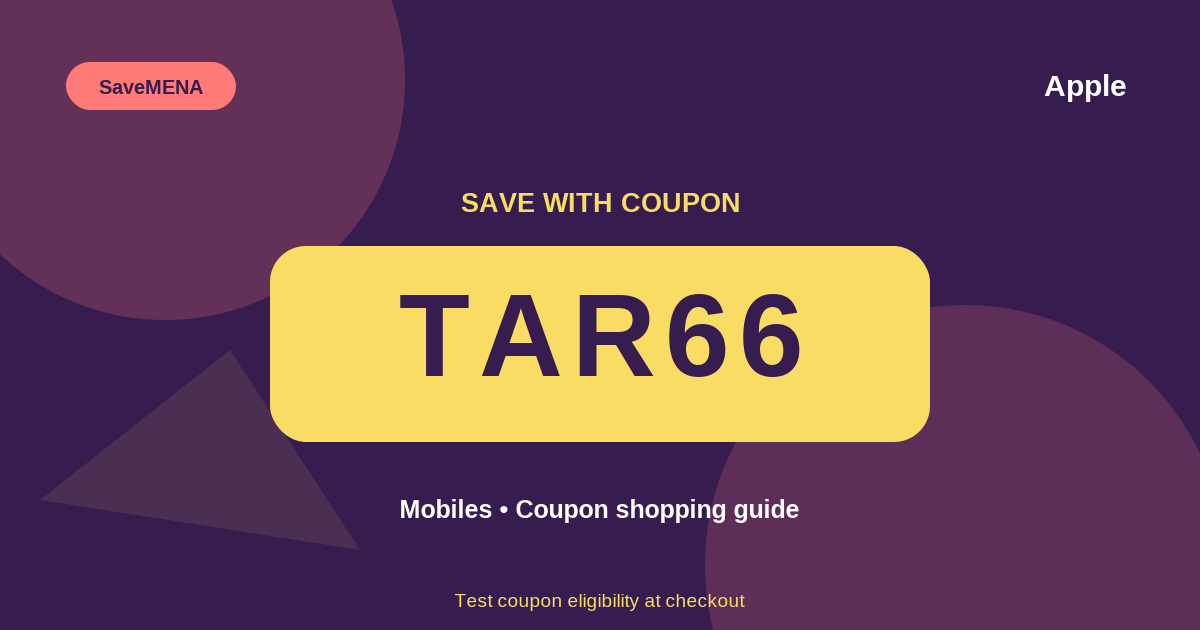
Codes available to try while comparing
These codes are not guaranteed for the article topic or listed brands; test them at checkout and use the live result.
Identify Eligible Mobile Products and Visible Promotions
Start by browsing Noon’s mobile catalogue and looking for items that show a “special offer” badge or a price reduction label next to them. These are the promotions that your coupon may combine with. Pay close attention to whether the offer appears as a percentage discount, a fixed amount, or a free accessory, as the interaction rules can differ. If an Apple device is listed, verify that it has a visible promotion before proceeding, because a coupon may or may not stack with that existing deal.
Once you’ve narrowed down a few eligible phones, note the exact product titles, seller names, and any terms that appear beside the price. This information will later help you confirm whether the coupon code is accepted in the cart and whether the discount you see on the listing persists after the code is entered. Record the details in a simple spreadsheet or note app to keep the comparison organized.
Gather Your Coupon Code and Verify Availability
Having the code TAR66 ready is the first concrete step. It allows you to experiment with a single input value throughout the process. Although the code is available for trial, its success depends on Noon’s real‑time server decisions. The key is to apply it exactly as offered, without adding any variations, such as “TAR66” versus “TAR66,” to avoid a misinterpretation by the system.
To prepare effectively, log into your Noon account if you have one; otherwise, proceed as a guest. Some sites may ask for an email or phone number to track coupon usage. The coupon’s visibility (or lack thereof) will become clearer after you apply it, so keep the introductory registration steps in mind when evaluating its impact.
Apply the Coupon Before Adding the Item to the Basket
Open the product page and tap the “Apply Coupon” button before choosing quantity or adding the phone to your cart. Enter TAR66 into the coupon field and watch the page respond. If the code is accepted, you should see a “Coupon applied” message or a new line showing the discount amount beneath the price. This first sign indicates the platform recognized the code, even if the discount isn’t yet visible.
If the site shows an error, note the wording and remember that it might still work afterward once the product is in the cart. The gateway sometimes requires the exact sequence of adding to the cart, applying the coupon, and proceeding to checkout for it to register. This nuance is critical when testing one code at a time.
Observe the Automatic Promotion Overlay in the Shopping Cart
After adding the phone to the cart, go to the cart screen and look for any “Gift” or “Discount” tags that overlay the item’s price. These are Noon’s visible promotions that run parallel to any coupon code you entered. They appear as boxes or ribbons on the listing, indicating overlap, bundling, or auto‑applying offers that the platform is willing to combine with your code.
Pay special attention to the order in which the platform displays the visible promotion versus the coupon discount. If the visible promotion shows first, the coupon might still be applied below it, but sometimes the coupon is swallowed by the existing promotion depending on the platform’s rules. The cart often contains a text note explaining why no further discount applies, which should guide your next step.
Verify Coupon Status in the Cart Before Checkout
On the cart page, if a coupon line appears—such as “TAR66 – $XX off” or “-$XX”—the code is still working. However, if the coupon line is missing or shows “not valid,” it indicates that the platform rejected it after seeing the visible promotion. In this case, the final price may remain unchanged compared to the product listing price.
To double‑check, refresh the cart screen and re‑enter the coupon if it’s absent. Sometimes the site requires a small navigation step—like clicking “Refresh” or “Re‑apply”—for the code to re‑evalute against the cart total. Keep a close eye on the displayed totals and the final payable amount; the difference between these figures tells you whether the coupon had any effect.
Cross‑Check Discounts After Completing the Checkout Flow
Proceed to the payment step, where Noon will recalculate any remaining discounts based on shipping, tax, and final subtotal. The final summary on the payment page will combine all active promotions, allowing you to see the net discount applied to your order. If TAR66 is effective, the negotiated total should reflect its value.
If the final amount still mirrors the original cart total and shows no deduction, then the code did not influence the calculation. Don’t assume it failed outright; some coupons trigger only for specific purchase amounts or in combination with other benefits. In such cases, the platform may override visible promotions or limit stacking, which will stay unnoticed until checkout.
Deal With Exclusions, Overlaps, and Additional Promos
When a coupon and a visible promotion overlap, Noon typically applies one and not the other unless the platform’s terms allow stacking. Look for any clarification in the coupon terms section or read the FAQ that explains “How many offers can I use per order?” entries. If the site prevents stacking, it will sometimes surface an "Offer not applicable due to overlapping promotion" message.
For Apple devices, there may be manufacturer‑specific offers that prevent third‑party coupons from applying. Verify whether the product detail page lists any “Apple exclusive” tags; sometimes these tags mean that the platform will ignore external coupons on that item, even if the coupon is entered. Knowing these limitations helps you decide whether to retry the coupon with a different product or skip it altogether.
Record Outcomes and Refine Your Coupon Testing Strategy
After completing a full test cycle, jot down the observations: the product model, seller, subtotal, visible promotion, coupon application status, and final payable amount. If TAR66 produced a discount, note the amount and any conditions that were met. If it didn’t, note the error message or lack of effect.
Use what you learn to structure subsequent tests. If the coupon works only on certain items, create a shortlist of those products for quick resubmission. If the code never applies with visible promotions, consider removing those promotions by searching for the same product without them. This iterative approach speeds up future coupon hunts while staying compliant with Noon’s coupon policies.
Related SaveMENA pages
Related articles
Official sources to check
Frequently asked questions
How can I be sure that TAR66 will work with the promotion I see on the product page?
There is no guarantee; you must test it by applying the coupon before adding the item to your cart and watching the cart for any discount line. If a promotion is visible on the product page, observe whether the coupon appears in the cart total. The final payable amount at checkout confirms whether the coupon was accepted.
Will the coupon code work if I add multiple mobile items to my cart?
Coupons like TAR66 may apply to the entire order or just a single item, depending on Noon’s rules. Test with one item first; if it succeeds, try adding a second phone and re‑applying the code. Verify the cart and checkout totals each time.
What if the coupon code is rejected after I see a visible promotion?
Some platforms refuse to stack external coupons when a strong visible promotion is present. In this scenario, the cart will show a “not valid” notice, and the final total will match the original price. You may need to revisit the same product without the visible promotion or use a different code.
Does using a coupon code automatically remove the shipping fee?
No. Shipping fees are calculated separately. Unless the coupon explicitly states a free shipping benefit, the payment summary will still list the shipping cost. If the coupon reduces the product price, the shipping will stay unchanged unless combined with a shipping‑waiver promotion.