Samsung Mobiles on Noon UAE: offer combinations — testing coupons one at a time
Begin by listing the Samsung model you’re interested in—whether it’s a flagship, mid‑range, or a budget phone.
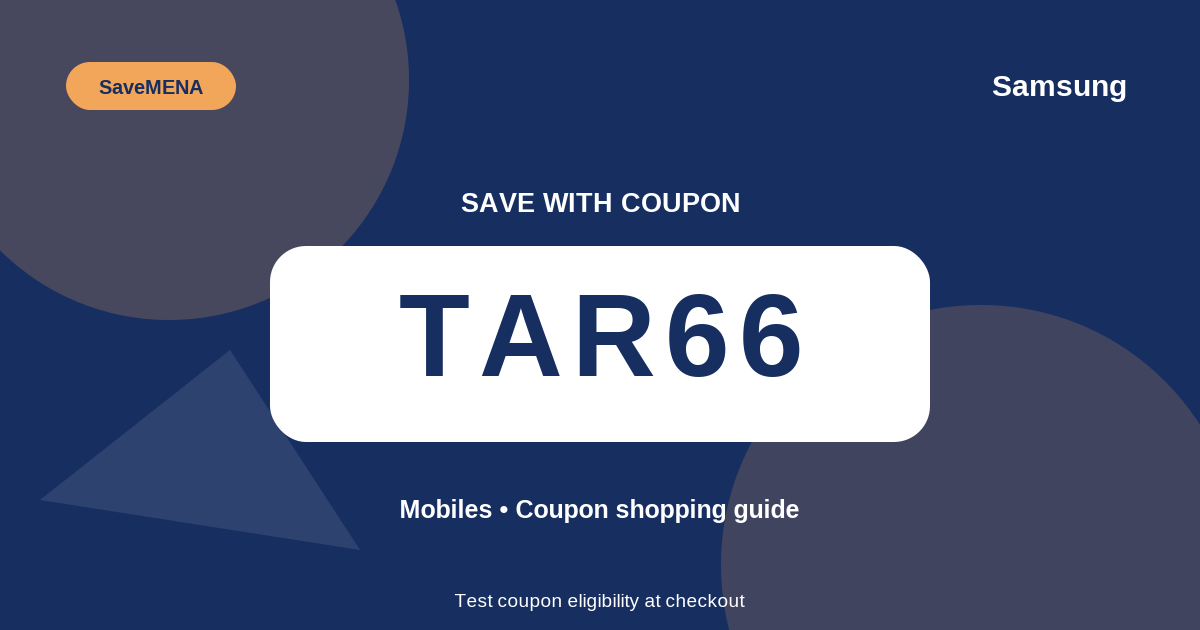
Codes available to try while comparing
These codes are not guaranteed for the article topic or listed brands; test them at checkout and use the live result.
1. Identify Your Samsung Mobile and Record Its Base Price
Begin by listing the Samsung model you’re interested in—whether it’s a flagship, mid‑range, or a budget phone. On the product page, locate the base price clearly displayed next to the color and storage options. Write this figure down or copy it to a notes app so you can reference it later. Having the exact price in front of you allows you to see how any applied coupon or promotion will alter the cost, giving you a baseline for comparison.
Simultaneously, check that the phone is available in the UAE variant and that the seller states “AVAILABLE FOR ORDER”. A product that is “OUT OF STOCK” will not accept any coupon or be eligible for promotion at the time of purchase. This first double‑check ensures you’re only proceeding with items that can actually be delivered.
2. Scan the Product Page for Noon UAE Promotions
Below the price, Noon often lists “Play‑Gifts”, “Money‑Back”, or “Bundle” offers that are automatically applied if you buy the selected product. These visible promotions are separate from your coupon code but will still reduce the final cost. Take note of each promotion's description and the discount amount, if shown, or at least the type of benefit.
Hover over or click any “View Details” links to read the full terms. Knowing the exact stipulations—such as whether a coupon can stack with a promotion—prepares you for the next step where you’ll try the TAR66 code. Keep a sheet of these promotions handy for later comparison.
3. Add the Phone to Cart and Review Promotion Summary
Add the device to your shopping cart. At the cart level, Noon aggregates the baseline price, any visible promotions, and tax. The cart summary should show each discount component in a separate line. Double‑check that the cart totals match what you recorded in step one, minus the promotions, before proceeding.
Scroll to the bottom of the cart page where you’ll find the “Apply Coupon Code” field. This is where you will later test the TAR66 code. First, confirm that the cart is still showing the phone for delivery to the UAE; cross‑border items might not accept UAE coupons.
4. Enter the TAR66 Code During Checkout and Observe the Result
Proceed to checkout and fill in your shipping details. When you reach the coupon entry box, type “TAR66” and hit apply. The system will attempt to verify the code against the current cart items and any visible promotions.
Watch for a confirmation message that the code was accepted. If the code is valid, the cart will update to show a new subtotal line indicating the discount amount. If the code fails, the screen will notify you. Remember, a successful code entry does not guarantee the discount will be applied if during checkout a seller‑specific restriction is triggered.
5. Re‑calculate the Final Payable Total
After applying TAR66, scroll to the total payment section. This area now shows the combined effect of base price, visible promotions, and the coupon discount. Verify that the total matches the sum of all discounted components. If the total differs from what the earlier cart summary displayed, check the “Review All Charges” link for hidden fees or tax adjustments.
Ensure the calculated amount matches your expectations from the earlier recorded prices. If there is a discrepancy, revisit the coupon entry step or consult the FAQ to understand typical errors.
6. Cross‑Check the New Total Against Other Visible Promotions
Compare the new total against your earlier list of visible promotions. In some cases, the coupon discount may partially overlap with a promotional discount, especially if both the coupon code the same price segment of the phone. The final total should reflect the best possible reduction under the platform’s stacking rules.
To verify, you can remove the coupon code and see whether the total increases by the coupon’s value. If it does, this confirms that the coupon was applied without conflict. If the total remains unchanged after removal, the coupon may not have been accepted due to a conflict with existing promotions.
7. Ensure Coupon Does Not Clash With Seller‑Specific Conditions
Some sellers on Noon have their own discount policies, and a site‑wide code like TAR66 might not interact with a seller’s exclusive offer. Check the seller’s store page for any “Sell‑In‑Sellers” promotions, and read the terms directly on the product listings. If a seller notes “Coupon Not Accepted”, the TAR66 code will be ignored.
In such cases, the total displayed after applying the code will not change, or you might see a notice stating the code is inapplicable. Confirming this ensures you don’t assume savings where none exist.
8. Verify All Fees and Finalise Payment
Before confirming payment, scroll to the bottom of the checkout page. Notice the shipping fee, any transaction fees, and the final amount to be charged. The visible promotions and valid coupon should now be fully reflected. Cross‑check once more that the sum of all components equals the final payable field.
Once assured that the final figure includes all discounts and fees, proceed to complete the payment. After the successful transaction, you should receive an order confirmation email containing the exact amount paid and any applied promotions. This final step confirms that the coupon had the intended interaction with the visible promotions.
Related SaveMENA pages
Related articles
Official sources to check
Frequently asked questions
Can the TAR66 code be used on every Samsung mobile on Noon UAE?
Availability of the TAR66 code depends on Noon’s current promo rules and whether the Samsung model fits the code’s eligibility. Check the code field during checkout; if it’s accepted, the discount will apply. If not, you’ll see a message indicating it’s inapplicable.
Will Wharf‑Gifts or Bundle offers stack with the TAR66 coupon?
These promotions might or might not stack with the TAR66 code depending on Noon’s stacking policy for that order. The final payment screen will show the actual combination of discounts applied. If the code is rejected, the displayed total remains unchanged.
Is there any hidden fee that could negate the TAR66 coupon savings?
Only shipping fees, delivery taxes, and applicable transaction fees are displayed at checkout. They are added after all discounts. Confirm the final amount to ensure no unforeseen charges exceed the net savings.
What if the TAR66 code is not accepted after verifying the cart?
Reasons for rejection include seller‑specific restrictions, cart size limits, or an expired code. The checkout prompt will explain the issue. If the code appears to have no effect, verify that it’s entered correctly and that the phone is still in stock for UAE delivery.