Computer Accessories on Noon UAE: return policy — testing coupons one at a time
try Noon UAE coupon codes Computer Accessories returns information: Trying Noon UAE coupon codes can be a smooth experience if you know exactly what to look for in
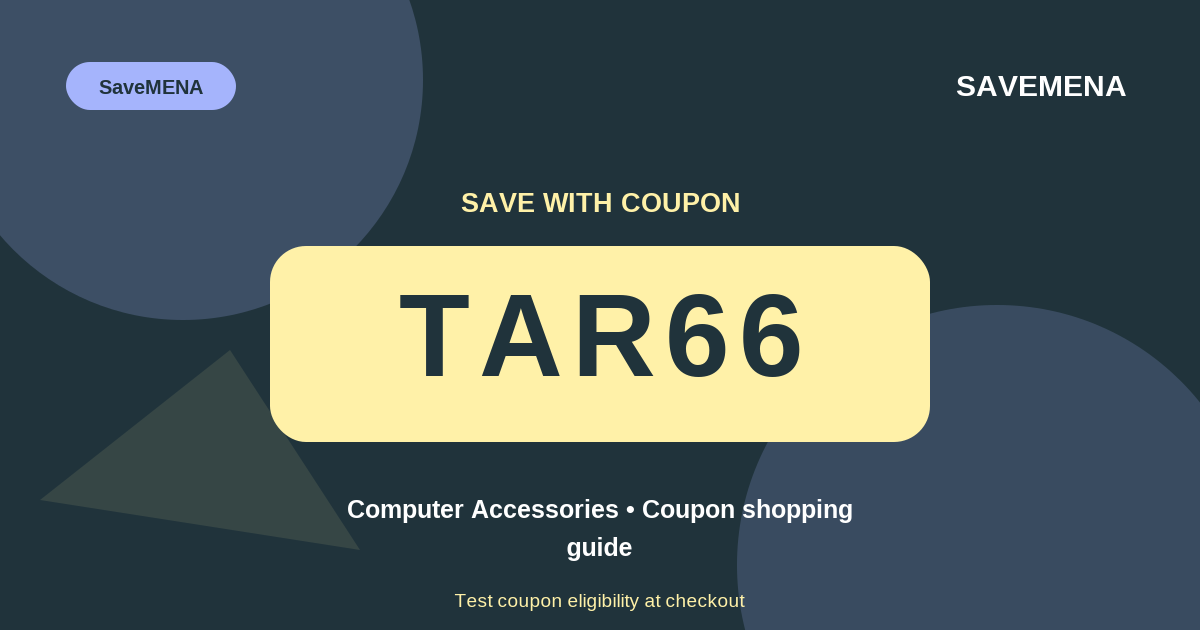
Codes available to try while comparing
These codes are not guaranteed for the article topic or listed brands; test them at checkout and use the live result.
1. Understanding Your Return Rights for Computer Accessories
Under UAE consumer laws, most goods bought online must be returnable unless clearly described as non-returnable. Computer accessories such as keyboards, mice, or monitor cables usually fall under the returnable category. Check the product description on Noon for a return policy statement; a standard statement often reads “Free returns within 30 days.”
Return rights apply regardless of whether you used a coupon. Even if a discount was applied, the refund policy remains unchanged. Keep this distinction clear because some vendors may require a restocking fee or a deduction for used accessories, though this is rare for standard peripherals.
2. Verify Return Eligibility Before Checkout
Before hitting “Place Order,” scroll to the shipping and return section under the product details. Here you’ll find the vendor’s instructions on whether returns are accepted and any conditions, such as needing a receipt or requiring that the item be unused. These terms dictate the steps you’ll need to follow post‑purchase.
Ensure the item’s SKU and variant match what you intend to return later. For example, a 15‑inch monitor sold as “for office use” may have restrictions if you later wish to return it, whereas a “gaming monitor” might not. Verify this directly on the product page, not during the checkout slip, to avoid complications.
3. Gather Proof of Purchase & Receipt
Save the order confirmation email that Noon sends after payment. This email is your primary receipt and contains an order number, item details, and the tax badge. It will also provide the tracking code for the shipment. Some vendors ask for a printed copy, so keep the digital one handy as well.
In case you need a hard copy, print the confirmation and attach it to the return envelope. Most return processes on Noon accept a PDF attachment when applying online for a return, but this depends on the vendor’s policies. Having this proof ready speeds up the refund once the item returns.
4. How to Initiate a Return Through Noon’s Customer Center
Navigate to Noon’s “Orders” page, locate the relevant purchase, and click “Initiate Refund.” The interface will prompt you to select a reason—damage, wrong item, or simply “change of mind.” For computer accessories, “damaged in transit” has the best success rate if the item arrives broken.
During this step, you’ll also see the vendor’s return shipping method (pre‑paid or not). If the vendor covers return shipping, Noon will provide a label that you download and attach. Otherwise, you’ll use a local courier, which may incur a fee, and you’ll need to upload a receipt of the shipping cost.
5. Package Preparation & Shipping Labels
When packing the accessory for return, place it in its original packaging if available. If not, use a sturdy box and cushioning material to protect the item. Label the box clearly with the return shipping address and your order reference. Keep the original box sealed until you hand it over.
Attach the return label, if free, to the top of the box. If you must arrange your own courier, keep the receipt and enter the shipping ID in Noon’s return portal. Accurately filling out these details helps prevent misdelivery and refund delays.
6. Tracking Return Delivery & Refund Status
After shipping the return, use the tracking ID to monitor the courier’s progress. Many local couriers provide a live status. Acting quickly after the shipment enters the return tracking system can identify issues early—e.g., a delayed pickup or a lost package.
In Noon’s order summary, the status will change from “Return in progress” to “Return received” once the vendor confirms receipt. Once confirmation is logged, initiate the refund request in the portal. Refunds are processed within a few business days, but proceed to check the transaction history after a week for final confirmation.
7. Using TAR66 Coupon Code: Step‑by‑Step
When you’re ready to check out, scroll to the “Coupon & Codes” field in the payment section. Type “TAR66” into the box and hit the Apply button. Do not rely on any “free shipping” claim automatically applied; TAR66 only applies a potential discount, if compatible.
After applying, review the updated total. If the code is recognized, the amount will change, reflecting the discount. If it’s rejected, the total will not change. In either case, you can still proceed to finalize the order; the coupon does not affect return eligibility—but confirm the final payable amount is what you expect before confirming.
8. Common Return Issues and Troubleshooting
Some users find their return rejected because the reason stated misaligns with the vendor’s policy—for instance, stating “changed mind” when only “defective” items are accepted. Match the return reason precisely to the policy listed during Section 2. If the vendor clarifies a different reason, update your return request accordingly.
Another frequent hurdle is a missing return shipping label. In this case, contact Noon’s support chat; supply your order number and a screenshot of the label request. They will resend the label or guide you on arranging personal courier, ensuring the return process proceeds smoothly.
Related SaveMENA pages
Related articles
Official sources to check
Frequently asked questions
What happens if the return shipping label is lost?
If the label is lost, contact Noon’s customer support immediately; they can provide a new label or advise on using a local courier and uploading the shipping receipt in your return request.
Can I get a refund if I only used the TAR66 coupon?
Yes. Using a coupon does not affect refund eligibility. The refund amount will be calculated based on the final payable total recorded in your order confirmation.
Will my returns show a restocking fee?
Restocking fees are rare for computer accessories on Noon. If a fee appears, it will be noted during the return processing stage and reflected in the final refund amount.
Is there a limit to how many returns I can make?
No such limit is generally set by Noon for returnable items. However, repeated complaints from a single buyer may trigger a review of the account for possible abuse.