LG TVs on Noon UAE: return policy — testing coupons one at a time
To begin the coupon experiment, select your preferred LG TV from Noon’s catalogue and click “Add to Cart.” Before proceeding, double‑check the listed seller name
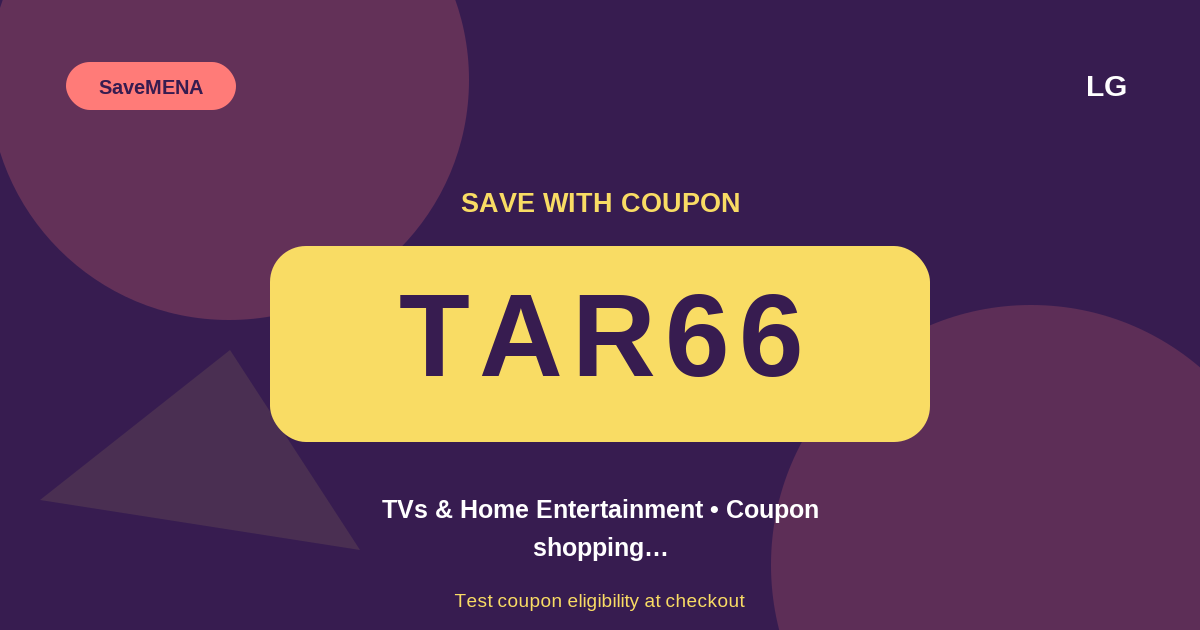
Codes available to try while comparing
These codes are not guaranteed for the article topic or listed brands; test them at checkout and use the live result.
1. Add your chosen LG TV to the cart and note exact seller details
To begin the coupon experiment, select your preferred LG TV from Noon’s catalogue and click “Add to Cart.” Before proceeding, double‑check the listed seller name, product title, and the exact model number or serial details you wish to purchase. Since offers can be seller‑specific, this information will later help validate whether the coupon is applicable to the exact variant you’ve added. Keep a snapshot of the cart item for reference; this is your anchor point for any subsequent discount checks.
Purchase decisions for electronics often involve a lot of shifting parts—screen size, resolution, or smart‑TV features. When you locate the right product, confirm that the seller’s contact details, such as seller stand or trade license ID, are visible on the listing page. This clarity removes ambiguity about who will ship your item, and whether that seller offers the customer‑service and return support you expect. Without such confirmation, a $0$ coupon code attempt might not only fail to lower the total, but also leave you on uncertain shipping and return footing.
2. Attempt to apply the TAR66 coupon before proceeding to payment
With the cart ready, look for the spot labeled “Enter a code” or “Apply Coupon.” Input the TAR66 code exactly as displayed—no extra spaces or punctuation. Remember, the coupon is merely available to try; best practice is to handle the application before you lock in payment, so that if it fails at this juncture, you’ve already captured that outcome at the cart level. The checkout page will then refresh the total to show any adjustments if the code applies, regardless of partial acceptance.
In many scenarios, a coupon may be rejected with a generic message, yet still be reusable. Carefully note the system’s response, and ensure that the cart total changes. If no change is observed, don’t assume the code is dead; it might still apply exclusively to certain sellers or require a minimum spend that isn’t yet met. Record the posted total for comparison after any adjustments to the cart, such as adding accessories or warranty extensions.
3. Inspect the final payable amount and any discount attributed to the coupon
Once the code attempts to update the cart total, carefully compare the amount displayed at the “Order Total” line. This line should combine product cost, any applicable taxes, estimated delivery fee, and the discount, if successful. If a reduction appears, scrutinise it for the exact numeric decrease; this is your snapshot of how the coupon performs on your specific item and seller combination. Should the amount remain unchanged, you’ve captured evidence that the coupon did not affect your purchase at this stage.
While the checkout page is the definitive reference for eligibility, it’s wise to cross‑check that the displayed total aligns with the cart summary icon indicating coupon usage. Some deals may only show up once the “Proceed to Payment” screen is active, especially if coupons are running on a “best‑use” settlement. Recording both screens gives you a reliable record of whether the discount survived to the payment gateway.
4. Evaluate the seller’s return policy alongside Noon’s umbrella terms
Next, consult the seller’s own return policy, typically located under a “Return & Exchange” link on the product page or within the seller’s profile. Look for the stated return window, acceptable return conditions (e.g., unopened packaging, original accessories), and any shipping‑or‑processing costs that might arise. These details are vital because they differ from Noon’s general return policies, which may cover seller‑related mishaps only.
Once you understand the seller’s stance, overlay it with Noon’s overarching return terms that apply to all purchases, regardless of seller. This includes the standard 30‑day return window for electronics, return process steps, and the requirement to initiate a return via the Noon app or website before the deadline. Align both pieces: if the seller’s window is shorter than Noon’s, the shorter period becomes the applicable rule, affecting when you must act if issues surface.
5. Verify the active warranty policies tied to the LG TV
LG TVs typically come with a manufacturer warranty ranging from one to three years, but its activation often hinges on specific purchase conditions, such as the need for an original purchase receipt or a vendor‑verified serial number. Find the warranty section in the product detail page or in the seller’s warranty offer, noting the exact coverage period and what domestic repairs include.
It’s essential to confirm whether the sale falls under the "Authorized Dealer Warranty" umbrella, as Noon’s own return policy can complement but not supersede warranty coverage. Some sellers require additional proof, like a service eligibility form, at the point of return. Ensuring these pre‑conditions are met at purchase guarantees that if the TV requires servicing under warranty, the process will be straightforward.
6. Confirm Nil or Token Delivery Fees on the checkout page
While coupon codes affect price, delivery fees remain critical to the final amount. In the checkout window, examine the “Estimated Delivery” line to confirm whether any fee applies. If the page declares “Free Delivery,” you can proceed; if a fee is listed, note its amount and how it may influence your final payment agreement.
Be mindful that some sellers might override Noon’s default delivery cost with their own rates—especially if the item is shipped from outside the UAE. Since the returns lens prioritises final payable clarity, ensuring there are no hidden fees ahead of payment helps you evaluate savings on the coupon against any extra charges.
7. Test the complete purchase flow for eventual payment confirmation
At this point, run through the “Proceed to Payment” phase, entering your payment details and confirming the total amount once more. Only the checkout screen can decisively confirm that the coupon has applied, given that payment processors sometimes alter the amount after coupon evaluation. Record the payment slip or confirmation number for full audit traceability.
Upon successful payment, close the loop by verifying that the posted transaction in your Noon order history reflects the final amount, any applied discount line, and the chosen delivery method. This final check safeguards against potential post‑payment adjustments or hidden surcharges that might surprise you later when refunding or returning your LG TV.
8. Gather post‑purchase documentation for future return actions
After completing the purchase, download or save an electronic copy of the receipt, voucher, and the order confirmation page. These documents constitute evidence when initiating a return after the 30‑day window or if the TV develops post‑delivery defects. They’re also the primary source for the seller’s return instructions and may be requested by customer‑support representatives.
Keep an eye on any follow‑up emails from Noon or the seller clarifying shipping details or reminding you of imminent recall notices. Organising all communication about the purchase in a single folder facilitates quick reference if you need to file a return request or a warranty claim, ensuring the returns process executes smoothly and that no critical detail—like an address for returns or digital attachments—gets lost in transit.
Related SaveMENA pages
Related articles
Official sources to check
Frequently asked questions
Does using the TAR66 code guarantee a price drop on any LG TV?
No, the TAR66 code is only available to try. It may or may not apply to your selected LG TV depending on the seller, purchase amount, or other conditions. Check the coupon application on your cart and note the final amount.
What if the coupon does not apply at checkout?
If the code doesn’t work, revisit the cart page and verify the code spelling, seller selection, and any minimum purchase requirements. If the issue persists, the code might be ineligible for that product or seller.
How do I confirm if my return window for the LG TV is 30 days?
Check the seller’s return policy on the product page and cross‑check with Noon’s general return terms. The shorter period applies if the seller offers a shorter window than Noon’s standard 30 days.
Will the warranty start if I return the TV within the 30‑day window?
The warranty usually begins after you keep the TV for 30 days without defects. Returning within 30 days generally doesn’t activate the warranty; you’ll need to keep it at least a month to meet most manufacturers’ terms.