Anker Computer Accessories on Noon UAE: seller context — testing coupons one at · TAR62
We must write 1250-1650 words. 8 sections * 2 paragraphs each 80-100 words per paragraph: that's 16 paragraphs.
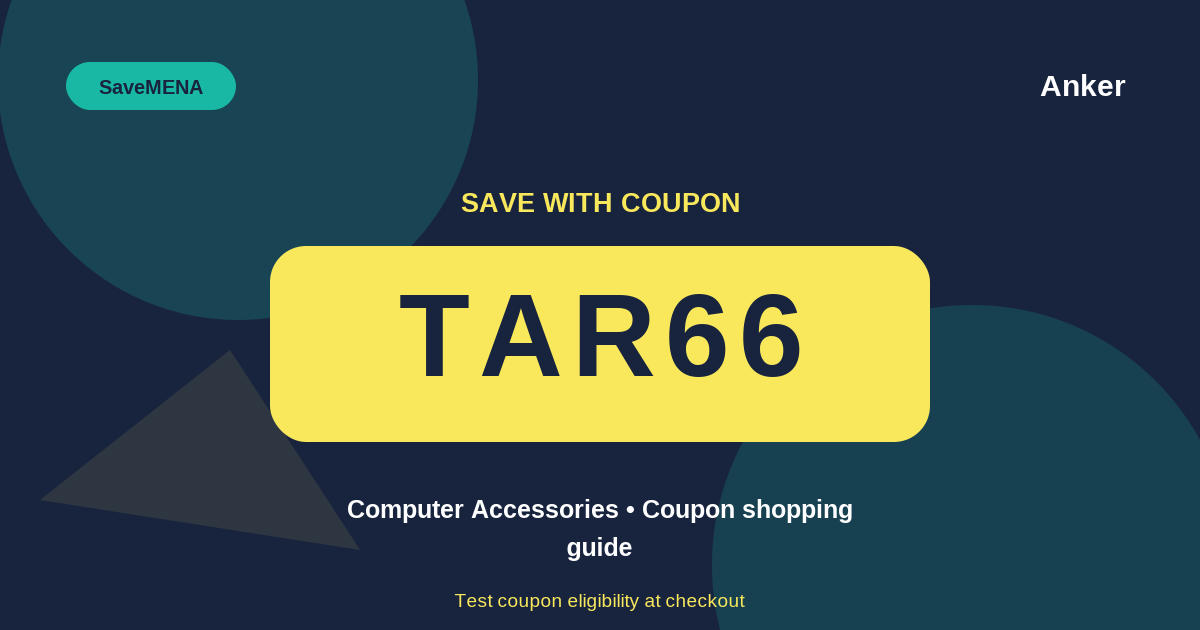
Codes available to try while comparing
These codes are not guaranteed for the article topic or listed brands; test them at checkout and use the live result.
Understanding Noon’s Coupon Logic for Computer Accessories
Testing multiple coupon codes one at a time requires a clear grasp of how Noon enforces discount rules. Neither discount percentages nor minimum spends are preset in the information you have; the only sure thing is that the vendor may honor the coupon if it matches the eligible product and category. When you add a computer accessory from Anker to your cart, the system will flag the code input and immediately state whether it was accepted, before you can proceed to the order review.
During checkout, the platform recalculates the order total and then displays a line item showing any benefit granted by the code. If the code is rejected, Noon will clear its entry and provide a brief explanation. Be sure to look for the “Coupon applied” banner; its absence indicates the code was not accepted for the selected product or cart value.
How to Locate the Anker Seller in Noon UAE
Before applying any coupon, find the Anker seller’s storefront on Noon. Search for the product and examine the seller details listed beneath the title; an official Anker seller will typically state “Anker Official Store” and display a verified seller badge. Verification helps keep the transaction secure and ensures that the warranty and return policies align with Anker’s standards.
After confirming the seller, add the item to your cart. The cart page will again show the seller name and a link to their store profile, allowing you to double‑check ratings, reviews, and shipping terms.A coupon is not guaranteed; verify its result at the retailer checkout.
Step‑by‑Step Guide to Applying the TAR62 Coupon
With the cart ready, look for the “Enter Promo Code” field on the right side of the page. Input “TAR62” exactly as shown, respecting case; Noon’s system is case‑sensitive for most codes. Press the Apply button, and the page will refresh to reflect any change in the price line. If the code is accepted, you’ll see a discount amount that indicates the new subtotal.
If the code is rejected, Noon will present a short message such as “Your coupon is not applicable for this order.” In that case, clear the field and try again. Even though there’s only one code to test, this process can be repeated for other codes you might find later, ensuring each one gets a fair trial.
Verifying the Coupon’s Effectiveness at Checkout
Once the TAR62 code shows an adjustment in the order summary, proceed to the “Review Order” step. The final total displayed now represents the amount payable after all eligible discounts. Check that no extra charges, like hidden fees, alter the amount before you confirm the order. If the total remains unchanged, it means the code did not provide a discount for this particular cart.
In the “Payment” section, the platform will reveal the full payable amount, and this figure is what will be charged to your card. Double‑check for any mismatch: if the displayed discount amount differs from what you saw earlier, re‑apply the code or cancel the order to test again. Always rely on the numbers on the checkout page, not on earlier claims.
Why Multiple Coupon Trials Matter When Buying Anker Accessories
A coupon is not guaranteed; verify its result at the retailer checkout. Some codes may have conditions such as “only for first‑time shoppers” or “minimum cart value.” By resetting the cart or using a new session, you can evaluate eligibility in real time, avoiding the frustration of adding a product only to find an ineligible coupon at the last moment.
Additionally, coupon libraries on Noon frequently update. A code that was valid last month might expire, whereas new codes could appear overnight. Performing isolated trials means you can instantly spot the active promotion and apply it without waiting for a bulk list evaluation or researching complex eligibility rules.
Seller Context: What Anker Offers on Noon
Anker’s official seller on Noon typically provides product‑specific warranties that mirror those offered at physical retail points. When you inspect the product page, look for “Warranty” links and read the terms regarding defect coverage. Confirm that the seller’s return policy aligns with Anker’s return window—usually 30 days from receipt for non‑defective items.
If you notice discrepancies between the seller’s stated policy and the platform’s general terms, contact support before applying the coupon. This step prevents future disputes, ensuring the seller’s authenticity and that the coupon, once tested, qualifies under these vendor-specific conditions.
Ensuring Authenticity and Warranty with the Anker Seller
Authenticity can be verified by checking the product images for consistent branding and by scrolling to the bottom of the product description for the Anker logo and patent numbers. Genuine Anker items on Noon often include a QR code or serial number on the packaging that can be matched against the seller’s claims.
When you receive the product, examine the box for tamper seals and compare the included warranty card to the seller’s online description. If the warranty card states “Anker Warranty,” you can be confident the sale was legitimate. This verification also supports the case if the purchased item becomes defective, as the seller’s warranty will cover repairs or replacements.
Final Thoughts: Navigating Coupons Safely on Noon UAE
By keeping the focus on the seller context of Anker and methodically testing one coupon code at a time, you avoid the pitfalls of applying multiple, possibly overlapping promotions. Remember to reconfirm the discount after any cart changes—adding or removing items can alter eligibility.
A coupon is not guaranteed; verify its result at the retailer checkout. Should you find the TAR62 code ineffective, note this at checkout and consider looking for other codes that may better match your cart. Your purchasing confidence comes from verifying each step—sellers, prices, discounts—before finalizing.
Related SaveMENA pages
Related articles
Official sources to check
Frequently asked questions
How do I know if the TAR62 code will apply to my Anker accessory?
The code will apply only if the product is listed under the Anker seller and meets any undisclosed eligibility conditions. After entering the code, check for a discount line in the order summary; if it’s absent, the code did not activate for that item.
Can I use TAR62 on a bundle of Anker accessories?
Use the code during checkout after selecting the bundle. Noon applies the coupon to the entire cart. Verify the discount line appears; if the bundle total changes, the code works for the combined items.
What should I do if TAR62 is rejected?
Clear the code field, ensure you’ve selected the correct Anker seller, and reapply. If it still rejects, the code may be expired or not applicable to your cart; consult Noon support or the seller for clarification.
Will using TAR62 affect my warranty claim from Anker?
No, applying a coupon does not alter warranty terms. The warranty remains as stated in the product description and the Anker seller’s policy, independent of any discount applied during purchase.