ASUS Gaming on Noon UAE: seller context — testing coupons one at a time · TAR78
If you’re hunting for a Noon UAE coupon code to apply to your ASUS gaming purchase, testing it code by code is vital.
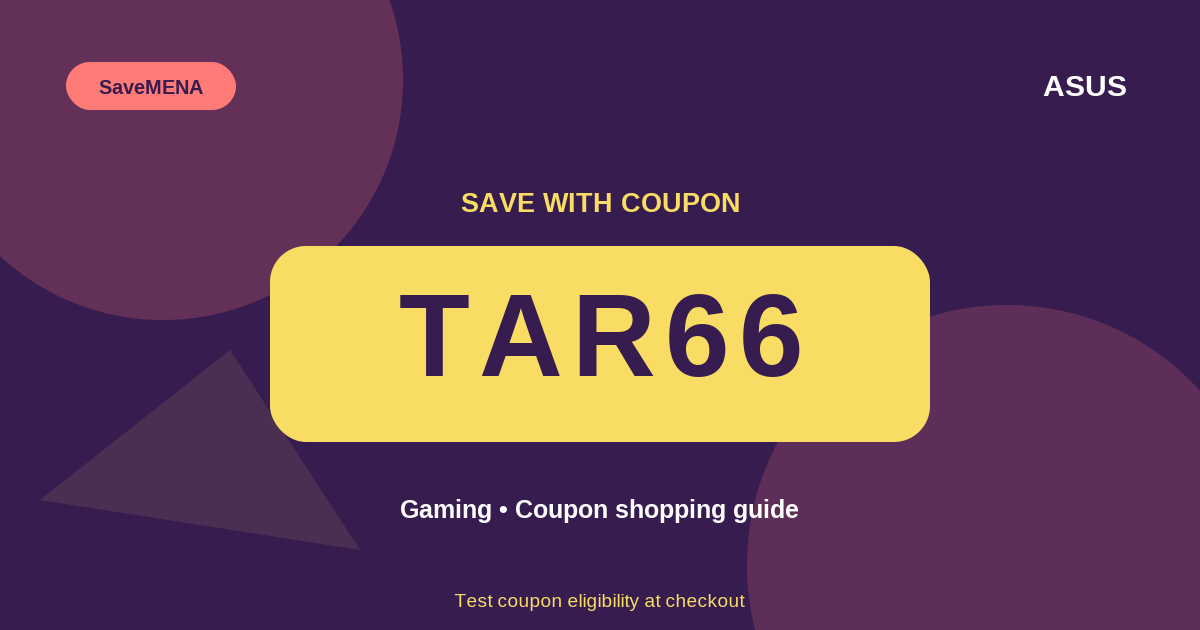
Codes available to try while comparing
These codes are not guaranteed for the article topic or listed brands; test them at checkout and use the live result.
Understanding Noon UAE Coupon Mechanics for Gaming Tips
Testing a coupon on Noon UAE involves a few key steps that go beyond simply entering a code. First, you must add the ASUS gaming item of your choice to the cart. Then, on the cart page, there is a small field labeled “Coupon code.” Here you can input TAR78. Once the code is entered, the system will process it in real time, but the actual discount—if any—will only be confirmed at the final checkout screen.A coupon is not guaranteed; verify its result at the retailer checkout.
When evaluating a coupon, remember that it is not tied to a specific ASUS game or part. The code may work across various ASUS gaming products on Noon UAE, but its success depends on the seller’s inventory, local promotions, and the overall pricing structure. Therefore, your priority should be to trial the code with one item at a time, noting whether the attempt results in an altered total or not.
Choosing the Right ASUS Gaming Seller on Noon
In the UAE marketplace, the seller is a critical factor that can influence pricing, shipping, and after‑sale support. Before you place your ASUS gaming product in the cart, examine each seller’s star rating and read a handful of customer reviews. A high rating paired with positive feedback on delivery speed usually signals a reliable partnership. If you see sellers that ship within 2–4 business days and keep their delivery window transparent, you are more likely to get your gear promptly.
Check the seller details directly; do not infer identity verification or reliability from a badge. ” These markers indicate that the seller is authorized to carry ASUS gear. While product price variations exist, an official seller often ensures that the item is genuine, maintains your warranty rights, and affords you the confidence that your purchase is legitimate. Once you’ve identified a trustworthy seller, you can proceed to add the product to your cart and test TAR78 on it.
How to Enter TAR78 — A Step‑by‑Step Guide
After you’ve selected an ASUS gaming product, click “Add to Cart” and follow the cart window that appears. On the right‑hand side, you should see a small textbox labeled “Coupon code.” Here, type TAR78 exactly as it appears, preserving capital letters if the code requires them. Hit the “Apply” button or press Enter; the page should refresh to see your cart totals adjust. If the code does not work, the system will normally display a brief error message such as “The coupon code you entered is not valid.” This is the moment to double‑check spelling.
Note that some sellers may exclude certain items from coupon eligibility, and Hidden fees can appear only when you reach the final payment step. Therefore, it is essential to view the entire payment summary on the checkout screen. If you see a “Discount applied” line, the coupon has worked; if not, you will need to try again with a fresh attempt or consider another seller. Keep these steps handy as a reference for future purchases.
Verifying Coupon Application: What to Expect at Checkout
The final checkout page is the critical checkpoint for determining whether TAR78 succeeded. This screen shows each line item, subtotal, any delivery fee, tax, and, if applicable, the discount amount applied by the coupon. The only change you should see from the cart totals is a reduction in the product price or a credit that offsets the total. If no credit appears, the coupon either didn’t match the promo terms or is no longer active.
Because the coupon effects appear only after you hit the “Proceed” or “Continue” button, don’t be fooled by a promising looking discount in the cart if it doesn’t carry over. Double‑check that the “Discount” field on the checkout screen reflects the TAR78 code. If the field reads “No discount” or displays the same total as the cart, the code was not applied, and you might need to retry or verify the seller’s inventory status.
Important Seller Checks Before You Add to Cart
A seller’s track record can have a direct impact on your gaming gear experience. For gaming electronics, return policies are just as vital as price. Verify that the seller offers a clear returns window—often 14 to 30 days for electronic items on Noon UAE. Look for a seller logo stating “Approved Seller” or “Official Partner”; such indicators tend to coincide with quick responses to quality or shipping concerns.
When it comes to delivery, examine the estimated shipping time information. A seller that consistently reports “Fast Delivery” or “Free Shipping for Orders Over AED 200” may reduce your waiting time and potential extra costs. You should also confirm that the seller includes tracking details post‑dispatch; for gamers, who may need reliable road‑to‑play options, knowing when the unit will arrive adds peace of mind.
Managing Delivery and Fees with Noon Gaming Deals
Delivery fees on Noon vary by seller and the size of the gaming product. Many sellers waive shipping for large orders or specific product categories. To avoid surprises, read the “Delivery Estimate” during cart review; it will show whether any shipping charge applies. If the seller lists a free shipping threshold, make sure your ASUS item is over that value if you aim to reduce costs.
Another point to consider is handling fees. While Noon generally doesn’t charge a handling fee separately, some sellers may incorporate a small service charge. The final checkout page will list any such fees, so verify that you understand the total cost before confirming payment. If a handling fee surfaces, it’s not influenced by the TAR78 coupon; it’s distinct from any promotional discount.
Payment Options and Finalizing Your Purchase
Afters the coupon test, you’ll face Noon’s payment screen. Noon UAE typically supports credit, debit cards, and PayPal, among a few others. Make sure the currency setting on your account is AED; doing so ensures the price you see at the checkout aligns with the bin shown. Any variation would lead to an incorrect final amount or an incomplete transaction.
Once you confirm the total—product price, shipping, any handling fees, minus the coupon’s discount—you can finalize the payment. At that point, you’ll receive an order confirmation by email and a tracking link if available. SaveMENA respects user privacy, so don’t worry—your payment data remains secure, and the Noon platform handles the transaction in accordance with UAE regulations.
Common Pitfalls and Best Practices for UAE Gamers
A frequent mistake is assuming a coupon will stack with all discounts. Coupon codes, like TAR78, usually apply only once, and sometimes only to a particular category of items. If you have multiple coupons, you’ll need to test them individually. Additionally, be wary of “shipping only” codes; they don’t reduce the actual cost of the gaming gear itself. This way you avoid over‑expectation and make clear the actual savings.
Another best practice is to keep a short recording of the discount figures before and after coupon application. This allows you to compare if the coupon had an impact, especially when dealing with large, multi‑part gaming systems. Finally, if a seller’s listing changes—like a new price or updated shipping timeframe—re‑test the coupon on that product, as the terms can shift over time without warning.
Related SaveMENA pages
Related articles
Official sources to check
Frequently asked questions
Can I use TAR78 with multiple ASUS gaming items at once?
It depends on the seller’s policy and Noon’s coupon rules. The the coupon code code may apply to one order only. If you’re purchasing several ASUS items, you may need to try the code on each set to see if it applies. Confirm during the checkout screen whether the discount is applied fully or partially.
What happens if TAR78 doesn’t work at checkout?
In that case, it may be inactive or incompatible with the selected seller’s inventory. Double‑check the spelling and the seller’s status, or try the code on a different ASUS gaming item. If the issue persists, review Noon’s FAQ or contact their customer support for assistance.
Do I need a Noon UAE account to use TAR78?
Yes, you must have a registered Noon UAE account to apply any coupon code. After adding a product to your cart, log in or sign up, then enter the code before proceeding to checkout. The discount will validate only for that pay‑through session.
Will the coupon affect my free delivery eligibility?
TAR78 is separate from shipping offers. If your order qualifies for free delivery, the coupon will still apply to the product price, but shipping terms remain unchanged. Always review the final total before confirming the payment line.