Gaming on Noon UAE: seller context — testing coupons one at a time · TAR78
Trying Noon UAE coupon codes one at a time can feel like a detective game, especially when the focus is on gaming gear.
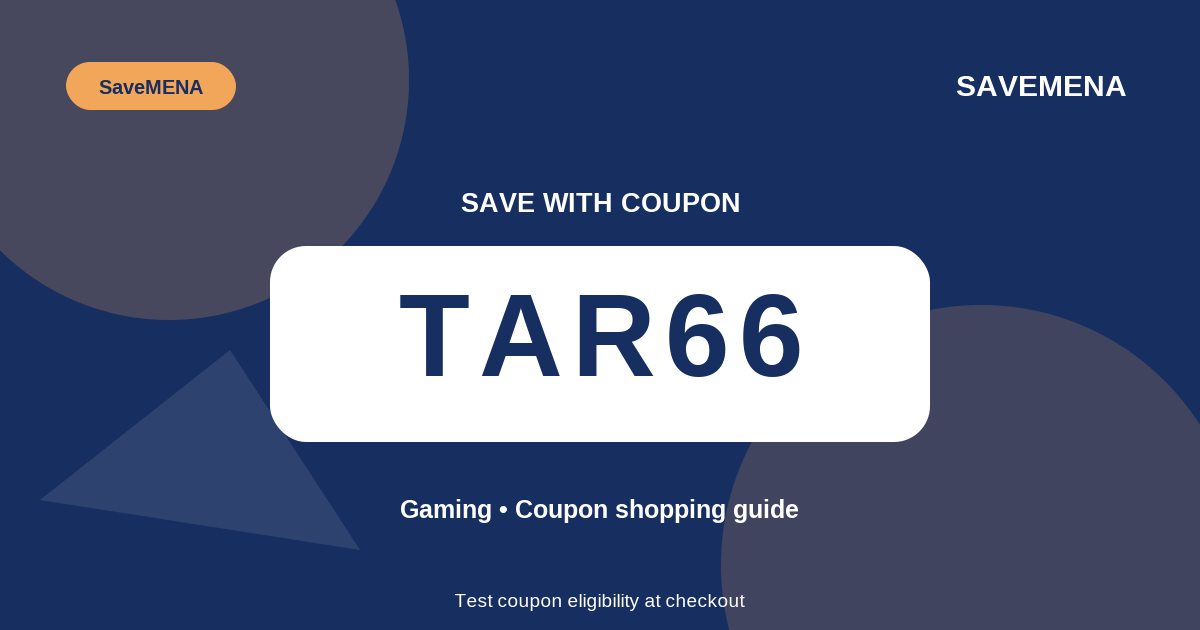
Codes available to try while comparing
These codes are not guaranteed for the article topic or listed brands; test them at checkout and use the live result.
Choosing the Right Gaming Seller on Noon UAE
Before any coupon can be used, it’s vital to identify a seller that consistently delivers reliable gaming products. Look for sellers with a long presence on Noon, positive customer feedback, and clear delivery commitments. A reputable seller reduces the risk of order mismanagement and eases the process of applying a code at checkout. When browsing the gaming category, cross‑check seller names with user reviews to gauge their consistency and prompt after‑sales support. This foundational step establishes a trustworthy relationship that will influence the entire purchasing experience.
Seller context also reveals how well a seller handles promo codes. Some sellers list promotional information prominently, while others rely on the marketplace’s global coupon system. By verifying that the seller accepts Noon’s coupon framework, you set the stage for a smoother code entry. Keep the seller in mind throughout checkout to confirm that the discount applies to the exact product you intend to buy.
How to Apply TAR78 at Checkout
Adding the TAR78 code is a two‑step process: first, place the gaming item in the cart, then proceed to the checkout page. Once on the checkout screen, locate the “Enter Promo Code” field, type the code exactly as it appears, and press “Apply.” Avoid common pitfalls such as leading or trailing spaces to ensure the system recognizes the code. Seeing a confirmation message—whether a temporary discount display or a note that the code was accepted—is a key sign the coupon is processed.
Some sellers might display promo code usage limitations subtly in their description. If you suspect an issue, pause and double‑check the code against any seller‑provided terms near the product details. Refreshing the cart after applying the code helps to refresh totals. If the code doesn’t register, you may be dealing with a restriction that either exceeds the cart subtotal or is not compatible with the selected seller.
Understanding Seller Reliability for Gaming Deals
Seller reliability is measured not just by product authenticity but by the handling of promotional offers. Transaction data such as refund policies, shipment tracking, and communication responsiveness are crucial. A seller that inconsistently honors coupon codes could indicate wider procedural issues such as inventory mismanagement. While Noon UAE provides a platform for promo code sharing, the seller’s internal systems ultimately control whether your coupon is honored at purchase.
To assess this, read recent buyer comments that mention coupon application or delivery experiences. Sellers with frequent, positive comments about accurate discount application are more likely to deliver a smooth experience when you try TAR78. This assessment provides a layer of protection before you even commit to placing the order with the coupon applied.
Verifying Cart Totals and Fees
After applying the code, the cart overview should reflect a new subtotal, tax, and any other applicable fees. Notice that the final payable total still includes delivery charges; these cannot be discounted separately unless the seller lists it under the coupon terms. Pay attention to how the numbers shift—if the total doesn’t change after applying TAR78, the code may have expired or be incompatible.
It’s prudent to cross‑check each calculation with the seller’s stated specifications. For example, if the cart shows a 10‑day shipping estimate, ensure that the seller’s minimum delivery timeframe is still respected. Seeing consistency between listed shipping policy and the cart’s estimate boosts confidence that the transaction is proceeding correctly.
Testing the Coupon Step‑by‑Step
Begin by setting your browser to private or incognito mode to prevent old cache data from influencing the checkout process. Load the gaming item page, add to cart, and open the cart summary. Applying the TAR78 code here simulates a fresh testing session, minimizing interference from previously applied coupons or promotion restrictions.
Repeat the process with a slightly different quantity if the seller supports it. This helps determine whether the coupon scales or has a fixed application threshold. If the total updates correctly after each test, you can be confident the code works as intended across a range of order sizes.
Confirming Final Payable Amounts
Once you’ve verified that the cart displays the coupon effect, proceed to the final confirmation step. Here, Noon UAE’s system presents the definitive amount you’ll pay, factoring all taxes, delivery, and the coupon reduction. This “final payable total” is the authoritative reference for the transaction; any discrepancies between the earlier cart view and this line usually point to system recalculations.
Reading this final figure carefully ensures you aren’t surprised by hidden charges or unincluded cash back. If the system shows zero discount, it might mean the code is invalid for this seller. Contact Noon’s support with the transaction ID if you suspect a miscalculation but confirm through the seller’s channels first—often a seller may have separate internal discount policies.
Managing Potential Shipping and Delivery Options
Delivery parameters can intersect with coupon eligibility in subtle ways. Some sellers only honor discount codes for standard delivery, while express shipping may nullify the offer. Examine the seller’s shipping options list before finalizing the purchase. If express delivery is crucial to you, verify whether TAR78 applies by reading any language under the “Delivery” tab or seller FAQs.
Keep an eye on the delivery estimate presented at checkout. A seller’s stated “in‑store pickup” option, for example, might waive shipping costs entirely but also conflict with coupon usage if the coupon the coupon code only online deliveries. Checking these details early prevents last‑minute cancellations or returns.
Best Practices for Future Coupon Experiments
Once the TAR78 code is tested, keep a record of the seller, cart size, applied totals, and any results. Store screenshots or note the final checkout value for reference. This log helps you repeat the process with other coupons, comparing performance across sellers within the gaming category.
A coupon is not guaranteed; verify its result at the retailer checkout. A coupon is not guaranteed; verify its result at the retailer checkout. Maintaining a systematic approach gives you control over your gaming purchases while safeguarding against unexpected charges.
Related SaveMENA pages
Related articles
Official sources to check
Frequently asked questions
What should I do if TAR78 doesn’t appear to work at checkout?
Check that you entered the code exactly with no extra spaces, and verify the seller accepts Noon’s coupon system. If still not applied, it may be expired or incompatible with the product. Contact Noon’s support or the seller for clarification, and consider using a different coupon if available.
Can I use TAR78 for multiple gaming items in one order?
The coupon can typically apply to the entire cart if it’s accepted, but ensure you confirm the final total after adding all items. Some sellers restrict discount usage to a single item; read the seller’s remarks or terms before adding more to the cart.
Will shipping fees still apply after using TAR78?
Shipping fees are calculated independently of the coupon code. The final payable amount posted at checkout will include any applicable delivery charges unless the coupon explicitly covers them, which would usually be noted in the seller’s description.
How can I confirm that the discount was successfully applied?
The cart summary should show a reduced subtotal and a balanced final payable total that reflects the saving from TAR78. If the displayed figures remain unchanged, the coupon was not applied; double‑check the code and seller’s compatibility, or seek assistance from Noon or the seller.