Sony Gaming on Noon UAE: seller context — testing coupons one at a time · TAR62
Start by selecting the Sony gaming product that you want to buy—whether it’s a Sony PlayStation 5 console, a popular game title, or a peripheral.
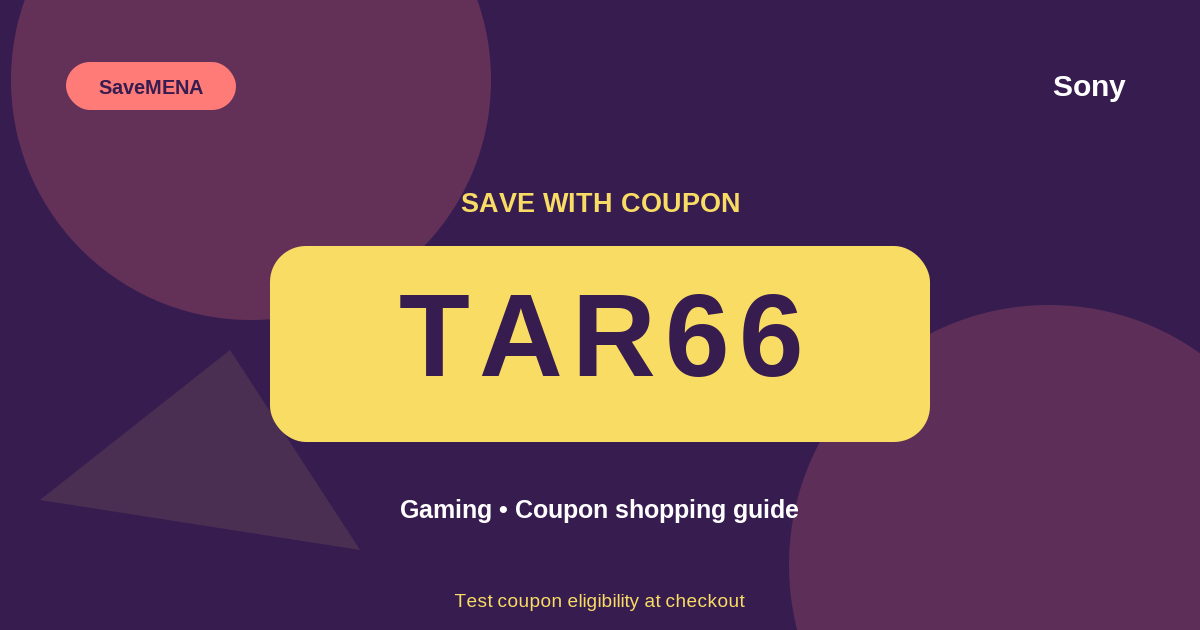
Codes available to try while comparing
These codes are not guaranteed for the article topic or listed brands; test them at checkout and use the live result.
Heading
Paragraph1
Paragraph2
Step One: Choose Your Sony Gaming Item with Confidence
Start by selecting the Sony gaming product that you want to buy—whether it’s a Sony PlayStation 5 console, a popular game title, or a peripheral. On Noon, filter the search bar by “Sony” and “gaming” to narrow the results. Pay attention to the product title, model number, and any special editions offered. This helps reduce confusion when you compare the seller’s information later, since some listings may carry the same name but different details or shipping conditions.
After identifying the item, click to view the full product page. Here you can see the exact SKU, storage capacity, and version. Verify that the product description matches what you intend to purchase, because using the wrong SKU can result in shipping delays or automatic adjustment of the code’s applicability. Keep an eye on the price shown in AED to make sure it’s within your budget before applying any coupon.
Step Two: Verify Seller Credentials Before Applying a Code
On Noon, each product page lists the selling seller in a small watermark beneath the product image and next to the price. This seller information is essential because even a valid coupon code may not be accepted if the seller’s terms prevent coupon usage. Click the seller name to open their storefront, where you can review their overall rating, total sales, and other customer feedback.
Make sure the seller accepts “Noon Cash” and “Credit Card” options, as some third‑party sellers may only allow particular payment methods that do not support coupon integration. This verification step also lets you confirm that the seller is reliable and that they ship to your chosen delivery address. Only after confirming these details should you proceed to the coupon entry.
Step Three: Input the TAR62 Coupon Code Exactly
Once you have the correct Sony gaming product and a trusted seller confirmed, scroll down to the “Apply coupon” field on the product page. Type “TAR62” in the exact format (capital letters). No additional spaces or characters should be added. Most coupon fields on Noon are case‑sensitive, so any deviation could render the code invalid.
After entering the code, tap the “Apply” button. Await the system’s confirmation animation that may last a few seconds. A subtle checkmark or a thank‑you message typically appears if the code is accepted. If the field displays an error, double‑check your spelling, the format, and whether you have previously used the coupon on the same order.
Step Four: Examine Checkout Validation and Final Total
Proceed to the cart and click “Proceed to Checkout.” Here you’ll see the section that lists all discounts applied or denied, including the attempted TAR62 coupon. No guarantee is given that the code will be accepted, so keep an eye on the line that explains why a discount may not have been applied.
Make sure the final amount, including delivery fee and any applicable taxes, matches your expectations. If the coupon did not take effect, the system will still display the original price plus fees. This is the point where you can confirm whether the discount was truly valid for your specific product and seller combination.
Step Five: Test Multiple Codes One at a Time for Best Comparison
When you want to try several coupons, repeat the previous steps for each new code. Apply one code, complete the checkout, and note whether it was accepted. Avoid applying more than one coupon simultaneously, as Noon generally allows only a single discount per order. This practice ensures a clean comparison between codes.
Recording the outcome of each test—accepted or rejected—helps you gauge which codes are truly viable for future purchases. Keep a simple log of the product SKU, seller, coupon code used, and the final checkout status. This methodical approach eliminates guesswork and conserves your time during the shopping process.
Step Six: Review Shipping Fees, Delivery Policies, and Return Rights
Even if a coupon is accepted, shipping fees may still apply. Be sure that the delivery method chosen supports free shipping for the product’s weight class, as some sellers add a small fee for heavy items. Verify the seller’s declared return policy, especially for electronic gaming products, to protect yourself in case of defective units.
Look for any “Buybox” alias information that might affect shipping costs, and double‑check the estimated delivery date in UAE locales to avoid missing a scheduled receipt. If the seller restricts deliveries to specific Emirates or requires a signature, factor that into your final budget and decide whether the savings from a coupon offset any additional logistics cost.
Step Seven: Confirm Storefront Reliability Through User Feedback
Return to the seller’s storefront and read recent customer reviews. On Noon, real‑time ratings often reflect how well a seller honors coupon usage and handles post‑purchase questions. Positive feedback about prompt delivery and coupon acceptance signals a trustworthy marketplace partner.
Check for any recurring complaints that mention coupon rejection or delayed shipping, especially for Sony gaming items. Sellers with a history of friction may still accept the coupon but could hold payment for additional verification steps. By cross‑checking seller profile with coupon functionality, you gain a clearer picture of the overall shopping experience.
Related SaveMENA pages
Related articles
Official sources to check
Frequently asked questions
Can the TAR62 coupon be used on any Sony gaming item on Noon?
Noon does not specify a particular product range for the TAR62 coupon. Test it on the exact Sony gaming product you want to buy, verifying at checkout whether the discount applies to that SKU.
What should I do if the coupon does not apply to my chosen seller?
Confirm the seller's accepted payment methods and permissions. A discount may be restricted if the seller’s terms disallow coupon usage. In that case, consider looking for a different seller offering the same product.
How do I test multiple coupons for the same product?
Apply one coupon to the cart, proceed to checkout, and record whether it is accepted. Repeat the process for each subsequent coupon, ensuring only one code is in use at a time.
A coupon is not guaranteed; verify its result at the retailer checkout.
No guarantee is provided for coupon legitimacy or survival on Noon. The only way to confirm is by following the checkout validation process, where the system will state if the coupon is accepted or not.