Gifts on Noon UAE: seller context — testing coupons one at a time · TAR62
Finding the right gift on Noon UAE can feel like a treasure hunt, especially when you’re testing multiple coupon codes one by one.
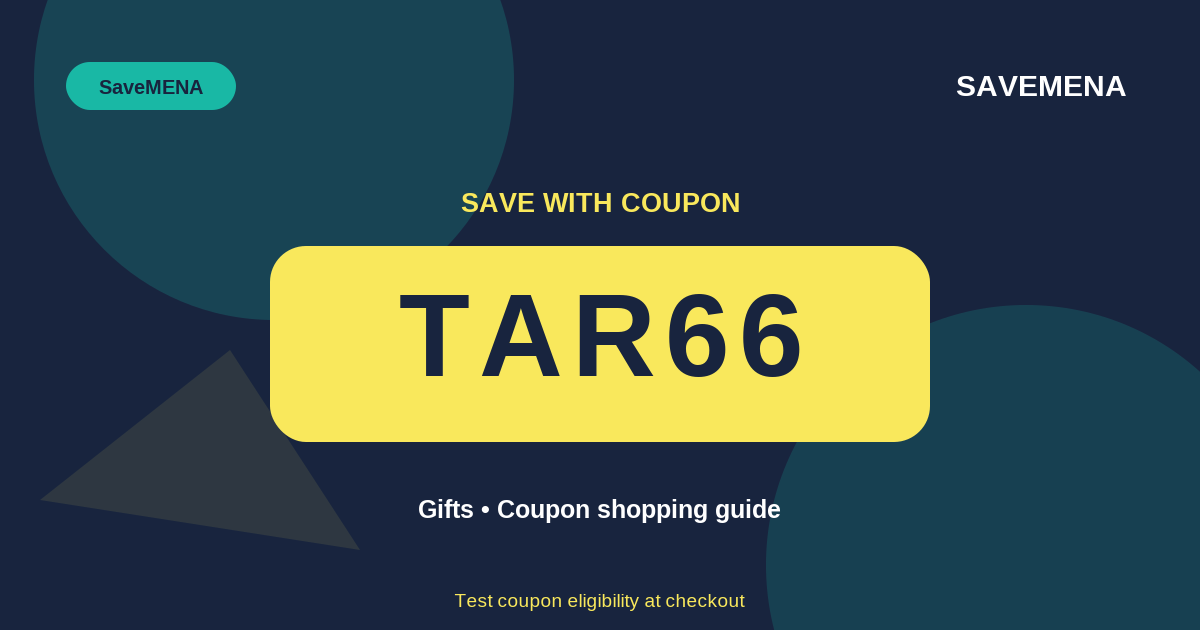
Codes available to try while comparing
These codes are not guaranteed for the article topic or listed brands; test them at checkout and use the live result.
1. Understanding Noon UAE's Coupon Mechanics for Gift Buyers
When you’re planning to buy gifts on Noon UAE, the first thing to know is that coupons are recorded as promotional codes that you enter during the checkout stage. The “TAR62” code falls into that category, and its official listing says it’s open to try but does not guarantee any discount. This means you’ll still need to check the final amount at checkout to confirm whether the code is accepted for your chosen item and seller.
Because Noon UAE hosts multiple sellers, each product page lists the seller’s ID and any specific sale information. For gift items, it’s common for sellers to run their own promotions, but the coupon code is applied universally across all sellers that support it. That said, discount eligibility can still vary by product. Always read the product’s promotional text and any seller disclosures before applying a code to make sure you’re not overlooking an important detail.
2. The Role of Seller Context in Gift Purchasing
Seller context matters when testing a coupon code because the same code may work for one seller’s gift but not for another’s, even if both are on Noon UAE. Each seller sets its own inventory, pricing, and sometimes its own coupon restrictions. Before you even reach the checkout screen, check the seller’s profile on the product page for any listed coupons and their claimed applicability.
For example, if you’re looking at a set of scented candles, Seller A might have their own “BONUS10” code that specifically applies to that bundle. Such seller-specific codes can coexist with national Noon coupons like “TAR62.” However, the order in which you apply them can influence whether each is accepted. Understanding your seller’s policy on coupon stacking will help you avoid confusing “code not accepted” errors later on.
3. Step‑by‑Step: Applying the TAR62 Code on Noon UAE
Begin by adding your gift item to the cart. On the cart summary page, look for the field labeled “Enter promo code.” This is where you type “TAR62.” Notice whether the field accepts the uppercase format, as codes are case‑sensitive. After entering the code, click the apply button and wait for the system to confirm whether it’s accepted.
If the code is accepted, you’ll see a brief confirmation, often a small note near the total. Even if the discount value is not displayed upfront, a deduction will be applied to the final payable amount. If the code isn’t accepted, the cart will return to the default price, and you’ll need to double‑check the code or move to the next step of testing other codes.
4. Testing Multiple Coupon Codes: Strategies and Tips
When experimenting with several codes, opt for a systematic approach. Remove the first code, clear any error messages, then try the next one. Since Noon doesn’t allow two coupon codes in one transaction, you’ll have to repeat the cart addition and code entry for each test. Keep a simple spreadsheet or note that tracks whether each code works and with which product or seller.
Pay close attention to the confirmation messages that Noon displays. Some coupons’re only valid for specific categories, such as “electronics” or “fashion.” Because you’re in the gift category, double‑check that each coupon’s eligibility matches the gift item’s category tags listed on its page.A coupon is not guaranteed; verify its result at the retailer checkout.
5. Common Sellers for Gifts on Noon UAE and Their Reliability
There are several well‑known Noon sellers that frequently handle gifts, such as GiftCo, Memento Shop, and LuxSouk. These sellers are recognized for their wide selection of items ranging from personalized mugs to high‑end tech gadgets. They often provide clear product descriptions and seller‑level ratings that help you assess reliability before placing an order.
When you’re testing your TAR62 code, check if the seller’s page references any exclusive promotions. Some sellers may list “exclusive Noon coupon support” in the product description or in the seller’s profile. If that’s present, the risk of a coupon rejection drops, but you still have to verify the final amount at checkout before confirming the purchase.
6. Checking Eligibility and Final Payable Total at Checkout
After adding the product to the cart and entering the code, proceed to the checkout page. This is where you’ll see the exact payable amount. Note that the system may still require you to confirm any shipping fees or tax items before finalizing. In the gift category, most sellers offer free next‑day delivery for a certain order value, but if a minimum spend is required, you’ll notice it at this stage.
Use the “Review order” step to trace each line item, including any coupon deduction. If the total price still reflects the full original price, the code didn’t apply. Verify that no “code not accepted” message was bypassed. In that case, you have to determine whether the problem originates from the code itself or from the seller’s compatibility. You can then either try another code or contact support.
7. Contacting Noon Support for Coupon Issues
If your code was applied but then declined at a later step, you should reach out to Noon support. Their help center offers a “Live chat” feature where you can input your cart’s detail and the issue regarding the coupon. Providing screenshots of the cart page with the applied “TAR62” code can ease the support’s assessment.
When chatting, be explicit that you’re testing coupon codes for gifts and that you want to know if the coupon is truly valid for that product from the selected seller. The support agent will then confirm whether the coupon is active or if there’s a violation of the seller’s or Noon’s coupon policy. Keep the agent’s response and any ticket number for future reference.
8. Best Practices for Safe and Successful Gift Shopping
Before finalizing any purchase, double‑check your payment method’s authorization. Noon UAE accepts multiple payment options, and some may impose a different fee structure for non‑local cards. Confirm that the final payable total, including any potential fees, matches the figure displayed on the checkout screen.
After a successful purchase, track your order through Noon’s shipment tracking portal. If the seller is a third‑party, you’ll also receive notifications from them regarding packaging and dispatch. This ensures you’re aware of any delays that might affect your gift’s delivery timing, especially in peak holiday periods.
Related SaveMENA pages
Related articles
Official sources to check
Frequently asked questions
Can I use the TAR62 code with other Noon coupon codes simultaneously?
No. Noon UAE does not allow stacking multiple coupon codes in one transaction, so you’ll need to test each code individually by clearing the cart and re‑applying the new code.
Will the TAR62 code be accepted for all gift sellers on Noon UAE?
The code is approved for use on Noon UAE’s platform, but actual acceptance depends on each seller’s catalog and their own coupon policies. Always confirm on the product page.
What should I do if the TAR62 code doesn’t work at checkout?
First, verify that the code was entered correctly and that you’re in the correct category. If it still fails, check for seller‑specific restrictions or contact Noon support for clarification.
Is there a minimum purchase amount for using the TAR62 code?
The code’s documentation does not specify a minimum spend. Since details aren’t provided, check the cart at checkout to see if the code is accepted regardless of amount.