Lenovo Laptops on Noon UAE: seller context — testing coupons one at a time · TAR78
If you’re looking to test multiple codes one at a time on Noon UAE, here’s how you should proceed to maximize your chances of obtaining a discount while buying a
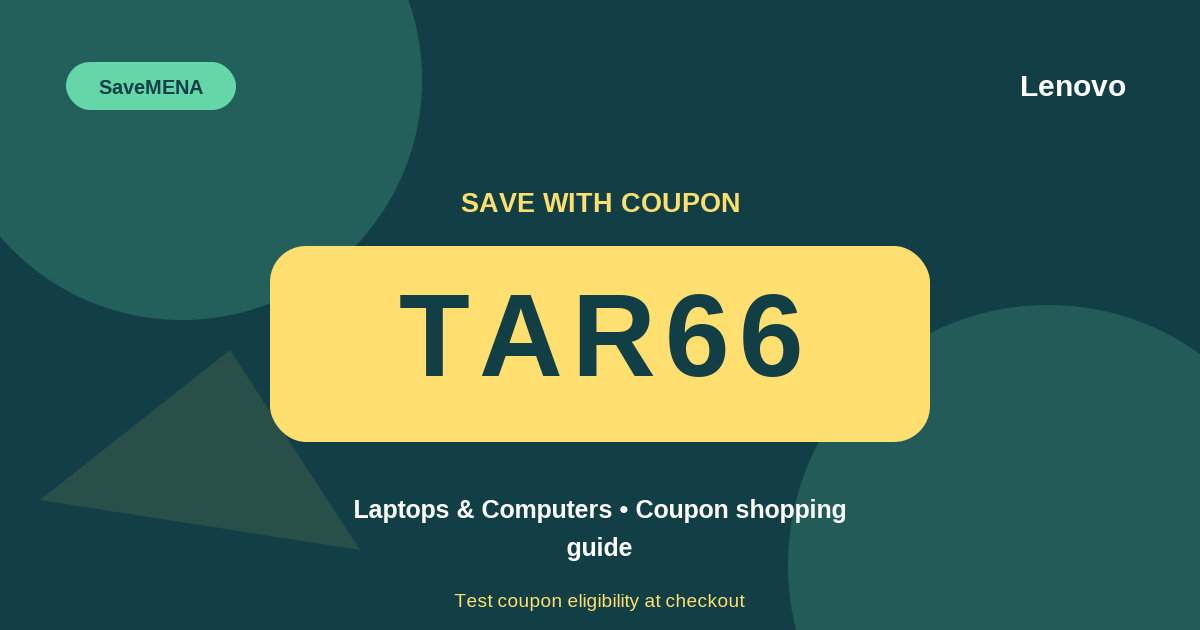
Codes available to try while comparing
These codes are not guaranteed for the article topic or listed brands; test them at checkout and use the live result.
1. Why Testing Codes One at a Time Is Your Best Strategy on Noon UAE
In online shopping, testing multiple discount codes simultaneously can overwhelm both the system and your cognitive load. When you apply one code at a time, you know immediately whether it leads to a reduction or is rejected, avoiding confusion at checkout. This strategy is particularly useful in a seller context like Lenovo, where variations in model specs may affect coupon applicability. By isolating each code, you keep a clear record of results and avoid having to start over if a single code fails.
For UAE shoppers, the Noon platform sometimes links coupon eligibility to specific payment methods or delivery regions. Because of this, you’ll see a checkmark or a warning message right after you hit “Apply coupon” on the cart page. If a Lenovo seller’s item does not trigger a reduction, the message clarifies that the coupon does not apply to that product, allowing you to move on to the next code without delay.
2. Finding the Lenovo Laptop Category on Noon UAE
Start your journey by navigating to Noon’s main menu and selecting “Laptops” under the broader “Electronics” section. Once inside, use the brand filter to choose “Lenovo” so that the search results display only laptops sold by the relevant seller. The Seller context matters because the availability of coupons varies across different retailers on the platform; Lenovo items listed by the official or authorized reseller tend to accept more coupons than third‑party sellers.
When you open a product page, double‑check that the seller’s name appears prominently, often beside the price. This confirmation ensures that the item originates from the Lenovo store you intend to purchase from. If the seller name is unclear, scroll further down for the “Sold by” information. Once confirmed, you can proceed with confidence knowing the product’s voucher eligibility will correspond to the seller’s terms.
3. Adding a Lenovo Laptop to Your Cart and Locating the Coupon Field
After selecting your desired laptop model, click “Add to Cart” and then proceed to the cart page. On Noon UAE, the cart lists all items you've chosen, their prices, and shipping fees. The coupon code box is located just below the subtotal, usually labeled “Enter coupon code.” This placement allows you to see the exact impact on the total before you finalize payment.
It’s essential to note that Noon automatically aggregates multiple items from the same seller, which can affect eligibility. In the case of Lenovo laptops, the site typically allows a single coupon code per transaction regardless of item quantity. Keep this in mind when you apply your first test code; if you later add more Lenovo items, the coupon will still apply to the entire cart once it’s accepted.
4. Applying the TAR78 Coupon: Step‑by‑Step and What to Spot
Enter “TAR78” into the coupon box, then click the “Apply” button. Within a few seconds, Noon should display a green success message if the coupon is valid or a red error if it isn’t. At this point, you’ll see your new subtotal immediately, which is all the information you need to decide whether to proceed or try a different code.
If the code is accepted, the platform will not reveal the discount amount until you reach shipping or payment; the final payable total appears only at checkout. This is why you must reach the checkout screen to fully confirm the savings. If the coupon is rejected, the site will explain that the coupon isn’t applicable to the selected products or seller; you can then move on to your next attempt.
5. Checkout Constraints: What the Lenovo Seller Provides on Noon UAE
When you hit “Proceed to checkout,” Noon lists shipping options, payment methods, and the final payable amount. The seller’s context matters here because Lenovo products listed by the authorized retailer typically ship from local warehouses, allowing free or low‑cost delivery based on the buyer’s location. Verify that the delivery city matches the region you selected earlier, as shipping fees can differ.
On this screen, you’ll also see the coupon total. If the TAR78 code worked, the discount is included in the final amount; if not, the code will be gray‑out or hidden. Be aware that Noon does not support stacking coupons on a single transaction. Thus, you must test each code separately and proceed after confirming willingness to pay the displayed total.
6. Handling Accepted vs. Rejected Coupons When Checkout Is Finalized
If the TAR78 code is accepted, you’ll notice the final amount is slightly less than the subtotal plus shipping, reflecting a discount but not the percentage or value. Proceed to provide payment details, confirm, and complete the purchase. The confirmation email you receive from Noon will include the applied coupon, ensuring an audit trail for your records.
In case the code is rejected, the final amount will match the subtotal and shipping. Rather than abandon the cart, you can try another code by returning to the cart page and clearing the coupon field. Keep your notes of each attempt; knowing which codes were rejected helps avoid repeating failed attempts and speeds up future purchases.
7. Recording Your Experience for Future Lenin Laptop Purchases
After the transaction, log the final payable amount along with the coupon code used. Store this data in a simple spreadsheet or note app—this will help you establish a clear pattern of which codes work with Lenovo laptops at Noon UAE. For UAE shoppers who frequently buy electronics, having a personal coupon history can save time and prevent frustration.
Remember that coupon validity can change with sales, festivals, or updates to Noon’s campaign rules. By keeping an up‑to‑date log of your successful codes, you’ll be prepared to re‑apply a previously successful coupon or switch to a new one with minimal effort. This practice supports an efficient and regret‑free shopping experience within the seller context of Lenovo on Noon.
8. Key Takeaways for UAE Shoppers Trying Noon UAE Coupon Codes with Lenovo Laptops
Strategically testing one coupon at a time on Noon UAE helps avoid confusion and ensures you know precisely when a code applies. The Lenovo seller context means the platform may support or reject offers depending on the retailer listed, so verifying the seller before applying the TAR78 code is crucial. At checkout, the coupon’s effect is confirmed only in the final payable amount, not in a displayed discount figure.
In closing, always double‑check that the product is listed under the official Lenovo seller, apply your coupon code just before checkout, and keep a personal record of outcomes. This systematic approach not only maximizes your chances of saving but also gives you a clear audit trail for future Lenovo laptop purchases on Noon UAE. As a best practice, remember to test each coupon individually and rely on the checkout screen to verify the final savings.
Related SaveMENA pages
Related articles
Official sources to check
Frequently asked questions
What should I do if the TAR78 code is rejected on Noon UAE?
If the code is rejected, the platform will display an error message. Clear the coupon field, return to the cart, and try another voucher or no coupon at all. Each attempt should be recorded for reference in future purchases.
Will the TAR78 coupon apply to all Lenovo laptop models on Noon UAE?
The coupon’s applicability depends on the specific model and seller. Use Noon’s filter to ensure the item is sold by the authorized Lenovo seller before applying the code.
Can I combine the TAR78 coupon with other Noon promotions?
Noon allows only one coupon per transaction. If you wish to use another promotion, you’ll need to select a different offer or forego the coupon for that order.
Where can I find the final amount after applying the TAR78 code?
After clicking “Proceed to checkout,” the final payable total—including any discount from TAR78—is shown on the payment page. Verify this figure before completing payment.