Huawei Mobiles on Noon UAE: seller context — testing coupons one at a time · TAR78
Shopping for a new Huawei mobile on Noon UAE can feel like navigating a maze of sellers, prices, and coupon codes.
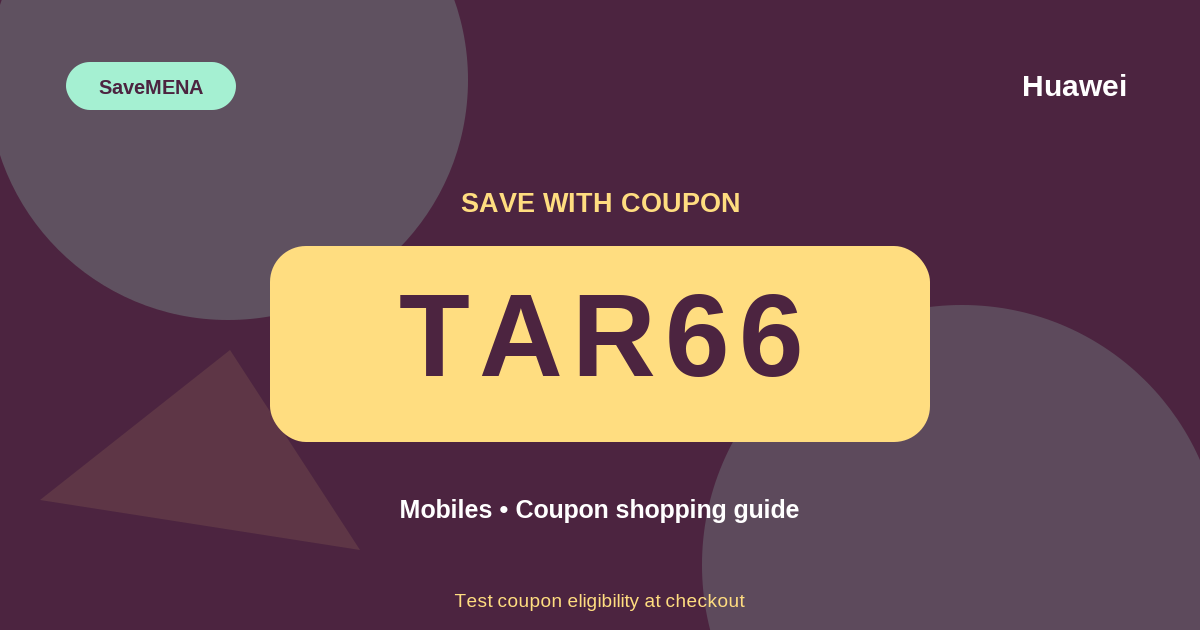
Codes available to try while comparing
These codes are not guaranteed for the article topic or listed brands; test them at checkout and use the live result.
1. Understanding the Seller Landscape for Huawei Mobiles on Noon
Noon hosts a variety of sellers offering Huawei smartphones, each with different warranties, return policies, and shipping options. Before you even think about a coupon, you need to check which seller stocks the exact model you want—whether it’s the Huawei P50 Pro or the Mate 40 Pro—and whether they are authenticated, new, or refurbished. Pay attention to seller ratings and customer feedback, because a highly rated seller is more likely to honor returns and warranties when a discount comes into play.
Once you’ve identified a credible Huawei seller, note their listed shipping fees and delivery times. This information will become the baseline against which any coupon savings are measured. Since the coupon might or might not apply to that particular listing, having a clear picture of the seller’s terms helps you distinguish between a genuine discount and a chance that the code’s applicability might be limited.
2. Preparing Your CART for a Coupon Test
After selecting a Huawei model from a trusted seller, add it to your cart. Ensure that the quantity is set to one to keep the process straightforward. This step is essential because coupons sometimes behave differently on bulk orders versus single-item purchases. Avoid modifying the cart contents before you try the code; if too many items or varied products appear, the code might refuse to apply or behave unpredictably.
Double-check the product details in the cart—specifications, color, storage options—to confirm they match the model you intended to purchase. Any mismatch here could later cause the coupon to be rejected during checkout even if it was accepted earlier. With a clean cart established, you’re ready to actually drop the code into the field.
3. Inserting the TAR78 Coupon Code at Checkout
Enter the “TAR78” code in the coupon field on the checkout page. Noon does not use any special prefixes or suffixes; it’s a straightforward six‑character string with no spaces. It’s a good idea to double‑check the spelling exactly as it appears in your coupon list. A single typo will result in a failed attempt.
After entering the code, click the apply button and wait for Noon to process the discount. The system informs you immediately whether the code is accepted or rejected. If rejected, proceed with the next section to troubleshoot.
4. Verifying Coupon Application Post‑Apply
On a successful application, Noon will update the cart totals to reflect the discount. The final price listed just before place order will show the reduced amount. Take a screenshot or write down the new total to ensure you didn’t overlook any hidden fees or charges—some sellers include a separate handling fee that remains unaffected by the coupon.
At this point, confirm the seller’s name and product information are still correct. If the displayed seller has changed (for example, because the coupon redirected you to a different listing), you may need to retry the same seller or abandon the coupon if it isn’t compatible with the chosen source.
5. Exploring Additional Coupon Testing Strategies
While oracles rarely offer more than one discount code, you may attempt to insert a second coupon in sequence by re‑loading the page or clearing the cart and restarting the process. Noon typically allows only one code per transaction, so you can’t stack discounts, but experimenting with multiple coupon entries sequentially helps you confirm which, if any, are valid for your cart.
Take note of any time‑stamped confirmation messages that indicate when the coupon was processed. This timestamp can help you compare which attempts succeeded before or after any weekend maintenance that might affect validation.
6. Decoding the Final Payable Total on Checkout
The checkout screen is the ultimate reference for eligibility and the final amount you will pay. Noon displays the pre‑discount price, the discount amount applied (if any), any shipping fees, tax, and the final payable total. Although the coupon may not have an explicit discount value listed, it should still reduce the product price, which will be reflected in the final sum.
If you notice the discount has not visibly affected the total, scroll through all the breakdown sections—some sellers hide extra fees in a ‘details’ link that must be expanded to see the final figures.
7. What to Do When the Coupon Doesn’t Work
If the TAR78 code fails to apply, begin by verifying that the coupon is still listed as “available to try.” Noon’s status indicators update frequently, and expired or invalidated codes may show up as live in your personal coupon list until the portal refreshes.
Another common issue is that the coupon may expire after a certain number of uses per user or may have restrictions that are not immediately obvious. Check the seller’s listing page for any discount eligibility or contact Noon’s customer support through the chat feature if you can’t find a solution by yourself.
8. Final Checklist Before You Hit “Place Order”
Before confirming the purchase, re‑confirm the total payable amount, the chosen seller, and whether the product specifications match your expectations. Also double‑check that you’ve kept the cart exactly as it was when the coupon was applied—no changes to quantity, color, or storage. This ensures you don’t inadvertently lose the discount due to order modifications.
Finally, review your payment method and shipping address. Using the same payment method as your coupon eligibility, if applicable, can sometimes preserve the discount. Once the checkboxes are all ticked, you’re ready to finalize the transaction and enjoy your Huawei device.
Related SaveMENA pages
Related articles
Official sources to check
Frequently asked questions
Can I use the coupon code on any Huawei model on Noon?
Not necessarily. The coupon’s applicability can vary by seller and product. Be sure it’s active during checkout for the specific Huawei model you want.
Will the coupon cover shipping fees?
Noon typically applies the code only to the item price. Shipping charges, if any, usually remain unchanged unless explicitly stated by the seller.
What if I cancel the order after applying the coupon?
If you cancel, Noon may revert the discount if it was processed, but policies differ by seller. Confirm the seller’s cancellation terms on their listing page.
Is it safe to keep the coupon code in my browser’s autofill?
Yes, provided you keep your account secure. However, autofill can occasionally pick up outdated codes, so double‑check before each use.