Nike Shoes on Noon UAE: seller context — testing coupons one at a time · TAR78
If you’re looking to try Noon UAE coupon codes for a pair of Nike shoes while keeping the seller context in mind, you’ve come to the right place.
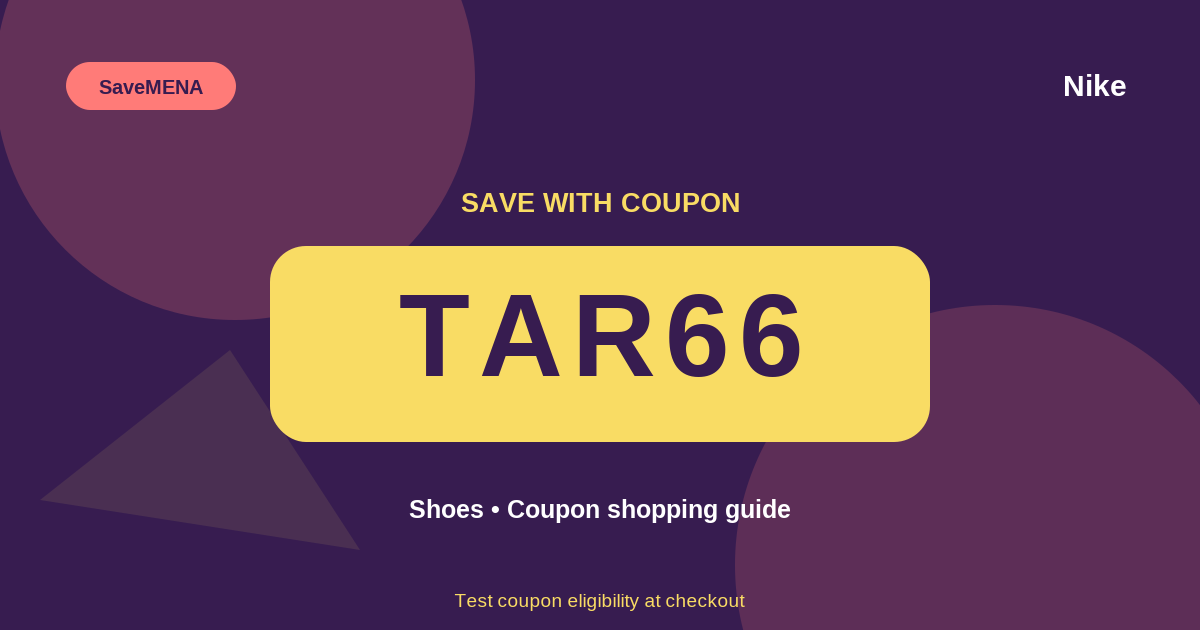
Codes available to try while comparing
These codes are not guaranteed for the article topic or listed brands; test them at checkout and use the live result.
Selecting the Right Shoes Seller on Noon UAE
The first decision in any online shoe purchase is choosing a seller that aligns with your needs. On Noon, sellers range from official Nike distributors to third‑party retailers, each with distinct shipping times and return policies. Consider whether the seller’s storefront displays clear product details, such as size availability and material specifications, and whether they list a public rating or verified purchase reviews. A high rating can indicate a seller that consistently follows through on shipping and customer service promised at checkout.
When you narrow down to a handful of options, cross‑reference the seller’s profile for the presence of a “verified seller” badge. This badge signals Noon’s confidence in the seller’s authenticity and responsiveness. It also often entails smoother problem resolution in case a delivery delay or wrong size appears. Prioritize sellers that provide up‑to‑date stock information, as out‑of‑stock listings can appear behind the scenes even when the product is shown as available.
Picking Your Favourite Nike Shoes
Nike offers a broad range of athletic and lifestyle shoes, from boosted running models to minimalist trainers. When browsing Noon, filter your search to “Nike” under the brand filter or search directly by model name like “Nike Air Max” or “Nike Impact.” Once you come across a product listing, read the full description carefully. Look for dual‑language support (Arabic and English) to double‑check details such as shaft material, sole type, and intended activity.
Size charts and customer photo reviews can help you gauge fit. Because you’ll be applying a coupon at checkout, ensure the product page shows the “Add to Cart” button prominently. This signals that the item is ready for the standard checkout flow, which is necessary for applying the TAR78 coupon code.
How Coupon Codes Work at Noon – Tried and Tested
Coupon codes on Noon are typically entered on the cart or checkout screen, depending on the seller’s policy. Once you add a Nike shoe to your cart, navigate to the cart page and find the “Enter Coupon Code” field. Only the code TAR78 is available for this guide, so type it exactly as displayed, respecting capitalisation and spacing. After submitting, Noon’s system validates the code against its database.
The validation process does not guarantee a discount; it merely indicates whether the coupon is recognized and eligible under current rules. As a result, the amount of deductible savings—if any—becomes visible only once you proceed to the final checkout page. The final payable total will account for any discounts applied, including the potential contribution of TAR78, and will also include shipping fees and taxes.
Testing the TAR78 Coupon Code – Step By Step
Begin by ensuring your cart contains only the Nike shoe(s) you intend to buy. Next, locate the “Enter Coupon Code” field inside the cart. Input TAR78 into this field and hit the apply button. The system should refresh the cart totals and indicate whether the coupon was accepted or rejected.
If the coupon is accepted, scroll down to the checkout section. Here you will see the “Coupon Discount” line appear—if there is one. This line will reduce the amount before shipping and tax are added, although the amount it subtracts is not disclosed in a fixed figure. If the coupon is rejected, the line will either remain blank or display an error message. In this case, proceed with the purchase without the coupon or explore other promotional options.
Checking the Final Payable Total After Coupon Application
After accepting TAR78, you will reach the order summary page. This page lists each item, subtotal, any coupon discount, shipping fee, and tax. The subtotal reflects the list price of the Nike shoe before discounts; the coupon discount appears as a negative amount next to the subtotal if the code is valid. The sum of these lines yields the final payable amount.
Verify that the final amount matches what you expect after coupon application. If the discount is not apparent, double‑check for additional conditions such as minimum order value or exclusions of certain sellers. If the coupon appears ineffective, confirm the code spelling and try refreshing the page or clearing your browser cache before retrying.
Verifying Seller Reliability and Stock Availability
Once you have confirmed the coupon’s effect, revisit the seller’s profile before finalising the purchase. Check the live inventory status — some sellers may show an item as available on the product page, yet it could be out of stock by the time you’re ready to check out. Look for a “Available” sticker or a real‑time inventory lock that ensures the shoe will ship promptly.
Seller reliability is also judged by how they handle cancellations and returns. If the seller’s return policy states “30 days return if unsatisfied,” it is wise to confirm that this promise is reflected on the order confirmation email. In case you need to cancel or return the item, a clear seller policy can expedite the process.
Tips for a Seamless Checkout Experience
To avoid last‑minute glitches, use a verified payment method such as a credit or debit card linked to your Noon account. Make sure your card details are updated and sufficient for the final total. If page errors occur, try switching browsers or clearing cache before attempting to apply TAR78 again.
Keep a record of the coupon code confirmation message or screenshot in case the code is accepted but you encounter an error later. Retain the order number and the final payable total.A coupon is not guaranteed; verify its result at the retailer checkout.
Alternatives and Next Steps If the Coupon Falls Short
If TAR78 is not active for your selected Nike shoe or the seller, consider exploring other promotional avenues. Popular avenues include Noon’s seasonal sales, flash deals, or the Noon app’s daily discounts. If you’re cautious about sellers, search for official Nike stores on Noon that promise authenticity and faster returns.
In some cases, if the coupon is not applicable but you still wish to benefit, evaluate a direct purchase from Nike’s own online store, or visit local authorized retailers in the UAE. Keep in mind that direct purchases may allow you to modify size or collect loyalty points that Noon may not offer.
Related SaveMENA pages
Related articles
Official sources to check
Frequently asked questions
How can I confirm that TAR78 is still valid for my purchase?
At checkout, after applying TAR78, verify that the final payable total reflects a discount line. If the code is invalid, Noon will display an error message and the discount line will remain blank. Reload the page or retry with fresh browser cache.
Will using TAR78 affect my return or warranty rights?
Coupon usage does not alter the seller’s standard return policy. For a Nike shoe, warranty terms and return windows remain as outlined in the product description and seller policy, regardless of whether a coupon was applied.
Can I apply multiple coupon codes simultaneously?
Noon typically allows only one coupon code per order. If you attempt to use a second code, the system will prioritize the first code entered and ignore subsequent ones unless specific promotional rules state otherwise.
Do I need to create a Noon account to use TAR78?
Yes, a registered Noon account is required to apply a coupon code. Ensure your account email is verified and your profile is up to date before attempting to enter TAR78 in the cart or checkout.