Smart Watches on Noon UAE: seller context — testing coupons one at a time · TAR62
If you’re looking to try Noon UAE coupon codes for smart watches, the first step is to understand how Seller context shapes your experience.
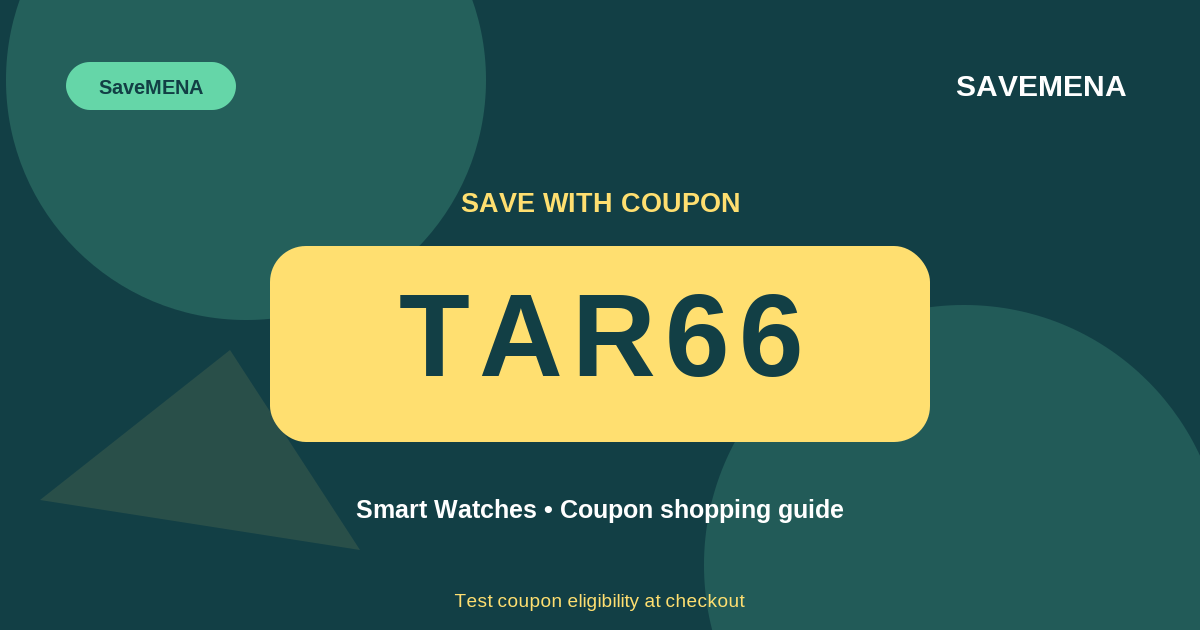
Codes available to try while comparing
These codes are not guaranteed for the article topic or listed brands; test them at checkout and use the live result.
The Smart Watch Marketplace on Noon – Seller Landscape
Noon hosts a diverse roster of sellers who list smart watches, ranging from global manufacturers to regional distributors. Some sellers have a longer history on Noon, while others are newer entries. When selecting a smart watch, the seller’s reputation can influence product authenticity, warranty coverage and response time for customer inquiries. It’s often helpful to review seller ratings and the amount of feedback they have received, as a higher volume of positive reviews may indicate consistent quality over time. Tracking these seller metrics is essential before checking out with any coupon, because a discount may otherwise be offset by a less reliable fulfillment source.
Moreover, sellers on Noon may differ in their shipping options and delivery timeframes. While the platform itself standardizes many logistics aspects, the chosen seller often sets the shipping method and schedule. A fast delivery promise from one seller may not hold for another, even if the product appears identical.A coupon is not guaranteed; verify its result at the retailer checkout.
Why the TAR62 Coupon Could Affect Smart Watch Purchases
The TAR62 coupon code is a promotional tool that the Noon marketplace sometimes offers for select items, including smart watches. While it is not guaranteed to apply to every product, it is always worth testing, especially if the code has appeared in promotional emails or on the Noon app. When you attempt to use TAR62, the platform will check its validity against all parameters set for the coupon—product category, seller, location, and more. If the code meets those requirements, the discount action is processed during checkout.
Testing a single code, such as TAR62, one at a time, allows you to isolate the impact of that coupon without confusing overlapping offers. This method also highlights any restrictions the seller may have placed on discount eligibility. By trying TAR62 directly on a chosen smart watch listing, you can see whether the code is accepted, rejected or partially applied, saving both time and potential frustration.
Step‑by‑Step: Testing TAR62 on a Smart Watch
First, find a smart watch that captures your interest on Noon and add it to the shopping cart. On the product detail page, most sellers will list the price in full, often including insurance or warranty options. Once the item is in the cart, proceed to the checkout page and look for the coupon or promo code input field. Enter “TAR62” precisely as shown, ensuring no extra spaces or special characters.
After submitting the coupon, the cart totals will refresh to reflect any applied discount. If the code is accepted, you should see a reduction in the subtotal before taxes and shipping. If it is not accepted, the platform typically provides a brief message explaining that the code could not be applied. At this point you can decide whether to retry the coupon on a different smart watch from the same or another seller, or to continue without the discount.
Seller Reputation & Warranty: Key Checks for Smart Watches
While the TAR62 coupon addresses price, the seller’s warranty and return policy remain critical post‑purchase guarantees. Review the product description and seller’s policy notes to confirm what is covered, whether the warranty is manufacturer‑backed or seller‑issued, and how long it lasts. Some sellers offer extended warranty packages, while others may rely solely on the manufacturer’s terms.
Before finalizing the purchase, it’s prudent to confirm that the seller accepts returns under the stated conditions. If a buyer finds the smartwatch unsuitable, knowledge of the return window and associated costs helps prevent unexpected charges. Factoring in warranty and return clauses can be just as financially protective as a coupon code, especially when buying a tech‑heavy item like a smart watch.
Applying the Coupon at Checkout
During the checkout process, the coupon input field is usually located beneath the subtotal or in a dedicated “Apply Promo Code” section. After typing TAR62, click the apply button, and observe whether the discount is reflected in the cart totals. The presence of the code should manifest as a direct monetary deduction in the subtotal line, not in shipping or tax lines.
It is also wise to refresh the page after applying the code, verifying that the discount remains active. Some browsers or device settings may interfere with Javascript that updates cart totals, potentially obscuring the application of the coupon. If the discount disappears on refresh, double‑check that the coupon was entered correctly and that the seller does not impose a minimum spend or product exclusivity restriction for the code.
Fees, Delivery, and Final Price: What to Watch
Beyond the coupon, Noon may add fees for certain shipping options or for expedited delivery. These fees are generally presented after the discount is applied, allowing you to compare the base price, the coupon reduction, and the total payable amount. Calculate the overall discount by reviewing the final total line—this number tells you exactly what you will pay before payment confirmation.
If the seller offers premium shipping, consider whether the added cost justifies the faster arrival. In some cases, a higher shipping fee could offset the savings from TAR62. Take a moment to align your budget with both the discounted price and these ancillary costs, ensuring the overall transaction still meets your value expectations.
Handling Troubles When the Coupon Won’t Apply
Should TAR62 not work, begin by confirming spelling and capitalization, as these codes are case‑sensitive. If the code still fails, check whether the seller has set exclusive terms—such as a restricted category that excludes certain smart watches. It may also be that the coupon is currently inactive or has passed its validation window.
If the issue persists, contact Noon customer support or the seller’s shop page messaging feature. Provide them with the coupon code and the product SKU for a quick review. The seller can clarify whether the coupon is applicable and may correct any overlooked configuration. Persistent failures after supporter intervention might mean the code is not valid for that particular listing.
Balancing Coupon Savings and Seller Trust – The Final Decision
Once you have tested TAR62 and confirmed the discount, weigh its benefit against the seller’s overall trustworthiness. A short‑term savings is valuable, but if the seller has limited customer support or a concerns‑frequent return rate, it may tilt the equation toward a higher priced but more reliable source.
Ultimately, the decision to proceed should reflect both the confirmed price reduction and the seller’s transparency about warranties, service, and delivery. When both factors align—coupon applied, seller reputable, clear return policies—you can enjoy your new smart watch with confidence that your purchase was both affordable and secure.
Related SaveMENA pages
Related articles
Official sources to check
Frequently asked questions
How do I confirm if TAR62 applies to a specific smart watch?
At checkout, enter the code exactly as “TAR62” in the promo code field. If the subtotal changes to reflect a discount, the code is accepted. If you see an error message, the coupon doesn’t apply to that item.
Will the coupon affect shipping fees?
Generally, coupon codes only reduce the product subtotal, not shipping fees. The final shipping cost appears after the discount is applied, so you can compare the pre‑ and post‑discount totals to see the impact.
What if the seller’s warranty is unclear after applying TAR62?
The coupon doesn’t alter warranty terms. Review the seller’s warranty section on the product page before purchase. If needed, contact the seller through Noon’s messaging system for confirmation.
Can I use multiple coupons on the same smart watch?
Noon typically allows only one promo code per order. If you’ve already applied TAR62, adding another code may not process. Stick to a single code at checkout.