Samsung Smart Watches on Noon UAE: seller context — testing coupons one at a · TAR62
When you’re shopping for a Samsung smart watch on Noon UAE, you often encounter a large maze of prices, sellers, and coupon offers.
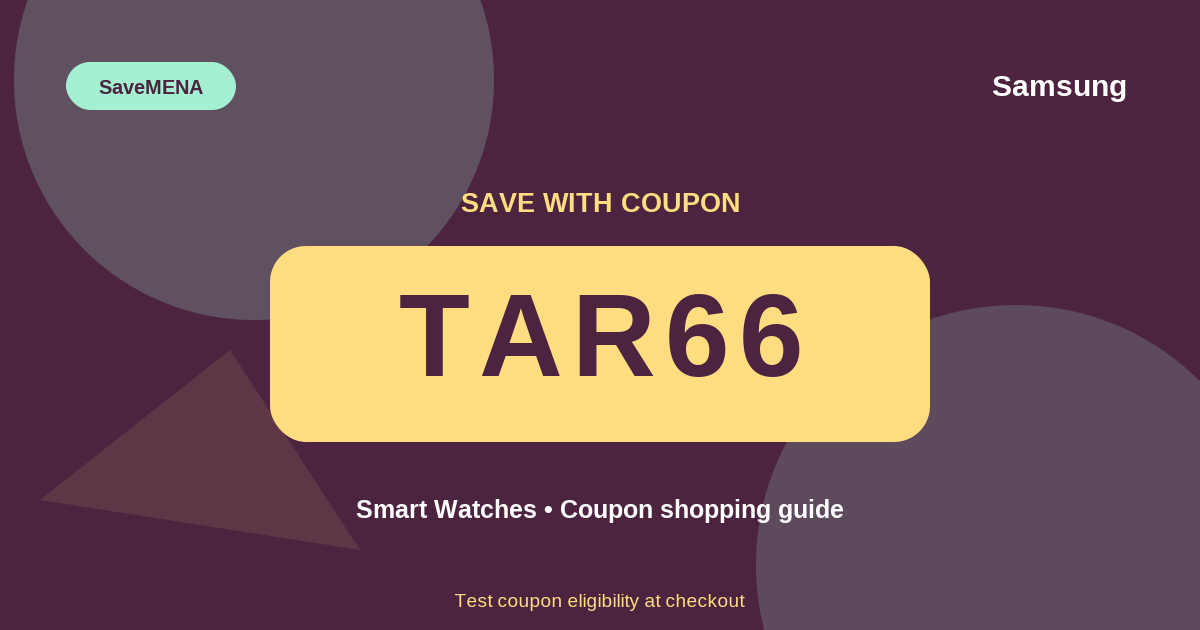
Codes available to try while comparing
These codes are not guaranteed for the article topic or listed brands; test them at checkout and use the live result.
Understanding the Seller Context on Noon UAE
The same product on Noon can appear from multiple sellers, each with different shipping, return policies, and support services. Checking the seller’s rating and response times gives you an early sign of reliability. Since the coupon you’re testing may behave differently for each seller, it’s crucial to note the seller’s name before adding the smart watch to your cart. Take a moment to click on the seller’s profile and review any available customer feedback related to product authenticity and post‑purchase assistance.
Seller context also dictates how coupons are applied. A seller with higher reputation may hand out more flexible discount options. When you see a Samsung smart watch listed, compare the seller’s header, any badges like “Premium Seller” or “Top Rated”, and how many recent reviews they hold. This allows you to pre‑plan if the code TAR62 is likely to work across the board or only with certain sellers.
Choosing a Samsung Smart Watch Model
Samsung’s lineup of smart watches ranges from entry‑level models to flagship editions. Start by deciding which features matter most: heart‑rate tracking, LTE connectivity, or a sleek display. Narrow the selection to one or two variants that suit your needs. During this stage, note the exact product title and barcode that appear on the listing; these details will be used later to confirm the correct product when you test the coupon.
Once you’ve settled on a model, add it to your cart. If the seller offers multiple sizes or colors, ensure you’ve chosen the variant you want. This final selection step is essential because the coupon code might apply only to certain variants, and you’ll need the precise product ID to verify acceptance at checkout.
Preparing Your Cart for Coupon Testing
With your Samsung smart watch in the cart, you’re ready to experiment with the TAR62 code. Noon’s interface allows you to enter coupon codes before proceeding to payment. The first task is to type the entire code—no extra spaces or dashes—into the coupon input box. Make sure your cart reflects the full price you would pay without any discounts for accurate comparison.
After entering the code, click the apply button. The system will instantly attempt to apply the discount to the order. If the code is invalid or not eligible for your chosen seller or product, you will receive a clear error message. Capture that message or screenshot; it becomes a useful reference if you decide to try the code again later or switch sellers.
Step-by-Step: Applying the TAR62 Code
When the apply button is clicked, Noon processes the coupon against the current cart details. If the code is accepted, a new line will appear beneath the total that reduces the amount payable. The system shows the discount amount but stays vague about terms. Regardless of the display, stop assuming a specific percentage or value; instead note that the discount has been applied. Keep this status in mind as you move forward to payment.
In the event the code is rejected or ignored, it will not alter the total price. This outcome signals that the coupon may not support the seller’s listing, the product’s variant, or the specific quantity selected. At this juncture, you might want to consider repeating the test with a single smartwatch— remember the instruction to test one code at a time—before trying alternate sellers or fallback offers.
Monitoring Checkout for Coupon Validation
Whether the TAR62 coupon applied successfully or not, the checkout page provides the definitive proof of eligibility. Scroll to the summary section. If the discount line remains, you’ll see a reduced total. If it doesn’t, the total will match the pre‑coupon amount. In both cases, the checkout page is the final reference to confirm whether the code worked for your exact selection.
While reviewing the checkout, double‑check that the seller’s name, product variant, and cart quantity match what you intended. This precaution ensures that the coupon result isn’t a product of a mis‑configured cart. If the apply button is no longer available (because the discount is already added), you confirm success; otherwise, you’re back to the test loop.
Assessing Seller Reliability Before Purchase
Even if the TAR62 code applied, the seller’s reputation should still guide your final decision. Look for indicators such as “Happy Buyer” badges or high feedback scores. Verify that the seller has a history of shipping Samsung products promptly and handling returns smoothly. These factors are independent of any coupon’s success but crucial for a secure purchase.
Absence of seller verification might prompt you to select an alternate seller, especially if the code fails with the first choice. Switching sellers allows you to retain the same product model while potentially triggering a different coupon acceptance. Remember: conducting coupon tests one at a time preserves clarity on which seller code success belongs to.
Comparing Similar Deals Across Sellers
Once you’ve confirmed whether the TAR62 code works with a chosen seller, you might want to broaden the comparison horizon. Visit other sellers listing the same Samsung smart watch, and repeat the single‑code test. Record whether each seller accepts the code; this simple audit creates a mini‑matrix of coupon applicability. Such a matrix helps you spot any patterns—perhaps certain sellers consistently reject code applications.
In addition to coupon acceptance, compare ancillary factors such as shipping times and return policies. Even if one seller offers a discount, longer delivery windows may offset any perceived benefit. A balanced view that includes coupon suitability, seller reliability, and logistical details gives you a comprehensive picture of who offers the best value for your Samsung smart watch.
Final Thoughts on Testing Coupon Codes
The practice of testing each coupon code individually on Noon UAE transforms clicking into a data‑driven decision. By systematically applying the TAR62 code while keeping strict seller context, you avoid purchasing a mistake that could leave you dissatisfied with discount or product. This method keeps your shopping experience transparent and under control.
With a clear record of which sellers accepted the code and the exact product variant purchased, UAE shoppers can confidently proceed to checkout. If the discount doesn’t apply, the process was still valuable: it revealed seller limitations and helped in selecting a more reliable partner for the same smartwatch or a close alternative.
Related SaveMENA pages
Related articles
Official sources to check
Frequently asked questions
How do I apply a Noon UAE coupon code on my smartwatch purchase?
You add the product to your cart, then enter the code TAR62 in the coupon field before proceeding to checkout. The system will instantly confirm if the discount applies. If it does, the total price will reduce accordingly.
Can the same coupon code work for multiple sellers on Noon UAE?
Coupon applicability varies by seller. If the code works for one seller, it may not for another. You must test the code separately for each seller to confirm eligibility.
What should I do if the coupon refuses to apply at checkout?
First, verify that the product variant, seller, and quantity match your intention. If the code is still rejected, try a different seller or consider another coupon.
Is there a cost to use the Noon UAE coupon code on a smartwatch?
No additional fees are imposed for applying the coupon. The only cost is your final payable amount, which will be reduced if the code is accepted.