Huawei Tablets on Noon UAE: seller context — testing coupons one at a time · TAR78
If you’re looking to try Noon UAE coupon codes on Huawei tablets and are focused on seeing how each coupon behaves one at a time, this guide walks you through the
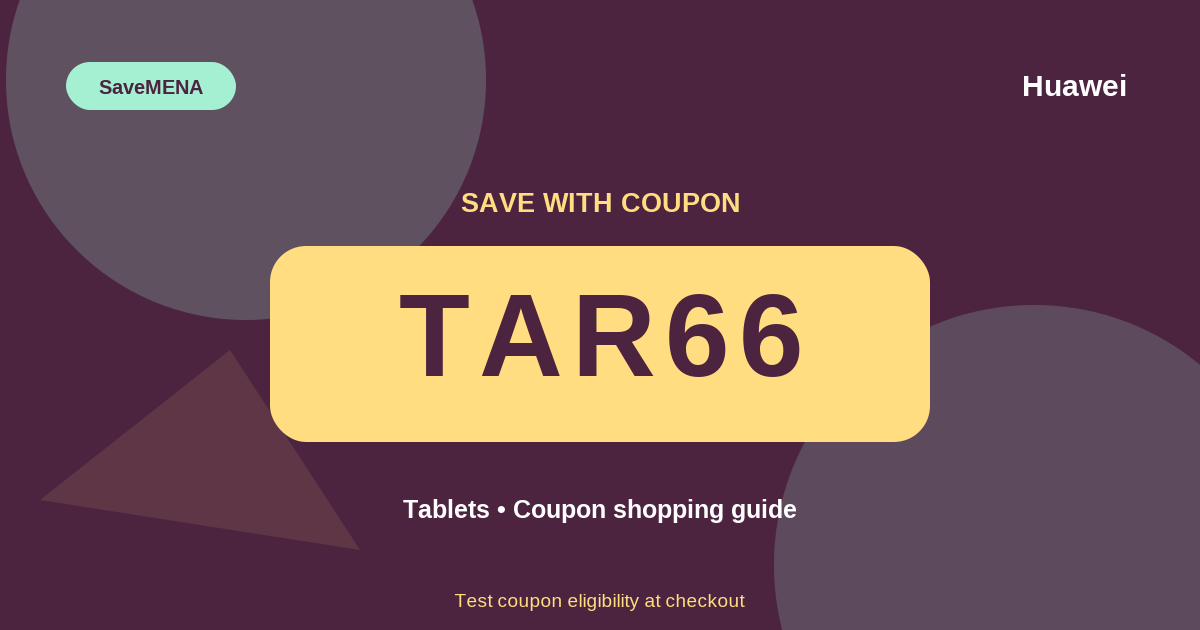
Codes available to try while comparing
These codes are not guaranteed for the article topic or listed brands; test them at checkout and use the live result.
Understanding the Seller Landscape for Huawei Tablets on Noon UAE
On Noon UAE, Huawei tablets appear under multiple vendor profiles. These sellers differ in shipping policies, return terms, and inventory freshness. While the product page lists the same model, the seller’s information—such as store name, rating, and delivery timeframe—can affect how the coupon code is applied. For a consistent testing experience, it’s advisable to note the seller ID or official store name before adding the tablet to your cart.
When you examine the product details, pay attention to the “Sold by” label. This tells you which third‑party or Noon-operated vendor owns the listing. Sellers with higher ratings often provide smoother post‑purchase support, which matters if a coupon fails and you need to request a refund or replacement. Make a note of each seller’s contact information; you may need it if you encounter a coding issue after testing.
Why the Seller Context Matters When Applying Coupon Codes
Coupon code acceptance on Noon can depend on the seller’s configuration within the platform. A vendor who has opted out of certain promo codes will not see the discount reflected at checkout. Therefore, testing the TAR78 code on every listed Huawei tablet and its seller ensures you discover which combinations are active and which are not.
Furthermore, the seller’s inventory status—such as limited-stock items—can impact the application of the code. If a seller is running a temporary sale, the CART may already include a discount, preventing the coupon from stacking. By testing one code at a time against each seller, you isolate the variables and avoid false assumptions about a coupon’s functionality.
Step-by-Step: How to Test the TAR78 Coupon on Huawei Tablets
Add the desired Huawei tablet to your cart. Prior to proceeding to checkout, locate the “Enter code” field—commonly at the bottom of the cart summary. Enter TAR78 exactly as it appears, noting case sensitivity if any. Click Apply, and watch the cart refresh. If the coupon is accepted, a new line should show the deducted value before the final total adjusts. If it fails, a brief message will explain the failure reason.
After successful application, proceed to the checkout page. Here you can confirm that the coupon is still active by verifying the payment breakdown. The final amount you see on the last screen before confirming the purchase represents the true payable cost, integrating all applicable discounts and seller-specific fees.
Common Mistakes When Using Noon UAE Coupon Codes on Multiple Sellers
A frequent error is applying the same code to different products without clearing the cart. Since Noon’s system locks the code to the first item added, subsequent attempts may be ignored. Always remove the item, restart the process, and reapply the code for each testing cycle.
Another pitfall is overlooking seller policies that prohibit coupon usage. Some vendors disable promotions on their listings to protect their margins. Testing a coupon on such sellers will yield a rejection, and the user may incorrectly assume the coupon is globally invalid. Always cross-check the seller’s policy section for any notes about promotional exclusions.
Checking Eligibility: What to Look For at the Checkout Page
At_checkout, the breakdown should display the original price, any merchant-specific discounts, plus the coupon discount line where TAR78 appears. Ensure that the final payable total matches the sum of all components listed. If the code does not appear, revisit the cart to confirm it was entered correctly; sometimes a minor typographical error prevents activation.
Verify that no hidden fees—such as a delivery surcharge—are added post‑discount. Since coupon value only applies to the product price, extra charges might bring the overall discount lower. Be sure to review “Order totals” at the bottom to confirm that the coupon’s impact is fully captured before final confirmation.
Managing Expectations: When the Coupon Code Doesn’t Apply
If TAR78 is rejected, the checkout page will typically list an error message. This indicates either a code mismatch, a seller restriction, or an inactivity due to stock constraints. Note the exact message; it guides whether you should retry or seek an alternative seller.
In such cases, contact Noon support or the seller's directly. Since SaveMENA does not control Noon processes, you must rely on their help desk or the seller’s customer service interface for clarification. Document the exact error and screenshot it for reference when arguing for a refund or alternate coupon availability.
Leveraging Multiple Trials: Systematic Testing of One Code at a Time
Create a simple matrix: list each Huawei tablet SKU, its seller, and a placeholder for coupon applicability. On day one, add the tablet from Seller A, apply TAR78, and record success or failure. Repeat with Seller B on day two, and so on. This systematic approach guarantees you cover all permutations while avoiding repetitive cart clutter.
Keep a spreadsheet or a notepad with entries like “Tablet X – Seller A – Code Accepted” or “Tablet Y – Seller B – Code Rejected: Seller Restriction.” By the end of the cycle, you have a clear audit trail. This method respects the “testing multiple codes one at a time” intent without overloading Noon’s systems or triggering automated checks.
Final Thoughts: How to Make the Most of Your Tablet Purchase
The key takeaway is to treat each photo and seller as a unique test case when applying the TAR78 coupon. Recognizing the seller’s role in coupon validity allows you to make informed decisions about where to purchase based on confirmed discounts and reliable support.
Once you pinpoint the seller offering the coupon, lock in the deal, complete the checkout, and enjoy the tablet knowing your savings are real. After purchase, keep the receipt for future inquiries and use it to verify your final payable amount against the stated total to avoid any discrepancies.
Related SaveMENA pages
Related articles
Official sources to check
Frequently asked questions
What should I do if the TAR78 code shows a "code not valid" error?
First, ensure there are no typos or unintended spaces. If the error persists, verify whether the seller allows coupon usage. Contact the seller or Noon’s support for clarification, as some listings disable promo codes.
Can I combine the TAR78 coupon with other Noon promotions?
On Noon, coupon codes typically do not stack with store discounts or flash sales. The final amount displayed at checkout will show whether the coupon was accepted separately.
Is the final payable amount the same as the price I see before checkout?
Not necessarily. Deliveries, handling fees, and tax adjustments may appear after the coupon deduction, altering the final total shown on the confirmation page.
How do I know if a seller will accept the coupon before adding to cart?
Check the seller’s policy section or contact their support line. If the “Coupon eligible” note is missing, it’s safer to try the code after adding the item to the cart, as it’s the only point that the platform confirms usage.