Samsung TVs on Noon UAE: seller context — testing coupons one at a time · TAR78
If you’re exploring how to try Noon UAE coupon codes while shopping for Samsung TVs, this guide will walk you through the step‑by‑step process.
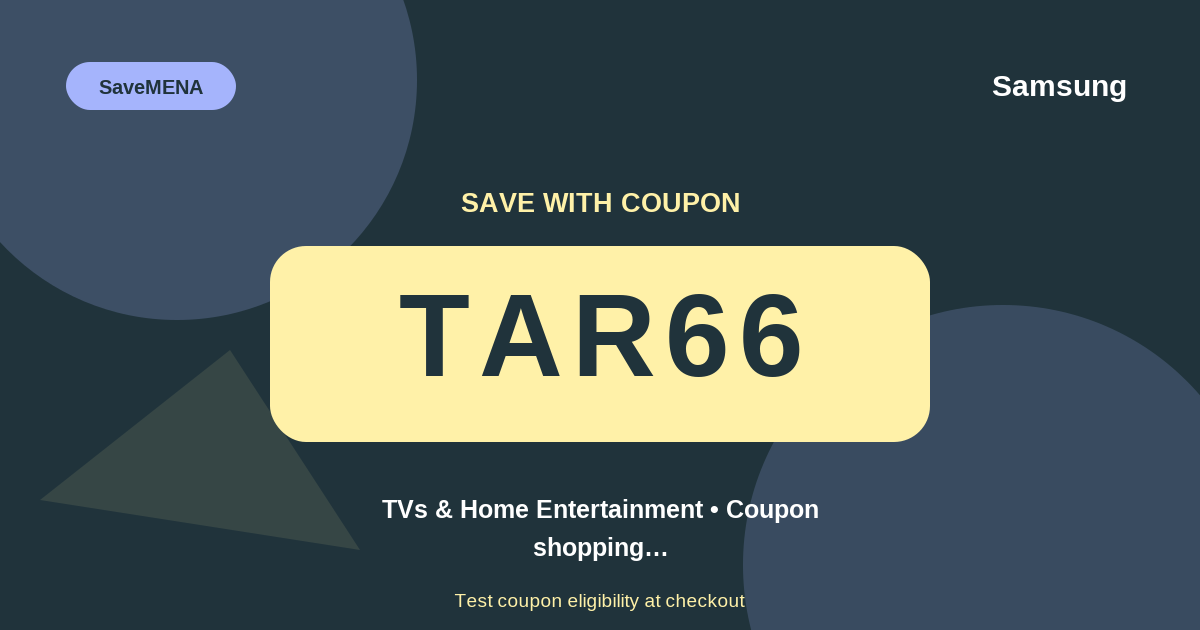
Codes available to try while comparing
These codes are not guaranteed for the article topic or listed brands; test them at checkout and use the live result.
1. What a Noon UAE Coupon Code Really Means
A coupon code in Noon UAE is simply a string of characters you enter during checkout. It may or may not reduce the price or trigger a freebie. The code “TAR78” is offered as a possibility, but it is not guaranteed to work for every customer or every product. You should enter it before the final cart total is displayed, to see if it activates. This action is the only reliable way to determine its validity for you.
Because Noon allows customers to apply more than one code, you will likely resend the same code after each attempted checkout. Your account status, cart contents, and other factors can change the outcome. Importantly, you should not rely on assumptions that a code will always give a discount. Testing it yourself remains the best strategy for verification.
2. Seller Context: Why It Matters for Samsung TVs
When shopping for a Samsung TV on Noon, you should focus first on the seller’s credibility. Check seller ratings, return policies, and shipping times. Samsung TVs often carry brand‑specific warranties that sellers must honor, so confirming this info protects you from unwanted surprises.
Seller context also helps you establish whether the product listed is an original Samsung model or a generic alternative. Genuine Samsung TVs typically come with clear provenance, instructional manuals, and after‑sales support. Evaluate these details as part of your pre‑purchase assessment.
3. Selecting the Ideal Samsung TV for Your Space
Begin by reviewing the TV size and resolution that best fits your living room. Samsung offers a range of panels, from Compact curvilinear displays to expansive flat‑screen setups. Align your choice with your viewing distance, brightness preferences, and smart‑TV feature needs.
Once you’ve narrowed down the model, look for compatibility with your existing set‑top box or streaming gear. Samsung’s ecosystem also includes voice assistants and UI customizations that can enhance day‑to‑day use. Balance these factors with the overall cost before proceeding to the checkout stage.
4. Applying the “TAR78” Coupon Code at Checkout
When you add your preferred Samsung TV to the cart, scroll to the Checkout page. Locate the field that prompts for a coupon or promo code. Type in “TAR78” exactly as shown, paying attention to uppercase letters and numbers. Do not add extra spaces or punctuation.
After submitting the code, allow the platform a moment to recalculate your cart. The checkout interface should either display a new subtotal, an error message, or leave the original amount unchanged. Treat this update as a definitive sign of the code’s applicability to your purchase.
5. Checking the Final Payable Amount
Once the coupon has been evaluated, review the final illustration of fees. The Checkout summary lists the base price, any applied discount, additional delivery charges, and the total payable. This final figure is the one that will be charged to your selected payment method.
Because the coupon function may not produce a visible discount window, compare the current total to the original price displayed earlier. If the numbers match, the code has not affected the purchase. In either case, confirm that the figure matches your expectations before confirming the order.
6. Confirming Seller Credentials Post‑Coupon
Even after validating the coupon, revisit the seller page on Noon. The seller’s profile lists ratings, verified customer feedback, and the history of transactions. Pay particular attention to how many of the reviews specifically mention the product’s condition and delivery reliability.
Verify that the seller’s return policy matches your risk tolerance. Look for details about how returns are processed, timelines, and whether the TV is covered by an independent warranty each. These steps safeguard you from any mis‑representation that could occur after purchase.
7. Trouble‑Shooting When “TAR78” Fails
If the code does not activate, check whether you met all right conditions. A few possibilities lead to failure: the cart is too small, the TV might be part of a bundle, or the code may have application limits. Each of these circumstances can prevent the discount from materializing.
When you have verified all conditions and the code still fails, re‑enter the code after clearing the browser cache or refreshing the page. If the issue persists, consider contacting Noon customer support for clarification about the coupon’s intended usage. They can confirm whether the code is still active and applicable to your product.
8. Final Thoughts and Action Steps
Testing the “TAR78” code one at a time on Noon UAE is the most reliable way to ascertain its real‑world benefit. Always let the code run through the Checkout before finalizing the purchase. Keep a record of whether the coupon delivered a discount or not, and use that information to shape future shopping decisions.
Remember that your most important safeguard is the seller context. Shopping for a Samsung TV through a reputable, well‑rated seller ensures you receive a product that matches the brand’s specifications and protects your investment. Use the guidelines in this article to navigate both the coupon system and seller verification smoothly, and complete your purchase with confidence.
Related SaveMENA pages
Related articles
Official sources to check
Frequently asked questions
What if “TAR78” does not work for my Samsung TV?
If the code doesn’t apply, double‑check that your cart meets all requirements. Review the selection of the Samsung TV, confirm no restrictions are in place, and re‑enter the code after a page refresh. Contact Noon support if issues continue.
Can I combine “TAR78” with other promotional offers?
Noon allows only one active coupon per checkout. If you have other promotions, choose the one that best benefits your purchase. Some sellers may use in‑house discount schemes that do not require entering a code.
How do I verify the seller’s authenticity on Noon?
Visit the seller’s profile page, review overall ratings, read recent customer comments, and check the return policy details. A trustworthy seller will display positive feedback and clear return terms.
Will a discount be shown if “TAR78” works?
When the code is valid, the Checkout page will adjust the subtotal and display a new total. If no change appears, the code has not applied. Confirm by comparing the new total to the initial price shown.