Sony TVs on Noon UAE: seller context — testing coupons one at a time · TAR62
If you’re looking to test multiple Noon UAE coupon codes on Sony TVs, this guide shows how to try the TAR62 code one at a time while paying close attention to the
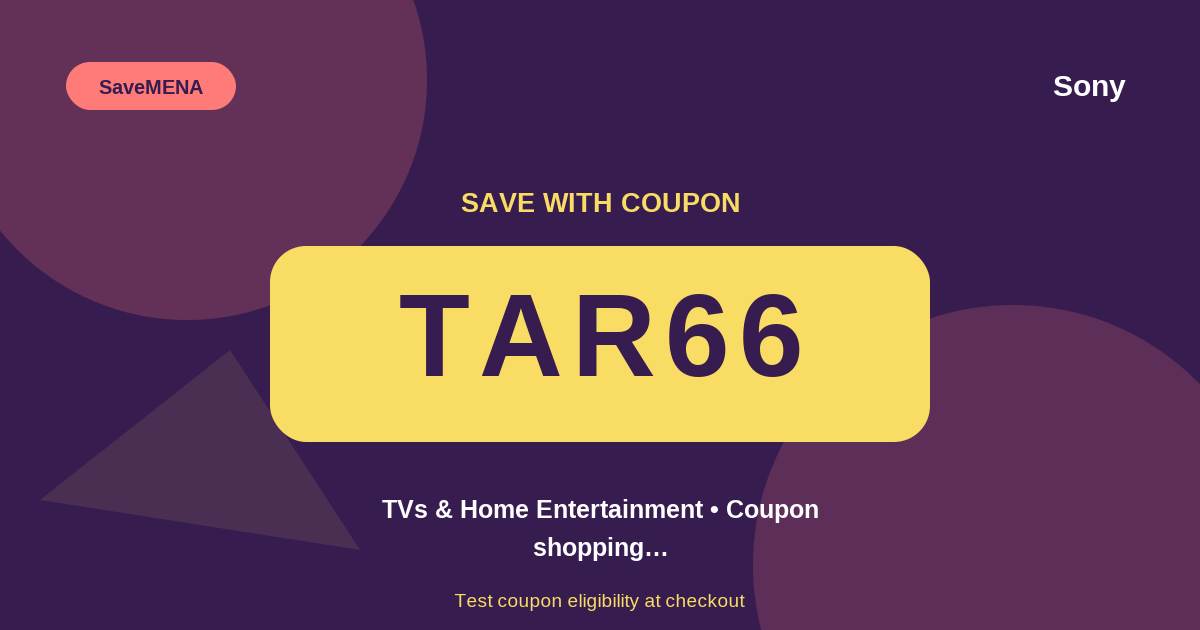
Codes available to try while comparing
These codes are not guaranteed for the article topic or listed brands; test them at checkout and use the live result.
Understanding the TV Shopping Landscape in UAE
UAE shoppers have a wealth of TV options across local and international platforms. Noon’s catalog features numerous Sony models with varying screen sizes and features, making it essential to narrow down choices based on resolution, smart‑TV capabilities, and connectivity. While the market offers competitive pricing, the buyer’s experience hinges on transparent seller profiles and accurate product descriptions. As a result, expertise in reading seller details becomes a cornerstone of successful purchases, especially when applying third‑party discount codes.
When evaluating TVs, focus on key specifications such as OLED versus LED, HDR support, and processor performance. These technical aspects align with Sony’s image‑enhancing technologies, ensuring a consistent viewing experience. Understanding the market context helps you make informed comparisons, especially when different sellers offer the same model at varying price points. By mastering this foundation, you’ll be equipped to assess each listing critically before proceeding with coupon trials.
Why Sony TVs with Noon Seller Context Appeal
Sony’s reputation for premium image quality and reliable performance makes its TVs a sought‑after choice among UAE consumers. When Sony is paired with Noon’s seller context, buyers benefit from a blend of global brand trust and local accessibility. The platform often lists Sony products from certified sellers, diminishing the risk of counterfeit or refurbished units masquerading as brand‑new.
Moreover, Noon’s integration of detailed seller reviews and star ratings allows shoppers to quickly gauge the credibility of each listing. This seller context is especially useful when you’re testing coupon codes, as well‑rated sellers are more likely to honor return policies and provide accurate after‑sales support. Combining Sony’s technology with Noon’s seller ecosystem creates a reliable shopping pathway for those who value both quality and service.
Steps to Find the Right Sony TV on Noon
Start by navigating Noon’s TV category and applying a Sony filter. Input the desired screen size or resolution in the search bar for precision. Then, use the “Seller” filter to narrow the results to well‑rated merchants, typically indicated by 4‑stars or higher. This step ensures you’re browsing listings with proven reliability, which is crucial when planning to apply a coupon code that may or may not be accepted.
Once you locate a suitable model, review the product page meticulously: check for authenticity badges, read the description for warranty information, and confirm that the seller lists the item as new. Look for additional prompts on page such as “Seller Support” or “Return Policy” links, which will guide you later in case the coupon does not apply.
Decoding the TAR62 Coupon Code – What to Expect
The TAR62 code is the only coupon in our discussion, intended for use on Sony TV listings from Noon. Unlike guaranteed discount codes, TAR62’s eligibility is determined at checkout. That means you can attempt to apply the code to your cart, but whether it succeeds depends on Noon’s current validation criteria, which may change over time.
When testing TAR62, place the chosen Sony TV into your cart, proceed to the “Apply Code” section, and enter TAR62. Observe the updated price line; if no change appears, the code was not accepted. In that case, you’ll still pay the listed price, but verified vendor guarantees remain in place. Always remember to keep a screenshot of your attempt for future dispute resolution.
Seller Profile and Authenticity Checks
Before you finalize any purchase, revisit the seller’s profile. Look for a comprehensive seller badge, verified seller status, or a history of positive feedback. For Sony TVs, many reputable sellers provide a direct link or QR code to a brand‑specific catalog, adding a layer of authenticity.
Additionally, cross‑check the seller’s listed contact information, return policy details, and fulfillment location. Sellers who offer express delivery or have local warehouses often provide quicker customer service. These details become essential if the coupon you applied is later declined, ensuring you can resolve the issue directly through the seller rather than an intermediary.
The Checkout Process – Final Discounts, Fees, and Confirmation
Upon confirming your cart, enter payment details and double‑check the final amount displayed under “Total Payable.” If the coupon applied, the discount will reflect here; otherwise, you’ll see the original price plus any applicable taxes and fees. This total is your absolute commitment; no email confirmation or policy can alter it afterward.
After placing the order, Noon generates a confirmation email containing the order number, payable amount, and shipping details. Retain this email as it verifies the coupon’s status at the time of purchase. If TAR62 was accepted, the confirmation will show a reduced price. If not, the email will list the full price, and you’ll still receive the product as per seller terms.
Post-Purchase Steps and Warranty Considerations
Once your Sony TV arrives, inspect the packaging, cable connections, and display settings immediately. If any part of the device is missing or damaged, report the issue through Noon’s order portal. The seller’s warranty policy, typically a one‑year coverage, can be verified from the product page or the confirmation email.
For unmatched quality or delayed issue resolution, phone support from Noon’s customer service can help. Document any communication and keep the original receipt. These records are indispensable if you need to reference the coupon status or the seller’s authenticity in future disputes.
Common Pitfalls and Tips for a Smooth Transaction
A frequent oversight is assuming the coupon will work on all Sony TVs across Noon. Only certain model ranges or seller selections accept TAR62, so double‑check eligibility before adding to cart. Additionally, avoid checks using multiple coupons simultaneously; apply them sequentially to avoid mixed‑price errors.
To stay protected, always re‑verify the seller’s rating before finalizing the purchase. A highly rated seller mitigates the risk of counterfeit units slipping through. Also, confirm that the return window is active; this allows you to return the device if the product doesn't match the description or if the code was mistakenly accepted.
Related SaveMENA pages
Related articles
Official sources to check
Frequently asked questions
A coupon is not guaranteed; verify its result at the retailer checkout.
No. The code is only available to try. Eligibility can vary with the live account, basket, item, seller and campaign context, so checkout is the final reference.
Where should I confirm the coupon result?
Apply the code in the Noon basket and review the live message and final payable total before payment. Do not rely on an undocumented percentage or condition.
Can the result vary by product or seller?
Yes. Eligibility and offer context can vary with the current basket details, so compare the exact item, seller, variant and final total before purchasing.
What should I do if the code does not work?
Check the market, account, item, seller, basket and payment context, then try another code available to try without guessing an unsupported reason.