Sony Electronics on Noon UAE: warranty and support — testing coupons one at a time
Sony electronics sold in the UAE typically include a one‑year limited warranty that covers manufacturing defects.
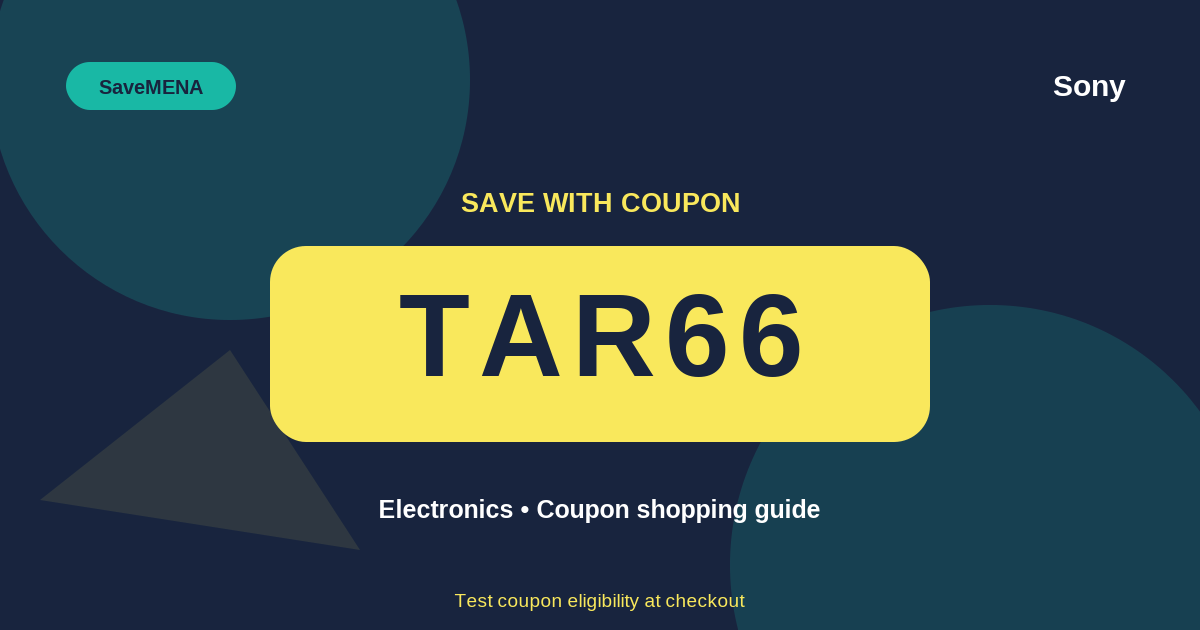
Codes available to try while comparing
These codes are not guaranteed for the article topic or listed brands; test them at checkout and use the live result.
1. Understanding Sony’s Warranty Policy for UAE Customers
Sony electronics sold in the UAE typically include a one‑year limited warranty that covers manufacturing defects. The warranty remains valid as long as you keep the original purchase receipt and register the product on Sony’s official UAE website. Reviewing the specific warranty terms before checkout lets you know exactly what problems are covered, whether battery replacements, repair technicians, or return policies are involved. This knowledge is essential when you later encounter a defect or malfunction.
After attending a knowledge session on Sony’s warranty, you can assess whether your chosen product also includes optional extended coverage sold by third‑party sellers. Such add‑ons can be beneficial if you plan to use the device for many years. However, always verify that extended coverage does not conflict with the manufacturer’s original warranty. Keeping both warranties clearly documented and active protects you from duplicated claims or claim denial during repairs.
2. Verifying Warranty Coverage Before Adding to Cart
Before adding any Sony device to your Noon UAE cart, locate the warranty details on the product page. Sony’s warranty usually appears as a separate section with the warranty duration and key exclusions. Check that these details match the warranty statement on the manufacturer’s website. Any discrepancy means you risk purchasing a device that might not have the promised coverage.
In addition to the manufacturer’s information, read Noon’s return and warranty policy for that specific seller. Some sellers add their own conditions, such as requiring the product to be returned with unused accessories or packaging. Confirming both sets of policies reduces the risk of losing warranty benefits if you need to return or repair the item.
3. Applying the TAR66 Coupon Code and Checking for Approval
Once the warranty details are verified, proceed to your cart and enter the TAR66 coupon code. Because the code is available to try but not guaranteed, it is prudent to check the checkout page to see if the system acknowledges it. A successful application will usually reflect a slight reduction in the final amount; otherwise the page will prompt you that the coupon is invalid.
When the code is accepted, keep the confirmation displayed until you complete the payment. If the cart shows the discount yet the shipment still carries a separate international shipping fee, note that the coupon might not have applied to shipping. This detail matters for assessing your total cost against the warranty value you are securing.
4. Confirming Warranty Inclusion in the Purchase Confirmation
After finalizing payment, the order confirmation page on Noon will list the purchased Sony item, total price, and any applied coupon codes. Below the order details, look for a section that states “Warranty included” or lists the manufacturer’s warranty duration. The confirmation email you receive should mirror this information; any mismatch can be grounds for a warranty dispute later.
Having a clear, printed or digital record of the warranty information ensures you have evidence in case you need to lodge a claim with Sony or discuss the warranty with Noon’s customer service. It also avoids confusion if a later issue requires you to prove warranty eligibility based on your purchase date.
5. Tracking Your Order & Monitoring Warranty Status
Once delivery is confirmed, inspect the Sony device for any physical defects. Open the packaging, check the screen, buttons, and power supply if applicable. Any initial issue should be reported to Noon within the first few days, as many return windows expire quickly. While reporting, reference your warranty policy to show that you’re acting within the allocated period.
Additionally, if Sony offers a digital warranty card or registration portal, use it to log your product serial number and purchase date. This step activates a channel where you can later request service or parts under the manufacturer’s coverage. Keeping the warranty card accessible and noting the use of the TAR66 coupon in your records adds clarity should disputes arise.
6. Contacting Sony Support for Post‑Purchase Assistance
If you encounter a defect after a few weeks, start by calling Sony’s UAE customer support line. Reference your warranty registration number and the Noon order ID. Sony often provides a dedicated service center or a repair callback, which maintains the warranty coverage. It’s wise to keep the conversation brief but record all messages or reference numbers.
Should Sony advise a repair, confirm that the service applies only to warranty‑covered issues and does not affect the product’s resale value or future warranty eligibility. If the repair requires sending the item back to Sony or a local partner, double‑check Noon's shipping instructions to avoid extra costs that might be beyond the warranty scope.
7. Escalating Warranty Claims – What to Do Next
In cases where Sony’s initial service resolution is unsatisfactory, you can appeal through Noon’s customer service portal. Provide a concise comparison of your warranty terms with the proposed fix. Document any correspondences, screenshots of warranty statements, and the TAR66 coupon usage. This evidence supports a legitimate claim that the product should be repaired or replaced.
Many electronics buyers eventually follow up with Sony’s regional office, which can enforce manufacturer warranties. Whether you’re seeking a replacement unit or a refund, keep all receipts and communication logs. A clean record helps you navigate the escalation process without losing warranty rights or spending additional money.
8. Reading the Fine Print – Terms, Conditions, and Endures
When finalizing any post‑purchase claim, scrutinize the “Terms & Conditions” for both Noon and Sony. Look for sections that describe the coverage period, permissible repair locations, and any pre‑purchase service check criteria. These clauses define the legal framework that protects you from losing coverage due to a misunderstanding.
Repeat the key points with the retailer when you open a claim: the product’s serial number, original purchase date, problem description, and the fact that the TAR66 coupon was applied. By aligning all documents and conversations, you stand the best chance of an outcome favorable to your warranty rights, ensuring that the phone, console, or TV you bought from Noon UAE remains reliable for years.
Related SaveMENA pages
Related articles
Official sources to check
Frequently asked questions
What should I do if my Sony device shows a defect soon after delivery?
Inspect the device immediately and note any visible or functional problems. Log a return request on Noon and reference your warranty registration. Use Sony’s UAE support line to confirm if the issue is covered before arranging repair or replacement.
Does applying the TAR66 coupon affect my Sony warranty?
The coupon code only alters the product price; it does not interfere with Sony’s manufacturer warranty or Noon’s return policy. Neither warranty is extended or reduced by using TAR66.
Can I get a refund if my Sony product is out of warranty but I used the TAR66 coupon?
Refund eligibility depends on Noon’s return window and Sony’s warranty status. If the product is out of warranty, you must still satisfy Noon’s return criteria. The TAR66 coupon only impacts the purchase price, not post‑purchase return rights.
How can I verify if the TAR66 coupon was applied correctly?
Check the checkout summary and order confirmation email. The applied discount should be listed next to the final price. If not displayed, the coupon did not apply and should be re‑entered or verified with Noon support.