ASUS Gaming on Noon UAE: warranty and support — testing coupons one at a time
try Noon UAE coupon codes Gaming ASUS warranty and post-purchase support: Testing a Noon UAE coupon code can feel like a gamble, especially when you’re budgeting
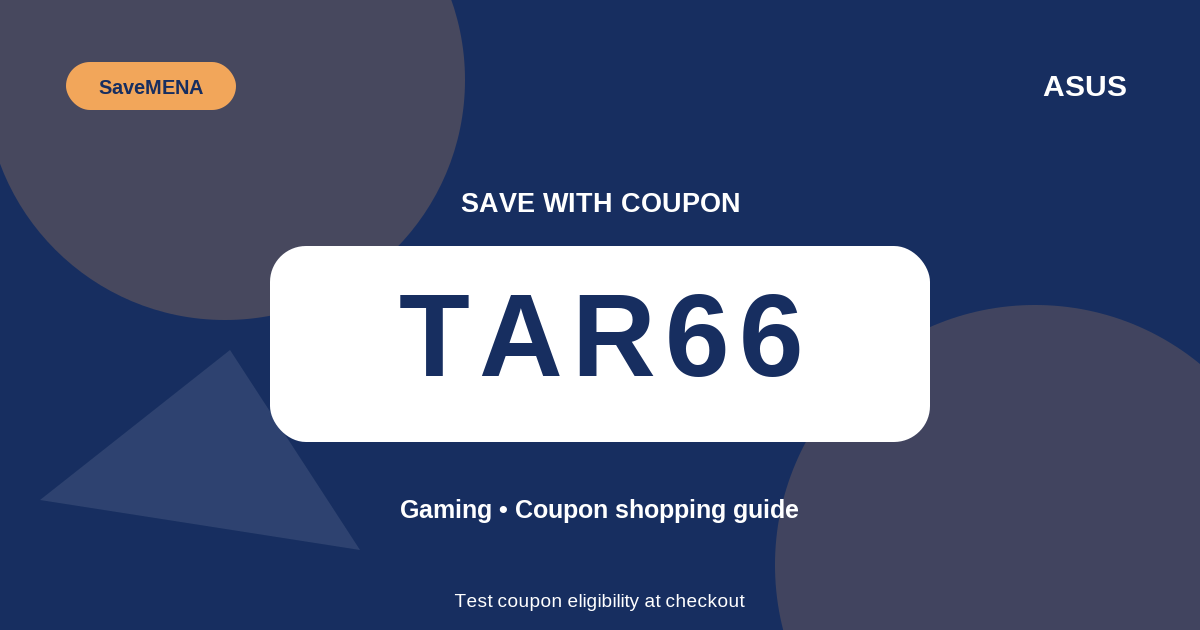
Codes available to try while comparing
These codes are not guaranteed for the article topic or listed brands; test them at checkout and use the live result.
1. Identify the ASUS Gaming Item You Want
Start by pinpointing the specific ASUS gaming component that fits your needs—be it a mouse, keyboard, headset, or laptop. Use Noon’s search filters to narrow down to ASUS brands, then compare product listings on features such as response time, DPI sensitivity, or display resolution. Pay particular attention to product descriptions that include explicit warranty periods, as some listings provide clearer details on the duration and scope of coverage.
Once you’ve chosen a model, bookmark its page. This will allow you to revisit it after applying the coupon code, ensuring that you still see the exact item in your cart and that the selected code does not inadvertently switch you to a different SKU or bundle. Referencing the same product URL also helps if you need to contact Noon’s support team for confirmation about coupon eligibility and warranty status later.
2. Review ASUS Warranty Terms Before Checkout
USP warranty policies often detail coverage for manufacturing defects, power failures, or component failures within a set timeframe. Look for statements like “two‑year limited warranty” or “five‑year protection” on the product page or attached PDF. Note any conditions that may void coverage, such as modifications or unauthorized repairs.
Write down the contact details for ASUS’s official warranty claims department, usually listed under “Support” or “Warranty” sections. This information will remain unchanged even if a coupon is applied, guaranteeing that you still have a valid pathway to file a claim should a hardware issue arise after purchase.
3. Add the ASUS Item to Your Noon Cart
Proceed to add your chosen ASUS product to the cart by clicking the “Add to Cart” button. Avoid selecting any variations (color, storage, etc.) that might affect price; although the coupon code will be tested on the base price, some variations may have different eligibility thresholds.
Confirm the cart reflects the correct item, quantity, and pricing. This pre‑coupon snapshot is essential because if the code fails to apply, you can revert to the original total and retry or switch to a different coupon without affecting your selected product.
4. Apply the TAR66 Coupon Code One at a Time
In the cart summary, locate the field labeled “Enter coupon code.” Type TAR66, ensuring there are no extra spaces or characters. Unlike other discount codes, TAR66 may have fluctuating applicability, so you must test each code individually before proceeding to checkout.
After entering the code, click “Apply.” Observe the cart’s recalculated subtotal and any displayed discount message. Even if the discount appears minimal, confirm that the code flag remains attached to your cart at this stage, as a spreadsheet log of applied codes can help you track usage across multiple attempts.
5. Verify the Coupon’s Effect on Warranty and Support Integrity
Coupons can influence pricing but should not alter the warranty clauses displayed on the product page. Double‑check that the warranty information still lists the same coverage period and terms as before the code was applied. Any discrepancy might indicate an issue with the seller’s listing rather than the coupon itself.
Additionally, confirm that support contact details for ASUS are still visible and unchanged. This ensures that warranty claim procedures are not impacted by the discount process, which could otherwise hide or modify the support links embedded within the product description.
6. Review Delivery Fees and Expected Shipping Times
Coupon codes sometimes exclude certain fees like delivery charges. Confirm that the delivery fee remains consistent before and after the code is applied. If the code affects shipping cost, note the new fee so you can calculate the true final amount later.
Check the anticipated arrival window shown in the cart. ASUS products often ship from regional hubs; make sure the listed shipping estimate aligns with the vendor’s fulfillment location. An unexpected delay might be tied to the coupon’s restrictions rather than the seller’s logistics.
7. Complete Checkout While Tracking the Coupon Status
Proceed to the checkout page, ensuring you are logged into your Noon account. Here, verify that the applied code TAR66 still appears in the order summary and that the discount is reflected in the displayed total. Note that the final payable amount will incorporate all taxes and fees at this point.
After confirming the final amount, fill out your payment information and place the order. Bookmark or screenshot the confirmation page, which lists the displayed total and the "TAR66" tag. This record is useful if you need to query Noon’s support about coupon application or warranty details afterward.
8. Confirm Post‑Purchase Support and Return Policy
Once your order is confirmed, revisit the product listing and read the return policy section. ASUS gaming gear typically includes an easy‑return window limited to defects or non‑conformity with product specifications. Verify that this window remains effective and that the return address is unchanged.
Finally, check that support avenues—like live chat, help center, or direct mail—are accessible via the Noon order details page. This confirms that even after coupon use, you retain full access to ASUS’s post‑purchase assistance and warranty claim processes.
Related SaveMENA pages
Related articles
Official sources to check
Frequently asked questions
Will the TAR66 coupon code always apply to ASUS gaming gear on Noon?
The discount’s applicability varies; applying the code one at a time and verifying the cart summary is essential to confirm if it materializes for a given SKU.
Does using a coupon affect the warranty period for my ASUS product?
Warranties are stated in the product description and remain unchanged; you should still find the same coverage details after coupon application.
If a waiver is needed for a repair, how do I submit it?
Contact ASUS support through the channels listed on the product page; a waiver request may be required for out‑of‑policy repairs.
What happens if my order arrives later than advertised?
Check the carrier’s tracking details; if shipping times are exceeded, log a support ticket with Noon for clarification. Warranty terms are independent of delivery times.