Gaming on Noon UAE: warranty and support — testing coupons one at a time
try Noon UAE coupon codes Gaming warranty and post-purchase support: If you’re on the hunt for the latest gaming gear in the UAE, you’ll likely want to test a few
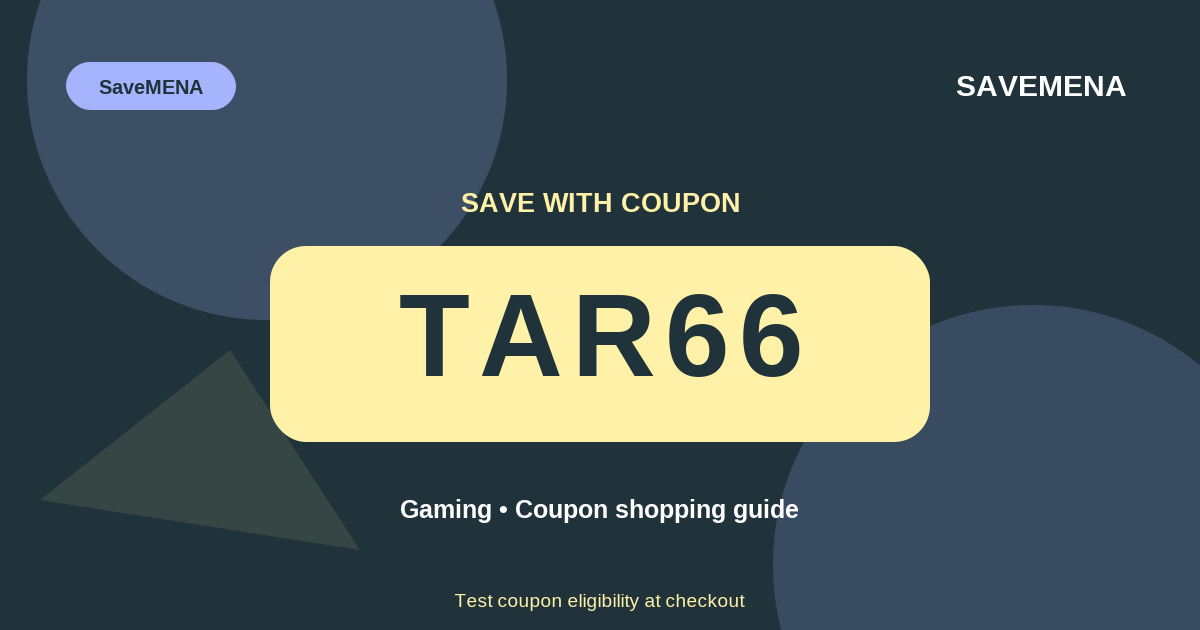
Codes available to try while comparing
These codes are not guaranteed for the article topic or listed brands; test them at checkout and use the live result.
1. Identify the Warranty Terms in the Product Listing
Begin by scrolling through the product description on Noon’s gaming page. Look for a section titled “Warranty” or “Guarantee.” This part should outline the duration, whether it covers manufacturing defects, or if it extends to shipping damage. Pay close attention to any mention of regional coverage – sometimes the warranty is only valid in the UAE, so ensure this matches your location. Document the warranty period and the scope of coverage, as this information will guide later comparisons.
Next, verify the support structure linked to the warranty. Search for a “Support” or “Service” link adjacent to the warranty details. This commonly directs you to a FAQ page or a direct contact channel. Confirm that the support includes options such as phone, chat, or email, and note any response time guarantees. These details are crucial for assessing the practical benefit of the warranty if you encounter an issue.
2. Examine Post‑Purchase Support Channels
Locate the “Customer Support” section on the same product page. This area may list dedicated gaming support contacts or links to troubleshooting guides. For each channel, note the hours of operation and the preferred contact method. If the listing provides a return portal or a link to register a warranty claim, click through to confirm the process is clear and user‑friendly. A robust post‑purchase support network often signals a reliable product experience.
Compare the support channels of the gaming item with those of a competitor on Noon. Look for differences such as 24/7 live chat availability versus limited business hours. Document any special services offered for gaming items, like firmware updates or firmware compatibility checks. The depth and accessibility of post‑purchase assistance can be a decisive factor for long‑term satisfaction.
3. Apply the TAR66 Coupon at the Checkout Stage
Proceed to the shopping cart and initiate the checkout process as usual. Once you reach the “Apply Coupon” field, enter the code TAR66. Note that this is a single attempt – the system will either accept it or reject it based on real‑time validation. If accepted, observe the adjustment to the subtotal before you confirm the discount. Record whether the discount applies to the entire cart or just the gaming item.
Should the coupon be rejected, don’t assume it’s faulty. Check the error message; sometimes the code is restricted by user status or cart value. If the code doesn’t work, reconsider your segment strategy and try again on a different device or after clearing cookies. In all cases, remember that the coupon’s status is only confirmed at checkout, not during browsing.
4. Compare Warranty Lengths Across Similar Gaming Products
Gather a shortlist of comparable gaming keyboards, GPUs, or consoles that you’re considering. For each, pull the warranty information from their product pages and tabulate the duration. A 12‑month warranty may be standard, but a 24‑month warranty offers considerable peace of mind for high‑end items. Note any distinctions such as “covers accidental damage” versus “covers manufacturing defects only.”
Evaluate how each warranty length aligns with your expected usage. If you plan to use a gaming console extensively, a longer warranty can mitigate future repair costs. Factor in the age of the device—newer models may generally come with longer warranties. This comparison helps you determine whether the added warranty value justifies a higher price point.
5. Investigate Return Policies for Gaming Items
Review the general return policy page linked from Noon’s footer. Search for any gaming‑specific clauses, such as “returnable within 30 days of purchase” or “product must be unopened.” Pay special attention to any stated conditions for defective items – some sellers require proof of defect before processing returns. Document the steps you must follow, like printing a return label or contacting customer service first.
Cross‑check the return process for the specific seller of your gaming item. Some sellers provide an expedited return service or pre‑paid shipping. Ensure the seller’s return terms match or exceed the platform’s standard policy. Recognize that a comprehensive return policy can indirectly affect warranty satisfaction if you need to exchange or repair a defective product.
6. Confirm Warranty Coverage for Gaming Accessories
Gaming accessories such as mouse pads, headsets, and controller skins often have differing warranty policies. Check if the accessory’s warranty covers damage from everyday use versus accidental spills. Identify whether the warranty is limited to the seller or extends to Noon as a platform guarantee. Document any differences in coverage periods compared to core gaming hardware.
Verify post‑purchase support for each accessory: does the support team offer firmware updates (for headsets) or replacement parts? Many accessories operate via an online portal—ensure you can log in and submit a support request. A solid post‑purchase support system is especially important for accessories, as they often incur rapid wear and tear during intensive gaming sessions.
7. Identify Local Service Centers or Repair Depots
Search for the nearest authorized service center for the brand of your gaming hardware. Some brands have regional repair centers in Abu Dhabi, Dubai, or Al Ain. Determine if the service center is a verified partner of Noon or an independent facility. Note the operating hours and whether you need an appointment or a warranty claim documentation to visit.
Check the service center’s reputation by reading online reviews or forums. A serviced location that offers quick turnaround reduces downtime. Also confirm whether the repair center supports exchange of parts or full replacements covered under warranty, which ties directly back to the product’s warranty strength.
8. Final Pre‑Purchase Checklist for Warranty Confidence
Before finalizing your order, review a simple checklist: (1) Warranty duration meets your expectation; (2) Coverage details are clear and include the aspects you care about; (3) Post‑purchase support is accessible and responsive; (4) Return policy is reasonable; (5) Local repair options exist; and (6) Your coupon code has successfully applied.
After checking these points, proceed to payment. Keep any confirmation emails or receipts handy, as they will serve as proof of purchase for warranty claims or return processing. By following these steps, you’ll have verified that you’re not only getting a potential discount with TAR66 but also a product backed by robust warranty and post‑purchase support, ensuring your gaming experience remains smooth and worry‑free.
Related SaveMENA pages
Related articles
Official sources to check
Frequently asked questions
How do I know if my gaming product’s warranty covers shipping damage?
Check the warranty details section on the product page; it should list covering of shipping or handling damage. If not stated explicitly, contact Noon’s customer support for clarification or refer to the seller’s policy linked from the item page.
Can I use the TAR66 coupon for multiple items in my cart?
The coupon code can be applied to the entire cart if accepted. If the code is limited to specific items, Noon’s checkout system will indicate that. Always verify at checkout, and if the discount does not apply, double‑check any restrictions mentioned in the coupon guidelines.
What steps should I take if my gaming accessory needs repair under warranty?
First, confirm the warranty coverage for the accessory. Then, locate the nearest authorized repair center or use the online support portal indicated in the product’s warranty section. Submit a claim with any required documentation and follow the instructions for sending the defective item.
Is a longer warranty always better for gaming consoles?
A longer warranty can provide extended protection against defects, especially for high‑end consoles that may have higher maintenance costs. However, balance the warranty with the price and quality of the console; sometimes a slightly shorter warranty on a cheaper model may fit better within your budget.