Samsung Mobile Accessories on Noon UAE: warranty and support — testing coupons one at a
try Noon UAE coupon codes Mobile Accessories Samsung warranty and post-purchase support: Testing multiple codes one at a time is the most reliable way to see if a
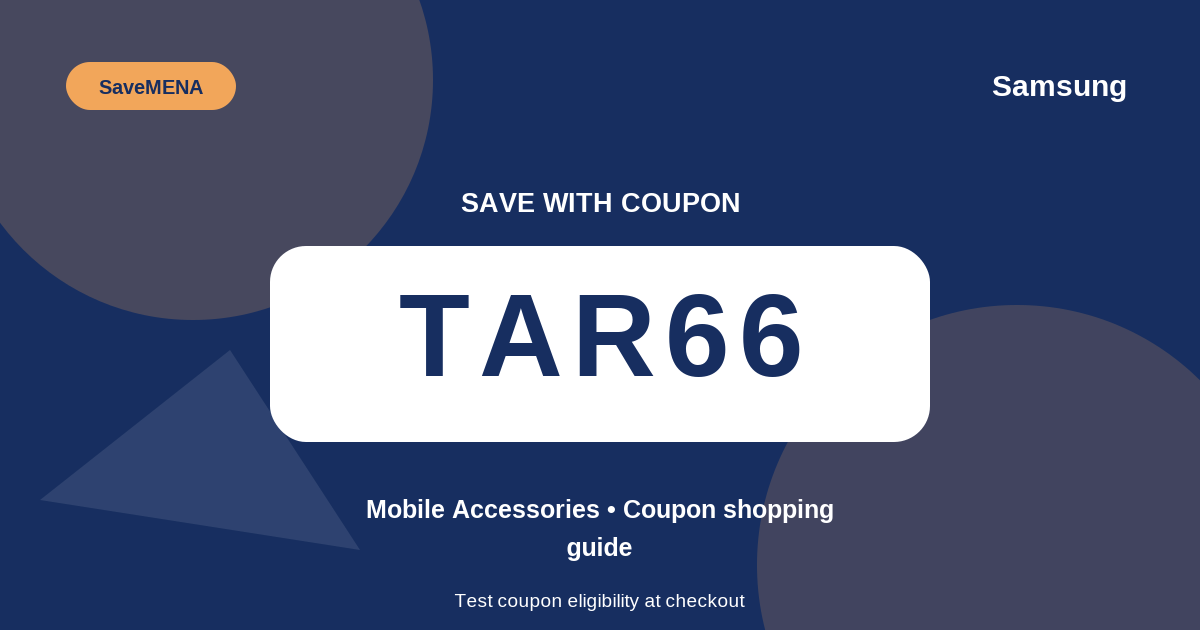
Codes available to try while comparing
These codes are not guaranteed for the article topic or listed brands; test them at checkout and use the live result.
Curate a Wishlist of Samsung Mobile Accessories
Start by selecting the Samsung mobile accessories that fit your usage patterns—chargers, cases, screen protectors, and earbuds are often top‑treatments. Gather the product names and SKU numbers from official Samsung listings or trusted third‑party sellers. A clear wishlist enables you to navigate Noon’s catalog efficiently, avoiding confusion when you later test coupon applicability. Keep a simple spreadsheet or notes file so you can match the items to their corresponding seller listings when you add them to your virtual cart.
While compiling your wishlist, double‑check model compatibility. A Samsung Galaxy S10 case will not fit a Galaxy S23, and a powerbank with a 3‑A output may be insufficient for a newer flagship that demands 5‑A charging. For each accessory, note the marketed warranty duration—even brief warranties can be crucial if the support responsibility shifts between manufacturer and seller. This proactive step saves time if you need to exchange a defective accessory later on.
Verify Warranty Terms Before Adding to Cart
Before you click “Add to Cart,” click through each seller’s warranty description. Samsung accessories typically carry a manufacturer warranty ranging from one to two years, but certain sellers may offer added coverage. Be aware that warranty terms can differ if a third‑party brand supplies the accessory. The official Samsung warranty is often the default, but if another brand claims supplementary coverage, confirm the scope—does it cover manufacturing defects, or just usage damage?
Check for any pre‑purchase confirmation emails or “Warranty Terms” links the seller provides. These documents clarify who is responsible in case of product failure and under what conditions a repair or replacement is authorized. By extracting and comparing these details, you’ll know exactly how the warranty will support you after completing your purchase, which is pivotal when you evaluate the benefit of applying a coupon code.
Compare Seller Return Policies
Return policies are another pillar of post‑purchase support. Inspect each seller’s return window—some may offer 14 days, others up to a month. Confirm whether returns are eligible for a full refund or only a partial credit after restocking fees. The policy should also outline who bears return shipping costs if the accessory is defective versus if you canceled due to a better deal elsewhere.
Particularly for Samsung mobile accessories, many sellers align with Samsung’s return framework. Yet, third‑party markdowns often introduce variations. Ensure that the seller provides a return label or details on how to initiate the process. A clear, customer‑friendly return policy reduces post‑purchase anxiety and guarantees you won’t face hidden obstacles if you need to replace a faulty item.
Add Items to Cart and Apply TAR66 Strategically
Add one accessory at a time to your cart to isolate the coupon’s effect. After selecting a product, proceed to the shopping basket where the option to enter a coupon code appears. First, input the TAR66 code, hit “Apply,” and observe whether the screen updates with a new price line or a confirmation bar. Note that Noon’s system applies the discount on the subtotal but not to shipping or taxes.
If the code appears to work—displaying a reduced price—you can then add subsequent items to the cart to test the same coupon sequentially. If the code fails for one accessory but works for another, the issue may be product‑specific, such as a bundled reservation or a restricted seller that doesn't accept coupons. Recording each outcome ensures you can identify patterns and use the most effective combination in your final purchase.
Review Order Summary and Eligibility Criteria
Before proceeding to payment, review the order summary screen. Confirm that the “Total” reflects any discount from TAR66 and that the “Estimated Shipping” remains unchanged. Fourthly, ensure eligibility checks—such as minimum spend—do not appear. The absence of such flags indicates that the coupon applies fully. Any error message must be documented for later reference or to contact Noon support.
Additionally, verify that any applicable Samsung warranty headers still appear on the summary page. The presence of warranty icons or mentions confirms that the seller won’t annul coverage by applying a coupon. If the summary omits warranty details after you apply the code, test again with a single product; this discrepancy often signals a system bug requiring seller intervention.
Confirm Post‑Purchase Support Availability
Once the orderStatus says “Processing,” check for any post‑purchase support links. Sellers may provide a “Warranty Claims” button or a customer care phone number dedicated to Samsung accessory issues. Reach out during a short support window to confirm what documentation is needed for a claim—some require purchase proof, others a serial number only.
Save a copy of your confirmation email and any screenshots that detail warranty coverage. These records provide evidence if the accessory fails and avoid disputes with either the seller or Noon’s customer service. Stable post‑purchase support is essential because a coupon code can sometimes affect who manages returns, especially if the seller is a third‑party vendor.
Monitor Auto‑Apply Coupon Feedback
On Noon’s platform, the system will automatically flag when a coupon is no longer applicable—such as “Coupon Not Valid” or “Already Applied.” Observe the timing of these messages; they often trigger upon cart updates. If a message appears intermittently, it may indicate that the coupon applies only to certain product categories or seller tiers. Document each instance for potential support escalation.
This feedback loop is critical for determining whether the TAR66 code can be used on a whole purchase or just a subset. A partially applied coupon still saves money while preserving warranty coverage, as long as the seller’s policies are fully displayed during checkout. Tracking auto‑apply feedback keeps you proactive in managing your savings strategy.
Finalize Checkout and Keep Purchase Records
When everything aligns—coupon applied, warranty confirmed, return policy clear—proceed to finalize your payment. Note that Noon supports multiple payment methods, yet credit cards often provide an additional consumer protection layer. Once paid, the platform will generate an order confirmation with a tracking ID, a list of accessories, the applied discount, and your chosen payment method.
Store this confirmation digitally and print a copy if you prefer. It becomes a vital reference in case you must claim warranty, initiate a return, or appeal a coupon discrepancy. Proper record‑keeping ensures that you retain control over warranty lifespan, supports signed claims, and preserves your purchase benefits throughout the accessory’s life cycle.
Related SaveMENA pages
Related articles
Official sources to check
Frequently asked questions
How do I know if the TAR66 coupon covers my Samsung accessory?
Check the “Order Summary” before confirming payment; the total should reflect a discount. If the discount is missing, retry applying TAR66 to a single item first. Confirm with Noon’s checkout screen for any error messages indicating ineligibility.
Will using a coupon affect my Samsung accessory’s warranty?
Warranties usually remain intact unless the seller or product description explicitly states otherwise. Verify warranty details on the product page and in the order confirmation. Contact the seller or Noon support if the warranty information changes post‑coupon application.
Can I refund a purchase even after applying the TAR66 coupon?
Refund policies are separate from coupon terms. Check the seller’s return window and conditions in the order summary before cancellation. The coupon does not alter the seller’s rights to process returns or refunds within the stated period.
Is the cashback from TAR66 additive with other Noon promotions?
Noon typically restricts each transaction to a single coupon code, especially when combined with platform‑wide offers. The COP code oversight can block simultaneous coupon usage. Verify by attempting a second code after TAR66 has been applied; if it fails, the second promotion cannot be used concurrently.