Nike Shoes on Noon UAE: warranty and support — testing coupons one at a time
try Noon UAE coupon codes Shoes Nike warranty and post-purchase support: Trying Noon UAE coupon codes Shoes Nike warranty and post‑purchase support means you are
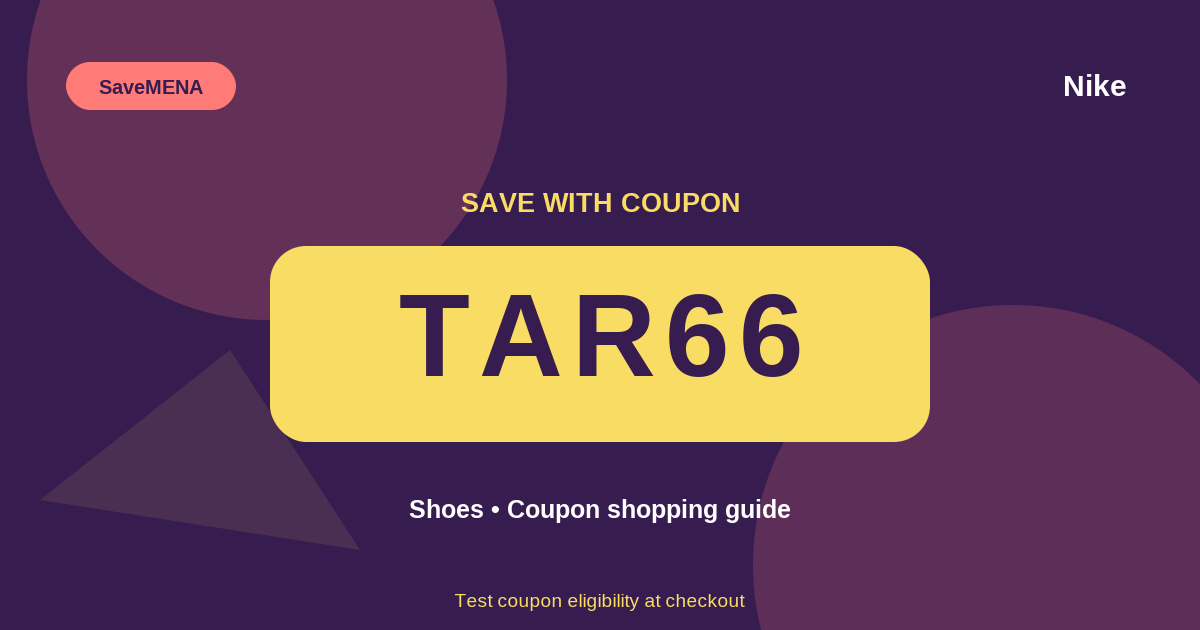
Codes available to try while comparing
These codes are not guaranteed for the article topic or listed brands; test them at checkout and use the live result.
1. Test Code Applicability Step by Step
Begin with a fresh cart and add a Nike shoe to the basket. Do not click ‘Apply’ for all codes at once; this will obfuscate which code triggers. Instead, enter TAR66 in the single field and observe the response. A successful application will remove after any 5‑second update, indicating the code is within server limits. If the system returns an error or ignores the code, proceed to the next step of verifying the code’s status via the coupon page or a dedicated promo guide. Keep note of any error message wording, as it will clue you into whether the discount is unavailable or not compatible with the chosen product.
In this testing phase it is crucial to record the currency toggled to AED, as Noon UAE displays prices in local currency only. Check that your cart total, inclusive of tax, aligns with displayed figures that remain unchanged after code entry. This ensures that any exception or failure to apply is not due to rounding discrepancies. If the code remains ineffective, you may choose to retry later or stick with the standard price – but don’t assume the coupon is permanently invalid. Use the trial windows noted on the coupon page if available.
2. Verify Warranty Coverage Before Finalizing
Once a discount is applied or you decide to proceed without it, review the product page for warranty details. Nike shoes typically come with a limited warranty that covers manufacturing defects but may exclude wear‑out or accidental damage. The seller’s description should contain a link or reference to the warranty policy. Click through to the full warranty terms and note the duration, repair, and replacement process, as well as any exclusions.
Document whether the warranty is extended through a delivery method or only applies to the shoe itself. For example, some sellers offer “extended warranty” for an extra fee; this additional policy may or may not be encompassed by TAR66. Verify that the warranty information is in Arabic or English for clarity. Be sure to keep a copy or screenshot of the warranty policy before finalising, as it will be the reference point if post‑purchase service becomes necessary.
3. Inspect Post‑Purchase Support Channels
Bookmark the seller’s contact number or live chat link. A reliable post‑purchase support team will provide a direct hotline and a documented return procedure. Examine the Return & Refund page for any notice about warranty claims versus standard returns. Differences between return policies and warranty claims can significantly affect your recourse if the shoes suffer a defect.
Check that the support contact site or email address responds to queries in real time. A historical case of delayed support can be found by reviewing online forums or third‑party seller ratings. Retaining a record of the email prefix or phone extension associated with preference for warranty service will ease the process if you need to file a claim. Ensure they mention a defined timeline for responses, typically a day or two, as this establishes the reliability of post‑purchase service.
4. Confirm Shoe Size and Return Policy
During checkout, double‑check the shoe size selection. Many Nike varieties fit true to size but ensure you’re using the correct domestic measurement system. Look for an explicit “size chart” on the product page to confirm your conversion from US/UK to UAE sizing. Accuracy here reduces the likelihood of a return that could invalidate warranty coverage.
Before confirming payment, scroll to the Return Policy section. Confirm that returns for “defective but brand new” items are covered under warranty, whereas personal alterations or wear‑and‑tear returns may not trigger the guarantee. Note the return window; some sellers have a 14‑day or 30‑day period for defect claims. Keep this window in mind, because if you discover a problem later, you must claim within it to preserve warranty rights.
5. Manage Multiple Code Trials Safely
To keep your coupon trials organized, use a separate tab for each code attempt. Copy the cart URL and paste it into a new tab; this preserves cart items while you test each code separately. After entering TAR66, check if it applies; then remove the code and try a new entry. This approach transparently shows you which code, if any, worked, and prevents accidental overwriting of A/B testing data.
During each trial, keep a simple log of the cart total, any applied tax, and the coupon entry time. If you later realize that a different coupon was active, use the log to backtrack and restore the correct cart state. Note that the coupon code field will not show a history of entries, so the manual tab method is reliable for accurate management of multiple attempts.
6. Evaluate Seller Reliability Beyond Code
Even if a coupon fails, your next priority is to evaluate the seller’s promise about warranty. Examine the seller’s rating on Noon’s platform, but do not decide solely on star counts. Look for consistent comments referencing “warranty support” or “repair service” in customer feedback sections. Positive remarks regarding issue resolution can act as proxy indicators of post‑purchase reliability.
Seller pages sometimes display a “Verified Seller” badge; while this badge signals that Noon has performed some baseline checks, it does not guarantee warranty perks. Pair that badge with the explicit warranty description you recorded earlier. Checking that both the badge and warranty details align will afford a higher degree of confidence that you’ll receive coverage if a problem arises.
7. Finalizing Checkout with Warranty Assurance
When you decide to check out, pay close attention to the payment gateway. Confirm that the final total displayed reflects the cart content, applied tax, and any coupon adjustments. The checkout page is your final confirmation of all terms; verify once more that the warranty mention appears in the order summary or a separate ‘Order Details’ screen.
Follow through with the payment method that offers you the most easily traceable transaction records, such as a bank card or digital wallet that can generate a payment receipt. This document can become valuable if you later need to present proof of purchase to initiate a warranty claim. Keep an offline copy of the receipt in a secure place, as a backup for warranty or return verification if online access becomes unavailable.
8. After‑Purchase Tracking and Support to Warranty
After confirming the sale, log into your Noon account and open the “My Orders” page. There you will see the shipping status and a link to track the package. Check the delivery confirmation message; if the address or delivery details look off, you may need to intervene early to keep the transaction valid for warranty coverage.
Once the shoes arrive, inspect them at the moment of unboxing. Photograph any defects or discrepancies. If you discover a problem, use the contact point you logged earlier for warranty claims. Most sellers provide a streamlined claims portal; keep your order reference and warranty documentation handy. Initiating the claim promptly keeps you inside the guaranteed period and reduces the risk of the claim being refused for late submission.
Related SaveMENA pages
Related articles
Official sources to check
Frequently asked questions
What if TAR66 does not apply to my Nike shoe?
If the code fails, you can still shop for the item at the normal price. Double‑check you have entered the code correctly, confirm the fidelity of the item, and retry later. If the failure persists, the code may have expired or be restricted in the UAE store. Verify the coupon’s active status on the coupon website before re‑attempting.
How do I confirm the duration of the warranty on a Nike pair from Noon?
Navigate to the shoe’s product page and click the link labeled ‘Check Warranty Terms’ or similar. This will open the full warranty details, often with a PDF or web page describing the period, exclusions, and claim procedures. Record the start date when the warranty becomes active – most often upon receipt of the product.
Can I return the shoes after a defect claim?
Yes, if a defect claim is processed, the seller may either repair, replace, or refund. Confirmation of the resolution will specify whether a refund or replacement is offered. If the seller opts for replacement, the returned pair should be sent in original packaging to ensure the warranty remains valid.
Does Noon offer fast delivery that affects warranty coverage?
Fast delivery does not alter the warranty terms, but it can influence the claim window. Since many warranties enforce a correction period measured from receipt date, receiving the product earlier could give you more time to report defects. However, policy documents should always state the exact clock for the claim period.