Canon Cameras on Noon UAE: account eligibility — seller checks · TAR98
In the Noon ecosystem, sellers are independent merchants who list products, set prices, and manage shipping.
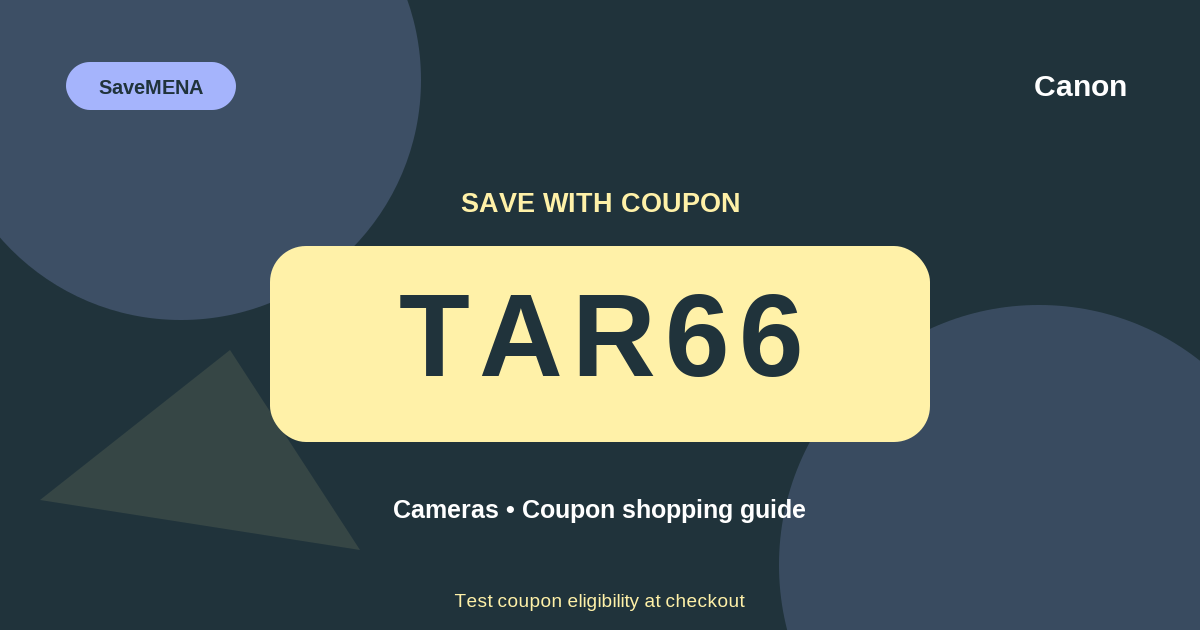
Codes available to try while comparing
These codes are not guaranteed for the article topic or listed brands; test them at checkout and use the live result.
1. Understanding the Seller’s Role When Using a Coupon
In the Noon ecosystem, sellers are independent merchants who list products, set prices, and manage shipping. When you add a Canon camera to your cart, the seller’s information is displayed—name, rating, and verified status. For a coupon like TAR98, knowing whether the seller accepts discount codes is essential. Some sellers may enable discounts automatically, while others restrict their products to full price. Checking these details early avoids the frustration of having the coupon rejected at checkout.
Additionally, sellers often handle warranty and return policies. A reputable Noon UAE seller with a high customer rating usually offers reliable after‑sales support. If you rely on a coupon that might not apply, the seller’s policy on refunds or exchanges can also impact your final experience. Therefore, reviewing seller details helps align your expectations with the available support and pricing options.
2. Authenticity Checks for Noon UAE Sellers
Before adding a Canon camera to your cart, scroll to the seller’s profile. Verify they are listed as a “Verified Seller” or have a badge indicating authenticity. Noon’s interface presents clear icons for verified merchants, making it straightforward to differentiate between official and third‑party sellers. Confirming authenticity reduces the risk of counterfeit lenses or mismatched specifications.
Check the seller’s response rate and average delivery time, both of which Noon displays underneath the seller’s name. A quick response rate and timely shipping history mean the seller is serious about service, which is crucial when assembling discount codes that may affect shipping fees or delivery conditions. These metrics form part of the overall account context you consider before applying any promotional code.
3. Why the Account Context Matters
Your Noon UAE account settings—such as your saved address, payment method, and any appointed delivery emails—play a central role in coupon validation. If your account hasn’t verified your phone number or email address, some discount codes may not activate. Ensuring your account is in good standing is the first prerequisite before the TAR98 code can be tested on a Canon camera.
Additionally, account context includes regional settings. Noon’s UAE sellers might display different pricing based on your regional profile. Verify that your account is set to UAE in the app or web interface; otherwise, pricing or discount code compatibility might differ. These steps confirm that the coupon will align with the seller’s terms and your presented cart details.
4. Finding the Ideal Canon Camera on Noon UAE
Begin by filtering the camera category for Canon models. Noon’s search can narrow results by specific camera body or lens type, ensuring compatibility with your shooting needs. Once you locate a model, examine the product description for any listed seller restrictions that might affect discount applicability, such as “Codes not valid on bulk purchases” or “Excluded from coupon offers.” This information equips you to assess coupon eligibility early.
Review the product’s detailed specifications: sensor size, ISO range, autofocus points, and any included accessories. A high‑level specification list helps you compare with other Canon cameras and ensures you’re selecting the model suitable for your requirements. While checking these factors, note any seller notes that may mention the coupon’s potential activation, providing further context before applying TAR98.
5. Applying the TAR98 Coupon—What to Verify First
Navigate to the cart page once you’ve selected a Canon camera. Look for the “Add a coupon” or “Use a promo code” section; this is where TAR98 will be entered. Before you type the code, confirm that the product list indeed allows discount codes—some sellers might disable coupon application. This is a subtle but vital step in verifying where, when, and for which items your coupon can be applied.
After entering TAR98, confirm that the input field acknowledges the code. If the interface repeats the code or displays a manual entry confirmation, the code is technically accepted. However, this does not guarantee the discount will be applied at payment: the final verification occurs at checkout. Keep a screenshot or reminder of the success step so you can reference it later if needed.
7. Potential Issues & How to Avoid Them
Common obstacles appear when the seller blocks discount codes, or when the account’s regional settings differ from the seller’s store view. If you notice a mismatch, try logging out and back in to refresh your profile, or switch the region within the app to UAE. This simple recalibration often resolves discrepancies that prevent the coupon from applying.
Lastly, confirm that the product is not on back‑order or restock. Sellers often restrict discounts on items on back‑order to avoid pre‑payment issues. Therefore, if the Canon camera shows a delayed shipping status, the coupon might be inactive. By verifying stock status before adding to your cart, you avoid the problem altogether.
8. Your Final Checklist Before Finalizing the Order
Before you hit the “Place Order” button, run through the following: 1) Seller verified and rating high; 2) Product eligible for discount codes; 3) Your logout‑in account correctly set to UAE; 4) TAR98 code entered and accepted in the cart; 5) Final payable amount reflects any discount; 6) Shipping address and payment method are correct; 7) Total does not involve hidden fees you cannot accept. Double‑checking ensures the coupon’s effect is finalized and there are no surprises.
If any of these points fail, don’t proceed immediately. Resolve the issue—perhaps by contacting the seller, adjusting your account, or removing the product and selecting an alternative. Once everything aligns, you’ll complete a purchase that respects both your savings strategy and the seller’s terms. This careful approach turns a simple coupon usage into a smooth, confident transaction.
Related SaveMENA pages
Related articles
Official sources to check
Frequently asked questions
Is the TAR98 coupon exclusive to Canon cameras on Noon UAE?
The coupon is not stated as category exclusive. Its applicability should be verified during checkout as eligibility can vary based on the seller’s terms.
Will my account’s regional settings affect the coupon’s applicability?
Yes. Verify your account is set to UAE; mismatched regions can prevent discount codes from activating on selected products.
What happens if my chosen Canon camera is on back‑order?
Back‑order items may be disallowed for discount codes; check the product page for stock status before adding to cart.
Can I use the TAR98 coupon with multiple cameras in the same order?
Coupon applicability for multiple items depends on the seller’s policy and must be confirmed at checkout by reviewing the final total.