Philips Electronics on Noon UAE: account eligibility — seller checks
When you’re about to apply a coupon on a Philips gadget, look first at the seller’s rating and reviews listed on Noon’s product page.
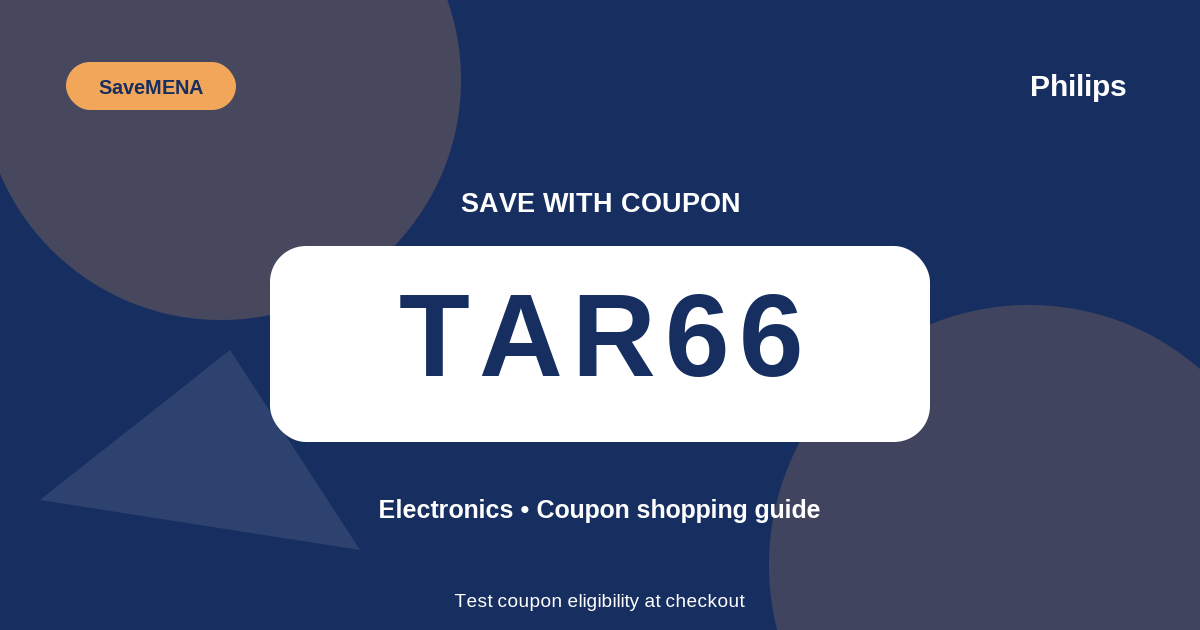
Codes available to try while comparing
These codes are not guaranteed for the article topic or listed brands; test them at checkout and use the live result.
Verify Noon UAE Seller Reputation and Feedback
When you’re about to apply a coupon on a Philips gadget, look first at the seller’s rating and reviews listed on Noon’s product page. High‑rated sellers usually have clearer return policies and faster shipment times, attributes that reduce the risk of a failed coupon redemption. A reputable seller’s page often shows verified purchase badges and recent buyer testimonials, giving you a quick snapshot of reliability that can’t be offset by a coupon alone.
Beyond the rating, inspect the seller’s terms of service. Some Noon vendors may have specific conditions regarding promotional usage, particularly for electronics. A concise policy sheet can reveal if a supplier allows coupon application at all, or if additional steps like adding items to a cart before applying are required. Ensure this seller’s guidelines align with your planned transaction to avoid a back‑out after payment.
Confirm Philips Electronics Product Eligibility
The Philips brand offers a broad range of devices—from TVs to kitchen appliances—each maybe treated differently regarding coupon applicability. While the TAR66 coupon can be tried, its acceptance depends on the specific product model and current promotional bundles. Check the Philips logo and product identifier on the listing to confirm it is an official Philips item, as counterfeit or third‑party versions might refuse coupon usage.
Philips often updates its product catalog with seasonal releases or exclusive models that may be excluded from certain discounts. If the listing displays a “brand‑approved” badge, that signals the item is verified by Philips and more likely to accept external coupons. Verify this badge or any supplied documentation before you add the item to your cart; an unapproved model could nullify the coupon unexpectedly.
Align Your Noon UAE Account Settings with Coupon Use
Your Noon account profile is a key determinant in coupon eligibility. Pay attention to the currency selection, saved addresses, and payment methods stored within your profile. Coupons can behave differently if you switch between wallet credits, bank transfers, or card payments. Make sure your preferred payment method is active and that your default shipping address is within a region where Noon’s discount policies are enforced.
Additionally, review whether your account is flagged as a new user or a returning customer, as some vendors restrict coupon usage to one category. Even when a coupon is listed as available, the Noon system might require a certain number of past purchases to trigger it automatically.A coupon is not guaranteed; verify its result at the retailer checkout.
Assess Order Summary and Price Integrity
The order summary is the last real‑time reflection of your transaction before payment. Here, the subtotal of your Philips item, after any applied discounts, must match the amount the coupon promises. Verify that the coupon code field accepts “TAR66” and that the site displays a reduced price lineingly. If a discrepancy appears, it may indicate the coupon is not valid for this particular item.
The final total should also include any hidden fees, such as service charges or optional insurance. Coupons generally do not cover these, so a mismatch between expected and calculated totals can alert you to a potential coupon limitation. Break down the components: item price, coupon deduction, taxes, and additional fees, and compare them to the original listing to spot any oversight.
Validate Delivery Options and Associated Conditions
Delivery terms can influence coupon applicability, especially for high‑value electronics like Philips TVs, which may have exclusive shipping windows or carrier restrictions. Check the available delivery slots listed for your address; some providers offer “scheduled delivery” that might be exempt from certain discounts. If a special courier is required, confirm whether the coupon remains applicable during that logistics arrangement.
Also, note if the seller offers expedited shipping at a premium. Coupons often apply only to standard shipping, meaning that opting for faster delivery could add a surcharge that reduces the actual saving. The order preview typically reflects this, but double‑check it after applying TAR66. Ensuring your chosen delivery method aligns with coupon rules protects the intended saving.
Confirm Payment Method Compatibility
When you proceed to payment, the Noon system will again cross‑check your selected method against the coupon’s terms. Certain payment channels—like digital wallets or installment plans—might be excluded from promotional codes. Reviewing the list of acceptable payment options before submission alerts you to any limitations that could otherwise trigger a coupon reversion after payment.
If your account holds multiple saved cards or payment identities, verify that the one you select meets the coupon’s eligibility criteria. Some vendors require a primary payment method verified for a minimum of one transaction to qualify for external discounts. Applying the coupon with an unverified method may lead to a system default that cancels the discount at the last moment.
Prepare for Customer Support Interaction
Even after verifying all conditions, unexpected hurdles can arise in the checkout flow.A coupon is not guaranteed; verify its result at the retailer checkout. The support team can confirm the applicability of TAR66 to your Philips order or troubleshoot application glitches that may appear after the final payment.
Keep a record of the product SKU, seller name, and the coupon code you used for reference. Providing this information to support reduces back‑and‑forth and speeds resolution. Also, note any time stamps for your checkout attempt; they can help demonstrate the coupon was active or not during your session, clarifying any misunderstanding.
Use the TAR66 Coupon with Caution and Verify Post‑Purchase
When you hit “Apply,” the system updates the total in real time. Look for the confirmation that says the coupon has been accepted rather than just “coupon applied.” Some interfaces simply show a discount icon but do not lock in the reduction until payment is finalized. If you see an error or the discount fails to reflect, re‑enter the code carefully, ensuring there are no stray spaces.
After completing the payment, freeze yourself a moment to reconfirm the final amount on the receipt screen. If the total still includes the full price, log out and back in, or attempt a fresh checkout; sometimes the coupon needs a prompt to re‑activate. Remember, the coupon is available to try, not guaranteed. By conducting a post‑purchase review, you can confirm whether the discount truly applied and file a support claim if it did not.
Related SaveMENA pages
Related articles
Official sources to check
Frequently asked questions
Can I apply the TAR66 coupon if I purchase multiple Philips items?
The coupon can be tried on a single order, but whether it can be used for multiple Philips products depends on the seller’s policy, which is not guaranteed. Verify this detail in the order summary before confirming payment.
Will the coupon work with home delivery only or also with pickup?
Coupon applicability often varies with the chosen fulfillment method. Check the delivery options during checkout; if pickup is your preference, confirm that the coupon remains valid for that option in the order preview.
Do I need to use a specific payment method to get the discount?
Some vendors restrict external coupons to certain payment methods. Check the Noon account’s saved options and confirm that your chosen method aligns with the coupon’s eligibility before faster checkout.
What if the coupon is not recognized at checkout?
If the code fails, revisit the spelling, avoid extra spaces, and ensure it is entered in the correct field. If it still fails, contact Noon support with the product details and coupon code for assistance.