Sony Gaming on Noon UAE: account eligibility — seller checks · TAR84
and blocks with and two . Then blocks. Let's calculate words: We'll aim around 90 per paragraph. Proceed to craft. Let's write
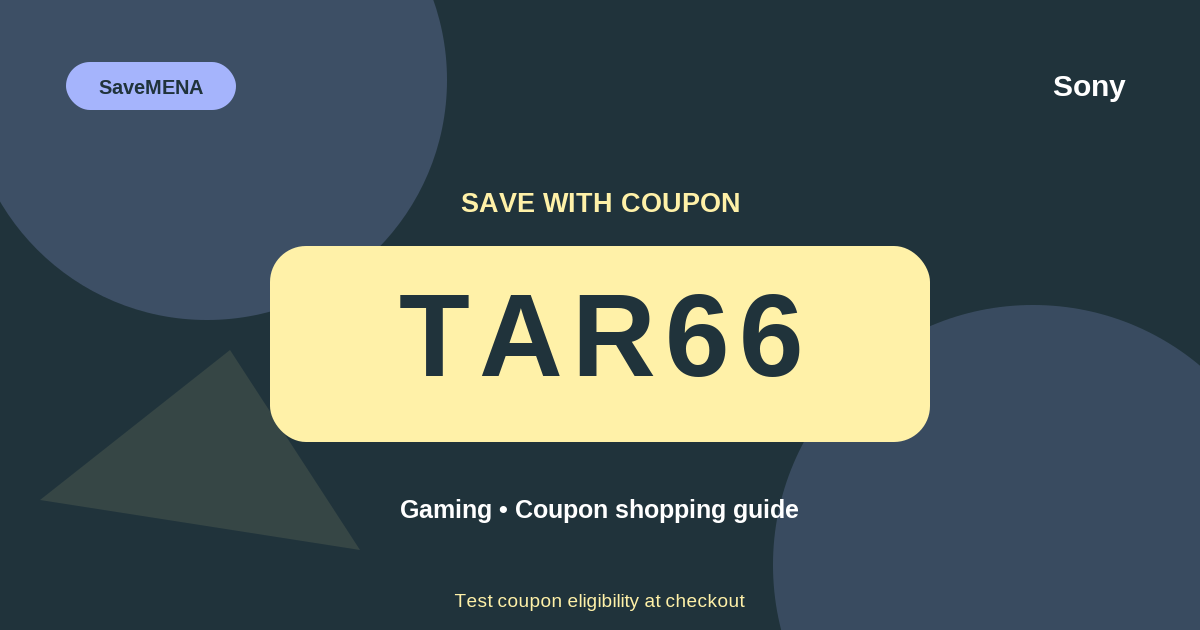
Codes available to try while comparing
These codes are not guaranteed for the article topic or listed brands; test them at checkout and use the live result.
2. Reading the Coupon Code TAR84: What It Signals
TAR84 appears as a simple six‑character voucher that you paste into the coupon box before finalizing your order. There is no auto‑apply feature; you must manually type or paste it. Additionally, the voucher is not associated with a specific discount amount, expiry, or minimum spend. That means it is simply your opportunity to test if the coupon engine recognizes it and reduces price, if at all.
Because the code is a try‑out, the system will lock the amount if it fails to find a match. In such a case, the checkout screen will keep the original price next to the entry field, indicating the failure.A coupon is not guaranteed; verify its result at the retailer checkout. Moderately ignoring this step often leads to unexpected full‑price payments at the final screen.
3. Seller Verification: Why the Source Matters
Sales on Noon can be from either Noon’s own warehouse or a marketplace partner. Noon’s own stores typically guarantee faster shipping, dedicated support, and a standard Russian warranty. Marketplace sellers vary; some are experienced resellers, while others are new entrants. The seller badge on the product page includes a star rating, number of previous sales, and a “contact seller” option if needed. A higher rating usually translates to a smoother transaction experience.
For gaming Sony titles, it’s wise to align yourself with sellers who specialise in console accessories or digital codes. Sellers marked “Official Sony Seller” are more likely to provide authentic products and clear return channels. Checking the seller before entering the coupon prevents scenarios where a marketplace seller’s policy could override a coupon discount due to policy conflicts.
4. Product Eligibility: Confirming the Game Supports the Voucher
Even if the coupon code TAR84 exists, it may not be eligible for all Sony games. Product pages on Noon generally list “Eligibility” next to the price. Look for a note such as “This item is eligible for online coupons” or “Coupon restrictions apply.” If no mention appears, try to confirm by adding the item to the cart, applying the coupon, and seeing if the discount surfaces.
Sometimes exclusivity arises from bundle deals or pre‑ordered titles that the coupon engine specifically excludes. In such situations, the coupon field simply won’t accept the code, and the original price will persist. Instead of concluding the coupon is useless, test by switching to a different Sony game or a standalone accessory that the site flags as coupon‑eligible.
5. Account Context: Matching Payment Method and Region
The Noon platform ties coupon usage to your personal account information—payment method, billing address, and chosen region. For UAE shoppers, the account’s primary payment method must be a UAE‑registered card or digital wallet. A mismatch, such as a non‑UAE issuer, can prevent coupon application even if the code itself is valid.
Also, ensure your account’s locale is set to the UAE market. The same coupon code may have entirely different eligibility rules across neighboring GCC markets. Should your address or region seem off in your profile, update it beforehand; a late change can send your cart to a different currency flow where a UAE‑only coupon may fail.
6. Timing the Coupon Entry: When to Act
Coupon codes have a narrow window for activation—the moment the shopping cart is populated with the final item list. After you record the price and shipping estimates, the seller usually triggers the coupon engine. Enter the code TAR84 in the dedicated field immediately before you click “Proceed to checkout.” Cancelling the cart to check price again is okay, but each refresh can reset variables that influence eligibility.
In practice, you should double‑tap the “Apply” button after typing. A small “✓” will appear if the code is accepted. If you skip this step or push the checkout button without acceptance, the platform won’t allow you to pay until the voucher is validated, thereby avoiding accidental full payment.
7. Final Payable Amount: Reading the Receipt
Once the coupon is applied (or rejected), the final screen will display a line‑by‑line cost breakdown: product price, shipping, any taxes, and the final payable amount. The coupon discount, when successful, appears as a negative line item. For a “try” coupon that doesn’t hit, the product price stays unchanged.
Check that the amount listed matches the sum of individual items. If there is a discrepancy—say, a charged surcharge that wasn’t indicated before—notify Noon’s customer support directly through the order page. These potential hidden fees can pop up when the selected shipping method has a minimum‑spend rule that you didn’t anticipate.
8. After Purchase: Verifying Coupon Usage and Resolving Issues
Once the order confirms, you’ll receive a confirmation email that contains the final amount paid. Open the email and locate the “Total Paid” section. It will clearly show any applied coupon discount or if it was unredeemed. This data feeds both the seller ledger and your personal receipt, enabling you to detect anomalies even after the cart is closed.
If you notice the coupon was not applied when it should have been, access Noon’s help centre from the order details page. There, you can open a ticket specifying “Coupon not applied during checkout.” Provide the screenshot of the checkout page, the coupon code, and seller info. The support team will review the transaction, often correcting small oversights like delayed coupon validation or minor system glitches.
Related SaveMENA pages
Related articles
Official sources to check
Frequently asked questions
Will TAR84 always apply to Sony games on Noon?
No, the coupon is a try‑out offer. It may not apply depending on product eligibility, seller rules, or account context. Always verify at checkout.
Can I use TAR84 if my Noon account is set to a different region?
Coupons like TAR84 are typically linked to the UAE market. If your account is set to another region, the code might fail. Switch your location to the UAE before applying the voucher.
What if the coupon appears accepted but the price doesn’t change?
Re‑check the checkout page after applying the coupon. The system may show a temporary “✓” but still not apply the discount if eligibility bugs arise. Contact Noon support with your order ID.
Do I need to use a particular payment method for the coupon to work?
Using a UAE‑registered card or approved digital wallet is recommended, as the coupon engine ties acceptance to payment method. If you use a non‑UAE issuer, the coupon might be disregarded.